

Best Offline Blog Editors for Windows and Mac
It is a known fact that bloggers need a finite space to push creative thoughts. There are plenty of tools available for bloggers to note down their ideas and drafts online with the universal sync option. However, we need a standalone blog editor which offer offline support. Offline supported blog editors are highly productive and…


Best Offline Blog Editors for Windows and Mac
It is a known fact that bloggers need a finite space to push creative thoughts. There are plenty of tools available for bloggers to note down their ideas and drafts online with the universal sync option. However, we need a standalone blog editor which offer offline support. Offline supported blog editors are highly productive and you can continue your blogging journey even when the Internet connection is unavailable.
Here are the best offline blog editors for Windows and Mac to create and publish content outside of the official tools. Each tool has its own set of features, pros and cons. Also, some of them are free and some are paid. Pick the one which suits you best for writing and publishing the blog content.
1. Windows Live Editor (Windows)
Windows Live Editor has a good name and it one of the old tool for offline content writing. It is a completely free tool developed by none other than Microsoft.
For writing, Windows Live Writer supports rich editor which has plenty of features for convenient writing and also you can improve the functionality with the help of Windows Live Writer plug-ins.
Supported Platforms: WordPress, Blogger, TypePad, Movable Type, LiveJournal, and more.
2. Quamana (Windows and Mac)
Quamana is a free solution which supports both Windows and Mac for offline blog editing.
The UI of the program looks like an FTP software, but once you authorize your site with Qumana the writing and editing of the articles is pretty simple.
Supported Platforms: WordPress, Blogger, TypePad, MovableType, LiveJournal, and more.
3. MarsEdit (Mac)
MarsEdit is a perfect offline blog writer available for Mac users. However, it is not a free solution but you can try the software for 14-days. After the trial period, if you like the program, you can buy from the App store.
Supported Platforms: WordPress, Micro.blog, Tumblr, TypePad, Movable Type, and more.
Conclusion
These are the best offline blog editors so far for Windows and Mac users. Personally, I tested all three programs and satisfied with their performance. If you are looking for a feature-rich tool then you should consider MarsEdit.
It costs a few bucks and never let you down with the performance. Considering the only free tool which gives the best performance in the list is Windows Live Writer. So, depending on the platform you use and the budget you have the choice is yours.
More in Best Software
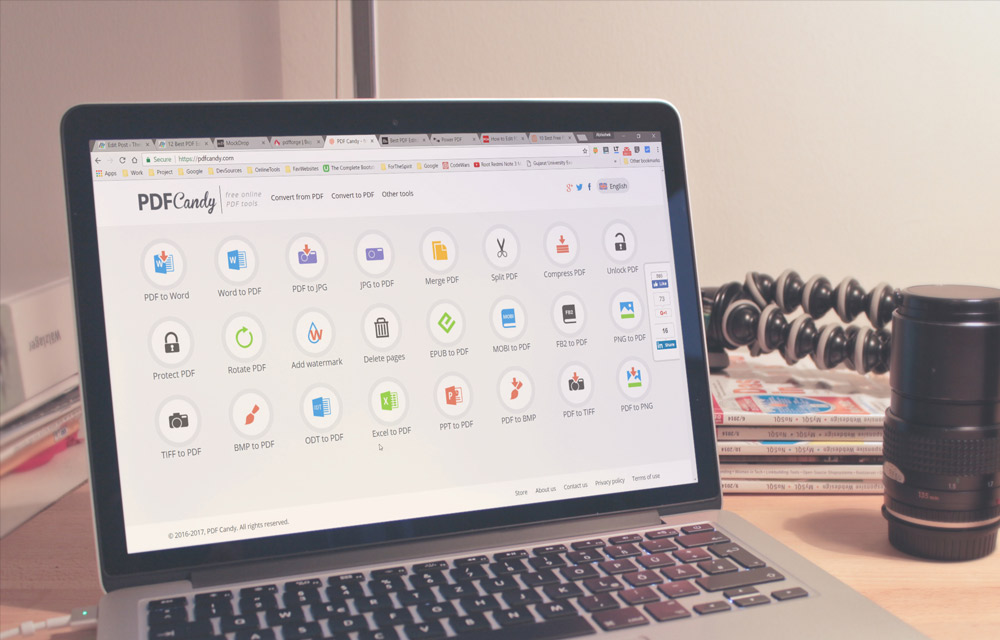
12 Best PDF Editors
Want to send a document to your colleague that uses a different operating system? Well, many document formats are available, but the one format everyone relies on is PDF. PDF is the most ubiquitous document format available till date. May it be Linux or a mobile OS like Android, the flexibility of PDF makes it…

10 Best Audio Recording Software
In today’s article, we are going to talk about the best audio recording software, which is a somewhat unusual topic, as most of you probably don’t use such software, at least not on your PC. However, for those who are using, or want to use, it’s good to mention some of the best recording software…

Best Free FTP Server Softwares for Windows, Mac and Linux [2020]
FTP server lets you upload files via the file transfer protocol. To do this, you connect it with an FTP client and transfer the data from your local machine to a cloud or any other server. Being said that, there are a lot of freeware FTP servers out there in the market. Almost all of…
The week in tech, minus the noise.
New reviews, fixes and the stories that matter — once a week, straight to your inbox.
We only use your email to send the newsletter. Unsubscribe any time. See our privacy policy.
Comments