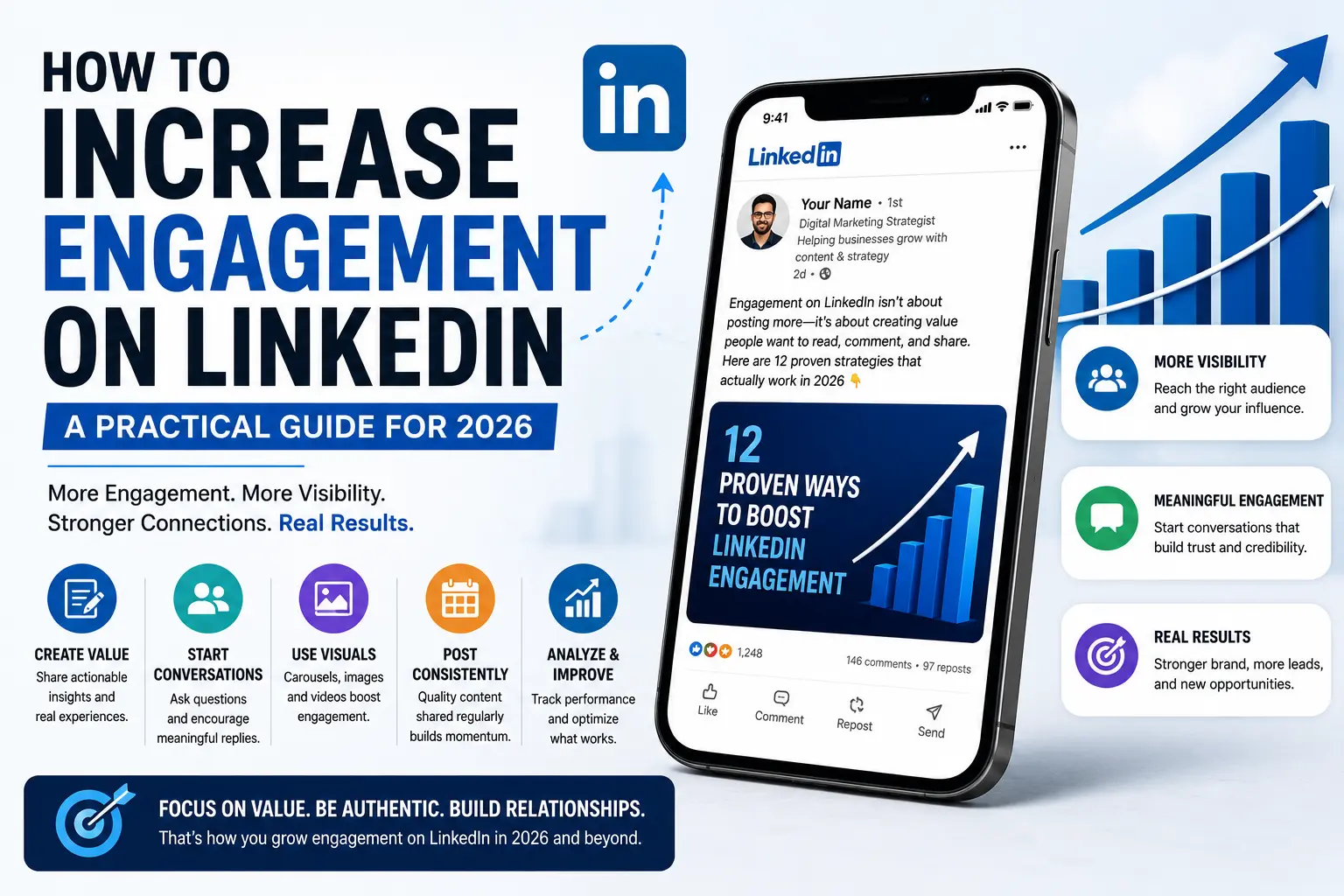
LinkedIn is no longer just a platform for job seekers and recruiters—it’s one of the most powerful channels for building a personal brand, generating leads, and establishing professional credibility. But success on LinkedIn isn’t measured by likes alone. Real engagement comes from comments, shares, saves, profile visits, and meaningful conversations that keep your content visible long after it’s published.
In 2026, the LinkedIn algorithm rewards creators who produce valuable, authentic content and actively participate in discussions. If you want your posts to reach more people and build lasting relationships, the focus should be on creating content people genuinely want to read, save, and discuss—not simply posting more often.
Why LinkedIn Engagement Matters
Every interaction on LinkedIn sends a signal to the platform. When people spend time reading your post, leave thoughtful comments, save it for later, or share it with their network, LinkedIn recognizes that your content is valuable and expands its reach.
Beyond the algorithm, engagement helps you build trust with potential clients, employers, collaborators, and industry peers. For businesses and creators alike, stronger engagement often translates into more website traffic, qualified leads, speaking opportunities, and sales.
The goal isn’t to go viral—it’s to consistently create conversations that position you as someone worth following.
Understand What Drives Engagement
Not every interaction carries the same weight. While likes are appreciated, LinkedIn gives greater importance to actions that require more effort from users.
The strongest engagement signals include:
- Comments that start meaningful discussions
- Shares that introduce your content to new audiences
- Saves that indicate long-term value
- Longer reading time (dwell time)
- Conversations that continue in the comments
This means your content should encourage readers to stop scrolling, read until the end, and contribute their own perspective.
The best-performing LinkedIn posts usually do at least one of the following:
- Teach something practical.
- Share a real experience or lesson.
- Offer a thoughtful opinion.
- Show measurable results or proof.
- Start a conversation people genuinely want to join.
Rather than writing for likes, write for discussion. Posts that generate genuine conversations almost always outperform those that simply collect reactions.
Start with a Strong Hook
The first two or three lines determine whether someone clicks “See more.” If your opening doesn’t create curiosity, most readers will continue scrolling.
Avoid generic introductions such as:
“Happy to share…”
“I’m excited to announce…”
“Last week I was thinking…”
Instead, begin with something that immediately captures attention.
For example:
Most LinkedIn posts fail before the second sentence.
I doubled my reach by changing one part of my posting strategy.
The biggest LinkedIn engagement mistake isn’t what most people think.
A strong hook creates curiosity, presents an unexpected insight, or promises a valuable takeaway. Its purpose isn’t to explain everything—it’s to encourage readers to continue reading.
Make Your Posts Easy to Read
Even great ideas lose attention if they’re difficult to read.
LinkedIn users typically skim content before deciding whether it’s worth their time. Improve readability by:
- Writing short paragraphs.
- Leaving plenty of white space.
- Breaking complex ideas into smaller sections.
- Avoiding large blocks of uninterrupted text.
A clear structure works best:
- Hook
- Valuable insight or story
- Practical takeaway
- Call to conversation
Simple formatting often outperforms heavily polished content because it feels more natural and easier to consume.
Share Real Experiences, Not Generic Advice
Thousands of LinkedIn posts offer the same generic career advice. What stands out are posts grounded in real experiences.
Instead of saying:
“Always focus on customer experience.”
Share a real example:
“We changed one step in our onboarding process and reduced customer support tickets by 35%.”
Stories, lessons learned, campaign results, mistakes, and behind-the-scenes experiences are much harder to copy and far more memorable. They build credibility because they demonstrate experience rather than simply offering opinions.
Use Carousels and Visual Content
Visual content continues to perform exceptionally well because it increases the amount of time people spend interacting with your post.
Carousels are particularly effective for:
- Step-by-step guides
- Frameworks
- Process breakdowns
- Before-and-after comparisons
- Educational content
Simple, clean slides often outperform highly decorative designs because the focus remains on the message rather than the graphics.
Images, infographics, and short native videos can also improve engagement by making complex ideas easier to understand.
Post Consistently—But Prioritize Quality
Consistency matters, but frequency alone won’t build an audience.
Posting every day with average content rarely performs as well as publishing thoughtful, valuable posts two or three times a week.
Before publishing, ask yourself:
“Would someone remember this post tomorrow?”
If the answer is no, refine it until it offers a clearer insight, stronger opinion, or more practical value.
Over time, consistency combined with a recognizable point of view helps build trust and audience loyalty.
Publish When Your Audience Is Active
Posting time influences how much early engagement your content receives.
Generally, Tuesday through Thursday mornings remain strong posting windows for professional audiences. However, the best schedule depends on your own followers.
Review your LinkedIn analytics regularly to identify:
- When your audience is most active
- Which posts receive the most comments
- What publishing times generate the highest reach
The first 60–90 minutes after publishing are especially important, as early engagement often determines how widely LinkedIn distributes your content.
Comment Like a Real Person
Your visibility on LinkedIn doesn’t depend only on your own posts.
Thoughtful comments on other creators’ content introduce your profile to entirely new audiences.
Avoid generic responses like:
Great post!
Nice insights.
Agreed.
Instead:
Add your own perspective.
Share a quick example.
Ask a follow-up question.
Expand the discussion.
Meaningful comments establish your expertise and often generate profile visits long before your own content gains momentum.
Reply to Comments Quickly
Publishing a post is only the beginning.
Every reply you leave keeps the conversation alive and sends additional positive engagement signals to LinkedIn.
Responding promptly also demonstrates that you’re approachable and genuinely interested in interacting with your audience.
As a general rule, try to reply to every meaningful comment, especially during the first few hours after publishing. This extends the life of your post and encourages others to join the discussion.
Content Ideas That Consistently Perform
If you’re unsure what to publish, focus on content that combines expertise with authenticity.
Some proven LinkedIn content ideas include:
- Lessons learned from a recent project
- Before-and-after case studies
- Campaign or process breakdowns
- Mistakes and what they taught you
- Opinions on industry trends
- Productivity frameworks
- Step-by-step educational carousels
- Customer success stories
- Behind-the-scenes business insights
The more specific your examples, the more relatable and memorable your content becomes.
Common LinkedIn Engagement Mistakes
Many posts fail not because the topic is weak, but because the presentation doesn’t encourage interaction.
Common mistakes include:
- Starting with weak hooks.
- Writing long, dense paragraphs.
- Sounding overly promotional.
- Sharing generic advice without personal experience.
- Ignoring comments after publishing.
- Ending every post with a forced engagement question.
- Depending on excessive hashtags or low-value engagement tactics.
Instead of trying to “beat the algorithm,” focus on creating content people naturally want to engage with.
Final Thoughts
Increasing engagement on LinkedIn isn’t about chasing viral moments—it’s about consistently creating content that educates, inspires, and starts meaningful conversations.
Strong hooks, readable formatting, authentic experiences, valuable insights, thoughtful comments, and active participation all work together to increase your visibility over time.
Remember that people connect with people, not polished corporate messaging. When your content feels useful, specific, and genuinely human, engagement becomes a natural outcome rather than something you have to force.
The creators and businesses seeing the greatest success on LinkedIn in 2026 aren’t posting more—they’re posting better. Focus on helping your audience solve problems, sharing experiences only you can tell, and participating in real conversations. As trust grows, so will your reach, influence, and opportunities.
Leave a Reply