

Best Social Media Management Tools for Small Businesses (2026): Buffer vs Hootsuite vs Sprout Social vs Later vs Meta Business Suite
I compare Buffer, Meta Business Suite, Sprout Social, Hootsuite and Later on scheduling, analytics, inbox and pricing to help a small business pick the right social media tool, with clear notes on what I could and couldn’t confirm.

Photo by Berke Citak on Unsplash
Disclosure: TheTechHacker has no paid relationship with the companies in this article.
Posting on social media every day is close to a part-time job. And most small businesses don’t have a social media manager. The work lands on the owner, maybe a part-timer, and a phone full of half-written captions.
These tools are meant to cut that admin time. You write posts once, schedule them ahead, see which ones did well, and answer comments and DMs from one screen instead of jumping between five apps. But the main names package and price all this very differently. A few are free. A few cost more each month than a small shop spends on ads.
I’m comparing five here: Buffer, Meta Business Suite, Sprout Social, Hootsuite and Later. Where I couldn’t confirm a detail, I say so in that section.
Quick answer: For most small businesses, Buffer is the easiest place to start. Its free plan covers up to 3 channels with 10 queued posts per channel, and Buffer says paid plans start at $6 per channel per month. Only on Facebook and Instagram? Try Meta’s free Business Suite first. Sprout Social is the pick for teams that need a serious shared inbox and deeper reporting, though its standard plans start at $199 per seat per month, billed annually.
What a social media management tool actually does
Strip away the marketing language and these tools do three jobs.
Scheduling. You write a post today and the tool publishes it Tuesday at 9 a.m., while you’re busy serving customers. Most tools keep scheduled posts in a “queue.” That’s just a list of posts waiting their turn.
Analytics. You see which posts brought in reach, clicks and engagement. So your content decisions rest on numbers, not guesswork.
Inbox. A unified inbox pulls comments and DMs from all your accounts into one feed. Do your customers reach you through Instagram DMs and Facebook comments? Then this is usually the feature that saves the most time, and by a wide margin.
There’s one more term you’ll want: seat. A seat is one user login. Sprout Social charges per seat, while Buffer charges per channel (one social account, like your Instagram profile). It looks like a small detail. It isn’t, because it can change your bill a lot, so keep it in mind as you read.
The best social media management tools for small businesses
1. Buffer
Buffer is the tool I’d point most small business owners to first. The pricing’s easy to follow, and you can start without paying a thing.
Buffer’s own site says the free plan is free forever for up to 3 channels. You get 10 queued posts per channel, basic analytics, a universal comment inbox, a Start Page (Buffer’s link-in-bio page) and its AI Assistant for drafting posts. If you’re a solo owner posting a few times a week on two or three accounts, that might be all you ever need.
Paid plans are priced per channel. Buffer says they start at $6 per channel per month and include unlimited team members, which matters if a part-timer or an agency needs access, because you don’t pay for extra logins. Per-channel pricing goes up to $12 a month depending on the plan. One gap, though. The page didn’t say whether those prices assume monthly or annual billing, so check the pricing page before you set a budget. The Essentials and Team plans both come with a 14-day trial.
What I liked
- An actual free plan for up to 3 channels
- Per-channel pricing that stays cheap when you’ve only got a few accounts
- Unlimited team members once you’re on a paid plan
- You get a comment inbox and link-in-bio page even for free
What could be better
- The free plan stops you at 10 queued posts per channel
- Free plan analytics are pretty basic
- The page I checked didn’t spell out the billing basis for paid plans
2. Meta Business Suite
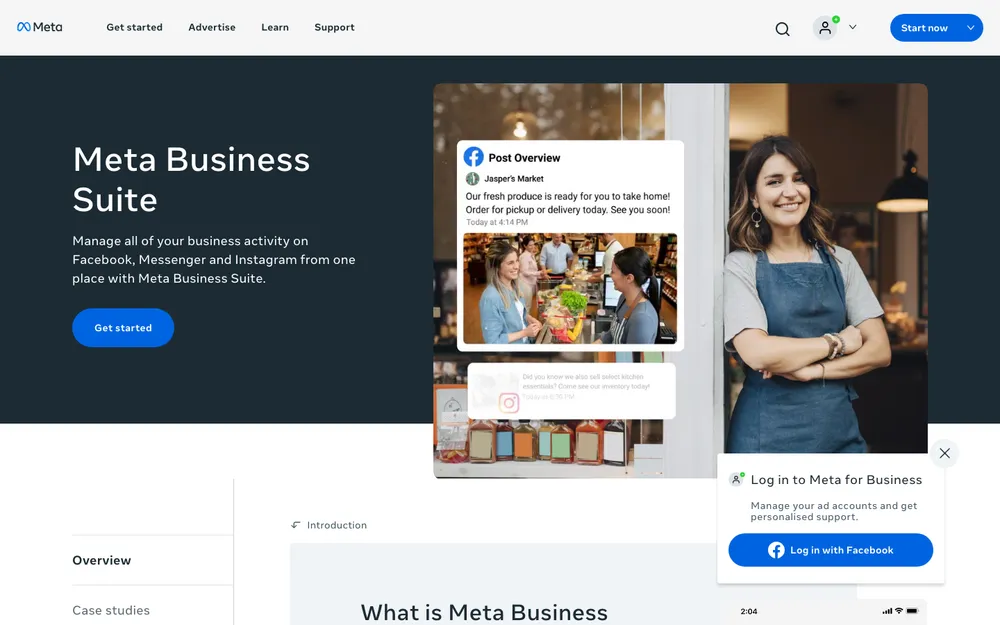
If your business lives only on Facebook and Instagram, try Meta Business Suite before you pay for anything. It’s Meta’s own free tool for running a Facebook Page and an Instagram business account in one place.
Meta’s official Meta Business Suite page lists a planner for scheduling posts, a shared inbox for Messenger, Instagram DMs and comments, and Insights for performance figures. I couldn’t verify every feature during my research. And Meta moves its menus around often, so I’ve left out step-by-step instructions that might be out of date next month.
The catch is coverage. It only handles Meta’s own apps. Post to LinkedIn, TikTok, Pinterest or YouTube too? You’ll need another tool for those.
3. Sprout Social
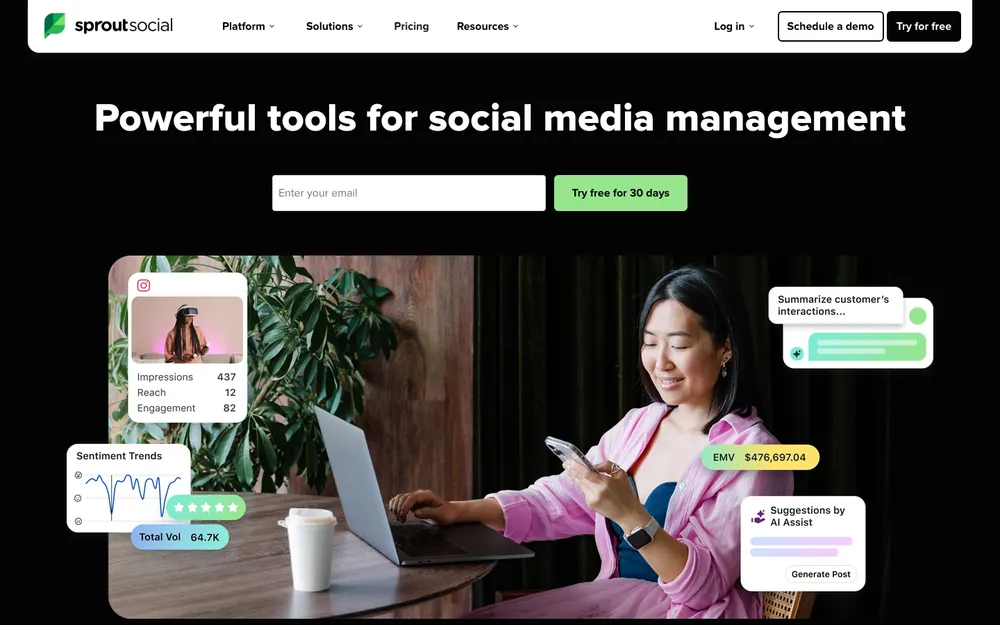
Of the tools I could confirm, Sprout Social is the most complete. Its pricing shows it. I’d consider it when several people answer customer messages and you need reports that a manager or client will actually read.
Sprout’s official plan guide lists the tiers below. Every price is per seat, per month, billed annually:
- Standard ($199): the Smart Inbox, keyword and location monitoring, review management, unlimited AI-generated alt text and collaboration tools.
- Professional ($299, labeled “Most popular”): adds unlimited social profiles, competitor and paid insights, message tagging, approval workflows and AI help to improve your posts.
- Advanced ($399): adds sentiment analysis in the inbox, Message Spike Alerts, the Sprout API, helpdesk integrations with Salesforce and Zendesk, AI help with replies, and customer care reporting.
Enterprise pricing is custom. Sprout’s site has also mentioned a cheaper Essentials tier at some point, but I couldn’t confirm the details. If budget is the deciding factor, check the pricing page.
You can try it before you commit. Sprout offers a 30-day free trial of the Professional plan, no credit card required. That’s a generous window. After it ends, Professional is $299 per seat per month billed annually.
What I liked
- Smart Inbox and review management right from the first paid tier
- Approval workflows for teams on Professional
- A nice long 30-day trial, no card needed
What could be better
- Per-seat pricing climbs fast once you’ve got three or four people
- Annual billing means a bigger chunk of money upfront
- Way too much for a one-person business
4. Hootsuite
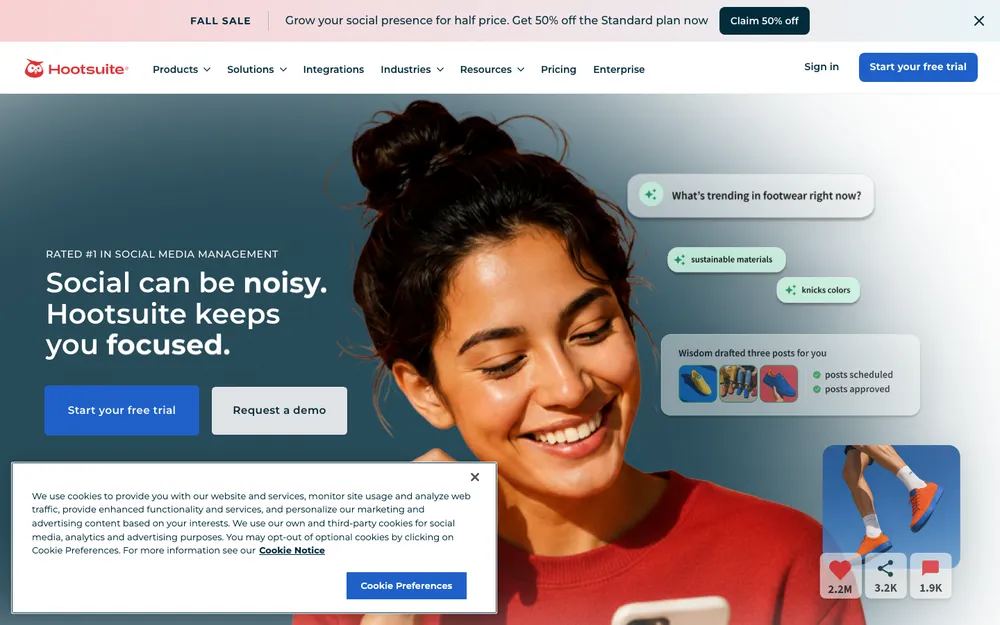
Hootsuite is one of the longest-running scheduling tools, and plenty of businesses still use it as an all-in-one dashboard. But I couldn’t confirm its current plan names, prices or trial length from its own pricing page while researching this guide. Not ideal.
What I did find came from Buffer’s comparison page. It says Hootsuite has no free plan and offers a 14-day trial instead. That’s a competitor talking, so treat it as a starting point and check Hootsuite’s plans page yourself.
I’d keep Hootsuite on the shortlist if you manage a lot of accounts and want them all in one dashboard. For a very small business watching every dollar, though, the lack of a free plan (if that’s still true) is a fair reason to start somewhere else.
5. Later
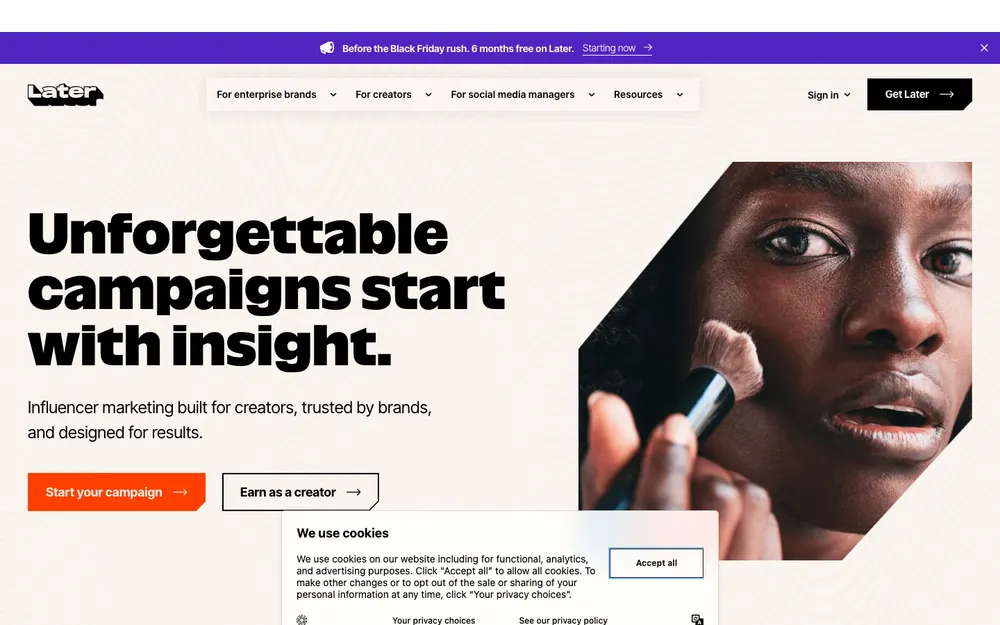
Later is best known as a visual planner. You drag photos onto a calendar and preview your Instagram grid before anything goes live, which is why boutiques, cafes, salons and other product-heavy businesses tend to favour it.
Past that, a lot is unconfirmed. I couldn’t verify plan names, prices, trial length or how deep its inbox and analytics go on Later’s official pricing page. If your content is mostly photos and short videos, it’s worth a look. Just compare its current plans against Buffer before you commit.
Buffer, Meta, Sprout, Hootsuite and Later compared
Everything in the table comes from each vendor’s own pages, plus Buffer’s comparison page for the Hootsuite entries. “Check site” marks anything I couldn’t verify there.
| Feature | Buffer | Meta Business Suite | Sprout Social | Hootsuite | Later |
|---|---|---|---|---|---|
| Free plan | Yes, up to 3 channels | Yes (free tool) | Check site | No (per Buffer) | Check site |
| Starting paid price | $6/channel/mo | Free | $199/seat/mo, billed annually | Check site | Check site |
| Free trial | 14 days (Essentials, Team) | Not needed | 30 days, no card | 14 days (per Buffer) | Check site |
| Networks | Check site | Facebook and Instagram only | Check site | Check site | Check site |
| Shared inbox | Comment inbox (free) | Messenger, IG DMs, comments | Smart Inbox, sentiment on Advanced | Check site | Check site |
| Team users | Unlimited on paid plans | Check site | Paid per seat | Check site | Check site |
| Best for | Most small businesses | Facebook + Instagram only | Teams handling lots of messages | Many accounts, one dashboard | Visual, Instagram-style planning |
Buffer and Sprout Social plan prices
I’ve left Hootsuite and Later out here, since I couldn’t verify their prices on their own pages.
Buffer Free
Free forever, up to 3 channels
- 10 queued posts per channel
- Basic analytics
- Universal comment inbox
- Start Page link-in-bio and AI Assistant
Sprout Standard
Billed annually
- Smart Inbox
- Keyword and location monitoring
- Review management
- Collaboration tools
Sprout Professional
Billed annually; 30-day free trial
- Unlimited social profiles
- Competitor and paid insights
- Message tagging
- Approval workflows
Sprout Advanced
Billed annually
- Sentiment analysis in Smart Inbox
- Message Spike Alerts
- Sprout API
- Salesforce and Zendesk integrations
Prices come from the official Buffer and Sprout Social pages. Buffer’s paid plans start at $6 per channel per month. Prices change a lot, so confirm on each vendor’s pricing page before you buy.
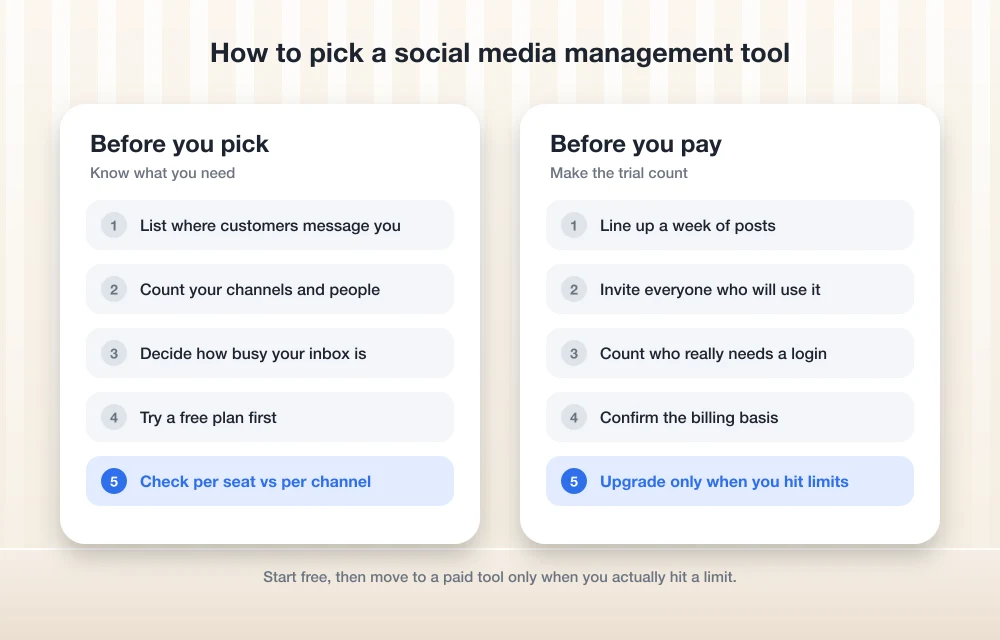
Matching the tool to your channels, team and message volume
Start with where your customers actually are. If 90% of your messages come in through Instagram and Facebook, Meta Business Suite costs nothing and covers the core work. And paying for a tool won’t bring in more followers by itself.
Then count your channels and the people who need access. Buffer charges per channel and includes unlimited team members on paid plans, so it stays cheap for a team posting to a handful of accounts. Sprout charges per seat, which flips the math. Lots of profiles are fine on Professional. Each extra person, though, adds to the bill.
Be realistic about your inbox. A coffee shop answering a few DMs a day doesn’t need sentiment analysis. A business getting dozens of order questions, complaints and reviews every day probably does need a proper shared inbox with tagging, and that’s where Sprout earns its price.
Social media is also just one part of the workflow. Your posts should send people somewhere useful, usually your website, so make sure you’re on one of the best website builders for small business before you sink hours into scheduling. And when DMs start turning into real leads, put them in a CRM so none slip through. I compare several options in my guide to the best CRM software for small businesses.
Recommended setup by business stage
For a new small business, I’d run Facebook and Instagram from Meta Business Suite and use Buffer’s free plan for any other network. That costs nothing. It also shows you fairly quickly whether you need more.
Outgrown it? Buffer’s paid plans are the simplest next step. I’d move to Sprout Social when handling messages and reports becomes a daily burden for a team, and the 30-day trial makes it easy to judge whether it’s worth the money. Hootsuite and Later are worth a look too, but check their current pricing on their own sites first, since I couldn’t confirm it.
One last point on strategy. Social media basically rents you an audience. Email lets you own one. So once your posts start pulling people in, pair them with one of the best email marketing tools for small businesses, and you can reach those customers without relying on an algorithm.
Frequently Asked Questions
What is the best free social media management tool for a small business?
For most small businesses, Buffer’s free plan is the best confirmed free option. It covers up to 3 channels with 10 queued posts per channel, plus basic analytics, a comment inbox and a link-in-bio page. Only on Facebook and Instagram? Meta Business Suite is free too, and it’s built specifically for those two apps.
How much does Sprout Social cost?
Sprout Social’s official plan guide lists Standard at $199 per seat per month, Professional at $299 and Advanced at $399, all billed annually. Enterprise pricing is custom. Prices change, so check Sprout’s pricing page before you buy.
Does Hootsuite have a free plan?
Buffer’s comparison page says no. It lists a 14-day trial instead. I couldn’t confirm this on Hootsuite’s own site, so check Hootsuite’s plans page for the current offer.
Can Meta Business Suite schedule posts to TikTok or LinkedIn?
No. Meta Business Suite only covers Facebook and Instagram. For other networks you’ll need a separate tool such as Buffer, and it’s worth checking each tool’s list of supported networks before you sign up.
Is Buffer priced per user or per channel?
Per channel. Buffer’s paid plans start at $6 per channel per month, and Buffer says they include unlimited team members. It isn’t clear whether that price assumes monthly or annual billing, so check Buffer’s pricing page.
Featured image: Berke Citak on Unsplash.
You might also like

10 Digital Marketing Software Tools That Can Boost Your Business
The internet, as well as the rapid spread of technology, has transformed the way marketing works. Digital marketing is the latest innovation in marketing in which all sorts of digital platforms and social media are used to market a product and advertise your business. If you have an ‘up and coming’ business or wish to…

Best CRM Software for Small Businesses in the US
Making sure that your customers are happy is probably the most crucial thing you can do as a business owner. Making them unhappy is digging your own hole. To keep them satisfied, you need the help of a perfect CRM tool. Not only to maintain better customer relationship, but a good CRM software will also…

5 Twitter Tools to Easily Manage your Twitter Followers
Managing your Twitter account is not an easy job. Especially if you have thousands of followers on your business account, or if you are pretty popular within the Twitter community, you might need better solutions to avoid repeating tasks and organize everything efficiently. In this article, we are going to talk about a few such…
The week in tech, minus the noise.
New reviews, fixes and the stories that matter — once a week, straight to your inbox.
We only use your email to send the newsletter. Unsubscribe any time. See our privacy policy.
Comments