

Best MDM Software for Small Businesses (2026): Intune vs Jamf vs Iru vs Hexnode vs ManageEngine
Someone in your company is going to leave a laptop in a rideshare this year. When that happens, the question isn’t whether the hardware is gone. The question is whether you can lock it, wipe it and prove to a client or an insurer that their data didn’t walk off with it. Mobile device management…


Photo by Christopher Gower on Unsplash
Someone in your company is going to leave a laptop in a rideshare this year. When that happens, the question isn’t whether the hardware is gone. The question is whether you can lock it, wipe it and prove to a client or an insurer that their data didn’t walk off with it. Mobile device management (MDM) software is what gives you that answer, and for a small business it has quietly gone from a nice-to-have to something cyber insurers, auditors and enterprise customers ask about by name.
The trouble is that MDM pricing is all over the place. Some vendors charge per user, some per device, some only give you a number after a sales call, and the cheapest plan often leaves out the one feature you needed. I went through the official pricing and product pages of five well-known MDM tools in November 2026 and laid out what each one actually costs a US business and which kind of fleet it suits.
Quick answer: If your company already pays for Microsoft 365 Business Premium or E3, start with Microsoft Intune, because it’s included. An Apple-only office under 25 people should look at Jamf Now, which starts at $4 per device per month. Mixed fleets on a tight budget can try ManageEngine Mobile Device Manager Plus (free for up to 25 devices) or Hexnode (from $2.20 per device per month, 15-device minimum). Iru, the company formerly called Kandji, suits Apple-heavy teams that also want identity and compliance tools in one platform, but it sells by quote.
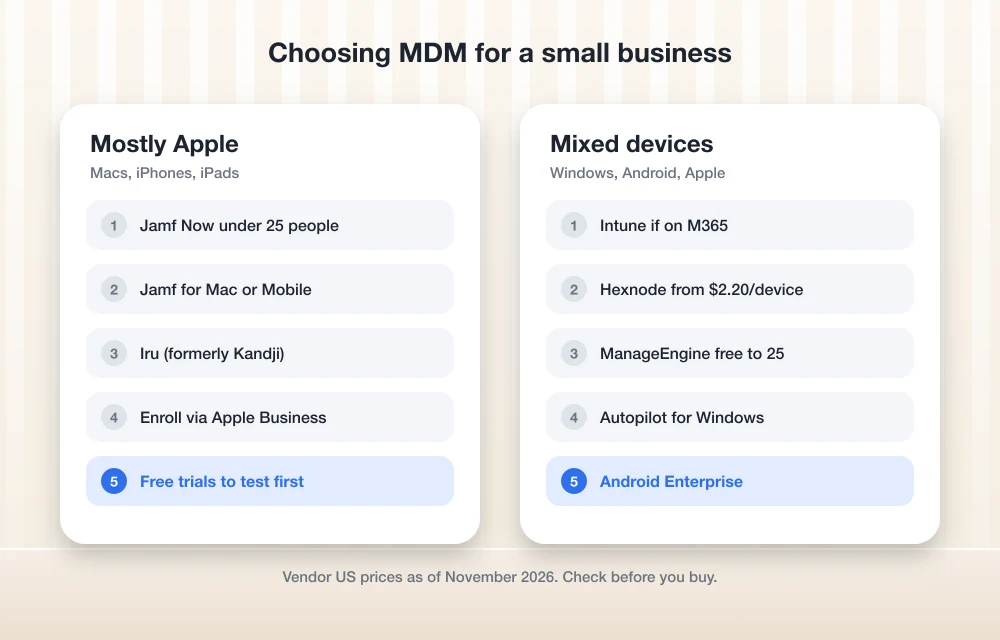
What MDM Does for a 10 to 200 Person Company
Think of MDM as a policy server for every laptop, phone and tablet that touches company data. Once a device is enrolled, you can push settings to it instead of walking desk to desk. In practice that covers a short list of jobs that matter most to small teams:
- Remote lock and wipe when a device is lost, stolen or belongs to someone who just left.
- Enforced basics such as a screen lock passcode, disk encryption (FileVault on Mac, BitLocker on Windows) and automatic OS updates.
- App deployment, so a new hire’s laptop shows up with the right apps already installed.
- Zero-touch setup through Apple Business Manager, Windows Autopilot or Android Enterprise, where a device ships straight to an employee and configures itself on first boot.
- Proof, meaning a report showing which devices are encrypted and patched. That is the part insurance questionnaires and SOC 2 audits care about.
MDM is not antivirus. It sets the rules, while an endpoint detection tool watches for attacks. Most small businesses end up needing both, and our guide to the best endpoint security software for small businesses covers the second half.
The 5 MDM Tools Worth Shortlisting
I only included tools that publish enough on their official sites to tell a US buyer what they’re getting. Where a vendor sells by quote, I say so instead of guessing a number.
1. Microsoft Intune: Best If You Already Pay for Microsoft 365
Intune is Microsoft’s cloud MDM, and the biggest reason to pick it is that many businesses already own it. Microsoft lists Intune Plan 1 as part of Microsoft 365 Business Premium, Microsoft 365 E3 and E5, and Enterprise Mobility + Security E3 and E5. If you buy it on its own, Microsoft’s Intune pricing page lists Plan 1 at $8.00 per user per month, billed annually.
Licensing is per user, not per device, which works in your favor when one person carries a laptop, a phone and a tablet. Add-ons stack on top: Remote Help is $3.50 per user per month, Endpoint Privilege Management is $3.00, and the full Intune Suite bundle is $10.00, each requiring Plan 1. Microsoft also notes that some advanced Intune features are being added to Microsoft 365 E3 and E5 starting July 2026, so check what your license already covers before buying add-ons.
Good fit: Windows-first offices that already sign in with Microsoft Entra ID. Watch for: the admin center is powerful but dense, and Apple management works best once you’ve connected Apple Business Manager.
2. Jamf: Best for Apple-Only Offices
Jamf has been managing Apple devices for a long time, and its lineup now splits by company size. Jamf’s US pricing page lists Jamf Now starting at $4 per device per month for organizations with fewer than 25 employees. For bigger Apple fleets, Jamf for Mac is $12.50 per Mac per month and Jamf for Mobile is $5.75 per iPhone or iPad per month, both billed annually with a 25-device minimum and offered on Jamf Cloud.
Jamf Pro, the full management console that powers those bundles, isn’t priced on the page, so you’d go through sales for that. The trade-off is simple: Jamf goes deep on Apple, and it isn’t the tool for managing Windows PCs or Android phones.
Good fit: design studios, agencies and startups that run on MacBooks and iPhones. Watch for: the jump from Jamf Now to the 25-device bundles once you grow.
3. Iru (Formerly Kandji): Best for Apple-Heavy Teams That Want Security in the Same Console
If you’ve heard of Kandji, this is the same company under a new name. Kandji rebranded as Iru in October 2025, and kandji.io now redirects to iru.com. Iru’s pricing page lists support for Mac, Windows, iPhone and iPad, Linux, Android, Apple TV and Vision Pro, with endpoint management covering Apple, Windows and Android devices.
Iru doesn’t publish per-device prices. Its pricing page says cost depends on the products you choose and your number of users and devices, contracts are annual and billed annually, and several products come with a 14-day free trial. Budget for a sales conversation.
Good fit: growing companies that want device management, identity and compliance from one vendor. Watch for: no self-serve price to compare against the others.
4. Hexnode: Best Published Per-Device Pricing for Mixed Fleets
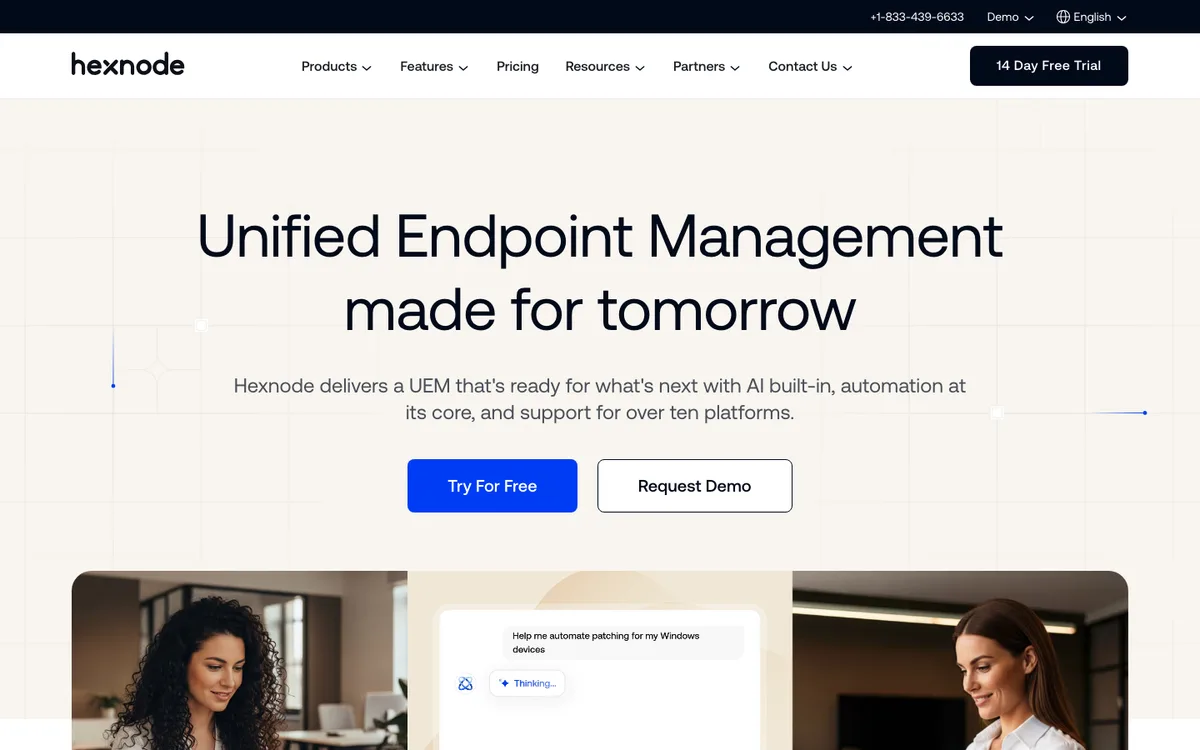
Hexnode is a unified endpoint management (UEM) tool that covers Windows, macOS, Android, iOS, Linux, ChromeOS and several TV and rugged platforms, according to its site. It’s also one of the few vendors that posts clear per-device prices in USD:
- Pro: $2.20 per device per month, with mobile app and kiosk management.
- Enterprise: $3.20 per device per month, adding basic desktop management and web content filtering.
- Ultimate: $4.70 per device per month, adding Windows and Mac app management and remote view.
- Ultra: quote only, adding patch management and full remote control.
Hexnode’s page lists a 15-device minimum, monthly or annual billing (annual saves 10%), and a 14-day free trial. Check which tier includes the desktop features you need, because the cheapest plan leans toward phones and kiosks.
Good fit: retail, field service and logistics teams with Android scanners and shared tablets. Watch for: the per-tier feature split on desktops.
5. ManageEngine Mobile Device Manager Plus: Best Free Starting Point
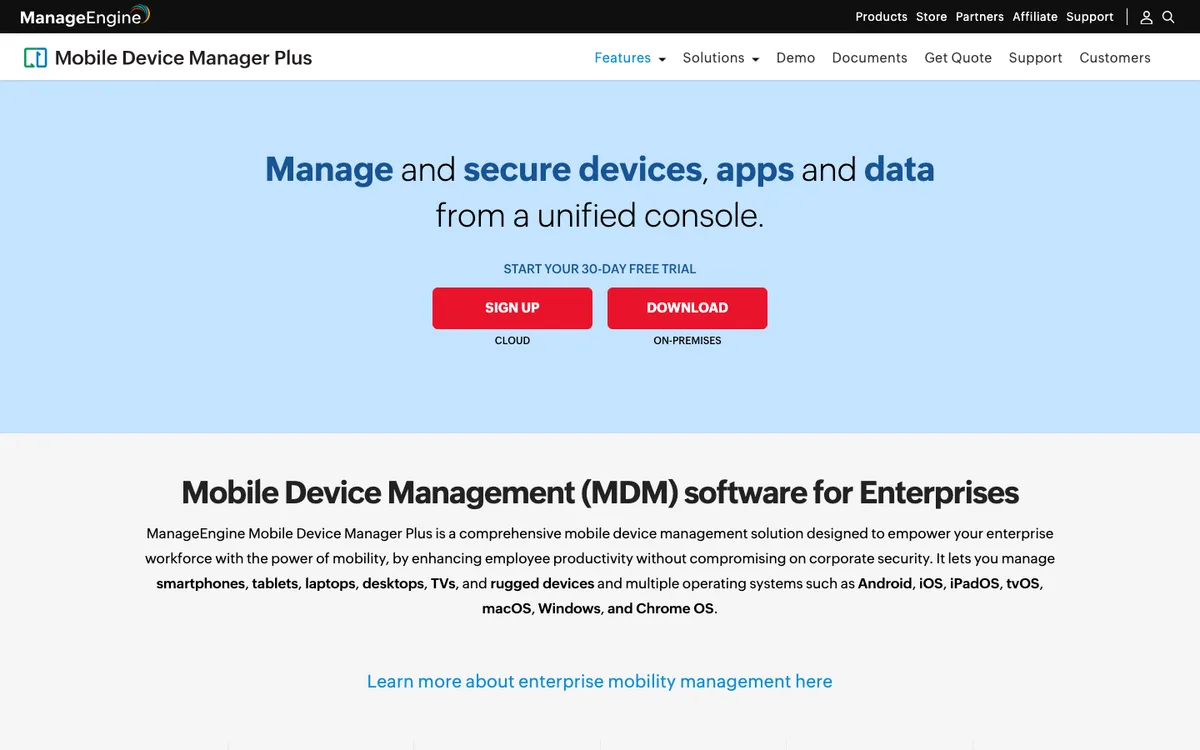
ManageEngine’s MDM covers Android, iOS, iPadOS, tvOS, macOS, Windows and ChromeOS, according to its product page, and it comes in cloud and on-premises versions. The headline for small businesses is the free edition, which ManageEngine describes as fully functional for up to 25 devices. There’s also a 30-day free trial with no device cap.
Past 25 devices, pricing is published by device bracket. The cloud Standard edition for 50 devices is $645 per year, and the Professional edition for 50 devices is $1,195 per year, both with one technician. Extra technicians cost more, so count your IT admins as well as your devices.
Good fit: very small offices that want real MDM without a bill, and companies that need an on-premises option. Watch for: the jump in price from the free tier to the 50-device bracket.
Side-by-Side Comparison
| Tool | Starting US price | Billed | Platforms | Free option |
|---|---|---|---|---|
| Microsoft Intune | $8/user/mo (Plan 1) | Annually | Windows, macOS, iOS, Android, Linux | Included in M365 Business Premium, E3, E5 |
| Jamf Now | From $4/device/mo | Per vendor terms | Apple only | Check Jamf’s site for trial terms |
| Jamf for Mac / Mobile | $12.50 / $5.75 per device/mo | Annually, 25 minimum | Apple only | No |
| Iru (formerly Kandji) | Quote only | Annually | Apple, Windows, Android, Linux | 14-day trial |
| Hexnode | $2.20/device/mo | Monthly or annually, 15 minimum | Windows, Apple, Android, Linux, ChromeOS | 14-day trial |
| ManageEngine MDM Plus | $645/yr for 50 devices (cloud Standard) | Monthly or annually | Android, Apple, Windows, ChromeOS | Free up to 25 devices |
All prices come from each vendor’s official US pricing page as checked in November 2026. Vendors change prices and bundles often, so treat this as a starting point and confirm at checkout.
The Plumbing You’ll Set Up Either Way
Whichever tool you choose, three free programs from the platform makers do the heavy lifting for zero-touch enrollment, and it’s worth setting them up before your trial starts:
- Apple Business Manager links company-owned Macs, iPhones and iPads to your MDM, so they enroll the moment they’re switched on. Devices need to be bought from Apple or an authorized reseller that supports it.
- Windows Autopilot does the same for Windows PCs and works most smoothly with Intune.
- Android Enterprise handles work profiles on personal phones and fully managed mode on company phones.
Hardware choice matters too. If you’re buying new machines anyway, our list of the best laptops for small business notes which models are easy to enroll and manage.
A Rollout Plan That Won’t Annoy Your Team
- Count devices by type and owner. Company-owned laptops, company phones and personal phones that read work email each need a different policy.
- Start with three policies: passcode, disk encryption and OS update deadlines. These cover most of what insurers and auditors ask.
- Pilot with five people, including at least one non-technical employee, for two weeks.
- Use work profiles on personal phones so you can wipe company data without touching family photos. Tell employees exactly what you can and can’t see.
- Pair MDM with a password manager and MFA. A wiped laptop doesn’t help if the same password unlocks every account. Our guide to password managers for small businesses covers that piece.
For a deeper look at Apple-specific management, Jamf’s official pricing page breaks down which features come with each Apple bundle.
FAQs
What is the cheapest MDM for a small business?
ManageEngine Mobile Device Manager Plus is free for up to 25 devices. Among paid tools with published prices, Hexnode starts at $2.20 per device per month with a 15-device minimum, and Jamf Now starts at $4 per device per month for Apple devices.
Is Intune included with Microsoft 365 Business Premium?
Yes. Microsoft includes Intune Plan 1 in Microsoft 365 Business Premium, as well as Microsoft 365 E3 and E5 and Enterprise Mobility + Security E3 and E5. On its own, Intune Plan 1 is $8 per user per month, billed annually.
What happened to Kandji?
Kandji rebranded as Iru in October 2025. The kandji.io site now redirects to iru.com, and existing Kandji customers are being moved to the Iru platform.
Do I need MDM if I only have 10 employees?
If any of those devices hold customer data, it’s worth it. MDM lets you lock or wipe a lost device and show that encryption and updates are switched on, which cyber insurers and larger clients often ask about.
Disclosure: TheTechHacker has no paid relationship with Microsoft, Jamf, Iru, Hexnode, ManageEngine or any company mentioned here.
Featured image: Christopher Gower on Unsplash.
You might also like

Best Laptops for Small Business in 2026 (Windows and Mac)
My picks for the best small business laptops in 2026, grouped by role, from the MacBook Air M5 to ThinkPad, Dell, HP EliteBook and Surface. You’ll also find what specs to check, Black Friday tips and fleet management basics.

Best Endpoint Security (EDR) Software for US Small Businesses in 2026
Five endpoint security picks for US small businesses in 2026, from Microsoft Defender for Business to CrowdStrike, SentinelOne, Sophos and Bitdefender. This guide covers how EDR differs from antivirus, when a managed service makes sense, and how each vendor prices.

Google Workspace vs Microsoft 365 for Small Business (2026): Prices, Storage, Email and Security Compared
Most small businesses end up choosing between Google Workspace and Microsoft 365 around the time they stop using personal Gmail addresses. The first suite you pick tends to stay for years. That’s because email, shared files, calendars and meeting links all pile up inside it, and moving out later takes a weekend nobody wants to…
The week in tech, minus the noise.
New reviews, fixes and the stories that matter — once a week, straight to your inbox.
We only use your email to send the newsletter. Unsubscribe any time. See our privacy policy.
Comments