

Best Data Removal Services in 2026: DeleteMe vs Incogni vs Optery vs Aura
Type your full name into a people-search site and there’s a decent chance you’ll find your current address, past addresses, phone numbers, the names of relatives and a rough age, all in one tidy profile anyone can pull up. Data brokers build those profiles from public records and commercial data, then sell or display them.…


Photo by Priscilla Du Preez on Unsplash
Type your full name into a people-search site and there’s a decent chance you’ll find your current address, past addresses, phone numbers, the names of relatives and a rough age, all in one tidy profile anyone can pull up. Data brokers build those profiles from public records and commercial data, then sell or display them. That’s the raw material for a lot of spam calls, phishing texts and identity fraud, and it’s why data removal services have become one of the fastest-growing corners of consumer privacy.
A data removal service sends opt-out requests to those brokers for you, then keeps checking whether your listings come back. You can do the same thing yourself for free, and if you live in California the state now gives you a single tool for it. I’ll walk through both routes, then compare the paid services worth a look, using pricing pulled from each company’s own site on November 12, 2026.
Quick answer: If you want a hands-off service with a long track record, DeleteMe costs $129 a year for one person. Incogni is the cheaper annual pick at $7.99 a month billed yearly and covers 420+ brokers. Optery has a free plan with a free exposure report, and its paid plans start at $3.99 a month. If you already want credit monitoring and identity theft insurance, Aura bundles data removal into its plans. California residents should also file a free request through the state’s DROP platform.
What a Data Removal Service Actually Does (and Doesn’t Do)
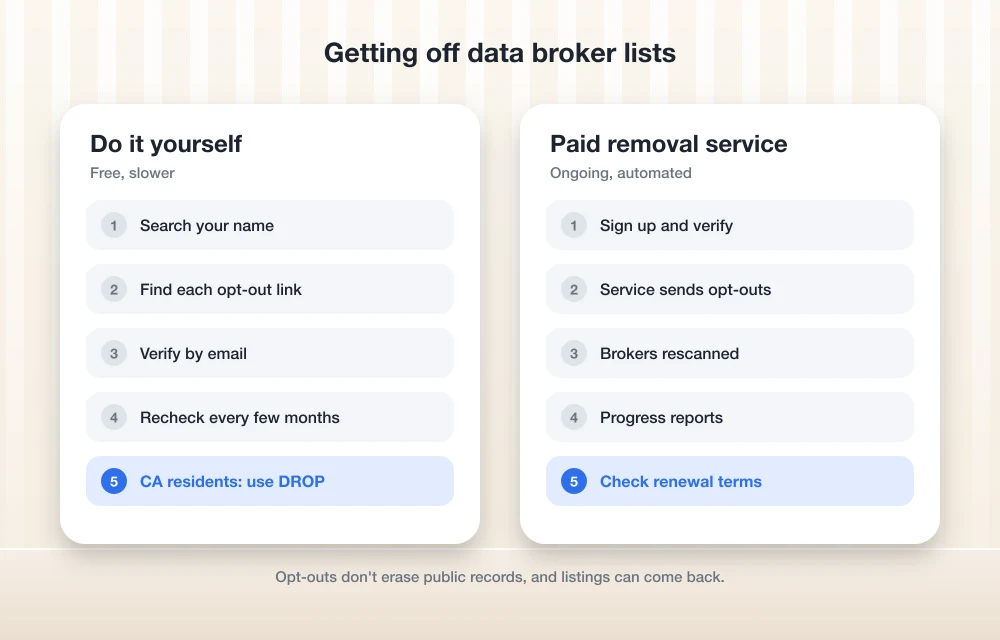
The job is simpler than the marketing makes it sound. The service collects the details brokers use to match you (name, addresses, phone numbers, email, date of birth), finds listings on the brokers it supports, submits opt-out requests in your name, and then rescans on a schedule because listings tend to reappear when brokers buy fresh data.
What it can’t do matters just as much. The Federal Trade Commission’s guidance on people search sites points out that opting out doesn’t remove your information from public records, that your details may still show up on a relative’s or neighbor’s report, and that your information could re-appear for sale if your public records change. No service can scrub court records, property records or what you’ve posted on social media. Think of these tools as a way to shrink your footprint and keep it small, not a delete button for the internet.
The Free Route: Opt Out Yourself
Every reputable people-search site has an opt-out form, because state privacy laws and long-standing industry practice require one. The FTC lays out the basic process: search for yourself on a site, find the opt-out link on your listing (or search the site’s name plus “opt out”), submit it, and come back later to check. Some sites ask you to verify your identity, which means handing over an email address or a bit of extra information.
The catch is scale. There are hundreds of brokers, many of which share data with each other, and each has its own form and quirks. Doing the big people-search sites once is a reasonable weekend project. Keeping up with it every few months is where most people give up, and that recurring work is what you’re paying for with a service.
California residents: use DROP first
California’s Delete Act created the Delete Request and Opt-out Platform, known as DROP, run by the California Privacy Protection Agency. It lets a California resident send one deletion request to every registered data broker at once. The state’s DROP page says the service is free and that the state will never charge you to use it. Registered brokers had to start processing requests on August 1, 2026, and must check DROP at least once every 45 days. The state also notes it can take up to 90 days to see status updates.
DROP only covers brokers registered in California and only helps California residents, so it doesn’t replace a service for everyone else. If you do live there, it’s the obvious first step, and a paid service can then handle people-search sites and anything DROP doesn’t reach.
The Best Data Removal Services in 2026
These five services all handle opt-outs on your behalf. They differ mainly in how many sites they cover, whether you can ask for custom removals, and whether data removal is the whole product or one feature inside a bigger identity protection bundle.
1. DeleteMe
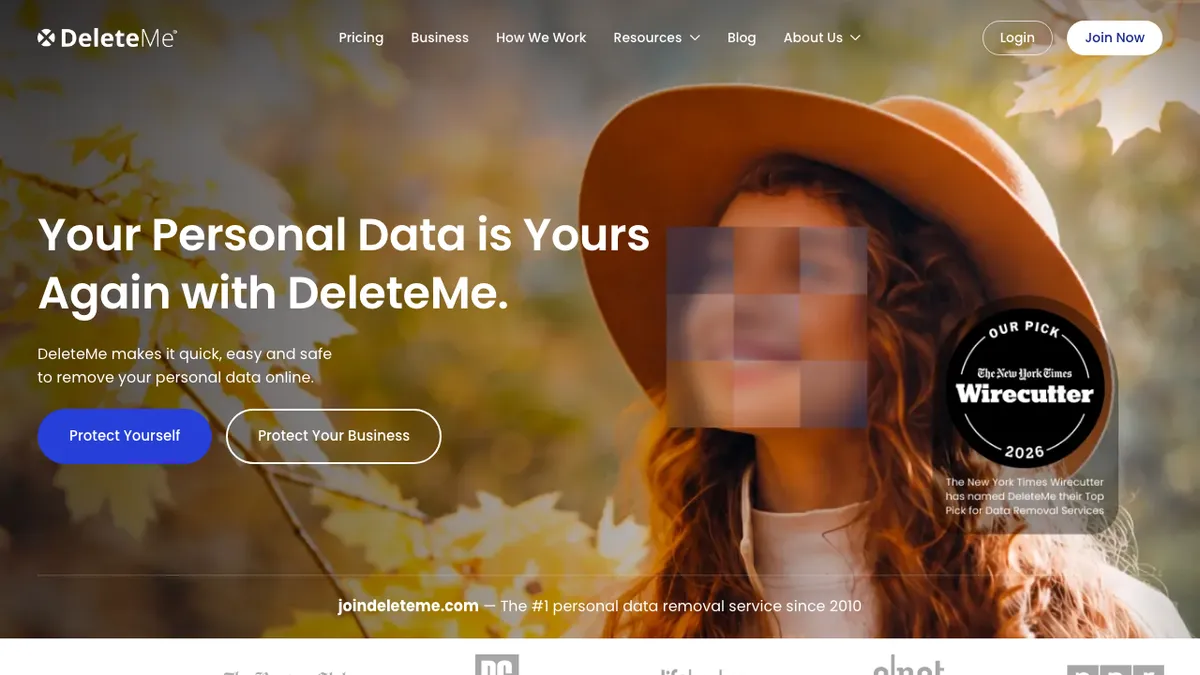
DeleteMe has been around longer than most of the field, and its pitch is a mix of automated opt-outs and human privacy staff. Every plan includes quarterly privacy reports showing what was found and removed, and the pricing page says plans let you remove unlimited aliases, previous names and email addresses. The service is for US residents only.
On November 12, DeleteMe listed one person at $129 a year or $209 for two years, two people at $229 a year, and a four-person family plan at $329 a year. Plans renew automatically unless you cancel. DeleteMe also advertises a satisfaction guarantee, so read the terms on its site before you sign up if a refund window matters to you.
Best for: people who want an established, mostly hands-off service and don’t mind paying a bit more for it.
2. Incogni
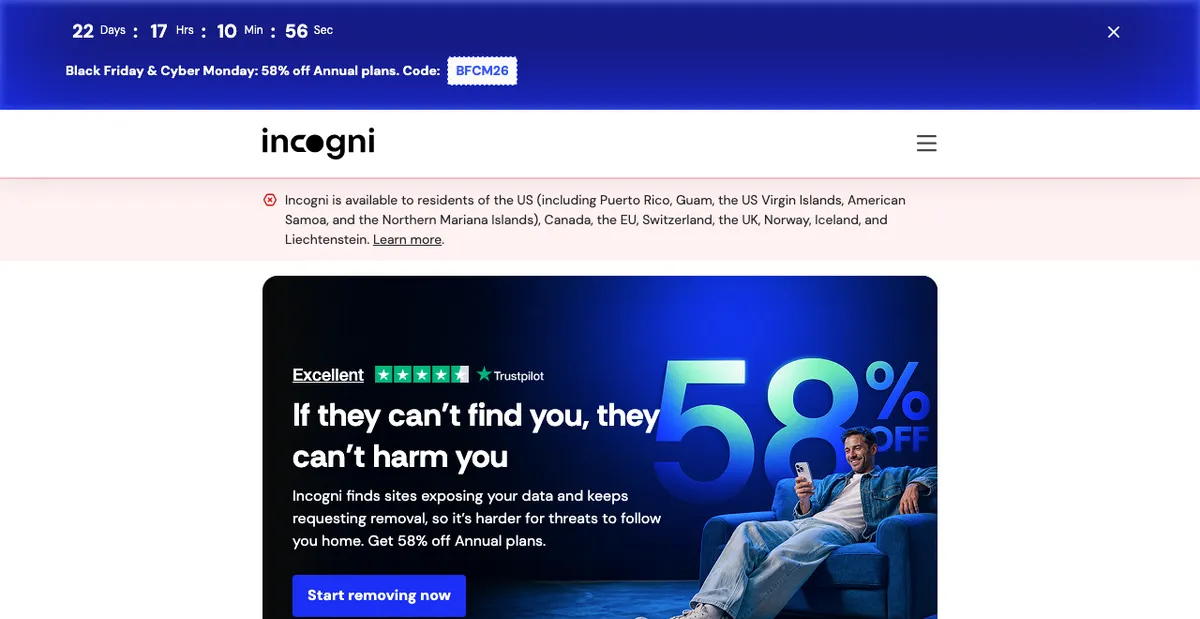
Incogni focuses on automated requests at scale. Its pricing page says every plan covers 420+ data broker sites, and the higher Unlimited tiers add custom removals, where you send a link to a site outside the standard list and a privacy specialist handles it.
Billed yearly, the Standard plan works out to $7.99 a month ($95.88 a year), Unlimited to $14.99 a month ($179.88), Family to $15.99 a month ($191.88) and Family Unlimited to $22.99 a month ($275.88). Incogni lists Standard at $15.98 a month if you pay monthly. There’s a 30-day money-back guarantee if you contact support within 30 days of signing up.
Best for: the lowest annual cost for broad broker coverage, especially for families.
3. Optery
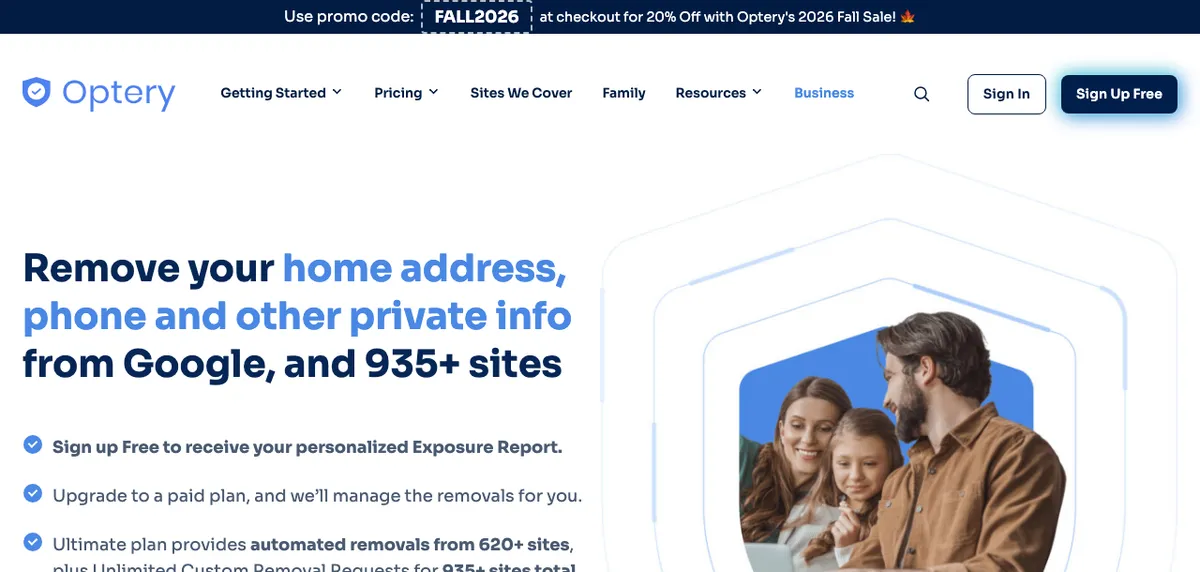
Optery is the only pick here with a genuinely useful free tier. Signing up free gets you an exposure report showing where your information appears, plus self-service opt-out tools, and no credit card is required. That makes it a good way to see the size of the problem before you spend anything.
Paid plans scale by coverage: Core is $3.99 a month or $39 a year for removal from 375+ sites, Extended is $14.99 a month or $149 a year for 555+ sites, and Ultimate is $24.99 a month or $249 a year for 620+ sites plus custom removal requests. Paid plans come with a 30-day money-back guarantee, according to Optery’s pricing page.
Best for: checking your exposure for free, then choosing exactly how much coverage to pay for.
4. Aura
Aura isn’t a dedicated removal service. It’s an identity protection suite, and data removal from 425+ data brokers, people-search sites, junk-mail lists and Google search results is now included in its Identity & Fraud Protection plans. Those plans also bundle three-bureau credit monitoring, identity theft insurance, antivirus, a VPN and a password manager.
Aura’s pricing page listed the Individual plan at $12 a month billed annually or $15 billed monthly, Couple at $22 a month annually or $29 monthly, and Family (five adults plus unlimited kids) at $32 a month annually or $50 monthly, each with a 14-day free trial. If you’d pay for credit monitoring anyway, this can replace two subscriptions. If you only want removals, a dedicated service costs less.
Best for: people who want data removal and identity theft protection in one bill.
5. Kanary
Kanary has moved upmarket and now positions itself around protecting people who face targeted threats, such as executives, public figures and anyone dealing with doxxing or impersonation. It covers search engines, data brokers, social media and AI tools, and publishes its site list on its website.
Its individual pricing reflects that focus: Core is $250 a year per account and Advanced is $500 a year, with family members at 50% off. Teams of five or more get a separate plan. That’s a lot more than the other picks, so it only makes sense if you have a specific safety concern rather than a general wish for less spam.
Best for: people with a real doxxing or harassment risk who want deeper monitoring.
Data Removal Services Compared
| Service | Starting price (as listed Nov 12, 2026) | Coverage claim | Free option | Custom removals |
|---|---|---|---|---|
| DeleteMe | $129/year (1 person) | “All major data broker websites” | No | Not specified on pricing page |
| Incogni | $7.99/mo billed yearly | 420+ brokers | No (30-day refund) | Unlimited plans only |
| Optery | $3.99/mo or $39/year | 375+ to 620+ sites | Yes, free plan | Ultimate plan |
| Aura | $12/mo billed annually | 425+ sites | 14-day free trial | Not specified |
| Kanary | $250/year | Site list published | No | Advanced monitoring |
Coverage numbers come from each company and aren’t measured the same way, so treat them as a rough guide rather than a scoreboard. Prices can change, especially around holiday promotions, so confirm on the company’s pricing page at checkout.
How to Choose the Right One
Start with what’s driving you. If it’s robocalls and spam, a broad automated service like Incogni or Optery Core is enough. If you’ve been through a data breach and want alerts when your Social Security number or credit file is used, a bundle like Aura covers more of the risk; our guide on what to do after a data breach explains which protections actually matter. If you’re worried about someone finding your home address, look for custom removals and Google results removal.
A few habits make any service work better. Use a dedicated email address for the sign-up, since brokers will send verification messages. Give the service your old addresses and phone numbers, because brokers often match on those. And lock down the accounts that hold your most sensitive data with a good password manager; our roundup of password managers for families covers the options. If you’re curious how exposed a phone number already is, our list of reverse phone lookup sites shows the kind of information these sites surface.
FAQs
Are data removal services worth it?
They’re worth it if you value your time. You can opt out of data brokers yourself for free, but there are hundreds of them and listings often come back, so a service mainly saves you from repeating the process every few months.
Can a data removal service delete everything about me online?
No. The FTC notes that opting out doesn’t remove information from public records, and your details can still appear in other people’s reports. Services also can’t remove what you’ve posted yourself on social media.
Is there a free way to remove my data from brokers?
Yes. You can submit opt-out requests to each site yourself, Optery offers a free plan with self-service tools, and California residents can use the state’s free DROP platform to send one deletion request to all registered data brokers.
How long does data removal take?
It varies by broker. Some listings disappear within days, while others take weeks. California says brokers must check DROP at least every 45 days and that status updates can take up to 90 days to appear.
Featured image: Priscilla Du Preez on Unsplash.
Disclosure: TheTechHacker has no paid relationship with DeleteMe, Incogni, Optery, Aura, Kanary or any company mentioned here.
You might also like

How to Browse in Private Browsing or Incognito Mode on Any Web Browser
Private Mode is developed in browsers for security purpose. Every browser comes with normal mode and as well as Private Mode or Incognito mode. This mode allows you to surf the Internet without saving your browsing data like history and cookies.

How To Delete Gmail Account Permanently – Guide
If we have multiple Gmail accounts and some of them are not needed for anymore. Probably, we must delete it. Then, How to Delete Gmail account? Our simple and definitive guide on How to delete Gmail account will definitely help you to remove your unwanted Gmail address.

Why Is a Website Blocked in My Region? Legit Ways to Access It
You type in a website address and instead of the page, you see a message like “This content is not available in your country” or the page just won’t load. It is frustrating, but there is usually a clear reason behind it, and often a legitimate fix. In this guide, we explain the most common…
The week in tech, minus the noise.
New reviews, fixes and the stories that matter — once a week, straight to your inbox.
We only use your email to send the newsletter. Unsubscribe any time. See our privacy policy.
Comments