

Best Transactional Email APIs for Developers (2026): SES vs Resend vs Postmark vs Mailgun vs SendGrid
Password resets, sign-up confirmations, receipts and shipping alerts are the emails users actually wait for. If one of them lands in spam or shows up ten minutes late, someone opens a support ticket or abandons the checkout. That is why most development teams stop sending through their own SMTP server and hand the job to…

Photo by Glenn Carstens-Peters on Unsplash
Password resets, sign-up confirmations, receipts and shipping alerts are the emails users actually wait for. If one of them lands in spam or shows up ten minutes late, someone opens a support ticket or abandons the checkout. That is why most development teams stop sending through their own SMTP server and hand the job to a transactional email API.
This guide compares five email APIs that US developers use most: Twilio SendGrid, Mailgun, Postmark, Amazon SES and Resend. Every price below comes from the provider’s own pricing page as of November 2026. I have not run deliverability tests for this piece, so you won’t find inbox-placement scores here. Instead, the comparison covers what each provider documents: free tiers, entry pricing, log retention and the setup that Gmail and Yahoo now require.
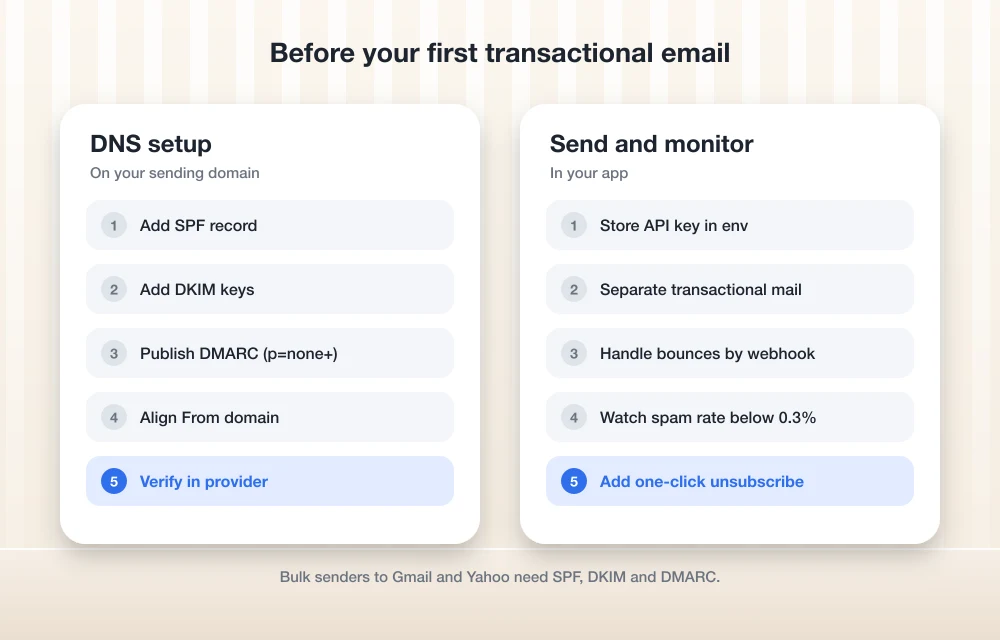
Transactional email vs marketing email
Transactional email is triggered by something a user did, such as resetting a password or placing an order. Marketing email goes to a list on your schedule. The difference matters for deliverability. Mailbox providers judge your sending domain by how recipients react, so a newsletter that draws spam complaints can drag down the password-reset emails that share its domain or IP.
Good practice is to send the two types on separate streams or subdomains, for example mail.yourapp.com for receipts and news.yourapp.com for campaigns. Postmark builds this split into its product, and you can set it up yourself on the others. If you need a tool for campaigns rather than app email, our guide to the best email marketing software for small businesses covers that side.
What Gmail and Yahoo now require from senders
Since February 2024, Google and Yahoo have enforced sender rules that apply to transactional mail too. According to Google’s email sender guidelines, every sender to Gmail must set up SPF or DKIM, use TLS, have valid forward and reverse DNS, and keep the spam rate reported in Postmaster Tools below 0.3%. Senders of more than 5,000 messages a day to Gmail accounts also need SPF and DKIM together, a DMARC record (a policy of p=none is accepted), a From domain aligned with SPF or DKIM, and one-click unsubscribe on marketing messages.
Yahoo’s sender best practices are very similar. Bulk senders need both SPF and DKIM, a valid DMARC policy of at least p=none that passes, a working one-click List-Unsubscribe header honored within two days, and a spam rate under 0.3%.
Every provider in this guide walks you through adding SPF and DKIM records for your domain. DMARC is a record you publish yourself in DNS. If your mail is already bouncing, our walkthrough on how to fix emails bouncing at Outlook.com and Hotmail addresses covers the most common authentication errors.
Email API pricing compared
| Provider | Free option | Entry paid plan (USD) | Good to know |
|---|---|---|---|
| Amazon SES | Up to $200 in AWS Free Tier credits for new customers | $0.10 per 1,000 emails, pay as you go | Attachments cost $0.12 per GB |
| Resend | 3,000 emails/month, 100/day, 3 domains | Pro: $20/month for 50,000 emails | Scale plans from $90/month |
| Postmark | 100 emails/month, no expiry | Basic: $15/month for 10,000 emails | 45-day message retention on paid plans |
| Mailgun | 100 emails/day, 1-day log retention | Basic: from $15/month for 10,000 emails | Foundation: $35/month for 50,000 emails |
| Twilio SendGrid | 60-day trial, 100 emails/day | Essentials: from $19.95/month | Pro from $89.95/month |
The 5 best transactional email APIs
1. Amazon SES: lowest cost at high volume
Amazon Simple Email Service is the budget pick, and the gap widens as volume grows. AWS lists outbound email at $0.10 per 1,000 messages on its pay-as-you-go pricing, plus $0.12 per GB of attachments. At 100,000 emails a month that works out to about $10 before attachments, far below a fixed monthly plan elsewhere. A standard dedicated IP costs $24.95 per month if you need one. New AWS customers get up to $200 in AWS Free Tier credits that can be applied to SES, and AWS says those credits must be used within 12 months of creating the account.
The trade-off is effort. SES is a building block, so you configure bounce and complaint handling yourself through AWS services, and new accounts start in a sandbox that limits who you can send to until you request production access. Teams already running on AWS will find it natural. Everyone else should budget setup time.
2. Resend: best developer experience for modern stacks
Resend is the newest service here and is built around a clean API and SDKs for popular languages. It also maintains React Email, a library for writing email templates as React components, which is handy for teams already building in Next.js. Its free plan allows 3,000 emails a month, capped at 100 a day, across up to three domains. Pro costs $20 per month for 50,000 emails, and Scale plans start at $90 per month for 100,000.
Sending an email with Resend’s Node.js SDK takes a few lines. This example is adapted from Resend’s documentation:
npm install resendimport { Resend } from 'resend';
const resend = new Resend(process.env.RESEND_API_KEY);
const { data, error } = await resend.emails.send({
from: 'Acme <[email protected]>',
to: ['[email protected]'],
subject: 'Hello World',
html: '<strong>It works!</strong>',
});The test addresses only work while you are setting up. In production you send from an address on a domain you have verified with Resend. Keep the API key in an environment variable, never in your repository. If a Node upgrade breaks your build along the way, see our guide on fixing Node.js errors after upgrading to Node 26.
3. Postmark: best for keeping transactional mail separate
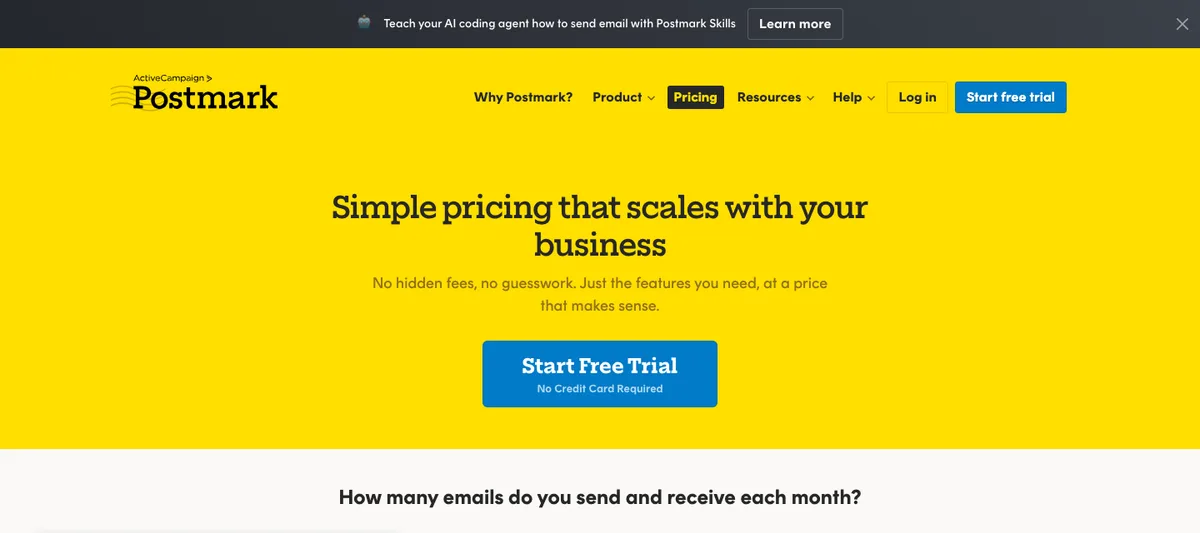
Postmark, now part of ActiveCampaign, has always focused on transactional email. Its main design choice is message streams: transactional and broadcast email go through separate streams so that bulk sends don’t affect receipts and password resets. Paid plans keep message history for 45 days, and Pro and Platform let you extend retention up to 365 days.
The free developer plan includes 100 emails a month with no expiry and no overages. At 10,000 emails a month, Postmark lists Basic at $15, Pro at $16.50 and Platform at $18. Pricing rises with volume, so check the slider on its pricing page for your numbers.
4. Mailgun: best for detailed logs and routing
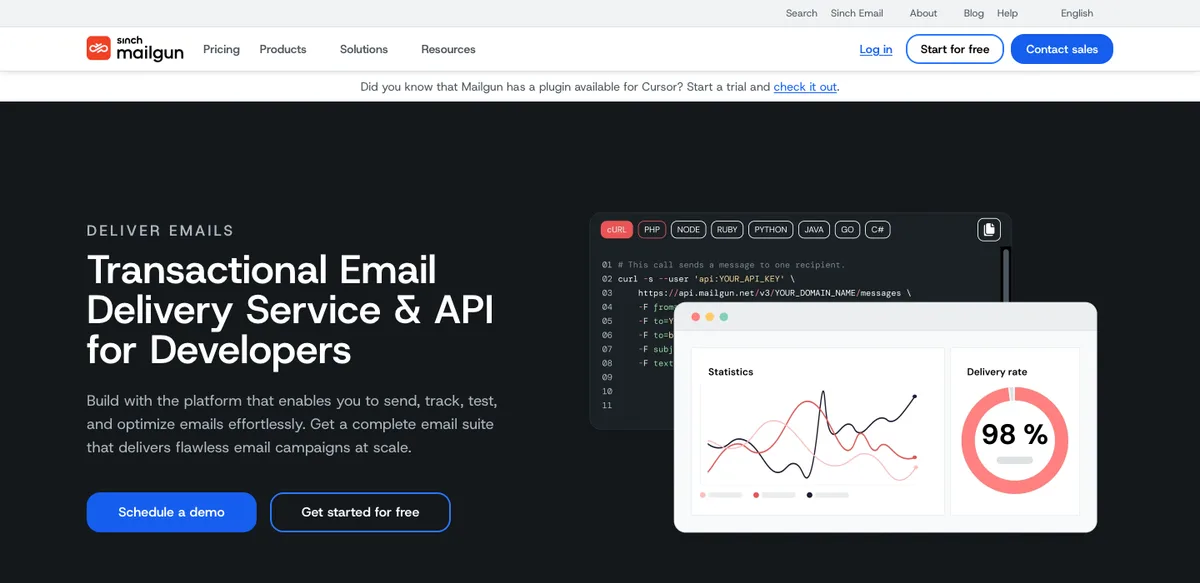
Mailgun, owned by Sinch, offers sending, inbound email routing, validation and analytics in one platform. Its free plan allows 100 emails a day with one day of logs, which is enough for a prototype. Basic starts at $15 per month for 10,000 emails. Foundation is $35 per month for 50,000 emails with five days of logs, and Scale is $90 per month for 100,000 emails with 30 days of logs. Mailgun offers a one-month free trial on Foundation and Scale.
Log retention is the detail to watch. When a customer says “I never got the email,” you need the delivery log, and one day is rarely enough in production.
5. Twilio SendGrid: best if you already use Twilio
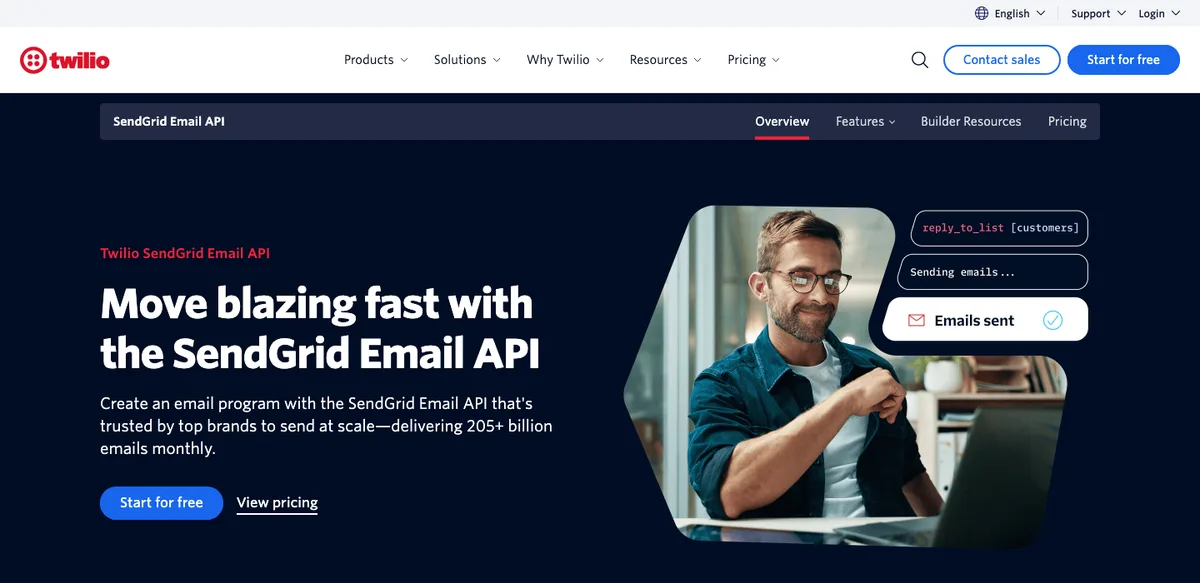
SendGrid is one of the oldest email APIs and is now sold through Twilio’s website. New accounts get a 60-day free trial that allows 100 emails a day, with no credit card required, and Twilio says you must move to a paid plan to keep sending after the trial. The Essentials plan starts at $19.95 per month, which Twilio’s FAQ suggests for 50,000 to 100,000 emails a month. Pro starts at $89.95 per month, and Premier is custom-priced.
The appeal is breadth. SendGrid offers both an Email API and Marketing Campaigns, and companies that already use Twilio for SMS or voice can keep billing and accounts in one place.
How to pick an email API for your app
- Under 3,000 emails a month: Resend’s free plan covers it. Postmark and Mailgun’s free tiers are better suited to testing.
- Sending hundreds of thousands a month on AWS: SES will almost certainly be the cheapest.
- Mixing receipts and newsletters: pick Postmark, or set up separate subdomains on any provider.
- Support teams that dig through logs: compare retention, because that is where Mailgun and Postmark plans differ most.
Whichever you choose, start with a verified domain, SPF, DKIM and DMARC, and a webhook that removes hard bounces from your user table. Those four steps do more for inbox placement than switching providers.
FAQs
What is the cheapest transactional email API?
Amazon SES is the cheapest at volume, at $0.10 per 1,000 emails on pay-as-you-go pricing. For very small apps, Resend’s free plan covers 3,000 emails a month at no cost.
Does SendGrid still have a free plan?
Twilio SendGrid now offers a 60-day free trial with 100 emails a day. After that you need a paid plan, which starts at $19.95 per month for Essentials.
Do transactional emails need DMARC?
Google requires DMARC, along with SPF and DKIM, for senders of more than 5,000 messages a day to Gmail, and Yahoo requires it for bulk senders. Setting it up is recommended for every sending domain, and a policy of p=none is accepted to start.
Do password reset emails need an unsubscribe link?
No. Google’s one-click unsubscribe requirement applies to marketing and subscribed messages, not to transactional messages such as password resets or receipts.
Featured image: Glenn Carstens-Peters on Unsplash.
Disclosure: TheTechHacker has no paid relationship with any email provider mentioned here. Prices were taken from official provider websites in November 2026.
You might also like

Advantages and Disadvantages of AI Agents
For those who don’t know, an AI agent is a software program that can observe inputs, make decisions, and perform tasks on its own or with small help from humans. It can read data, plan steps, act in apps, and learn from results. Today, AI agents help in customer support, marketing campaigns, coding help, scheduling,…
Top 5 Payment Gateway Solutions for Online Businesses in USA (2026 Guide)
Top 5 Payment Gateway Solutions for Online Businesses in USA (2026 Guide) The payment gateway for your online USA based business essentially serves as the heartbeat of your cash flow. It determines when and how quickly your customers pay you, which types of money you’re able to accept as payment, and how easy it is…

Five Best Workflow Automation Platforms for Team Workflows in America (2026 Edition)
Team members in the U.S., as in many other countries across the globe, have been pushed by management to deliver more to customers with fewer employees, a smaller budget and an increased emphasis on rapid turnaround times when completing tasks. The time lost performing manual work (copy and paste) between technologies, in addition to the…
The week in tech, minus the noise.
New reviews, fixes and the stories that matter — once a week, straight to your inbox.
We only use your email to send the newsletter. Unsubscribe any time. See our privacy policy.
Comments