

How to Track Black Friday Price Drops and Spot Fake Discounts (Google, Chrome, Amazon)
Every Black Friday listing says “deal,” but plenty of them aren’t. A TV marked “$300 off” might have sold at the sale price for months, and a “was” price can come from a list price almost nobody paid. The good news is you don’t need a browser extension or a spreadsheet to see through it.…

Image: Google
Every Black Friday listing says “deal,” but plenty of them aren’t. A TV marked “$300 off” might have sold at the sale price for months, and a “was” price can come from a list price almost nobody paid. The good news is you don’t need a browser extension or a spreadsheet to see through it. Google and Chrome both have free, built-in price tracking with price history, and knowing how retailers calculate their “was” prices does the rest.
Quick answer: To track a price on Google, search for the product, open its product card and tap Track price, then set an optional target price. You’ll get a push notification and email when it drops. In Chrome on a computer, open a product page and click the Shopping Insights icon in the address bar to see price history, then turn on Save and Track Price. To spot a fake discount, compare the deal to the price history, not the strikethrough price. On Amazon, a “Typical Price” reflects what customers actually paid recently, while a “List Price” is the manufacturer’s suggested price.
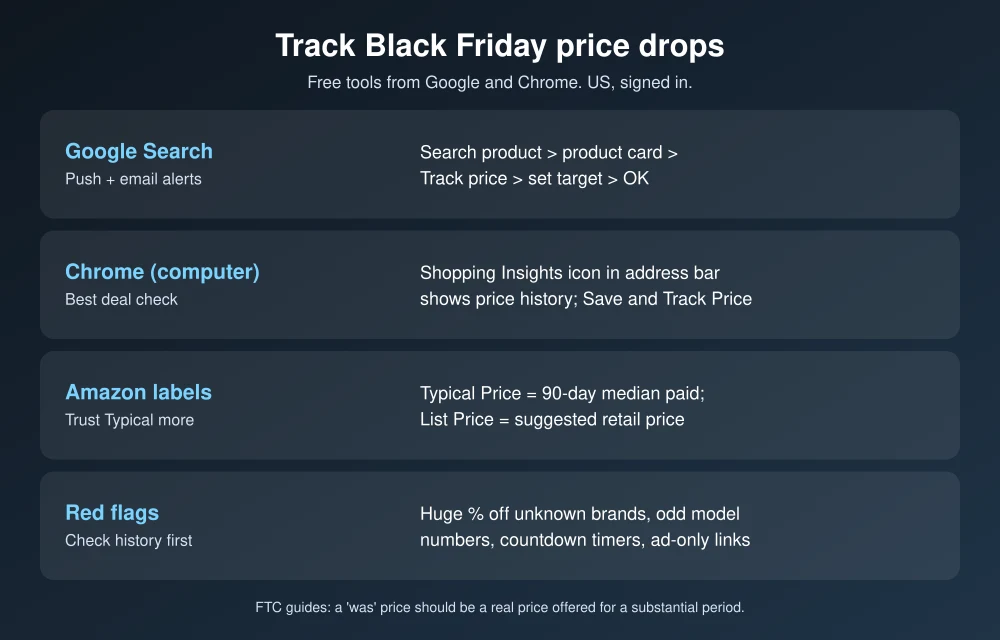
Method 1: Track prices with Google Search
From Google’s price tracking help page. It works in the US when you’re signed in to your Google Account with notifications on.
- Search for the product on Google, for example the exact TV or laptop model.
- Open or scroll to the product card.
- Tap the Track price icon. If the product comes in sizes or colors, pick the one you want.
- Optionally set a target price, then tap OK.
When the price drops below your target, Google sends a push notification through the Google app and an email. To stop tracking, tap your profile picture in the Google app, then Saves & Collections, All saved items, select the items and remove them. Each tracking email also has an unsubscribe link.
Method 2: See price history in Chrome
This is the fastest way to check whether a “deal” is real. According to Chrome’s help page, you need to be signed in to Chrome with tab and history sync on, and “Make searches and browsing better” turned on.
- Open the product page on the retailer’s website.
- Click the Shopping Insights icon in the address bar. A side panel shows the product’s price history and price range.
- Turn on Save and Track Price to get alerts.
- Or click the Bookmark icon. Trackable products save to a “Shopping list” folder with price tracking on by default.
Find tracked items under the three-dot menu, then Bookmarks and lists, Show all bookmarks, Shopping list. Turn email alerts on or off in Settings, Google services, Get price tracking notifications. Chrome can also show a Discount icon in the address bar when a coupon code is available.
How to spot a fake Black Friday discount
Check the price history, not the “was” price
If Chrome’s price history shows the “sale” price has been the normal price for weeks, the discount is marketing. A real deal shows a clear dip below the usual range.
Know what Amazon’s strikethrough prices mean
Amazon explains its reference prices on its strike-through pricing help page:
- Typical Price is the median price customers paid on Amazon over the past 90 days, not counting limited-time promotions. This is the most honest comparison.
- List Price is the manufacturer’s suggested retail price. Amazon says it only shows one if customers bought the product or other retailers offered it at or above that price recently, but it may not reflect what the product usually sells for.
When a deal is measured against a List Price rather than a Typical Price, check the price history before you get excited about the percentage off.
Know the rules on “former prices”
Federal guidance backs you up. The FTC’s Guides Against Deceptive Pricing (16 CFR 233.1) say a former price used in an ad should be the actual, bona fide price the item was openly offered at for a reasonably substantial period of time. A “was” price that was never really charged is the kind of comparison those guides warn against. If you think an ad is misleading, you can report it at ReportFraud.ftc.gov.
Watch for these red flags
- Huge percentages on unfamiliar brands. “80% off” often means the original price was inflated.
- Different model numbers. Some Black Friday TVs and laptops are special versions with lower specs. Compare model numbers, not just names.
- Countdown timers and “only 2 left.” Urgency is a sales tactic. Check the price history first.
- Deals that only appear in ads or texts. Go to the retailer’s site directly instead of tapping links, especially this week. Our guide to spotting fake texts covers the same scam tactics.
Put it into practice
Start tracking the items you want now, so you’ll know a real drop when it happens on Black Friday (November 27) or Cyber Monday (November 30). For example, our Amazon device deals, laptop deals under $600 and Galaxy S26 Ultra deal are all worth adding to a tracking list.
FAQs
How do I get price drop alerts on Google?
Search for the product, open its product card, tap Track price and set a target price. Google sends a push notification and email when the price drops below it.
How can I see a product’s price history?
In Chrome on a computer, open the product page and click the Shopping Insights icon in the address bar. The side panel shows price history and the typical price range.
What is Amazon’s Typical Price?
It’s the median price customers paid for the product on Amazon over the past 90 days, excluding limited-time promotions, according to Amazon.
Is it illegal to show a fake “was” price?
The FTC’s pricing guides say a former price should be one the item was actually offered at for a reasonably substantial period. You can report misleading pricing to the FTC at ReportFraud.ftc.gov.
Featured image: Google.
Disclosure: TheTechHacker has no paid relationship with Google, Amazon or any company mentioned here.
More in How-to
Xbox Black Friday Sale 2026: Start Date, Best Deals and What to Buy
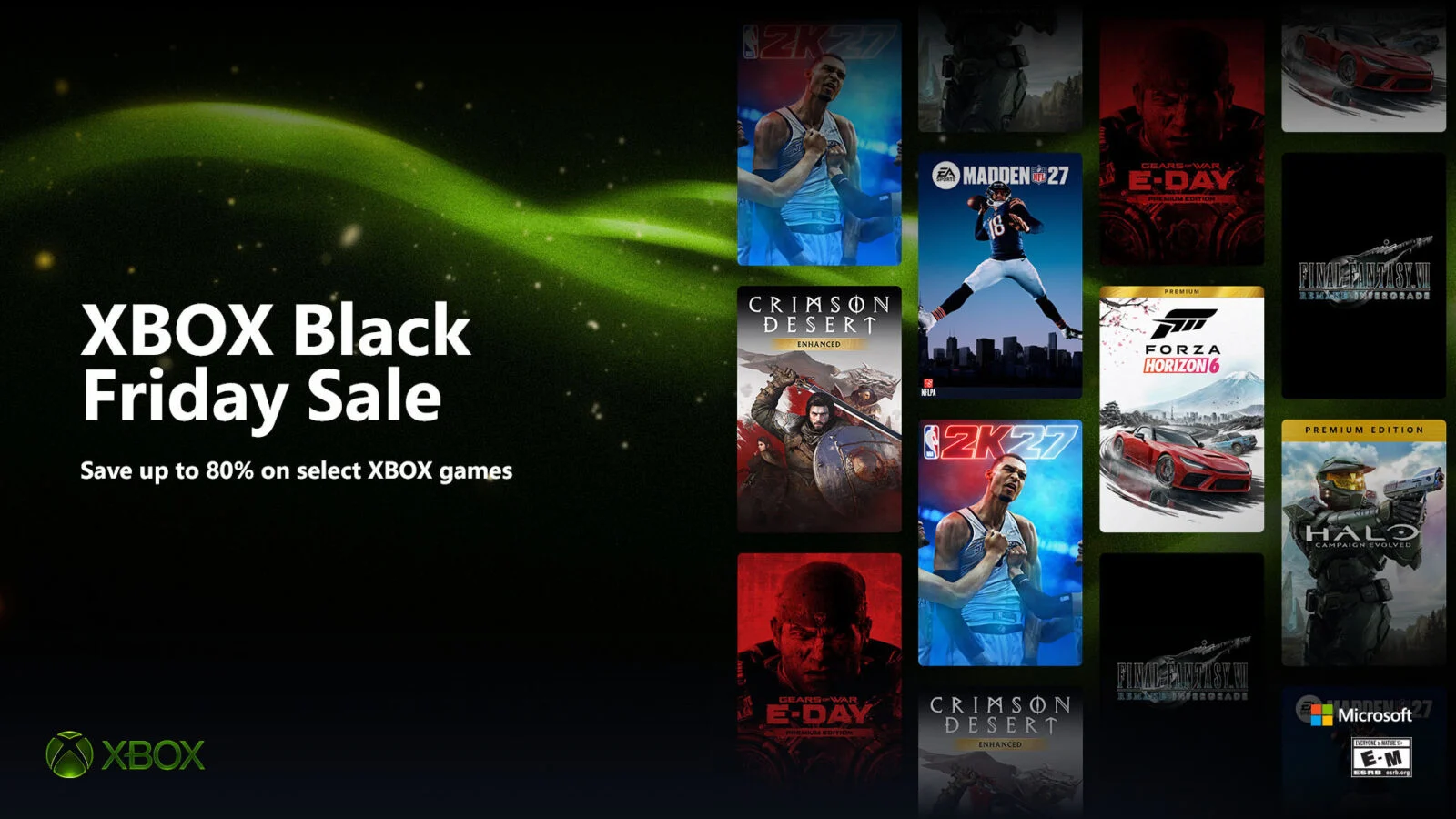
If you have been holding off on a game since the summer, this is the week to stop waiting. Microsoft has officially confirmed its Xbox Black Friday Sale for 2026, and it starts earlier than Black Friday itself. Over 2,000 games are getting discounts, some by as much as 80%, along with deals on controllers…
Start Dropshipping In India From Scratch : Step By Step Guide [2020]
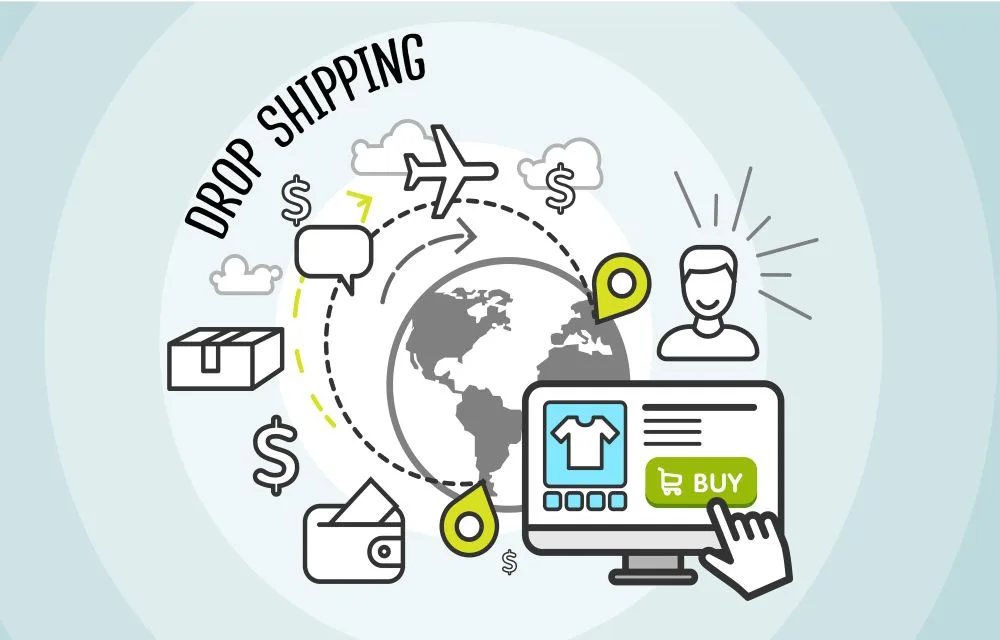
Dropshipping is a type of Internet business that is getting more traction than ever due to the lockdown and layoffs. If you are looking to start a business online and are serious about it, you can give Dropshipping a shot. It is the most straightforward form of making money and can be a great source…
How to Enable Chrome Extensions in Incognito Mode
Enable Google Chrome Extensions in Incognito In our previous articles, we already discussed Incognito mode in all browsers and uses. Incognito mode allows you to browse the web securely by not allowing to store cookies and search queries.
The week in tech, minus the noise.
New reviews, fixes and the stories that matter — once a week, straight to your inbox.
We only use your email to send the newsletter. Unsubscribe any time. See our privacy policy.
Comments