

How to?

How to use Aadhaar Pay? How to send and receive money in Aadhaar Pay?
Aadhaar Pay, which can be used for mobile payments, was announced by the Indian finance minister Arun Jaitely last week. Many of the people have no idea about what is Aadhaar Pay? and how to use it to send and receive payments? Aadhaar Pay After the demonetization move in India which hits the cash flow…

How to Get Whatsapp on Tablets
You know that Whatsapp has a sim based activation service to allow the users have an account. If so, what about the Tablets that isn’t coming with a sim card slot? So, we are sharing the method to get Whatsapp on such Tablets. For this, you have to get a new sim card to use…
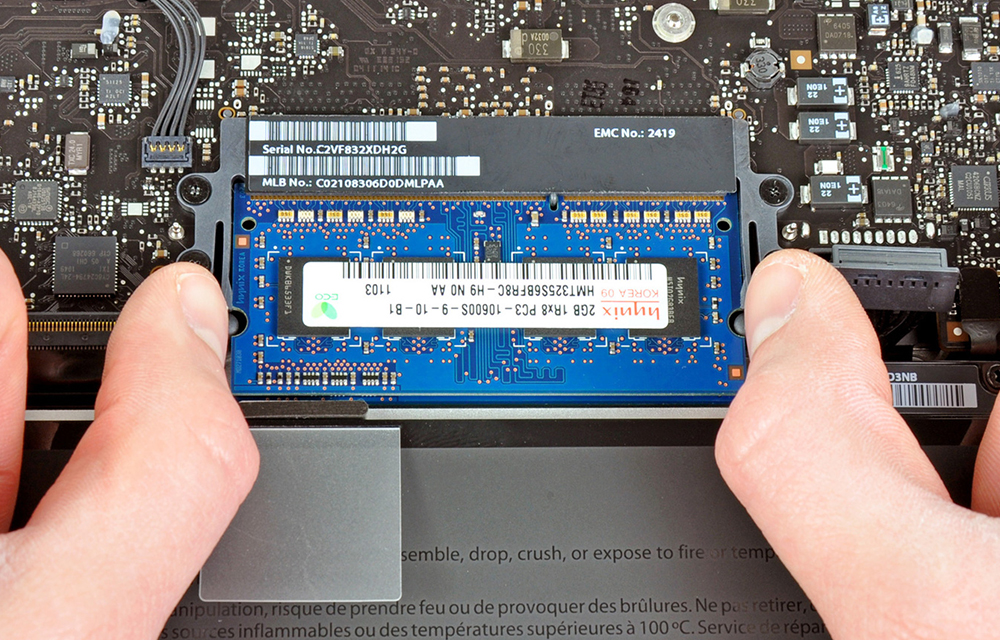
How to Speed Up your Mac?
Mac is a nice piece of personal computer that is reliable, good working and long lasting. If you own one, your tasks will be better and faster than before. But, if the things are not like that and if your Mac makes you wait for a long, it is the time to do something to…

How to Disable Automatic Updates in Windows 10
Windows 10 is one of the most advanced operating systems available today. Even it has some problems and bugs in it, there is no doubt in the reliability and functionality of the Microsoft OS. If you’ve ever faced a situation where you need to disable automatic updates in Windows 10 due to excess internet usage…
How to Enable Hibernate in Windows 10
Hibernate mode is very useful for those who want to turn off their computer without leaving the progress of their works inside the Windows. As sleep mode just holds the PC by keeping it powered on and consumes some amount of power, Hibernate mode does the same without using any power but actually in a…

How to Disable Automatic Updates in Ubuntu
Disabling automatic Updates in Ubuntu may not be familiar to you as you are not that much expert in that. Having the latest updates of the OS is a necessity to stay updated with the latest security patches and improvements to the OS. But, at a time where the automatic updates consume a considerable amount…
How to Find Installation Date of Windows
You may be using your windows for a while and over the years of use, you may not remember when exactly the windows had installed on your computer. At any moment you need the installation date of your windows, it is not easy as looking at the calendar and calculating the date. Windows is intelligent enough…

How to Find the Uptime of Mac
In some situations, you may need to find out the uptime of your Mac for troubleshooting a problem or for other purposes. In any situation you need to know how long your Mac has been up, we have the solution. You could easily find it out without any third-party softwares or programs. All you wanted…
How to Disable the AutoRun Feature in Windows 10
Autorun is a useful function that directs the OS to do something on insertion of CD or USB devices to the computer. The instructions saved on the autorun.inf file on the device instructs the OS to perform specific actions while the device mounting. It can prompt to run specific programs, play videos, pictures or music and do…
How to Go Back to Windows 8 from Windows 10
Windows 10 is the latest windows release from the Microsoft. But, something not right in the OS and it has the curse of many problems and buggies that causing some serious problems while using the OS. Automatic app deletion and the Chrome crashing issue was the most discussed problems among them. If you were upgraded…
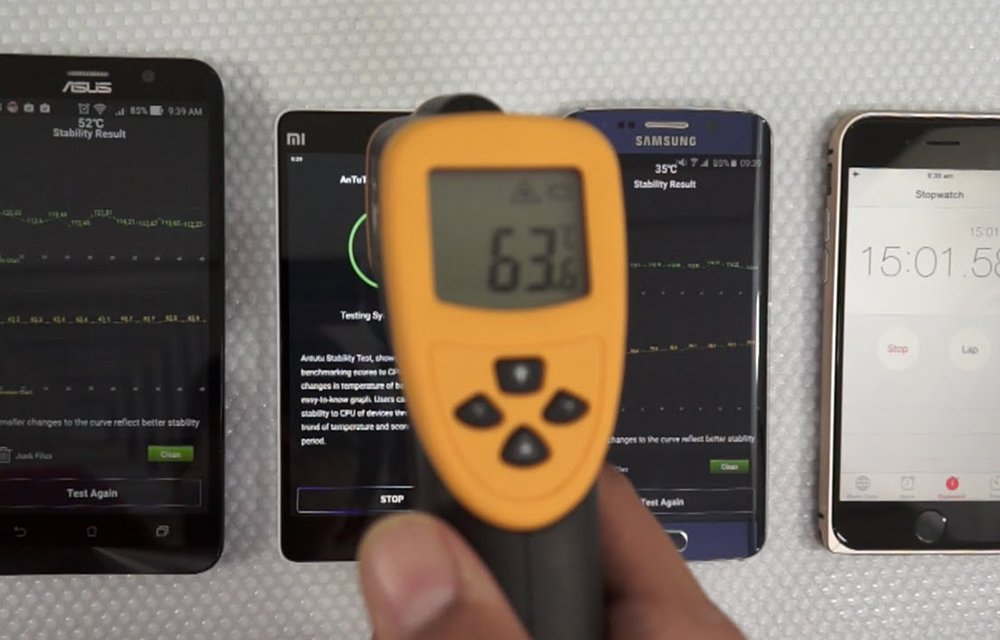
How to Prevent Over Heating of Android Smartphones? Things to Try Before Pouring Some Water
Overheating devices are always a nightmare to the smartphone users. Many times during long game sessions and video streaming, your device hesitated to stay cool. It became hot like a pancake. This modern era is of high-end usage and gaming where we need a lot of resources to perform the tasks. The things are not…

How to Remove Duplicate Songs from OneDrive Cloud Microsoft
OneDrive is one of the most sought-after cloud storage solutions across the digital world. Millions of users trust OneDrive for storing all their important data in a safe virtual locker. Many of them selected it as their cloud storage platform just because of the 5GB Free storage provided by the company. You might also be…