

Meta’s Muse Comes to Instagram: What It Can See and How to Limit It
Meta’s AI agent, Muse, is moving into Instagram. TechCrunch and Engadget report that it started rolling out on November 24 as a chat inside Instagram DMs, where it can help with posts, plan around your saved content and even catch you up on chats you missed. That last part raises the obvious question: can it…
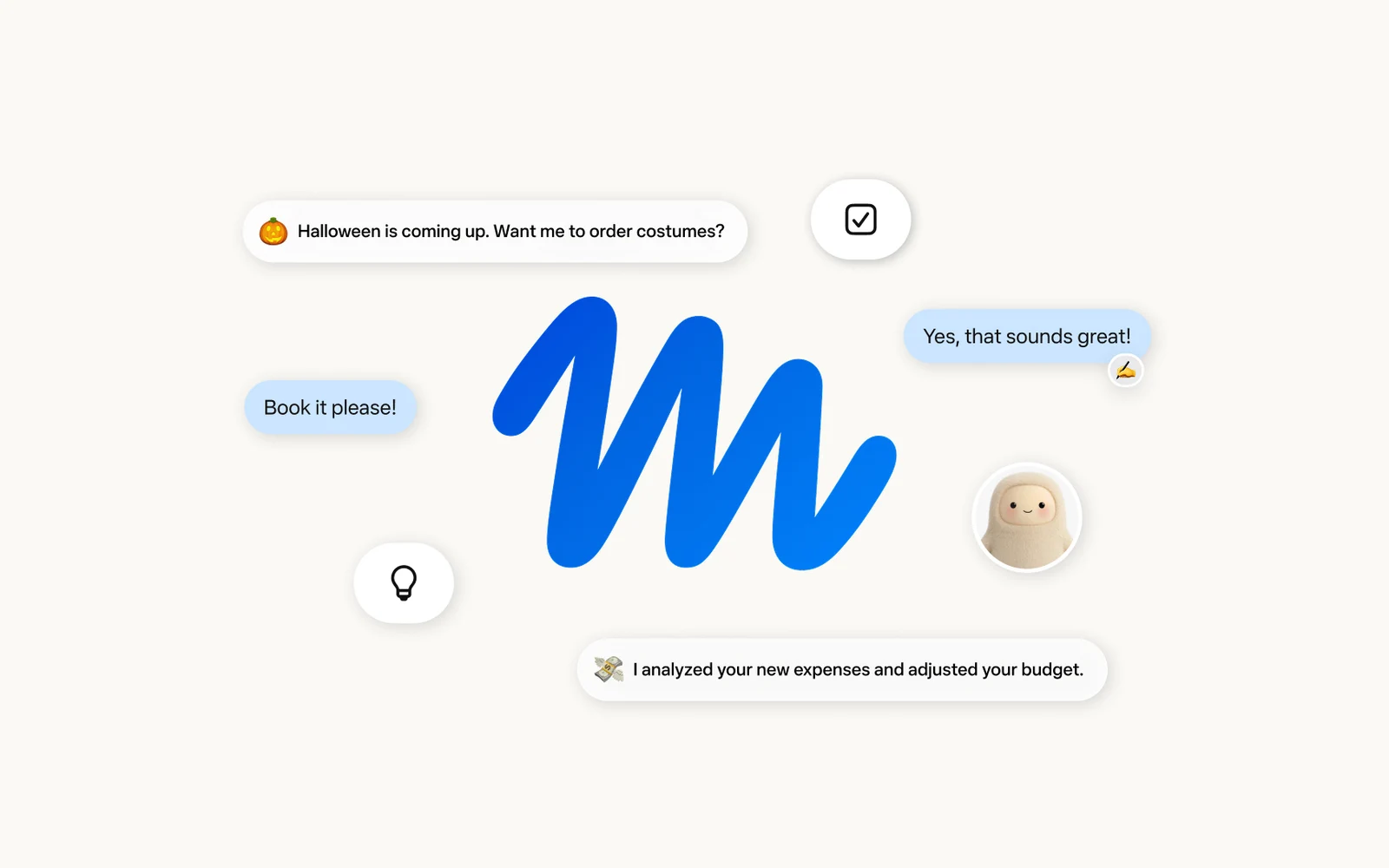
Image: Meta
Meta’s AI agent, Muse, is moving into Instagram. TechCrunch and Engadget report that it started rolling out on November 24 as a chat inside Instagram DMs, where it can help with posts, plan around your saved content and even catch you up on chats you missed. That last part raises the obvious question: can it read your messages? The honest answer is that Meta’s own pages and the reports don’t fully line up. This guide explains what Muse can see, what Meta says it won’t do, and the settings to check before you tap the pop-up.
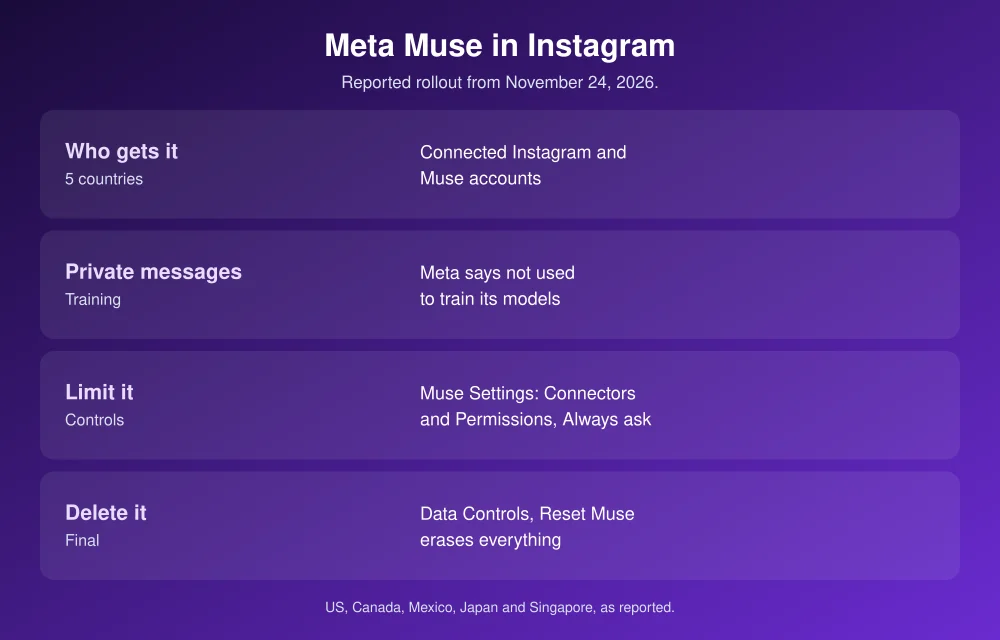
Quick answer: Muse in Instagram is reported to be rolling out on iOS and Android in the US, Canada, Mexico, Japan and Singapore. It’s for people whose Instagram and Muse accounts are connected. Meta says Instagram is connected automatically if it’s in the same Accounts Center as Muse. Reports say it can check your other DM threads. Meta says private messages aren’t used to train its models and Muse doesn’t read them unless you grant access. To limit it, open Muse and go to Settings > Connectors and Settings > Permissions, then review Accounts Center.
What Muse does in Instagram
- DM chat: ask about a post, place or product, or share a post for it to act on.
- Missed chats: catch up on other DM threads.
- Saved posts: sort saves into Collections, turn a recipe video into a grocery list, or travel saves into an itinerary.
- Pop-ups: US users are reported to see prominent prompts to try it.
These details come from TechCrunch and Engadget. We didn’t find a Meta newsroom post about the Instagram launch. Meta told TechCrunch nothing is shared, published or sent without your approval.
Can Muse read your Instagram DMs?
| Source | What it says |
|---|---|
| Muse security page | Doesn’t read private messages unless you grant access through messaging Connectors or Muse on Mac |
| Meta’s UK launch post | Instagram connects automatically in the same Accounts Center; Muse can only see what you can see |
| TechCrunch and Engadget | Muse can catch you up on other DM threads |
So don’t assume it’s purely opt-in, and don’t assume it reads everything. We couldn’t find a Meta page that spells out which Instagram DMs it can open, or how it treats encrypted chats. If a chat is sensitive, check your connection first.
What Meta says about your data
- Training: it’s on from the start, but Meta says interactions that contain private messages, such as Instagram DMs, aren’t used to improve its models.
- Ads: Meta says Muse conversations aren’t shared with its ad systems.
- Memory: Muse keeps memories. You can ask it to forget a topic, which Meta says it does “to the best of its ability.”
How to limit or turn off Muse
These paths come from Meta’s help pages. Some wouldn’t load fully for us, so labels in your app may differ slightly.
Review the Instagram connection
- Open the Muse app and go to Settings > Connectors.
- Check which services are connected. Remove any you don’t want.
- Instagram is managed in Accounts Center. See Meta’s Accounts Center help, and make sure Instagram isn’t in the same Accounts Center as Muse if you want them apart.
Moving accounts can affect shared sign-in and cross-posting, so read the warnings first. Disconnecting stops new data, but earlier information may stay in Muse’s memory and history.
Make it ask first
- In Muse, go to Settings > Permissions > Connectors.
- Choose Always ask. Many Connectors can also be set to read-only.
- Tap your assistant icon to see its activity log.
Turn off training
- Go to Settings > Data controls.
- Turn off Help improve our AI models and confirm. Meta says this also applies to past interactions.
Delete what it knows
- One message: tap and hold it, then Delete.
- One chat: Chats tab, three-dot menu, Delete.
- Download a copy: Settings > Data controls > Download your Muse data.
- Everything: Settings > Data Controls > Reset Muse. This can’t be undone, so download your data first.
Read Meta’s Muse security and privacy page for the full promises. We don’t know yet whether you can hide the DM thread or the save prompts.
Muse, Meta AI and Muse Image aren’t the same
- Muse: the personal agent that can act for you.
- Meta AI: Instagram’s existing chatbot, which is staying, a spokesperson told Engadget.
- Muse Image: an image generator from July. Meta withdrew its option to use public Instagram accounts after a backlash.
Want to see how others respond to AI agents? Signal now blocks screenshots by default. You can also turn off Facebook’s camera roll suggestions and limit Google AI Mode’s access to Wallet and Drive.
FAQs
Can Meta Muse read my Instagram DMs?
Reports say it can catch you up on other DM threads. Meta’s Muse page says it doesn’t read private messages unless you grant access.
Does Meta use my DMs to train Muse?
Meta says interactions containing private messages, such as Instagram DMs, aren’t used to improve its models.
Does disconnecting Instagram delete my data from Muse?
No. Earlier information may remain in memories or history. Ask Muse to forget it, or use Reset Muse.
Where is Muse in Instagram available?
It’s reported to be rolling out in the US, Canada, Mexico, Japan and Singapore on iOS and Android.
Featured image: Meta.
Disclosure: TheTechHacker has no paid relationship with Meta or any company mentioned here.
More in Guides

How to Turn Off Facebook Camera Roll Suggestions on iPhone and Android
Facebook’s camera roll suggestions look at the photos and videos on your phone and suggest ones you might want to share as a post or story. Some people like the nudge. Many don’t want a social app looking through their gallery at all, and the feature got fresh attention on November 14 when Italy’s privacy…

Real Estate Branding: A Step-by-Step Global Guide to Building Trust and Generating Online Leads Through Meta, Google AdWords, and LinkedIn
Real estate is an evergreen business model whether you’re dealing with apartments in New York, villas in Spain, or condos in Singapore. In this new age of digital-first decision-making, buyers want properties they can trust and agencies that promise transparency, reliability, and a seamless experience. How does one create a real estate brand that stands…
How To Optimize uTorrent For Best Downloading Speed – Guide
uTorrent is the most popular desktop torrent downloading client as we all know. After installation, the uTorrent runs in an optimized mode to get best downloading speeds. The uTorrent runs in a set of incoming and outgoing connection settings to reach the highest possible download speeds. But some people complaining the limited speed of the…
The week in tech, minus the noise.
New reviews, fixes and the stories that matter — once a week, straight to your inbox.
We only use your email to send the newsletter. Unsubscribe any time. See our privacy policy.
Comments