

How to Fix Gemini Using Too Much RAM in Chrome
Some Chrome users noticed Gemini using several gigabytes of memory, slowing their computers down. Google says it has fixed the problem. If Chrome still feels heavy, a few quick checks will show whether Gemini or something else is using your RAM. Quick answer: Google says it fixed a bug that made Gemini use excessive RAM…


Gemini Chrome RAM Fix
Some Chrome users noticed Gemini using several gigabytes of memory, slowing their computers down. Google says it has fixed the problem. If Chrome still feels heavy, a few quick checks will show whether Gemini or something else is using your RAM.
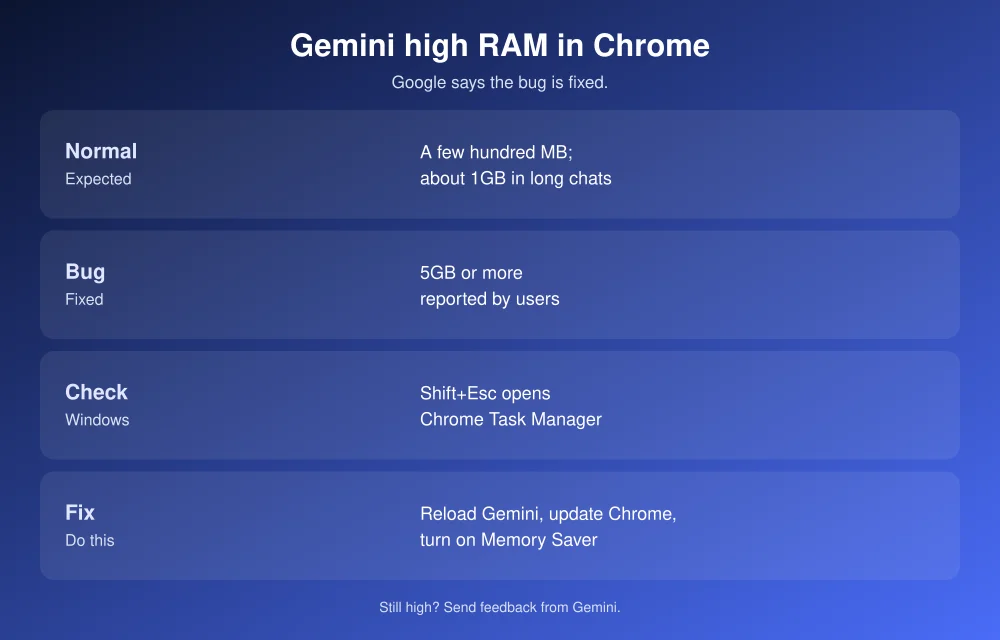
Quick answer: Google says it fixed a bug that made Gemini use excessive RAM in Chrome, with some users seeing 5GB or more, 9to5Google reports. Normally Gemini should use a few hundred megabytes, or about 1GB in a long chat. To make sure the fix applies, reload or close your Gemini tabs, update Chrome, and check memory in Chrome’s Task Manager (Shift+Esc on Windows).
What Happened
Users reported Gemini’s web app eating up 5GB or more of memory in Chrome. A Google representative replied on Reddit that the issue “has now been resolved” and asked users to report if they still see high memory use.
How to Check Gemini’s Memory Use in Chrome
- In Chrome, press Shift+Esc on Windows, or open the three-dot menu and choose More tools > Task manager on Mac.
- Click the Memory footprint column to sort.
- Find the tab named Gemini. A few hundred MB is normal; several GB is not.
- Select it and click End process if it’s very high, then reload Gemini.
How to Fix It
- Reload Gemini tabs. Server-side fixes often need a fresh page.
- Start a new chat instead of continuing a very long one.
- Update Chrome: go to Settings > About Chrome and restart when asked. Google’s update guide has the steps.
- Turn on Memory Saver: in Settings > Performance, Memory Saver frees memory from inactive tabs. Google explains it in its performance settings guide.
- Close unused tabs and extensions.
Still High After the Fix?
If Gemini still uses several GB after a reload, report it through the feedback option in Gemini. If Chrome keeps using memory after you close it, see our guide to fixing Chrome using RAM after closing. Also check for fake extensions that steal Gmail, which can slow Chrome too, and read about the November Pixel Drop.
That’s all for now. Please do share your views and feedback in the comment box below.
FAQs
Why is Gemini using so much RAM in Chrome?
A bug caused excessive memory use. Google says it’s fixed.
How much memory should Gemini use?
A few hundred MB, or about 1GB in a long chat, according to 9to5Google.
How do I see Chrome’s memory use?
Press Shift+Esc on Windows, or use More tools > Task manager on Mac.
Does Memory Saver help?
Yes. It frees memory from inactive tabs in Settings > Performance.
Featured image: Google.
Disclosure: TheTechHacker has no paid relationship with Google.
More in How-to
How to Fix Chrome Using RAM After You Close It
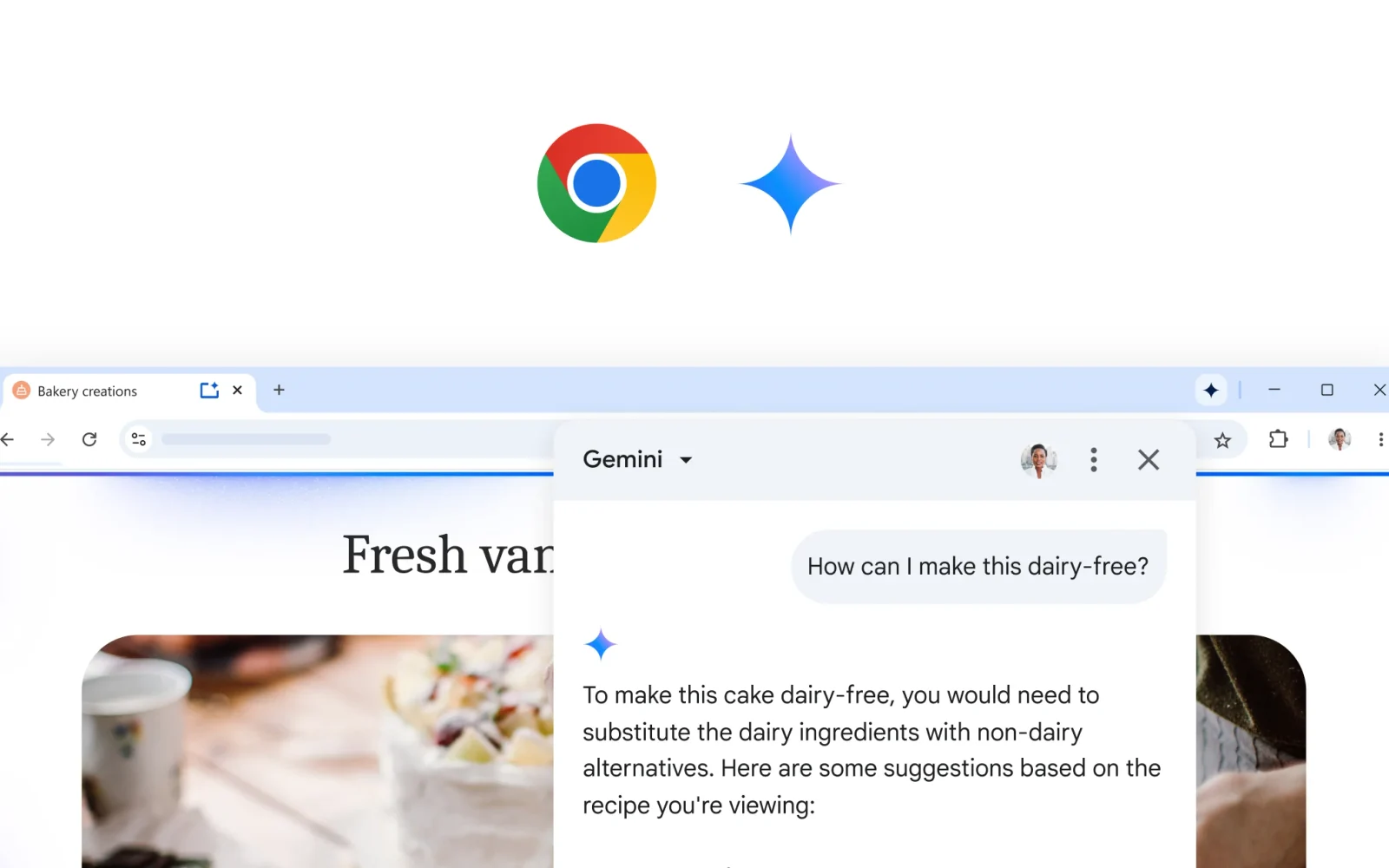
You close Chrome, open Task Manager, and it’s still there using hundreds of megabytes. If you’ve already turned off background apps, the cause may be a newer setting. Neowin reports that a user found Chrome processes using 300 to 700MB after closing the browser. The setting behind it was Show Gemini in system tray and…
How to fix you are not signed in error in Google Drive on Chrome
Google Chrome and Google Drive is a deadly combination of productivity and safe online storage. Their services are widespread and created trust in the user’s mindset and overcame the inadequate Internet systems. Google Drive is, obviously, a product of Google, regarding cloud spacing. As with every cloud space website, Google Drive offers you a possibility for…

How to Fix ‘Server IP Address Could Not Be Found’ in Chrome (DNS_PROBE_FINISHED_NXDOMAIN)
Chrome saying the server IP address could not be found? Here are the fixes I’d try, in order, from checking the URL to flushing DNS and switching to Google Public DNS.
The week in tech, minus the noise.
New reviews, fixes and the stories that matter — once a week, straight to your inbox.
We only use your email to send the newsletter. Unsubscribe any time. See our privacy policy.
Comments