

5 Phone Charging Mistakes That Ruin Your Battery (and How to Fix Them)
Every phone battery wears out, but how fast depends a lot on how you charge it. Modern iPhones, Pixels and Galaxy phones protect the battery on their own, yet a few common habits still shorten its life. Now in this article, I will show five phone charging mistakes to avoid and the settings that help…


Phone Charging Mistakes
Every phone battery wears out, but how fast depends a lot on how you charge it. Modern iPhones, Pixels and Galaxy phones protect the battery on their own, yet a few common habits still shorten its life.
Now in this article, I will show five phone charging mistakes to avoid and the settings that help your battery last longer.
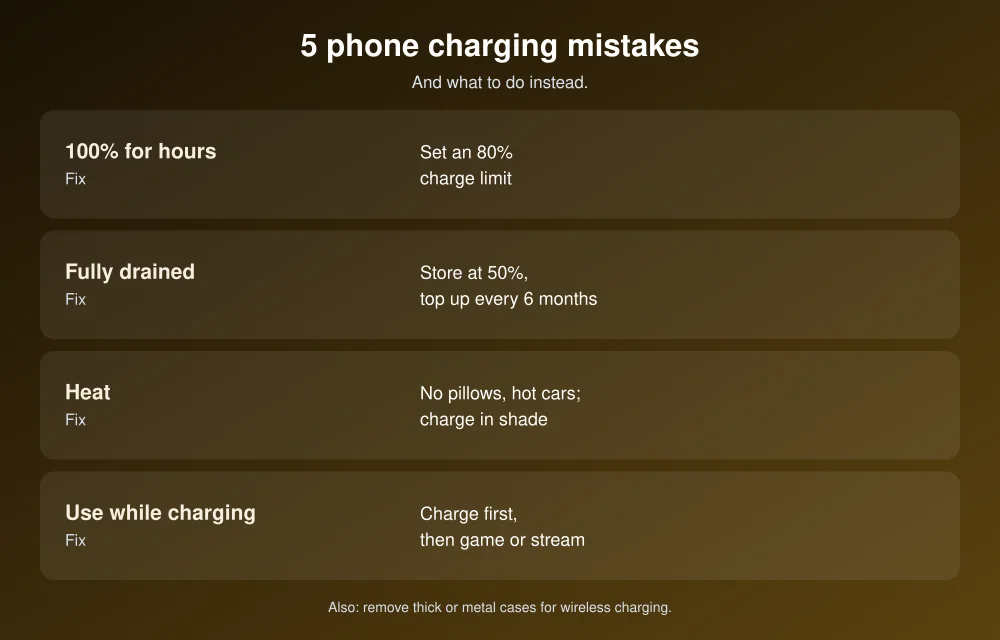
Quick answer: Avoid keeping your phone at 100% for long periods (use an 80% charge limit), leaving it fully drained, charging it somewhere hot like under a pillow or in a parked car, gaming or streaming while it charges, and wireless charging through a thick or metal case. On iPhone 15 and later, set a limit in Settings > Battery > Charging. On Pixel, use Settings > Battery > Battery health > Charging optimization. On Galaxy, use Settings > Battery > Battery protection.
Getting Started
Phone batteries are lithium-ion. Apple says how fast they age depends on how you charge and the temperature your phone is exposed to, as explained on its battery performance page.
Mistake 1: Keeping It at 100% for Hours
A battery wears faster when it sits full for long stretches. Turn on a charge limit:
- iPhone 15 and later: Settings > Battery > Charging, then choose a limit from 80% to 100%. Older iPhones use Optimized Battery Charging. Apple explains both in its Charge Limit guide.
- Pixel: Settings > Battery > Battery health > Charging optimization, then Adaptive Charging or Limit to 80% (Pixel 6a and later).
- Galaxy (One UI 6.1 or later): Settings > Battery > Battery protection, then Maximum to stop at 80%.
An 80% limit means up to a fifth less battery each day, so turn it off before a long day out.
Mistake 2: Leaving It Fully Drained
You don’t need to run your battery to 0% before charging. Topping up twice a day is fine. But a battery left empty for a long time can stop holding a charge. If you’re storing a phone, charge it to about 50%, turn it off and top it up to 50% every six months.
Mistake 3: Charging Somewhere Hot
Heat is the biggest enemy. Apple says iPhones work best between 32° and 95°F. Don’t charge under a pillow or blanket, and don’t leave your phone in a parked car on a hot day. Charge on a hard, flat, shaded surface, and take off the case if it gets warm.
Mistake 4: Gaming or Streaming While Charging
Heavy use and charging both make heat, so doing both at once wears the battery faster. Samsung recommends not using your phone while it charges. Charge first, then play. If your phone gets hot, unplug it and let it cool.
Mistake 5: Wireless Charging Through a Thick Case
Thick or metal cases can slow or stop wireless charging and add heat, Google says. Remove anything between the phone and charger, like a credit card or key. Line the phone up with the center of the pad.
Also see how to fix iOS 27 battery drain, how to fix Pixel wireless charging and how to fix wireless Android Auto battery drain.
That’s all for now. Please do share your views and feedback in the comment box below.
FAQs
Is it bad to charge my phone overnight?
Not much on modern phones, which pause at 80% and finish before you wake. Turn on Optimized or Adaptive Charging.
Should I charge my phone to 80%?
Yes, if you don’t need the full battery every day. It slows battery wear.
Is fast charging bad for the battery?
Fast and wireless chargers add some heat. Phones manage this, but avoid charging somewhere hot.
Should I let my phone die before charging?
No. Charge whenever you like. Avoid leaving it empty for long.
Featured image: Apple.
Disclosure: TheTechHacker has no paid relationship with Apple, Google or Samsung.
More in How-to
How To Quickly Fix A Device When Dropped In Water
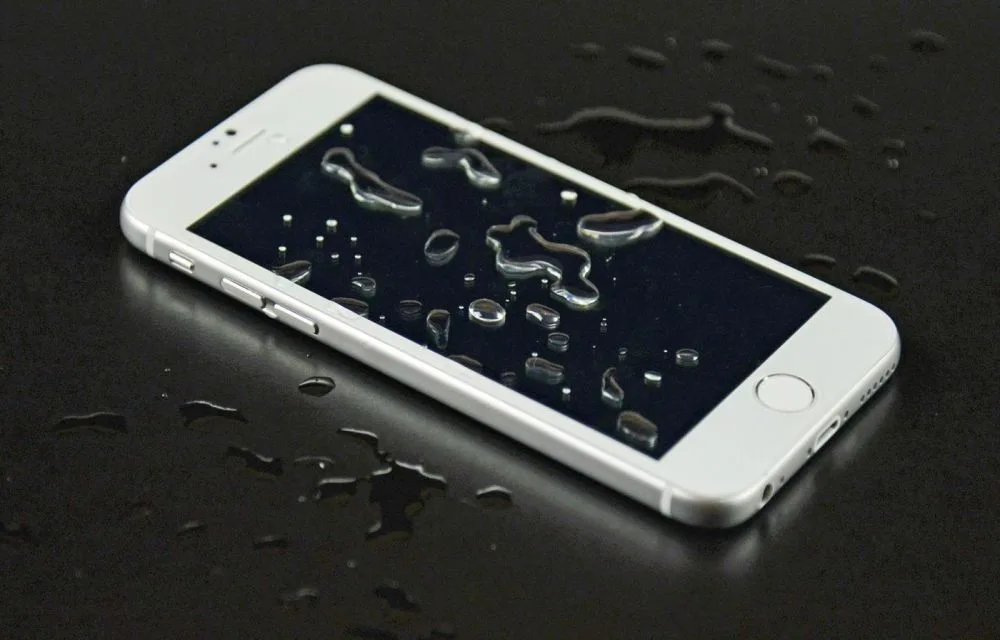
Sometimes we accidentally drop precious gadgets in water. Reasons are so many, sudden rain, swimming pool fun may ruin your devices. Water is a serious hazardous element to electronic gadgets. It may stop their functionality and in some cases leads total device dead. This guide helpful for those who want to prevent damage when anything…
How to Fix Pixel Wireless Charging Not Working After the November Update
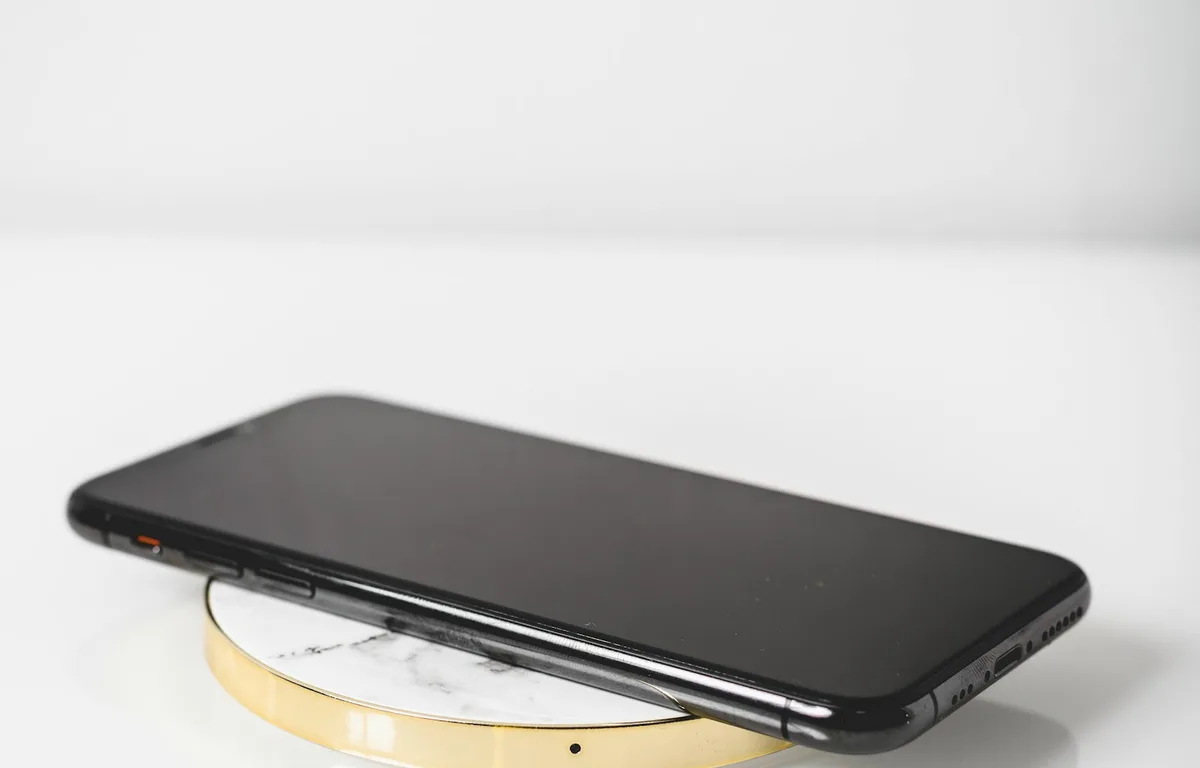
You put your Pixel on the charger, the charging icon lights up, and an hour later the battery is lower than when you started. Since Google’s November update arrived, some Pixel owners have been reporting exactly that: the phone says it’s charging wirelessly, but the percentage drops. Others see “Connected, not charging” on a pad…
How to Stop Android Auto Overheating Your Phone: 5 Fixes That Actually Work
If you’ve ever reached for your phone after a long drive and felt like you were picking up a hot baked potato, you aren’t alone. A quick search for “Android auto makes phone hot reddit” shows thousands of drivers dealing with the exact same issue every single day. Whether you are experiencing a Samsung S22…
The week in tech, minus the noise.
New reviews, fixes and the stories that matter — once a week, straight to your inbox.
We only use your email to send the newsletter. Unsubscribe any time. See our privacy policy.
Comments