

How-to

How To Recover Deleted Gmail Account – Detailed Guide
Most of you might be using, at least, one Gmail account. Some of you have even multiple accounts. The beginners on Gmail may create multiple accounts and once they aware of the basic operations or if they find a better Gmail id, They may switch it to the new one. This happens several times in…
How To Delete Gmail Account Permanently – Guide
If we have multiple Gmail accounts and some of them are not needed for anymore. Probably, we must delete it. Then, How to Delete Gmail account? Our simple and definitive guide on How to delete Gmail account will definitely help you to remove your unwanted Gmail address.

Best Installaous Alternatives For IPA Installations
If you are facing any kind of errors or bugs during the installation of IPA files using Installaous you seriously need an alternative of Installaous. We hand picked some best Installous alternatives that you can use for your cracked IPA installations.

How To Fix A Cell Phone That Got Wet?
What do you do if you drop your phone in water? First, you get Panic, then wipe out the outside wet with a piece of cloth. Then, what will you do? I saw so many persons taking it to a Cell Phone service center.

How To Create Cloud Server Using OwnCloud in 5 minutes
File storage is a big problem faced by many people. Everyone is out of storage. The size of the files increases day by day. So, They began to create cloud server to keep their files safe. DropBox, Google Drive, and iCloud were such Cloud storage giants. The Users had a strong belief in the security…
How to Take Screenshots in Samsung Galaxy J7
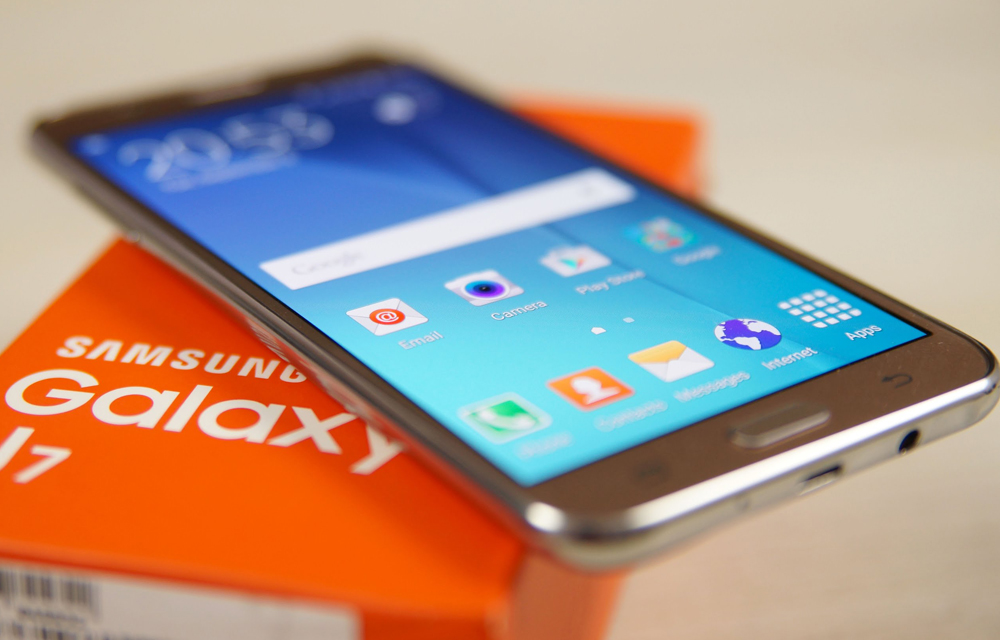
Samsung Galaxy j7 is a device with a simple design and great hardware. The device was first introduced in June 2015 and still continuing its success story. This article only applies to the Samsung GalaxyJ7 owners. If you own a J7 and want to learn How to Take Screenshots in Samsung Galaxy J7, Continue reading and the others can take a diversion to:

How To Keep Your Mobile Number Private With Easy Tricks
After marketing efforts of businesses cross the limits and entered into the privacy of public, we, the public must wake up and defend to protect our privacy at the best. One such marketing attack comes in the way of phone calls and one of the easiest way to irritate us to the extreme. Also, it…
Virtual Machine Applications To Run More Than One Operating System – Windows / Linux / Mac
While we cross through an App or a software program that would be useful for us but only run in different OS that what we are using, we will think that we are not lucky to use that App or Software. But, there is an easy solution to run more than one OS in same…
This Copy Of Windows Is Not Genuine – Easy Error Fixing
“This Copy Of Windows Is Not Genuine” is a common message we usually saw when the trial period of Microsoft Windows period is over or in a pirated version of the OS. After installing Microsoft Windows Operating System of any version it will run for free, after one or two months the Operating system continuously…
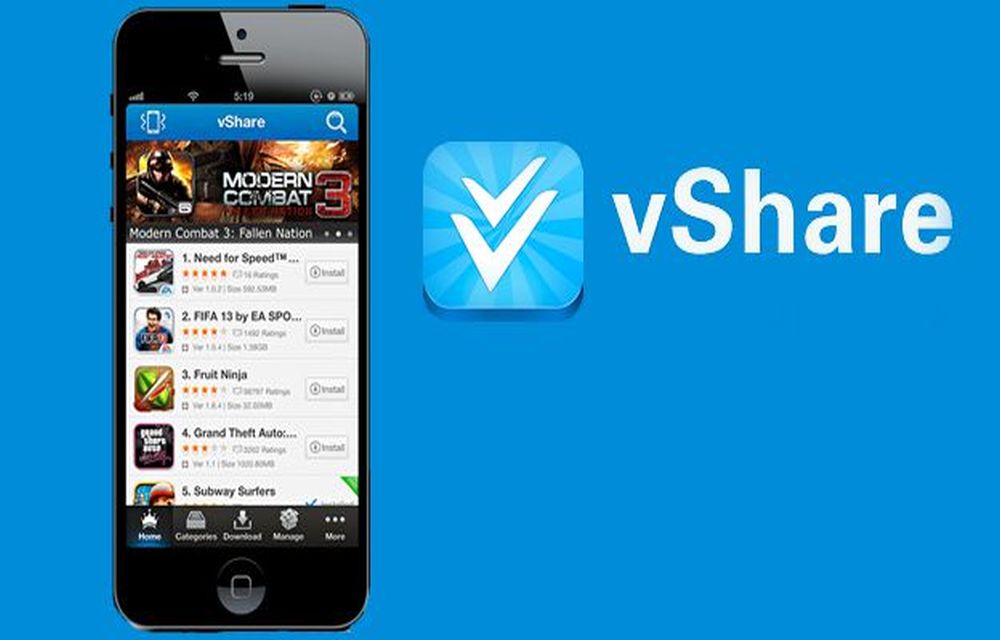
What Happened to vShare? Safe Alternatives for iPhone
Years ago, vShare was one of the best-known ways to get apps onto an iPhone without going through the App Store. We even published a guide on how to install it. A lot has changed since then, and we have replaced that guide. In this article, we explain what vShare was, what happened to it,…
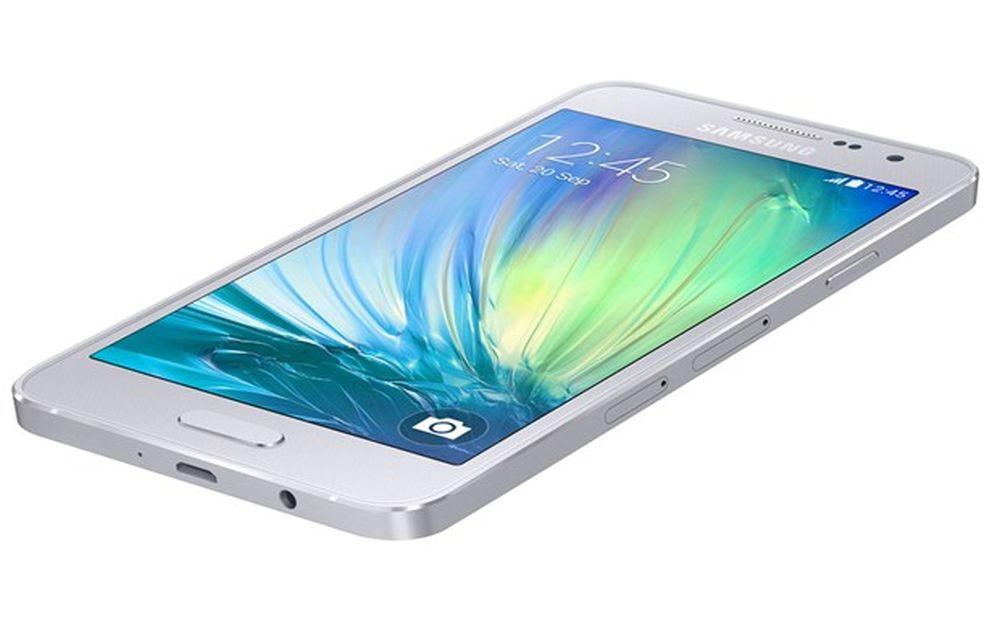
How to Take Screenshots Easily on Samsung Galaxy A3
Samsung has launched Galaxy A3 with a 4.5-inch qHD Super AMOLED display with a resolution of 960 x 540 pixels.The device is powered by 1.2GHz quad-core processor with 1GB of RAM. There is 16GB internal storage which is expandable via micro SD card. On the OS side, the device runs Android 4.4 KitKat out of…
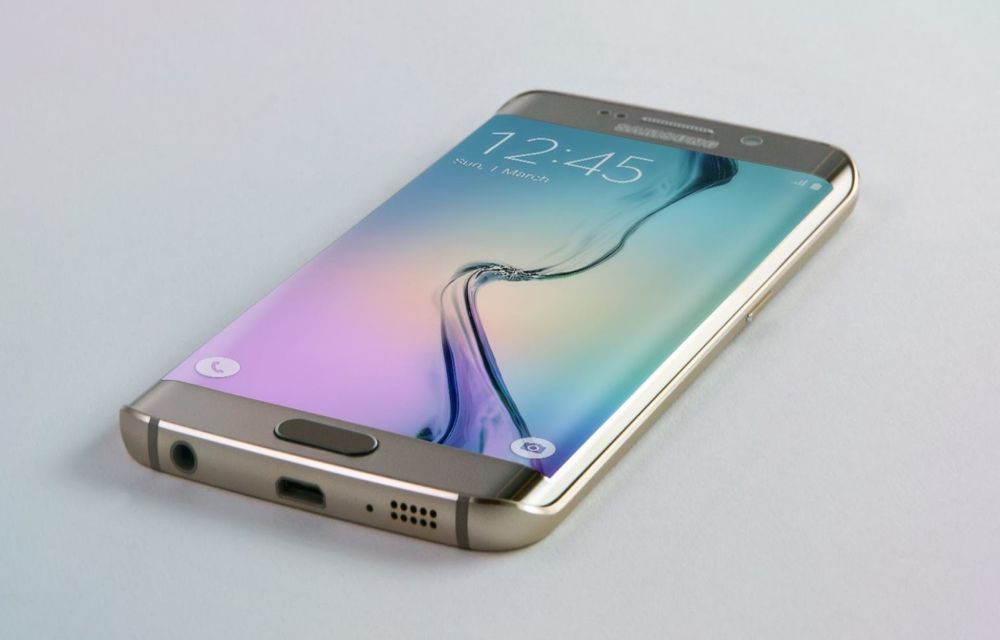
How to Take Screenshots Easily On Samsung Galaxy S6 Edge Plus
Samsung Galaxy S6 Edge Android smartphone announced in March 2015. The device is feature packed and powerful to handle all tasks. The S6 is very sleek and ergonomic, it is very smooth and perfect in hands. The S6 Edge screen is a next-gen welcoming screen with great viewing angles and bright display. If you are…