

How-to

How to Password Protect your Photos Using Vaulty on your Android device
Worried about the protection of your personal photos and videos being accessed or viewed by anyone else?. If you are living in a crowdy condition, it might happen. So, you want to take some precautions for preventing others from accessing your Images or videos. Vaulty is an android app which helps you to hide or…
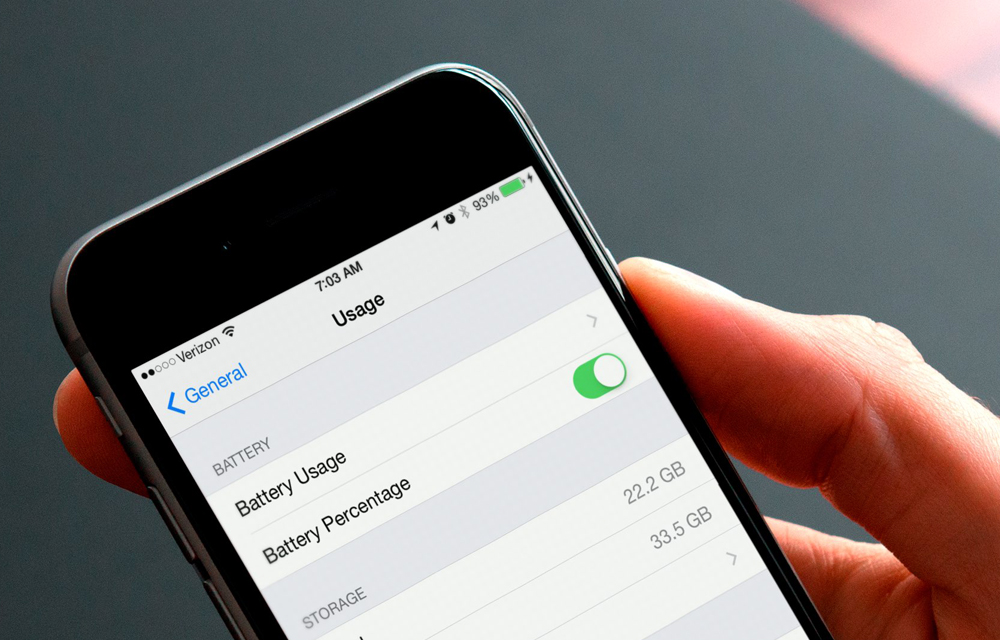
How to Hide or Show the Battery Percentage on iPhone or iPad
The battery is the only thing in every phone which attracts our eyes with a fear. Every time you decide to open a new app or game, your eyes will automatically fall onto the battery icon on the upper part of your screen. Traditional devices are coming with a battery icon which fills as the…
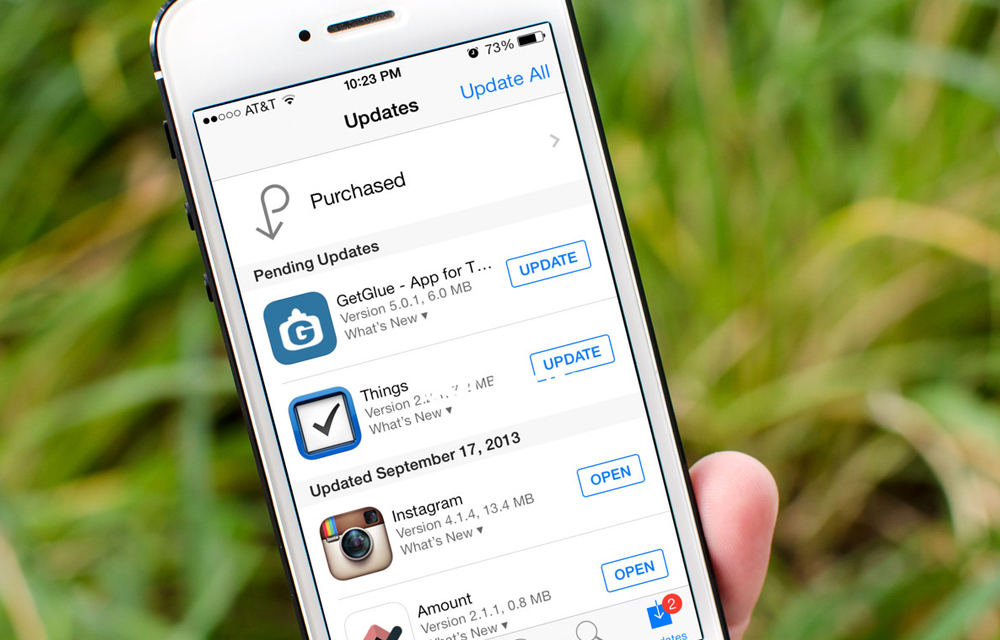
How to Enable or Disable Automatic Updates for iOS Apps
IOS app updates are always useful for keeping IOS apps up to date. You don’t want to pay attention to the app updates until you turn off the automatic updates. Turning on the automatic updates will assign the job to the iPhone itself. This great future may sometimes hit you badly, especially if you are…

How to Download Google PlayStore Apps Directly to PC
Happy to say that the Android is my favorite platform as yours. The acrobatic features of it have a definitive hand in fulfilling the thousands of needs of the users. The Google OS is chosen by the world population to power their devices with its extreme security and versatility. Nevertheless to say that the Android…
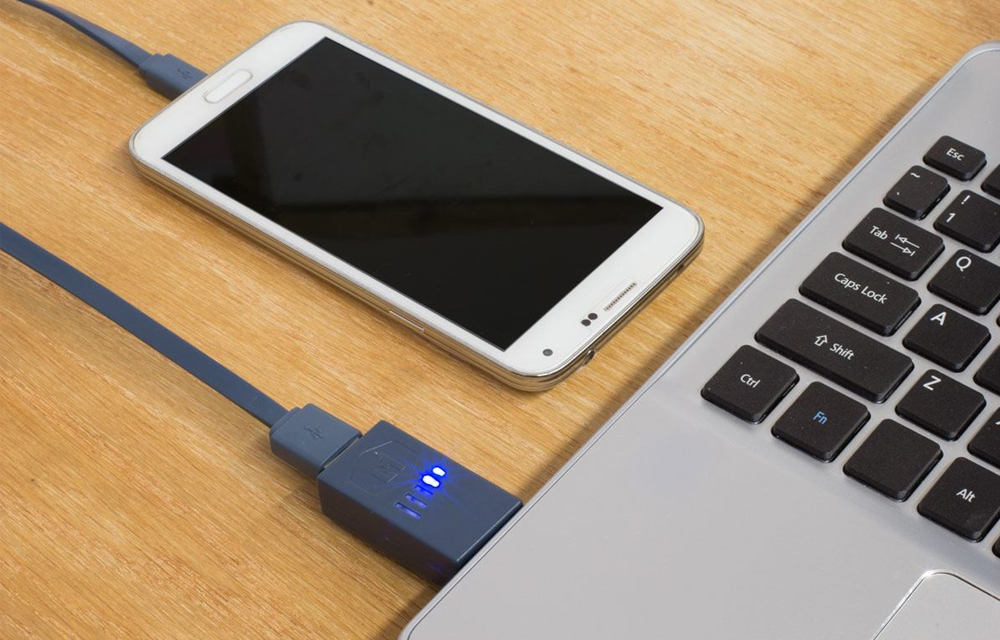
How To Charge Your Phone In Sleep Mode With The Laptop Lid Closed
Powering the devices is always a difficult task, thus we fitting power sockets over and over in all of our rooms. The smartphones are the largest drinkers of the power. The modern day devices even can’t hold their battery for one day and it makes a situation of charging the device every day and we must…

How to Open Password Protected Android Apps
We always use some app locks to protect our apps from external access. It is good to lock the important apps like Whatsapp and Facebook where the important chat sessions and files exist. This prevention can protect your files thus, you can use your device without worrying about the anonymous usage of them. All set and…
How to Enable USB Debugging in Android Phones
To use an Android SDK with your device, you must have a device with USB debugging mode enabled. It is strongly recommended to enable the USB debugging mode every time you connect your smartphone and the computer. You can completely control your smartphone while the debugging mode enabled. Then how to enable it in your device?…

How to Disable Videos from Automatically Playing on Facebook
If you are driven to insane with the irritating autoplay feature, we are here to help you. In this complete guide on How to disable videos from automatically playing on facebook, we are gonna give you some methods to disable those auto-playing videos and giving you some extra data to browse. How to disable videos from automatically playing on Facebook because we know you really need it.

How to Backup Chat Messages in WhatsApp
WhatsApp is one of the largest places where millions of people meet every day, I mean virtually. It is growing in rocket speed and dominating so many fields like messaging, chatting, file sharing, even calling. You would have been chatting for a long time with your Officers, friends, and relatives, and what about all of the…
How to Check Battery Percentage in Android Phones
Battery capacity of the modern day devices is just like a flaming paper which burns down within no time. We should focus on the battery capacity each and every time we decide to do some tasks with our devices. The battery storage icon on the topmost of the display is the key to knowing the fuel…
How to Backup Call Logs on Android Phone – A Simple Guide
This guide on How to backup call logs on android phone is the right to path to start walking on. The simple and easy effective way in this guide will definitely find the exact answer for your needs.

How To Find Laptops Fits The Budget – For Gaming, Programming or General Use
Choosing a laptop is always a difficult task. It is one of the toughest decision we make in our life. The laptops are the portable computers which you always brings in your Journey, Office, Park and everywhere.