

500 Chrome extensions found to be uploading private data from millions of users
It is a fact that we have to be extra careful nowadays when it comes to our privacy and security in this world where nothing is safe from hackers. Every

It is a fact that we have to be extra careful nowadays when it comes to our privacy and security in this world where nothing is safe from hackers. Every day, we see at least one case where someone got robbed or their credit card information got stolen and it was charged with spends. However, we see that there is bigger scheme of things as well where a whole network is being developed by hackers to stole information from people in bulk.
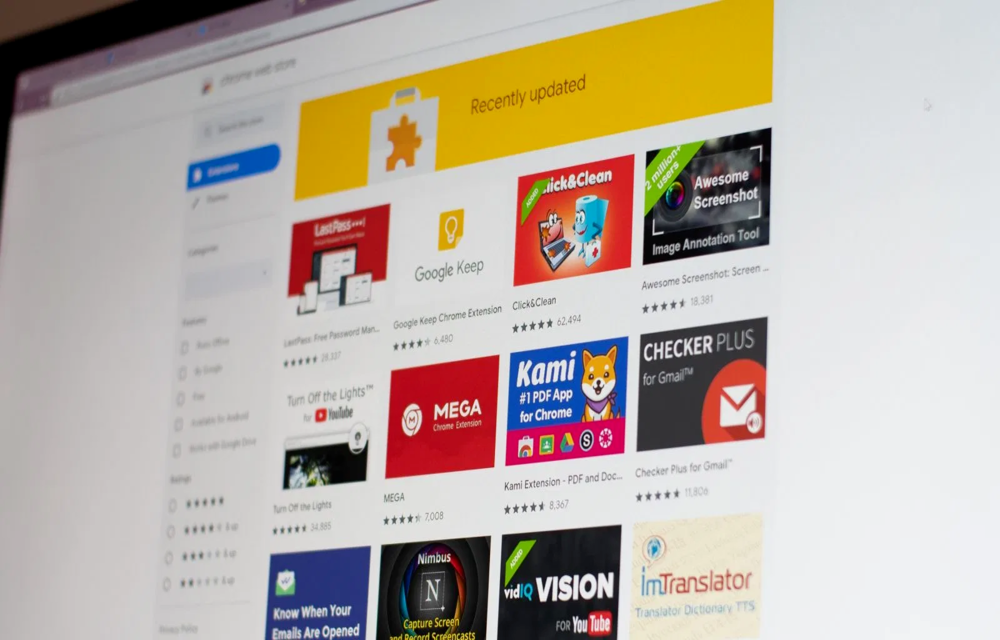
One such network has just been found and this is with the help of Chrome extensions which a majority of the Chrome users must have been using or have used from time to time. Now, we are not talking about just 1 or 2 Chrome extensions but it is found out that 500 Chrome extensions were involved in this fraud. All these Chrome extensions were found to be uploading private data from millions of its users. Also, it is known that these extensions were downloaded millions of times so it is possible that the userbase might be even more.
Since you will be aware that Google Chrome extensions would require you to add some private data of yours to them, users will add the data in hope that it will not be uploaded to private servers or leaked. However, the report reveals that these extensions surreptitiously uploaded private browsing data to attacker-controlled servers. This is an illegal act because even if the private data needs to be uploaded, it can be uploaded on public servers which are protected or not uploaded at all.
It is known that the extensions were also a part of the ad-fraud and malvertising scheme which was running for a long time. Independent researcher Jamila Kaya discovered this fraud to the world. It is also known that Google has removed all these extensions after the revelation.
More in News

How to Fix Netflix Proxy or VPN Error M7111-5059
Netflix error M7111-5059 usually means it thinks you’re streaming through a VPN or proxy. Here’s what the error means and the fixes worth trying, from switching servers to plugging IPv6 and DNS leaks.

How to Fix Chrome Asking to Confirm Before Opening HTTP (Not Secure) Websites
Chrome 154 now asks before you open websites that don’t support HTTPS. Here’s what that warning means, when it’s fine to click through, and how to change the setting or fix your own site.

Best Business Internet Providers in the US (2026): Fiber vs Cable vs 5G
I compared AT&T Business Fiber, Verizon, Comcast, Spectrum and T-Mobile using their official pages, covering fiber vs cable vs 5G, static IPs, SLAs and the prices they list right now.
The week in tech, minus the noise.
New reviews, fixes and the stories that matter — once a week, straight to your inbox.
We only use your email to send the newsletter. Unsubscribe any time. See our privacy policy.
Comments