

Apple starts to reopen stores outside China with precautionary measures
Apple has just announced their new iPhone SE 2020 along with their new MacBook Pro and Air devices. However, we know that this was all done even though

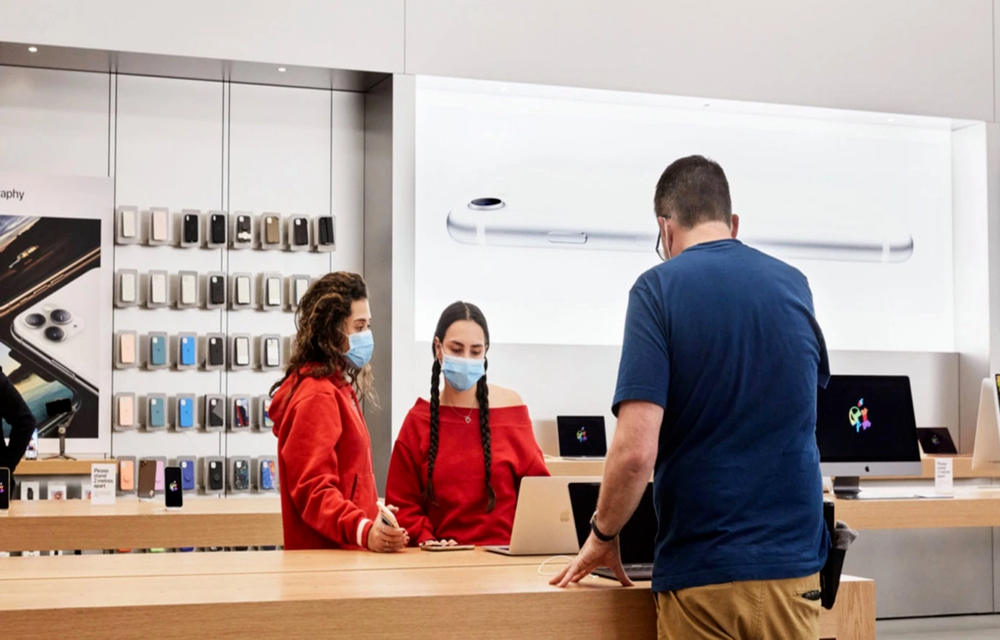
Apple has just announced their new iPhone SE 2020 along with their new MacBook Pro and Air devices. However, we know that this was all done even though the Apple retail stores were closed outside of China because of the increase in cases due to the Coronavirus. Having said that, we know that Apple has been losing money since they rely a lot on retail stores for their customers. But the company is a major one spread across the world and it can’t show complacency in dealing with this virus. Due to that reason, Apple closed all of its stores in Mid-March.
Now that we have been hearing about a lot of stores from different companies opening up, Apple is also one of them. The company has announced that they will start to slowly reopen their physical stores in parts of the world outside China including in the US and Europe soon. However, Apple’s retail SVP has said that they will follow extreme caution and have put in place certain measures for a safe reopening.
She mentioned that “In every store, we’re focused on limiting occupancy and giving everybody lots of room, and renewing our focus on one‑on‑one, personalized service at the Genius Bar and throughout the store,” Also, masks will be made mandatory for the store employees inside Apple stores as well as customers coming in the stores for the safety of both parties.
In addition, an Apple spokesperson revealed that “Next week we’ll continue our very gradual and thoughtful reopening of US stores, adding more than 25 locations in seven states. While we know many customers are eager for their local store to reopen, our commitment is to reopen our stores when we are confident the environment is safe. We miss our customers and look forward to seeing them again soon.”
More in News
How to Fix ‘Your Computer Has Been Locked’ Scam Pop-Ups on Windows and Mac
A fake Microsoft or Apple warning took over your screen and wants you to call a number? Here’s how to close it safely on Windows and Mac, clean up your browser, and recover if you already called or paid.
How to Fix Apple Services Not Working: Check If iCloud, App Store or Apple TV Is Down
You open Apple Music and nothing loads. The App Store spins forever. iCloud keeps asking you to sign in again. My first instinct is always to start toggling settings, but the smarter first move is finding out whether Apple itself is having a bad day, because if it is, nothing you do on your phone…
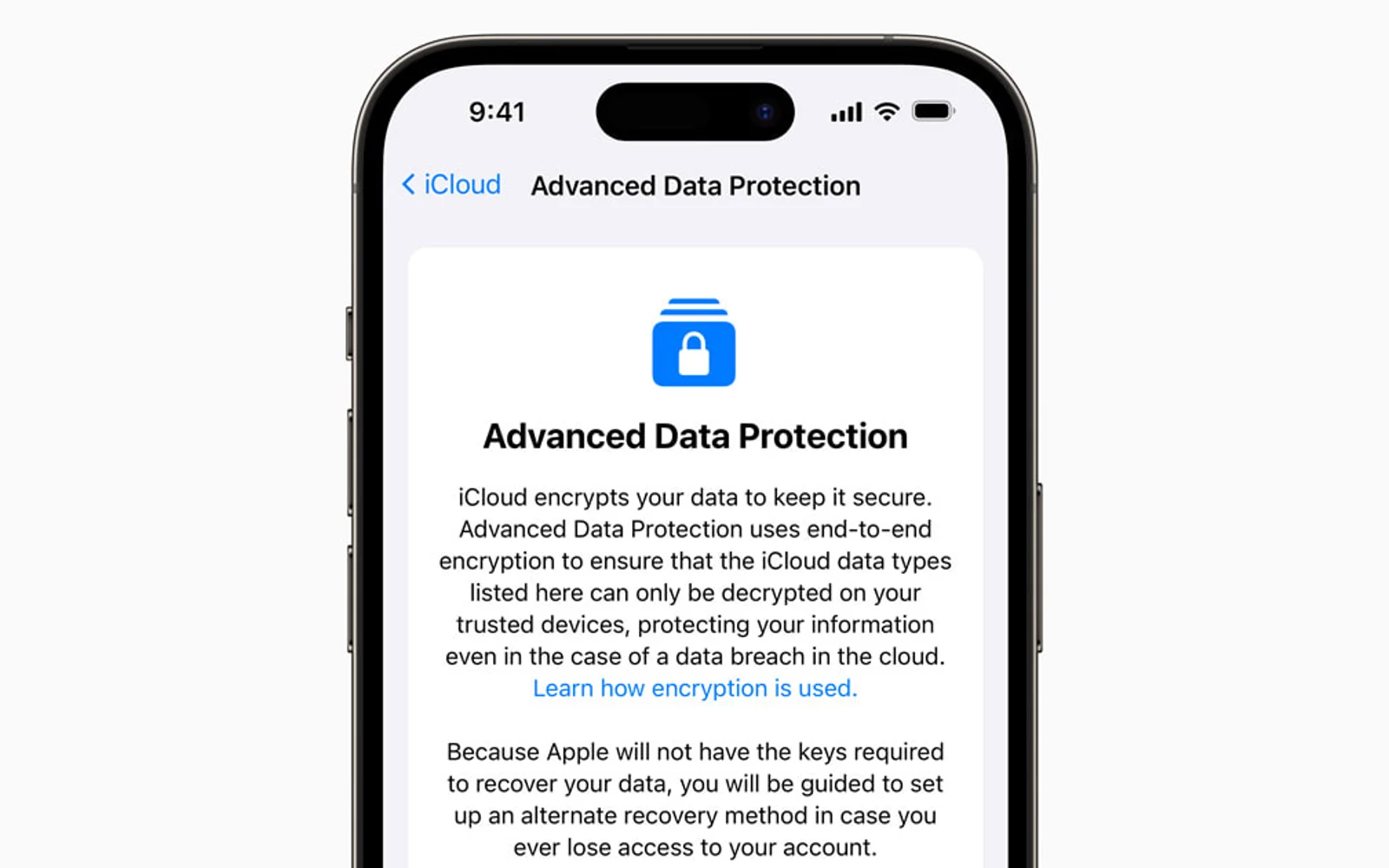
How to Turn On Advanced Data Protection for iCloud on iPhone, iPad and Mac
By default, a lot of what you store in iCloud is encrypted in a way that Apple can unlock, including your iPhone backups, photos and notes. That’s convenient if you forget your password, because Apple can help you get back in. But it also means that data could be handed over in response to a…
The week in tech, minus the noise.
New reviews, fixes and the stories that matter — once a week, straight to your inbox.
We only use your email to send the newsletter. Unsubscribe any time. See our privacy policy.
Comments