

Cloudflare Launches Its Own 1.1.1.1 App On Android & iOS
Cloudflare launches its 1.1.1.1 app on Android and iOS. So you can get fastest and secure internet access easily from Cloudflare server for free.

In April, Cloudflare surprised us by creating its own DNS 1.1.1.1 service, which came to resist Google’s namesake 8.8.8.8. Now it’s easier than ever to use Cloudflare’s private DNS on your mobile, thanks to its own 1.1.1.1 application.
The app is available for both Android and iOS and is enormously simple, with only a single button. The connection is made via VPN, so it is not possible to use it in conjunction with another VPN connection.
Cloudflare DNS With Push Button
While changing DNS on Windows and Mac is relatively simple, on the mobile it can be a bit more complicated. You need to go to the settings of the connection and set the settings manually, but the configuration is independent of each Wi-Fi network. If you want to use them in all, you need to modify them all.

That’s where the application 1.1.1.1 comes in, which does the process for you, through a VPN connection. This is why it is not compatible with other VPN connections you use since your mobile can only connect to one VPN at a time.
After accepting permission to create VPN connections, the process is as easy as pressing a button. From that moment you will start using Cloudflare’s DNS, which according to your own measurements should result in a domain name resolution 28% faster than the competition, respecting your privacy and deleting the records every 24 hours.
The application is free on both Android and iOS and you can download it from official stores. If you frequently use a VPN connection and you are interested in connecting to the Cloudflare DNS, you can also do so by configuring the servers manually.
More in News
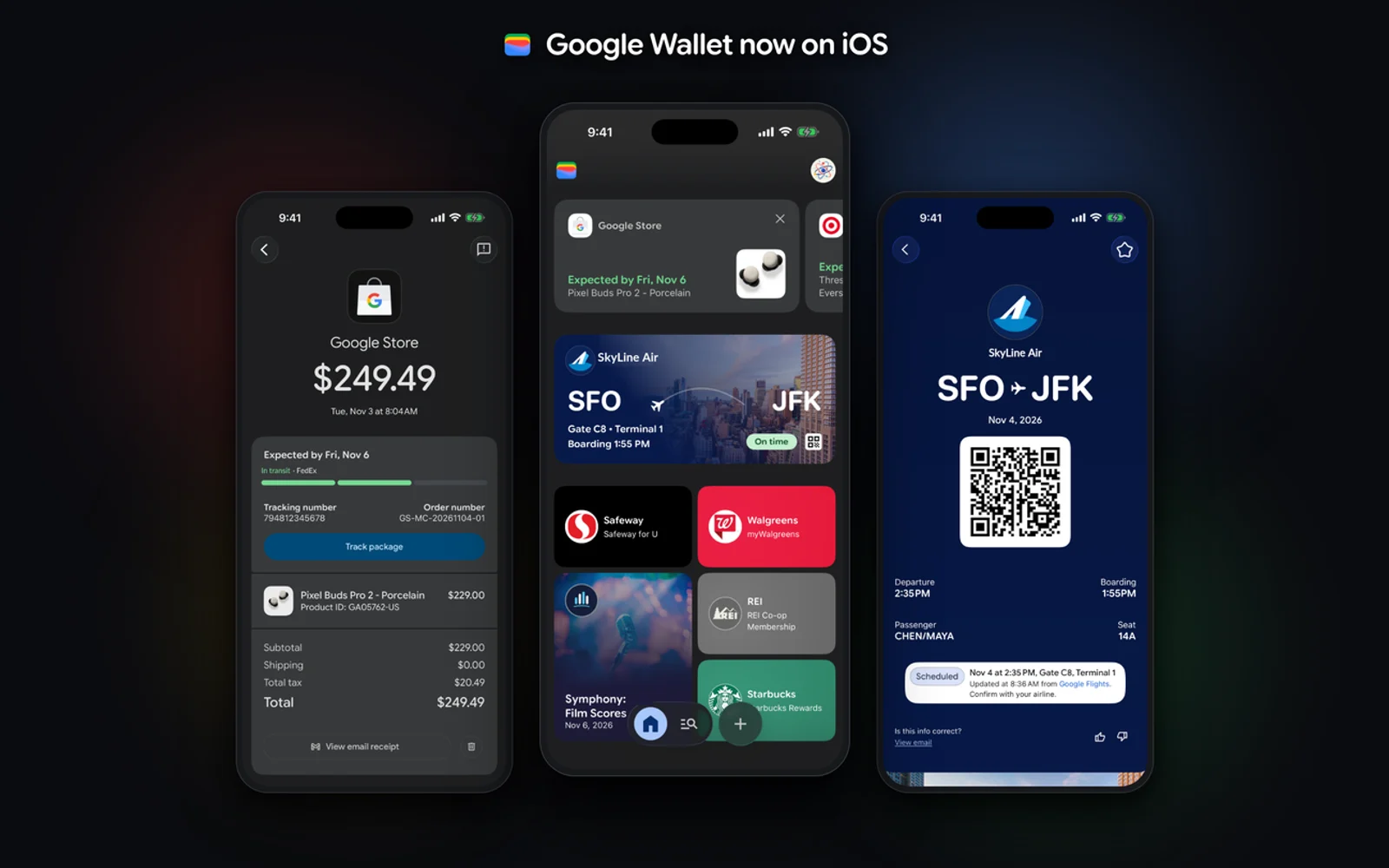
How to Use Google Wallet on iPhone: What Works and What Doesn’t (No Tap to Pay)
Google Wallet is finally on the iPhone. Google launched the app for iOS users across the US on November 17, 2026, and it climbed into the top 20 of the App Store’s Utilities chart within a day. There is one big catch: you cannot use it to tap and pay at a store register. This…
Surfshark vs NordVPN (2026): Pricing, Devices, Refunds and Streaming Compared
Surfshark and NordVPN compared using only what each company officially says about plans, trials, refunds, device limits, apps, protocols and streaming. Where I couldn’t confirm something, I tell you.

Best Parental Control Apps for iPhone and Android (2026)
Apple Screen Time and Google Family Link are free and cover the basics. Here’s when Qustodio, Bark, Norton Family or Net Nanny are worth paying for, with confirmed prices.
The week in tech, minus the noise.
New reviews, fixes and the stories that matter — once a week, straight to your inbox.
We only use your email to send the newsletter. Unsubscribe any time. See our privacy policy.
Comments