

GTA 6 Preload Starts November 10 on PS5 and Xbox Series X|S
GTA 6 preload opens November 10 on PS5 and Xbox Series X|S, ahead of the November 19 launch. See the reported 212GB size, unlock time and preload steps.

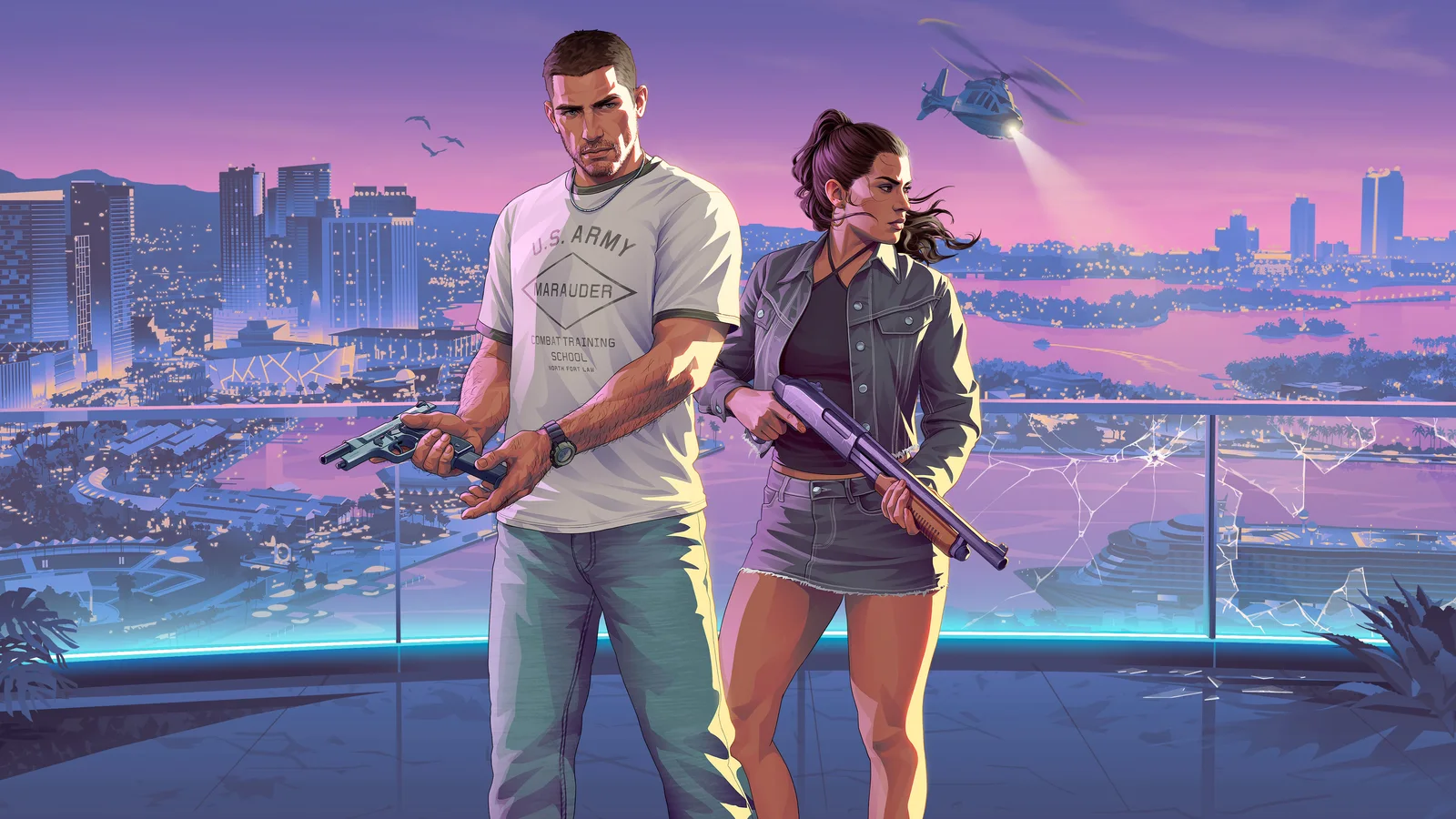
Rockstar has finally put a date on GTA 6 preloading. If you’ve pre-ordered a digital copy, you can start downloading Grand Theft Auto VI on November 10, more than a week before launch.
Plenty of numbers are flying around right now, so I’ve split this into what Rockstar has actually confirmed and what has only been reported. I’ve also included the usual way to preload on each console so you’re ready on day one.
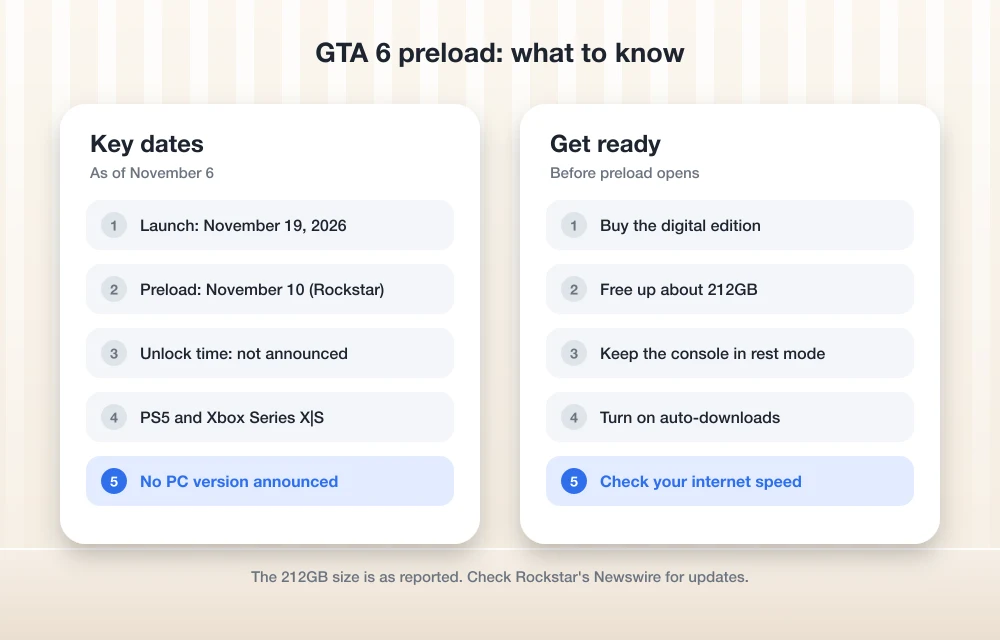
Quick answer: GTA 6 launches on Thursday, November 19, 2026 on PS5 and Xbox Series X|S, and Rockstar says preloading begins November 10. The download is reported to be up to 212GB, depending on your console. Rockstar hasn’t officially announced an unlock time, though reports point to midnight local time. No PC version has been announced.
Full GTA 6 coverage: every guide, from release times to launch-day fixes, is in our GTA 6 hub.
What Rockstar has confirmed
The release date is Thursday, November 19, 2026. Rockstar moved the game to that date in a Newswire post in November 2025, and that date still stands.
The preload date also comes straight from Rockstar. Its latest post, titled Grand Theft Auto VI Pre-Load Begins on November 10, confirms the start date. The same post says that on launch day, Rockstar will add a free printable cover-art poster and a map of Leonida (the game’s fictional state) to its official site.
At launch, the game is on PS5 and Xbox Series X|S only.

Why you’re seeing both November 10 and November 12
If you saw November 12 somewhere, you’re not imagining it. Reports say November 12 was the preload date given earlier, and Rockstar has since moved it up by two days. Reports also say the November 10 date applies to digital pre-orders. Rockstar’s post title confirms November 10, so that’s the date I’d go by.
Download size and unlock time
The download is reported to be up to 212GB, with the exact size depending on your console. Reports say this figure comes from Rockstar, but I haven’t been able to check the official wording myself, so treat it as reported for now. Either way, it’s a huge download. Free up space on your console’s storage before November 10 so the preload doesn’t stall halfway.
The unlock time is less clear. It’s reported as midnight local time, but Rockstar hasn’t officially announced it. I’ll update this post if that changes.
Watch Rockstar’s official pre-load video from Rockstar Games:
How to preload GTA 6
Reportedly, you need a digital pre-order to preload. These are the usual steps on each console. Menu names can shift slightly with system updates.
PS5
- Buy or pre-order GTA 6 from the PlayStation Store.
- Once preloading opens, go to the game’s page in the PlayStation Store or your Game Library and choose Download.
- To let it download while the console sleeps, go to Settings > System > Power Saving > Features Available in Rest Mode and turn on Stay Connected to the Internet.
Xbox Series X|S
- Buy or pre-order GTA 6 from the Microsoft Store.
- Once preloading opens, go to My games & apps > Full library > Owned games, find GTA 6 and choose Install.
- Pre-orders can also start installing on their own when preload opens, so check your queue.
Editions and prices (reported)
I couldn’t confirm these on an official page, so take them as reported:
| Edition | Reported US price | Reported extras |
|---|---|---|
| Standard | $79.99 | Base game |
| Ultimate | $99.99 | Vehicles, weapons, outfits and businesses that unlock as the story goes on |
The pre-order bonus is reportedly the Vintage Vice City Pack plus one month of GTA+. Reports also say boxed copies don’t include a physical map, which makes Rockstar’s free printable Leonida map a nice touch.
What about PC?
No PC version has been announced. Take-Two hasn’t given a PC release or date. If you haven’t picked a console yet, my PS5 vs Xbox Series X comparison can help you choose.
What to do now
If you’re on console, make sure your pre-order is digital, clear plenty of storage, and keep your console connected around November 10. Then it’s just a waiting game until November 19. If your console says there isn’t enough space, follow my guide on how to fix not enough storage for the GTA 6 preload. Setting up a new PS5 for launch? Here’s how to set up a PS5.
Frequently Asked Questions
When can I preload GTA 6?
Rockstar says GTA 6 preloading begins November 10. Reports say this applies to digital pre-orders and is two days earlier than the November 12 date given before.
How big is the GTA 6 download?
It’s reported to be up to 212GB, depending on your console. I haven’t been able to check Rockstar’s official wording, so treat that figure as reported and free up plenty of space before November 10.
What time does GTA 6 unlock?
Rockstar hasn’t officially announced an unlock time. It’s reported as midnight local time on November 19, 2026.
Images: Rockstar Games, from the official Grand Theft Auto VI website.
More in News
How to Fix GTA 6 Preload Not Showing or Not Starting on PS5 and Xbox Series X|S
Can’t find the GTA 6 preload button, or is the download stuck at 0%? Here’s how to track down the preload on PS5 and Xbox Series X|S and get it moving before the November 19 launch.

How to Fix Not Enough Storage When Preloading GTA 6 on PS5 and Xbox Series X|S
Rockstar says the GTA 6 preload needs up to 212GB. Here’s how to check your free space, clear room, add an M.2 SSD or Xbox expansion card, and get a stuck download moving again.

Can You Play GTA 6 Early? The New Zealand Time Zone Trick on Xbox and PS5
Two days out, and my group chat has stopped talking about the game itself. Now it is all about one thing: the “New Zealand trick.” The idea is simple. GTA 6 unlocks at midnight local time, New Zealand hits midnight first, so switch your console to New Zealand and start playing hours before everyone in…
The week in tech, minus the noise.
New reviews, fixes and the stories that matter — once a week, straight to your inbox.
We only use your email to send the newsletter. Unsubscribe any time. See our privacy policy.
Comments