

WhatsApp rolls out update to limit forwarded messages to 5 chats
WhatsApp has been very famous in the past few years and it has now become the go-to messaging platform for users around the world. Also, it is known that

WhatsApp has been very famous in the past few years and it has now become the go-to messaging platform for users around the world. Also, it is known that WhatsApp has a huge user base in India as well. However, there have been various incidents of mob-lynching and violence in India in the past few months and years.
Therefore, the Government of India has been very strict again WhatsApp and has already issued a notice to the company. This is in regards to curbing forwarded messages which are believed to be the main problem in this incidents.
Also, the Indian Government has told WhatsApp that it needs to implement some measures to curb the spreading of fake news as well. Now, in a move in reply to the Indian Government’s notice, WhatsApp has rolled out a new update. With this update, you will now be limited to forwarding WhatsApp messages to just 5 chats.
This will mean that the elements who have been spreading fake rumors will not be able to spread them in bulk. Apart from that, the forwarding button beside Media which was recently added will also be removed. This means that you cannot easily share images or videos easily which will slow down the forwarding process.
Now, one more thing to note here is that forwarding limit to 5 chats per user and removal of forwarding button for media will only apply to Indian users. Globally, this will still be available and you can forward to as many people as you want outside of India.
However, this is feared to give a rise to VPNs being used to use WhatsApp outside of India where this features will still be available to send messages to Indian users. Now, it is also left to be seen whether this will curb the epidemic of fake news from WhatsApp which India has severely witnessed in this days.
More in News
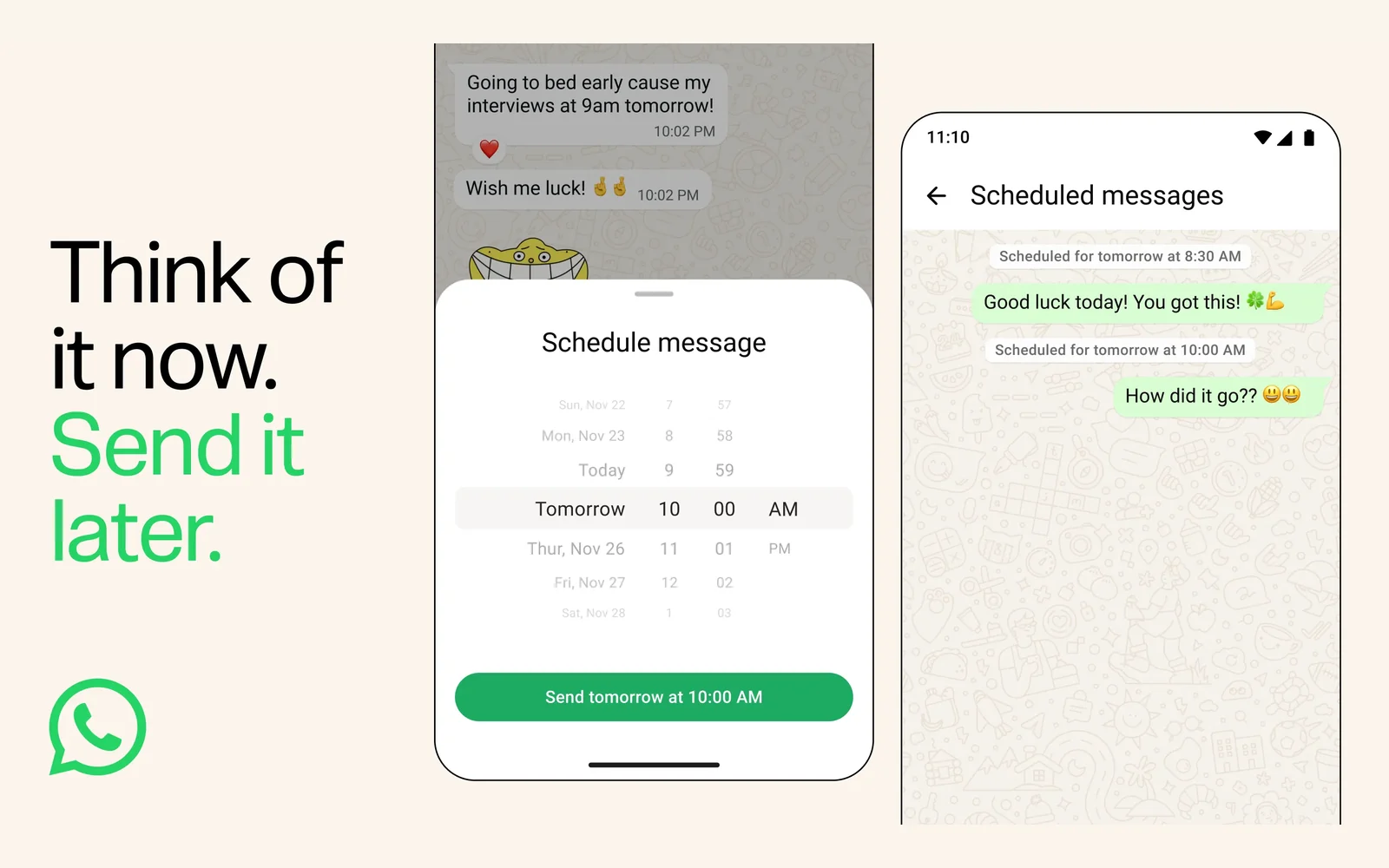
How to Schedule Messages on WhatsApp (iPhone and Android)
WhatsApp now lets you write a message today and have it sent later. Meta calls scheduled messages one of its most requested features, and they work in both one-to-one chats and groups. You can schedule a text, photo or video from 10 minutes to 14 days ahead. Quick answer: Open a chat in WhatsApp, type…

How to Use ChatGPT Live Dictation on iPhone, Android and Desktop
ChatGPT’s dictation now types your words as you speak. OpenAI calls it Live Dictation, and its November 18, 2026 release notes say it’s “rolling out globally to all ChatGPT plans on iOS, Android, web, and the desktop app.” Before, you had to stop talking and wait for the whole recording to transcribe. OpenAI has also…

How to Use Gemini Tasks for Free: Calls, Texts, Shopping and More
Until this week, Gemini’s agent mode, the version that actually does things for you instead of only answering questions, needed a paid Google AI Pro or Ultra plan. On November 17, 2026, Google made it free. Gemini Tasks can now book appointments, shop for groceries, sort your inbox into calendar events, and, in the US,…
The week in tech, minus the noise.
New reviews, fixes and the stories that matter — once a week, straight to your inbox.
We only use your email to send the newsletter. Unsubscribe any time. See our privacy policy.
Comments