

How to Use Gemini Tasks for Free: Calls, Texts, Shopping and More
Until this week, Gemini’s agent mode, the version that actually does things for you instead of only answering questions, needed a paid Google AI Pro or Ultra plan. On November 17, 2026, Google made it free. Gemini Tasks can now book appointments, shop for groceries, sort your inbox into calendar events, and, in the US,…

Image: Google
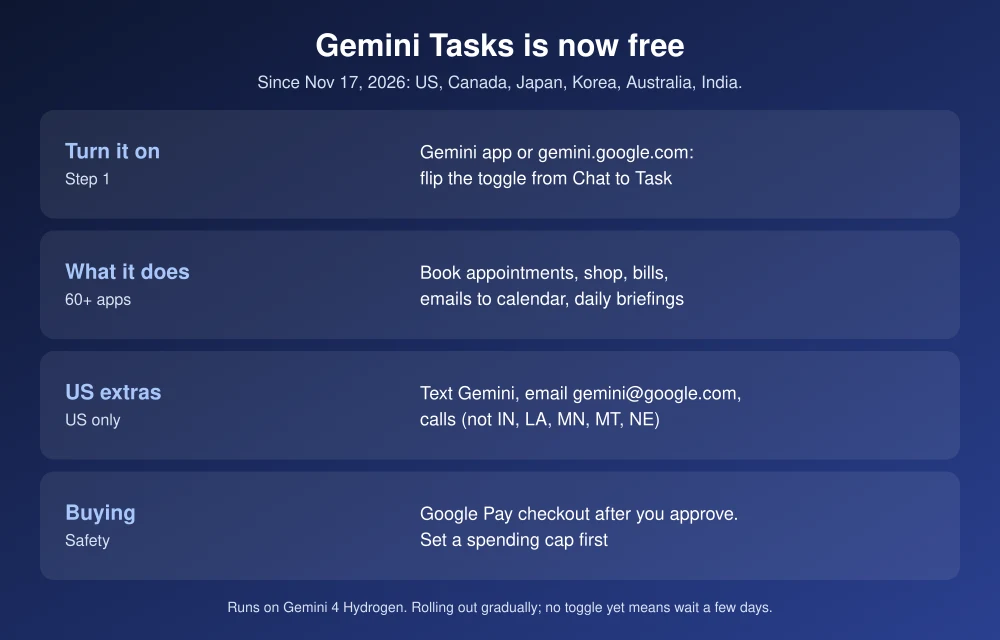
Until this week, Gemini’s agent mode, the version that actually does things for you instead of only answering questions, needed a paid Google AI Pro or Ultra plan. On November 17, 2026, Google made it free. Gemini Tasks can now book appointments, shop for groceries, sort your inbox into calendar events, and, in the US, call businesses and check out with Google Pay. It runs on Google’s new Gemini 4 Hydrogen model. This guide shows how to turn on Task mode, what to use it for, which features are US-only, and the controls that keep it from spending money without asking.
Quick answer: To use Gemini Tasks for free, update the Gemini app (or open gemini.google.com), then flip the toggle from Chat to Task. It’s above the prompt box on your phone and below it on the web. Then describe the job, such as “book an oil change at my dealer next week.” Tasks is free in the US, Canada, Japan, Korea, Australia and India, rolling out gradually. In the US you can also text Gemini, forward emails to [email protected], let it call businesses (except in Indiana, Louisiana, Minnesota, Montana and Nebraska), and buy things with Google Pay. Gemini asks before it buys, and you can set a spending cap.
What Gemini Tasks can do
Task mode is Gemini acting as an agent. It plans the steps, opens websites and connected apps, fills in forms and reports back. Google says it connects with more than 60 popular apps, including Gmail, Google Calendar, Google Maps and Instacart. In its announcement, Google gave examples like these:
- Appointments: book a car service or a haircut, then add it to your calendar.
- Bills: analyze a utility bill and explain what changed.
- Shopping: find a specific item, compare prices and prepare a cart, such as a USB-C charger or an Instacart grocery order.
- Inbox to calendar: turn school or work emails into calendar events in one go.
- Workspace: draft or send emails, create and edit Docs or Sheets, and add several calendar events at once.
- Recurring jobs: a daily morning briefing from your email and calendar, with a notification when it’s done.
How to turn on Gemini Tasks
- Update the Gemini app on Android or iPhone, or open gemini.google.com in a browser.
- Sign in with your Google Account.
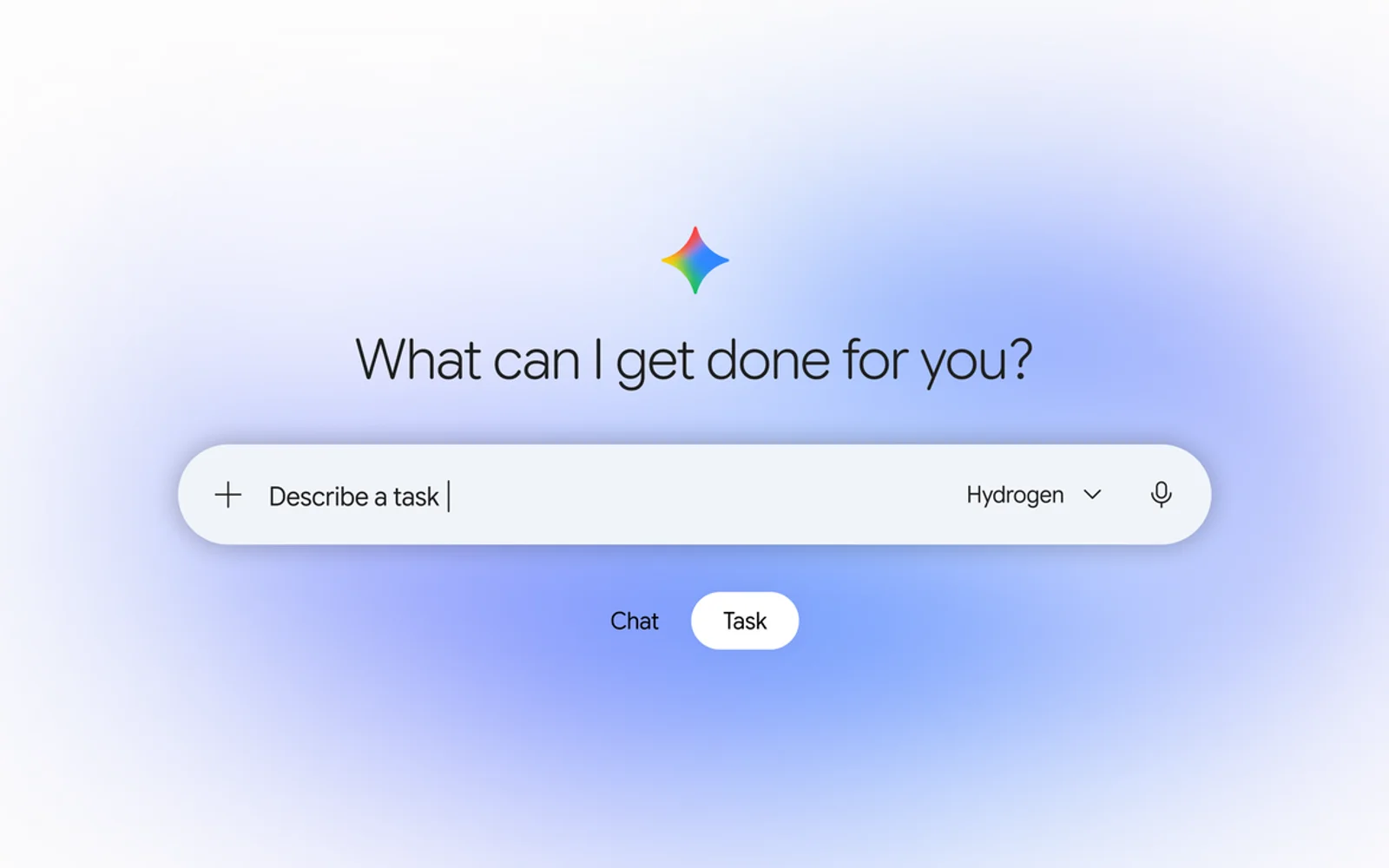
- Find the Chat / Task toggle. On your phone it sits above the prompt box. On the web it’s below it.
- Switch it to Task.
- Describe the job in plain words, with details: dates, budget, store, and anything Gemini should avoid.
- Answer Gemini’s follow-up questions, and approve the steps it pauses on.
If you don’t see the toggle, the rollout hasn’t reached your account yet. Google says it’s rolling out to eligible users gradually, so check again in a few days.
US-only extras and how to set them up
| Feature | How to use it | Limits |
|---|---|---|
| Text Gemini | In the Gemini app, go to Settings > Channels, tap Set up under Text with Gemini and verify your number. Then text from Google Messages or iMessage. | US phone number on an eligible carrier |
| Email Gemini | Forward an email to [email protected] with what you want done. The result comes back privately. | Starting in the US |
| Calls to businesses | Ask Gemini to call stores for prices, stock, quotes or appointments. It says it’s an AI at the start of each call. | Not available in IN, LA, MN, MT or NE |
| Google Pay checkout | Gemini prepares the purchase and pays with your Google Pay card. Receipts and tracking go to Google Wallet. | Visa and Mastercard. Amex coming later. |
For a full walkthrough of the calling feature, see our guide to using Gemini to call businesses.
Controls to set before you let it shop
- Spending cap: Set a hard limit before a shopping task. Gemini won’t go over it.
- Confirmation: Gemini asks you to review an itemized summary and approve before clicking Buy. Don’t approve anything you haven’t read.
- Use “Always allow” sparingly: You can let Gemini skip confirmation for routine steps. Keep payments and sending emails on manual approval.
- Interrupt anytime: You can change instructions mid-task, and Gemini pauses before critical steps. On some sites it gets most of the way, then hands the screen back to you to finish.
- Sign-ins: Gemini uses Google Password Manager to sign in, so your passwords aren’t shared outside Google.
- Disconnect apps: In Gemini’s settings you can adjust task settings, disconnect Google and third-party apps, and delete chat history.
Agents that browse the web can be tricked by malicious pages. Google says Tasks runs in an isolated virtual machine with prompt-injection filters and Safe Browsing, but you should still stick to stores you know. Our guide to checking if an online store is legit applies to AI shoppers too.
Free Tasks vs paid Google AI plans
Basic Task mode no longer needs a subscription. Paid Google AI plans still add more, such as stronger models and Gemini’s computer use on Mac, which we cover in how to use Gemini computer use on Mac. Google hasn’t said whether free accounts get a daily task limit. For the model lineup, see our explainer on Gemini 4 Neon.
FAQs
Is Gemini Tasks free?
Yes. Since November 17, 2026, Task mode is free in the US, Canada, Japan, Korea, Australia and India, rolling out gradually. It previously needed a Google AI Pro or Ultra plan.
How do I turn on Task mode in Gemini?
Open the Gemini app or gemini.google.com and switch the toggle from Chat to Task. On phones it’s above the prompt box, and on the web it’s below it.
Can Gemini buy things for me?
In the US, yes. Gemini can check out with Google Pay, but it asks you to approve an itemized summary before buying, and you can set a spending cap.
Where is Gemini calling not available?
Calling through Gemini isn’t available in Indiana, Louisiana, Minnesota, Montana and Nebraska. Outside the US, calling hasn’t launched yet.
Featured image: Google.
Disclosure: TheTechHacker has no paid relationship with Google or any company mentioned here.
More in How-to
How to Use Gemini to Call Businesses for You: Requirements, Steps and Limits
Gemini can now phone a business for you, wait on hold, ask your question or book the appointment, and send you a summary when it’s done. Google calls the feature Call for Me. It’s part of the Tasks update Google announced on November 17, 2026, but the calling part has a much shorter list of…
How to Use Gemini Computer Use on Mac to Automate Tasks
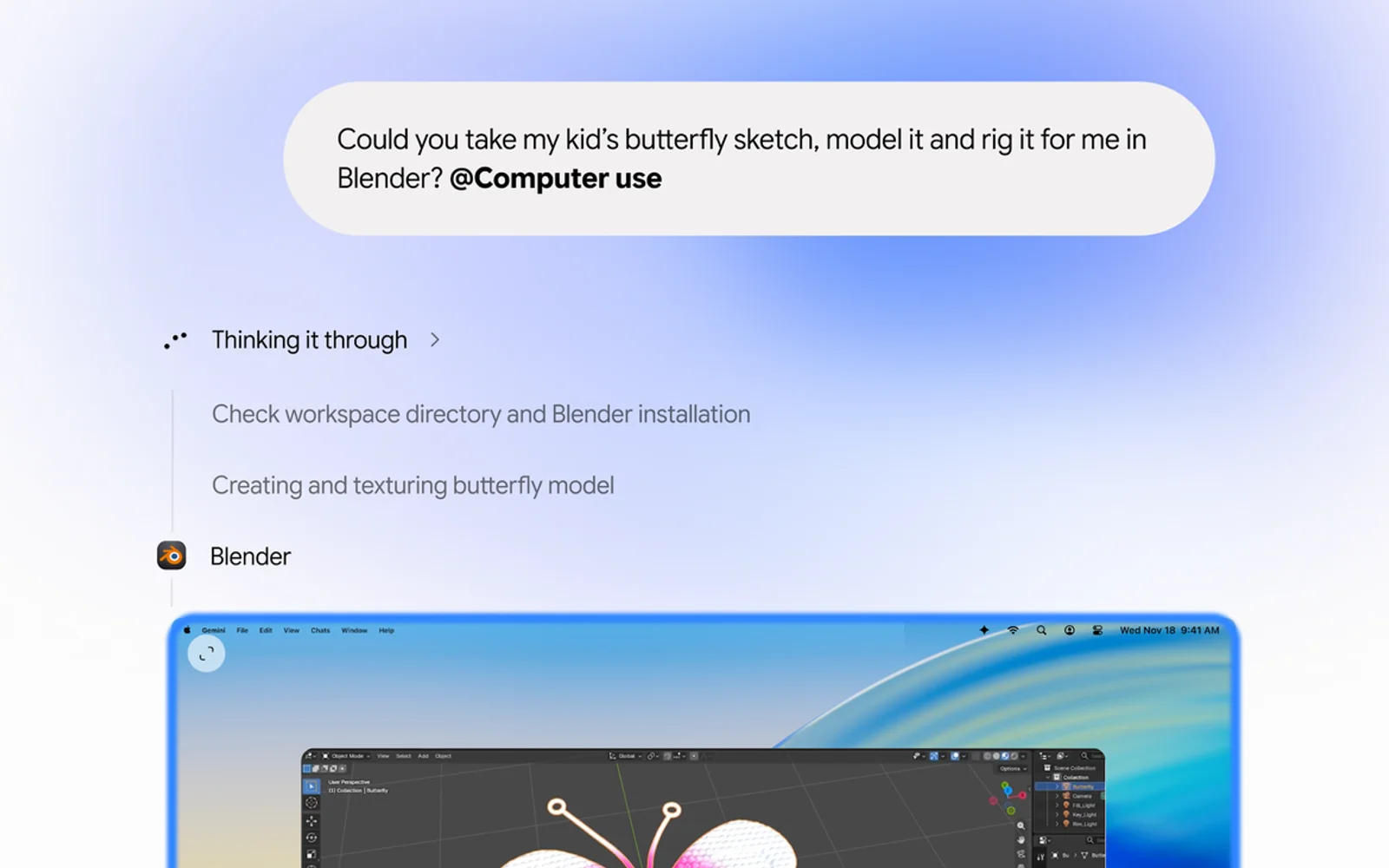
Google’s Gemini app for Mac can now do the clicking for you. With a new feature called computer use, announced on November 19, Gemini can open Mac apps and websites, fill in forms, work through menus and finish multi-step jobs in the background while you keep using your Mac. It’s the kind of agent feature…
How To Turn on Google Two Factor Authentication
Staying safe online is not an easy task. Every year we are seeing the increase in hack attacks on individual and business accounts. Luckily, 2-factor authentication came into the limelight by making our online accounts more secured. As you know Google is offering more number of IoT services than any company to the normal users.…
The week in tech, minus the noise.
New reviews, fixes and the stories that matter — once a week, straight to your inbox.
We only use your email to send the newsletter. Unsubscribe any time. See our privacy policy.
Comments