

WhatsApp Tests View-Once Text Messages: How They Work
WhatsApp is testing view-once texts on iPhone that block screenshots and vanish after reading. How it works and when it may arrive.


WhatsApp is testing view-once text messages on iPhone, extending a privacy feature that already works for photos, videos and voice messages. The test showed up for some TestFlight beta users this week, WABetaInfo reports.
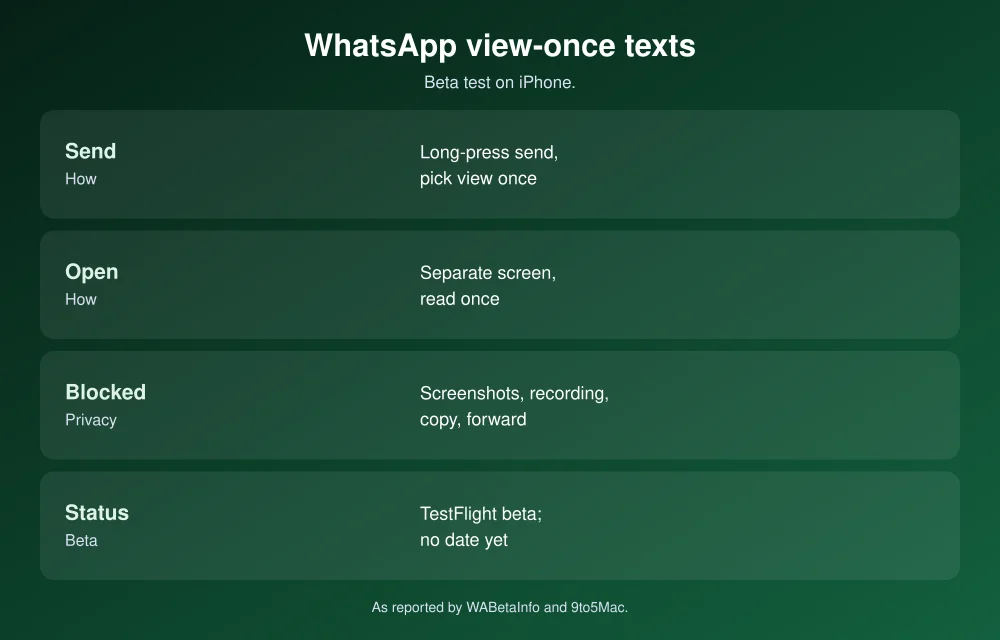
Quick answer: WhatsApp is testing view-once text messages in its iOS beta. You long-press the send button and choose view once. The recipient opens it in a separate screen that blocks screenshots, screen recordings, copying and forwarding, and once they close it, neither person can see it again, according to WABetaInfo. It’s a beta test only, and WhatsApp hasn’t said when or if it will reach everyone.
How View-Once Texts Work
- Type your message in a chat.
- Long-press the send button.
- Pick view once. The same menu also has schedule message.
- The recipient taps the message to read it in a separate view.
- When they close it, the message is gone for both of you.
WhatsApp blocks screenshots and screen recording of the message, but someone could still take a photo of the screen with another device. Don’t send anything you’d regret.
Other WhatsApp Changes This Week
- Travel eSIMs: WhatsApp announced you’ll be able to buy and install a travel data plan inside the app, with partners including Verizon and Jio, according to the WhatsApp Blog. It rolls out in select countries soon.
- Minimal tab bar (beta): iPhone beta users see the tab bar icons for Updates, Calls, Contacts, Chats and You without text labels, WABetaInfo reports.
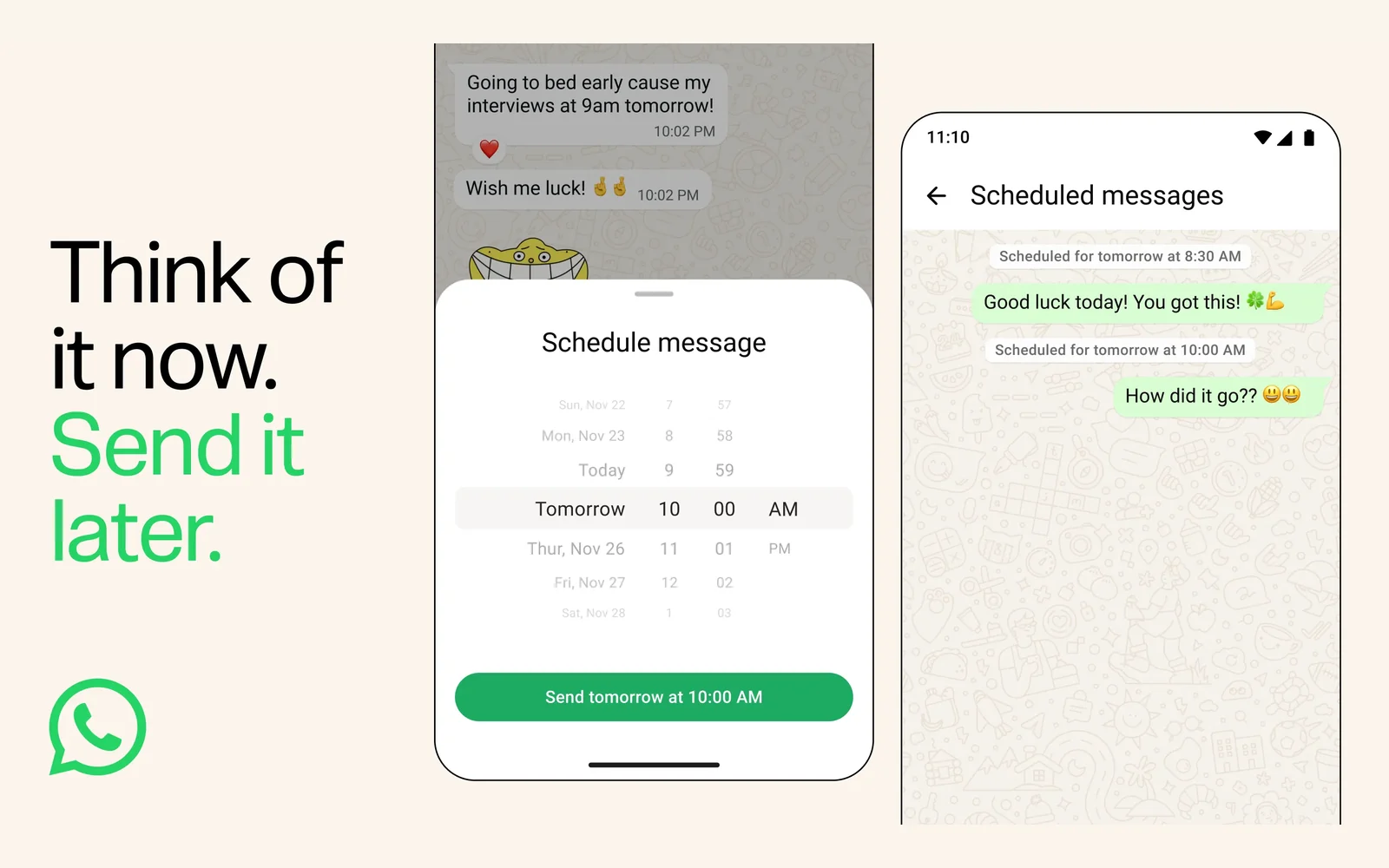
- Scheduled messages: now rolling out officially.
How to Try It Early
View-once texts are only in WhatsApp’s TestFlight beta for iPhone, and beta spots are usually full. Keep WhatsApp updated from the App Store or Google Play so you get it when it rolls out.
Read more on how WhatsApp travel eSIMs work, how to schedule WhatsApp messages and WhatsApp backup without iCloud.
FAQs
Can you send view-once text messages on WhatsApp?
Only in WhatsApp’s iOS beta for now. It’s not available to everyone yet.
Can the recipient screenshot a view-once text?
No. WhatsApp blocks screenshots, screen recordings, copying and forwarding.
How do I send a view-once message?
Long-press the send button and choose view once, if you have the feature.
When will view-once texts roll out?
WhatsApp hasn’t said. Beta features can take weeks or months, or may not launch.
Featured image: WhatsApp.
Disclosure: TheTechHacker has no paid relationship with WhatsApp or Meta.
More in News

WhatsApp Travel eSIMs: How They’ll Work and How to Use a Travel eSIM Now
WhatsApp will soon let you buy a travel data eSIM right inside the app. The idea is simple: land in another country, tap a few times, and keep using WhatsApp on your normal number without roaming charges or hunting for a local SIM card. It isn’t live yet, but you can already use travel eSIMs…
How to Schedule Messages on WhatsApp (iPhone and Android)
WhatsApp now lets you write a message today and have it sent later. Meta calls scheduled messages one of its most requested features, and they work in both one-to-one chats and groups. You can schedule a text, photo or video from 10 minutes to 14 days ahead. Quick answer: Open a chat in WhatsApp, type…

WhatsApp Backup Without iCloud on iPhone: How It Works and Who Gets It
If your iPhone keeps warning that iCloud storage is full, WhatsApp is often a big reason. Chat backups with years of photos and videos can take up several gigabytes, and on iPhone they’ve always had to go to iCloud. That’s starting to change. WhatsApp is now testing its own backup storage on iPhone, with 2…
The week in tech, minus the noise.
New reviews, fixes and the stories that matter — once a week, straight to your inbox.
We only use your email to send the newsletter. Unsubscribe any time. See our privacy policy.
Comments