

You can now auto-delete location history and activity data on Google
We have heard people complaining about their privacy being compromised because of location history and activity data. This is because Google tracks the

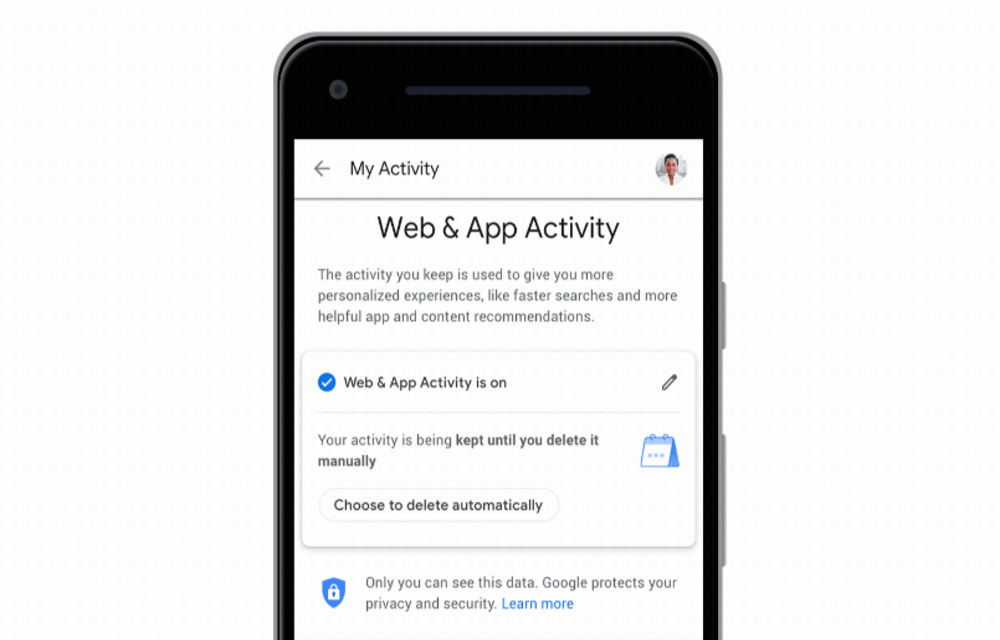
We have heard people complaining about their privacy being compromised because of location history and activity data. This is because Google tracks the data and then uses it for advertising purposes after consent. However, Google has just announced something which will please all the privacy advocates out there. The company has now made it possible for you to auto-delete location history and activity data on Android as well as iOS. Previously, you were able to turn off location history and web & app activity. However, you can auto-delete them all together as well.
But there is always a catch and here is one as well. This feature will let you select the auto-delete period from an interval of 3 months up to 18 months. This means that you can select if you want to keep your data for 3 months and then data or up to 18 months. Any data which is older than the selected period will be deleted. So if you thought that your location and activity data from yesterday will be deleted, that’s not the case.
Google says that this feature should be available on the new auto-delete controls soon and they will come first for the Location History and Web & App activity. Also, the rollout of this feature will happen in the coming weeks and users should see this on their device automatically because it is a server-side update. If you are not seeing the feature yet, there is no option for you other than to wait.
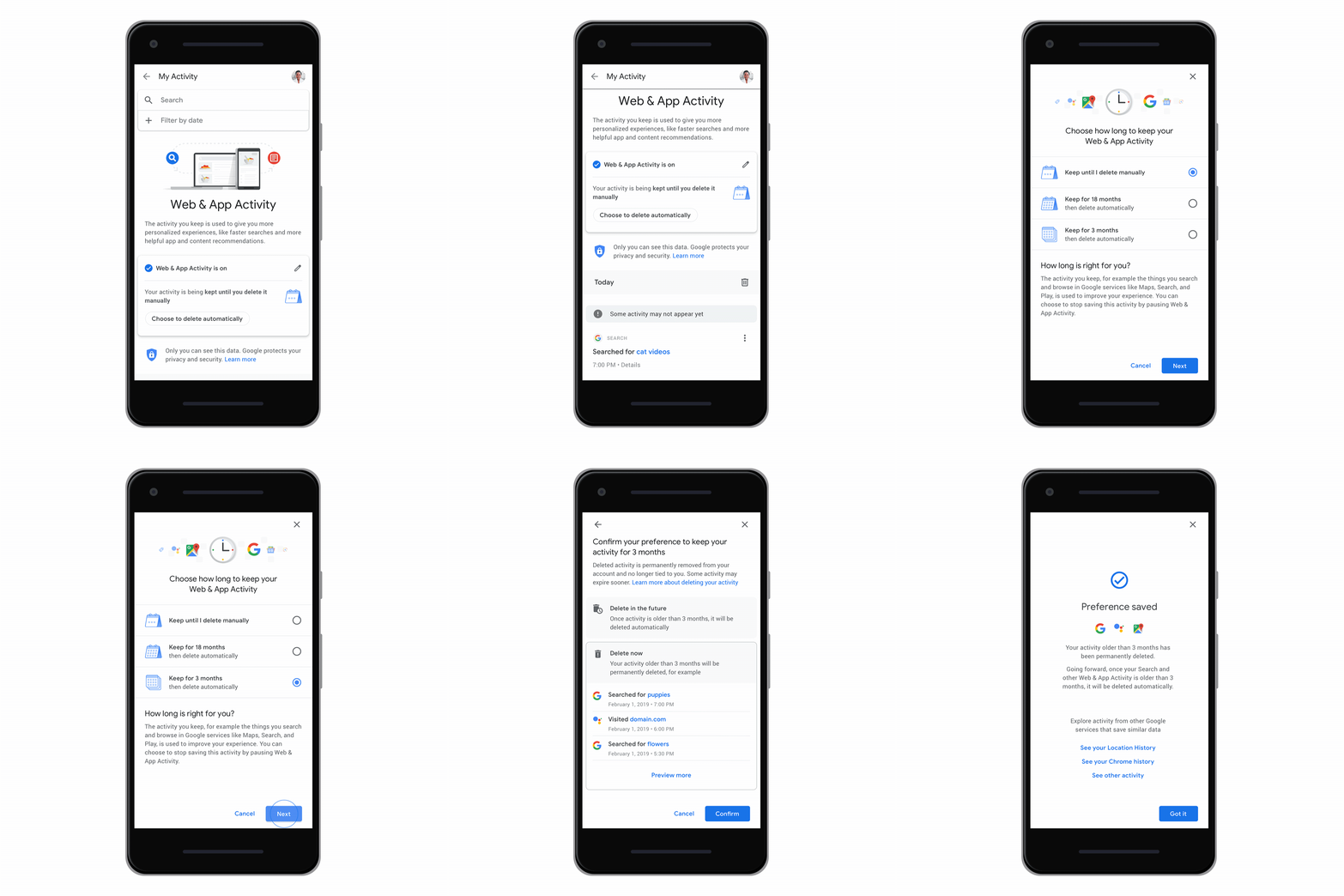
Having told you about the auto-delete feature, you still have the option to delete the data manually. This means that the data will be stored until you press the Delete button. If you want to delete your location data from last week or so, manually deleting it is still the best option. This option will be available in the My Activity > Web & App activity > Choose to Delete automatically inside Google’s Settings.
More in News
How to Use Gemini on Apple CarPlay: Setup, Voice Tips and Limits
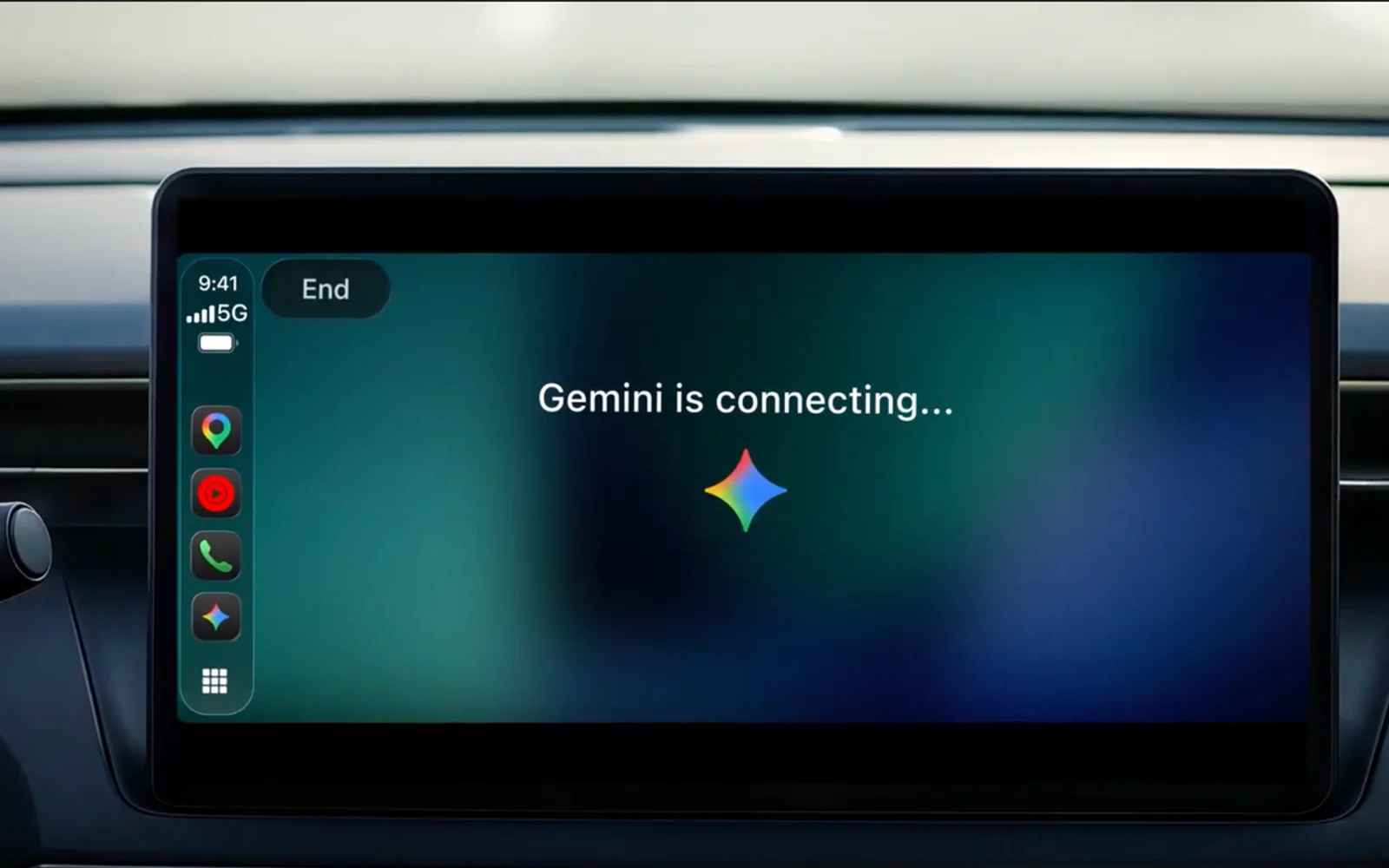
Google’s Gemini app now works on Apple CarPlay. Google announced it on November 11, 2026, rolling out “to all Gemini users on iOS,” and the App Store listing now shows a “Gemini is now on CarPlay” banner. Many people will be on the road for Thanksgiving this week, and Gemini can read out your calendar,…
How to Back Up Your Business Data: Cloud Backup Options Compared (2026)
A guide for US small businesses on backing up files, email, accounting data and Microsoft 365 or Google Workspace, with a simple 3-2-1 setup that holds up against ransomware.

ChatGPT Health Comes to Android: How to Connect Health Connect and What It Shares
ChatGPT Health now reads Android Health Connect data in the US. How to connect it, what OpenAI uses for training, and how to disconnect and delete your data.
The week in tech, minus the noise.
New reviews, fixes and the stories that matter — once a week, straight to your inbox.
We only use your email to send the newsletter. Unsubscribe any time. See our privacy policy.
Comments