

Guides
A Simple Way To Install WordPress On Windows
WordPress is a great platform for bloggers, business owners, and developers. it is a simple and easiest CMS in the World. It is good to test a plugin or theme, or any major development locally on a PC than on the real server. Some people want to try WordPress before really step into online, it…
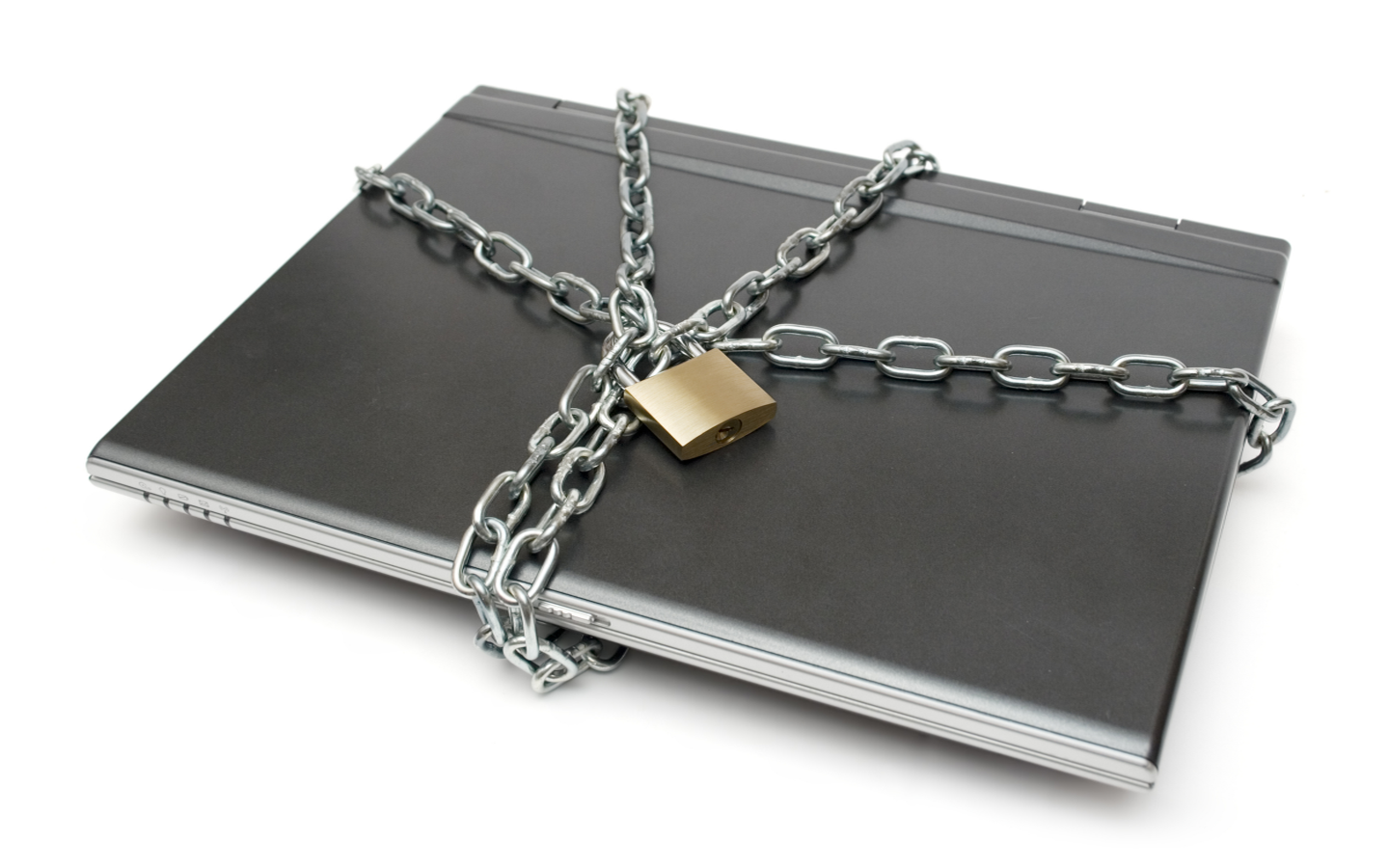
How to Secure Your Laptop At Work
Laptops offer a most convenient way to work with portability and mobility. At the same time, it is an easy target for thieves. You can secure your laptop from thieves with simple steps. Some are software’s and some are tools.
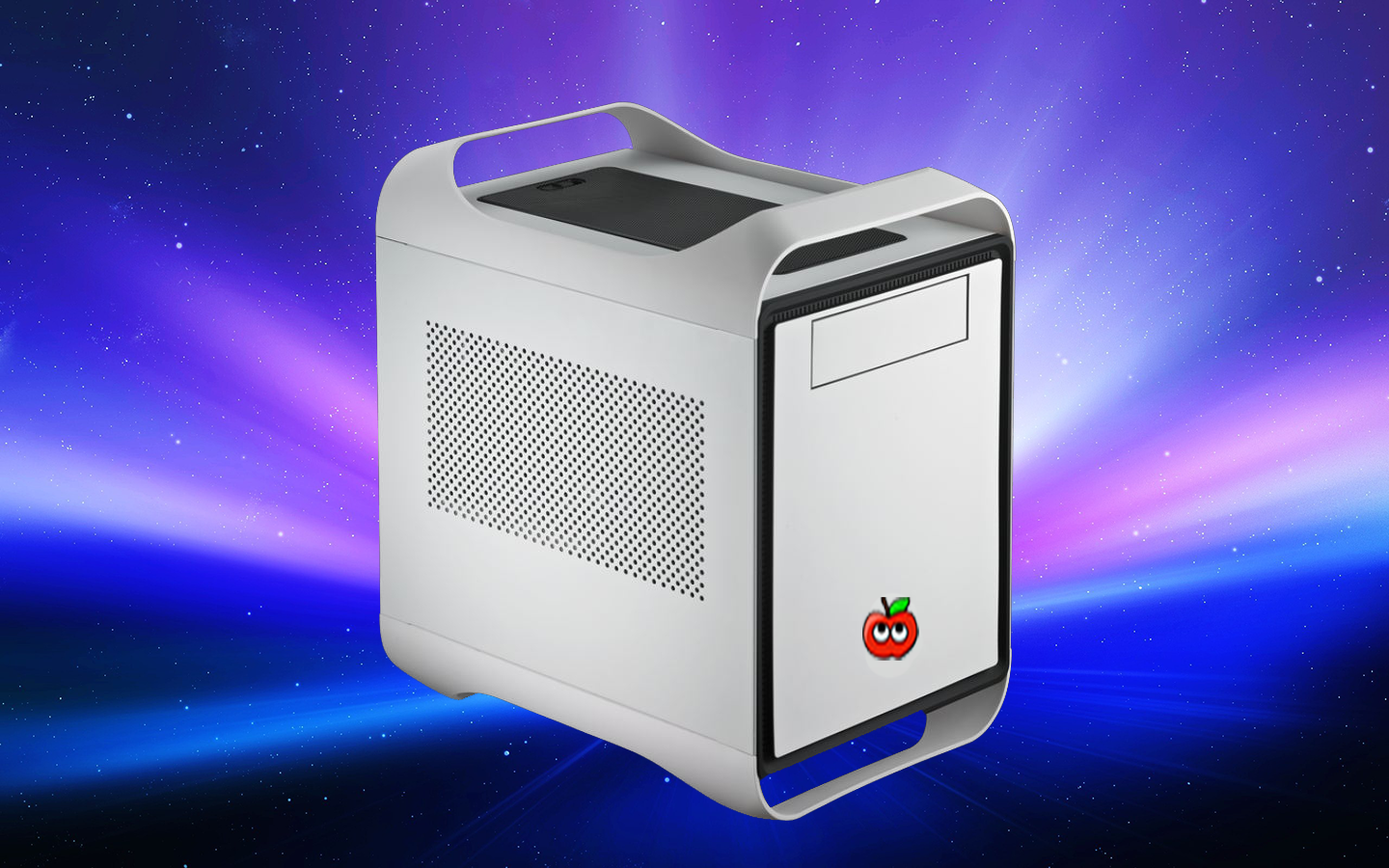
How To Build A Hackintosh In Simple Steps
Mac’s are ultimate machines, but they are very costly.Hackintosh is a superb combination of non-Apple hardware with Apple OS.

How To Optimize Hard Disk For Best Performance
The hard drive is one of the essential part of Computer. The hard drive can be optimized for improved performance and longer life. There are many simple ways to improve the performance and reliability of the Hard drive. Follow these simple steps to optimize Hard drive. Related Articles How To Uninstall A Microsoft Windows OS…
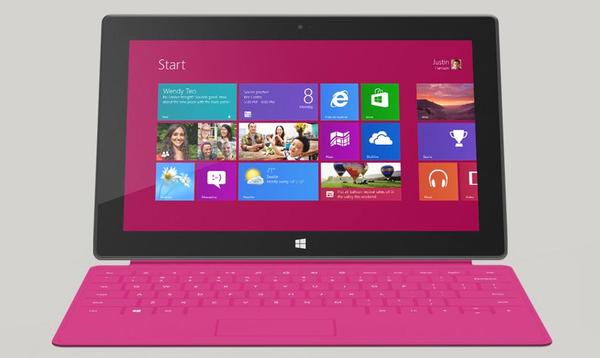
How to Take Screenshots On Windows 8 Surface Tablets
How to Take Screenshots On Windows 8 Surface Tablets: Windows 8 is slowly gaining its market share in tablet markets. Windows 8 Tablets has very good features like start screen and brand new Windows 8 store. For various reasons, we need screenshots sometimes. For example, we can use screenshots for sharing a business document, images,…
How to Silence your Noisy Computer
How to Silence your Noisy Computer: Computers are built with a lot of parts, they can easily attract dust. Dust make your computer slow and very noisy.
How to Access Two Dropbox Accounts In One Computer
How to Access Two Dropbox Accounts In One Computer: Dropbox is everyone’s favorite Cloud storage service. Some people maintain more than one Dropbox accounts.

How to Download Your Entire Facebook Data
When it comes to social networks, Facebook is now among the most popular options. It is something that you engage with for virtually everything. In the event that there is a check-in, you will post it on Facebook. If there is a celebration, you are permitted to also share the live video. Nevertheless, you also…

Is daily Shut down is necessary for PC?
Is daily Shut down is necessary for PC?: Basically shutting down the computer daily is depending on the necessity of the user. It has its own pros and cons. Those who are concern about energy saving they can daily shut down the computer. Pros of Shutting down the computer Daily Computer consumes a large amount of power…
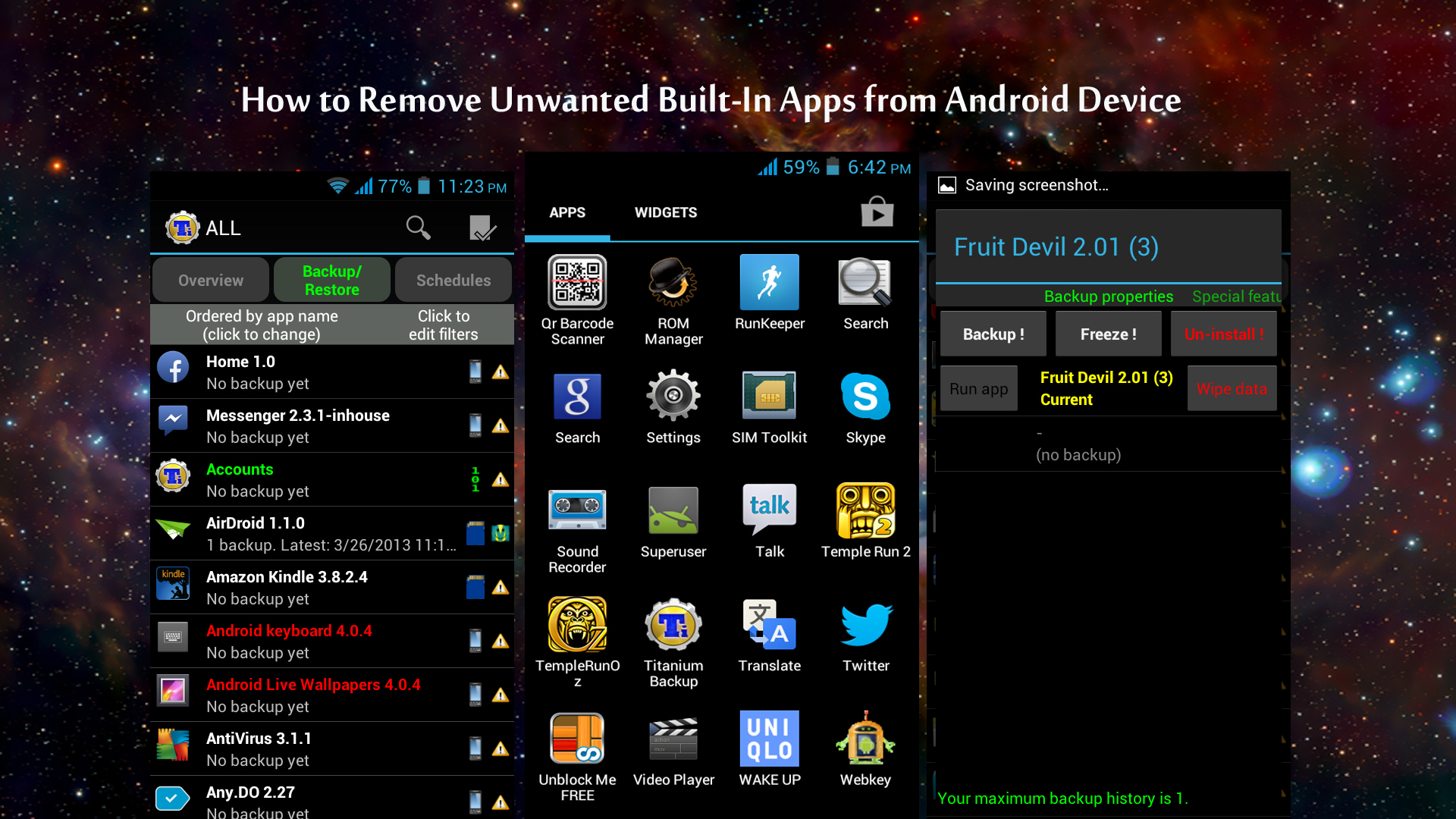
How to Remove Unwanted Built-In Apps from Android Device
Many smartphone manufacturers are installing their default apps and sponsors apps on their devices. Only a few of them are useful, and many are consuming a lot of space on your device without productivity. Nowadays every Android phone comes with built-in apps; most probably they are not required by regular usage. These apps consume a lot…
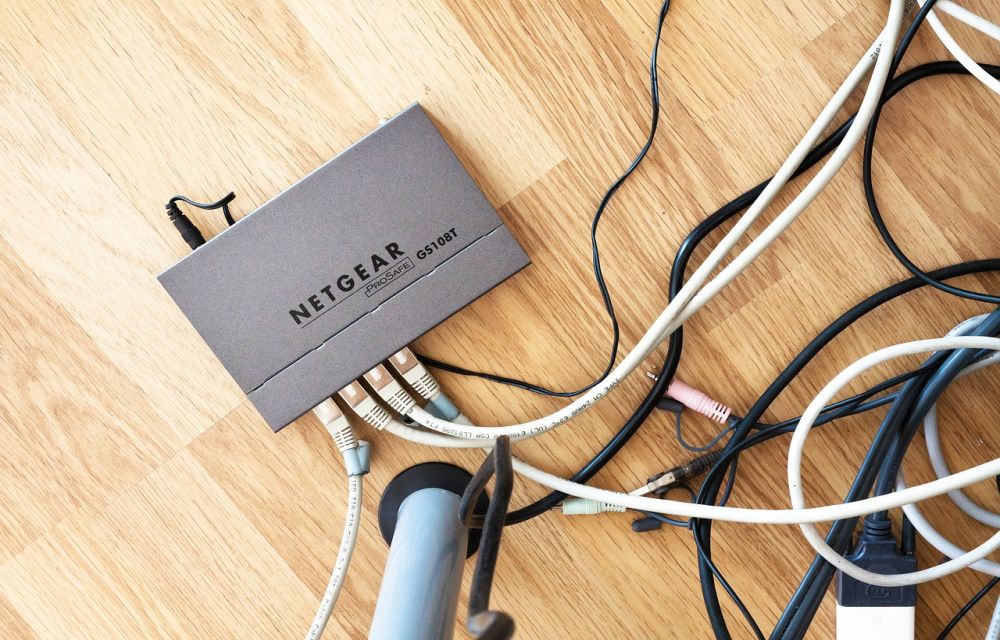
How To Improve WiFi Router Signal Strength
WiFi became an essential part of our life. Now we can see a WiFi router in every house for wireless internet connectivity. It is evident that WiFi router comes with a limited range support based on hardware. It is frustrating when we receive poor WiFi signal even it is placed in an open location. If…
How to Take a Screenshot on Android
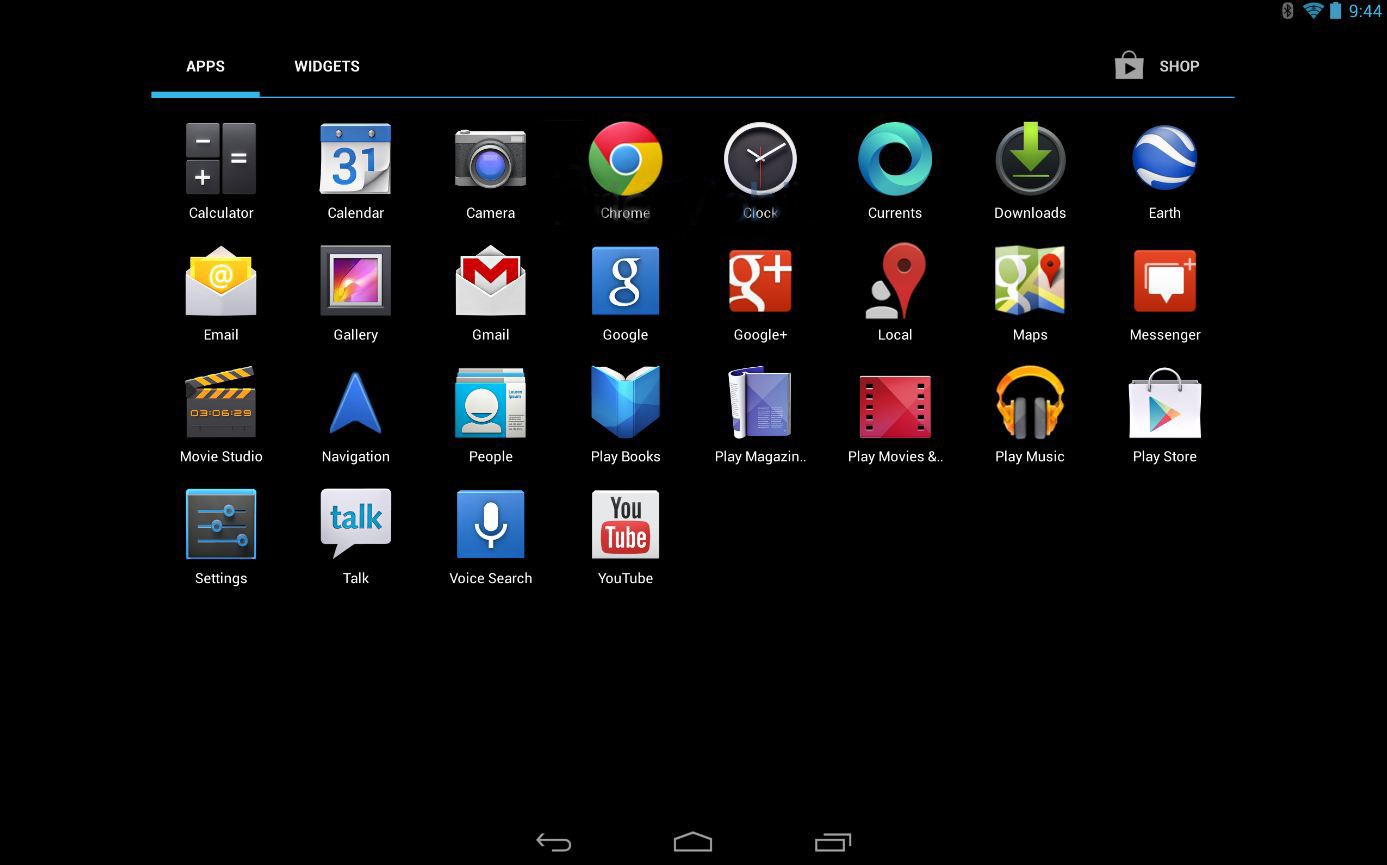
In the early days of Android OS, we required some special access or may be the root privileges to take a screenshot on Android. However, those days are gone. We can now take a screenshot on Android by a variety of ways possible. How to Take a Screenshot on Android: Taking Screenshot of your Android…