

Guides

How To Create A PowerShell Profile On Windows 10
PowerShell is a handy profile to execute customized command lines in one click. It allows you to customize the environment that you want to open it. A PowerShell profile is a script that runs when PowerShell starts. You can use the profile as a logon script to customize the environment. You can add commands, aliases,…

50 Best Cryptocurrency Blogs to Follow
Cryptocurrency blogs are one of the most trend acts that are getting viral these days. More and more sites are emerging on a daily basis keeping the readers updated with the latest in and outs about the crypto world. It not only provides an effective tool for those related to this crypto business but also…

How to Enable Google Assistant Ambient Mode
How to Enable Google Assistant Ambient Mode: Smartphones are merely small computers. You can do anything done on a personal PC on your handheld device. You can make calls, socialize and play games on your 6-inch iPhone comfortably. Android users have the advantage of exclusive Google features which are not available in other mobile OS’s.…
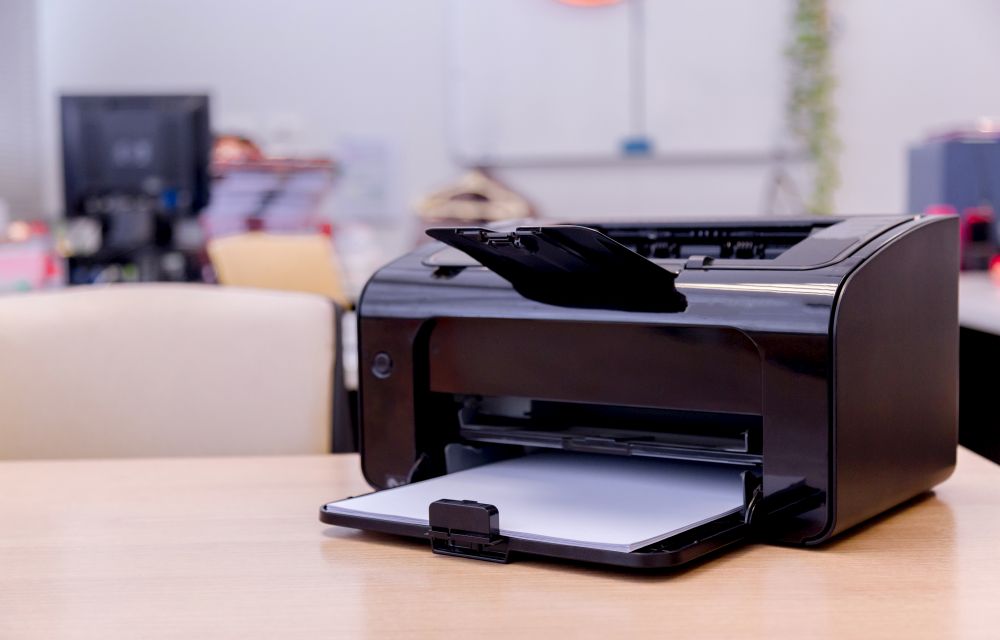
How To Find The IP Address Of A Network Printer
There are many reasons to know the IP address of a network printer. Whether you want to add one more printer to the network or adding new devices like Mac, Android or iOS to print from the network printers. Or in some cases, it is useful to solve the technical errors usually caused in the…

How to hide photos you liked accidentally on Instagram
This is one of those things that happens to every one of us, and it is surely embarrassing. It is related to Instagram and other platforms, so we feel that most of our readers can relate to it. Let’s take an example: you are in bed at night but cannot sleep, so you take your…

Fix the user-profile bug on Windows 10’s latest patch in this way
As you might have seen, Windows 10 has lately been quite buggy for some users and we have seen that Microsoft is hard at work updating the OS and releasing new patches to remove those bugs. A new bug has been found in the latest patch of Windows 10 which is named as the “user-profile”…
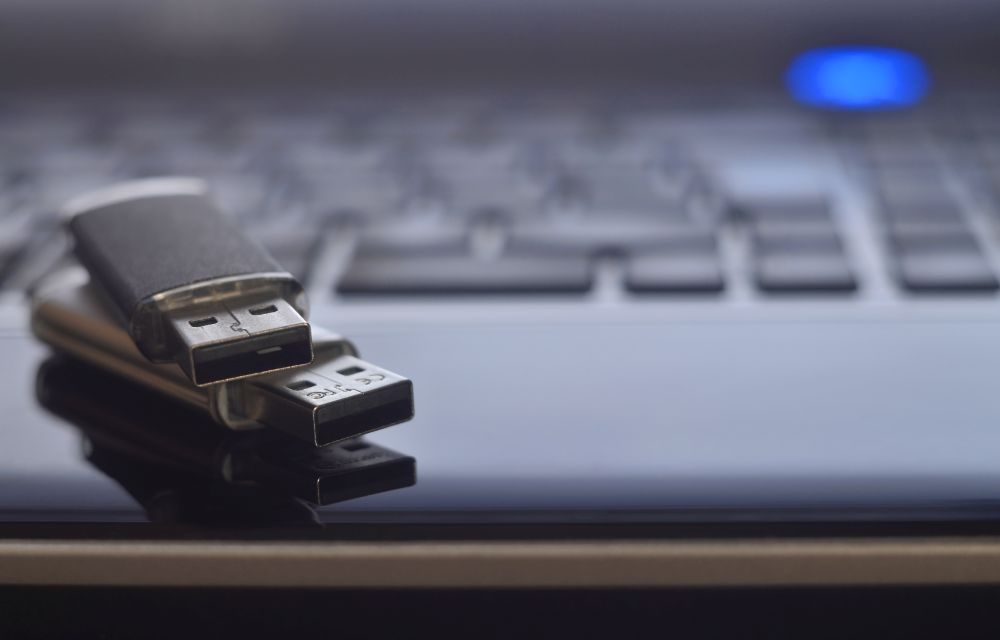
How To Use Rufus To Create A Bootable USB Drive
Gone are those days when we used to CD or DVD to boot Windows XP and higher OS versions. The latest models of laptops and desktops are not coming with the optical drive enabled. I can literally say, CD and DVD’s are obsolete now at least for installing Operating systems. For Windows users, there are…

How to Identify the Graphics Card in Your Windows 10 PC
GPU’s are essential hardware which lets you play your favourite games. Each GPU comes with different configuration and processing powers. As the gaming industry is developing with the latest games, you need to replace your older graphics cards to run the newest games. If you want to know the model number of the graphic card…
Adios Lets Your PC To Shut Down, Restart, At A Specific Time
Shutting down, restarting a PC are manual things until now. Meet Adios, this program lets you schedule restart, shutdown, sleep with a timer. It is a pretty good thing for clearing unwanted temporary files and freeing up the memory. The automatic shut down feature is the most awaited feature for me. I regularly put large…

How to convert Bitcoin to Cash?
How to convert Bitcoin to Cash: Bitcoins are a hot topic for the past 5 years. People have been purchasing bitcoins, mining them and getting more and more in their pockets. This was a sought of a gamble for people a few years ago in order to earn money. When bitcoin got a huge bump…
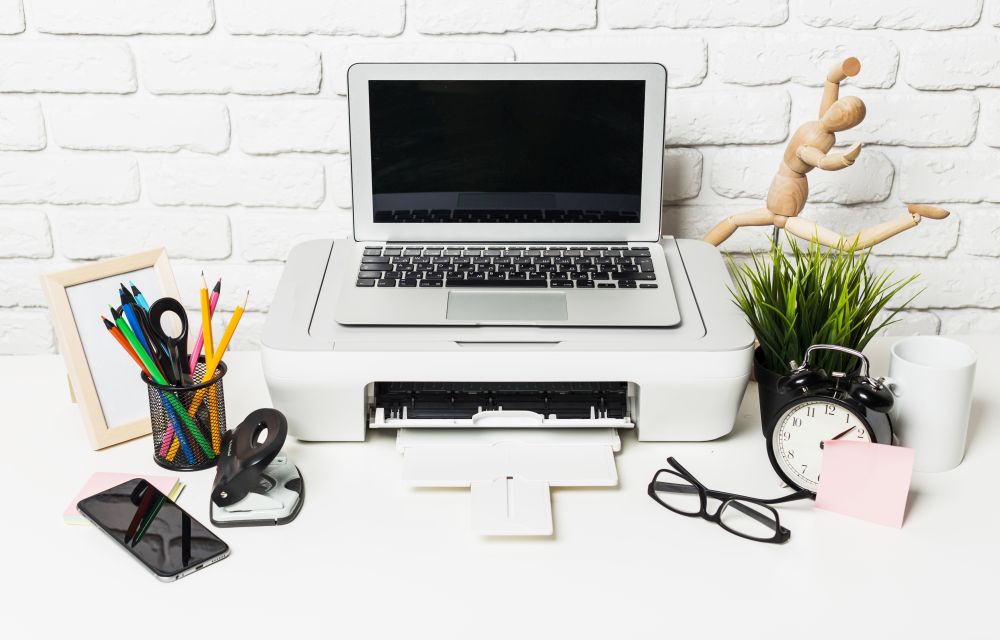
How to add printers on macOS
Even after digitalizing everything, printers are still used by many. To save paper and trees many services are turned into soft copies which are emails, reports and other computer-related services. But still, somethings can’t be changed like copies of our certificates, reports, contract agreements etc are still needed to be printed. Mac’s are evergreen machines…

How to repair corrupted files in Windows
A system crash is the most common problem among Windows users. Not only it crashes the system to boot properly, but it also sometimes damages the files. It is the worst situation if you have important documents and photos on your PC. If you are facing the system crash issue and all your files corrupted…