

Guides
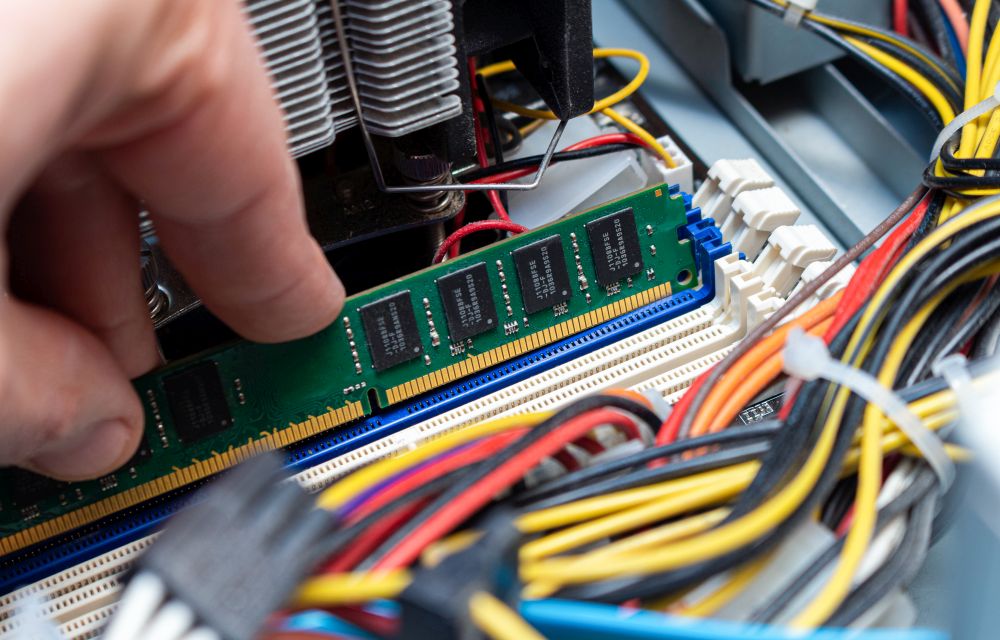
How to free up RAM on Windows 10
No one likes a slow-performing computer. As we are moving towards the future with the latest apps and games, the computing power also must meet software requirements. RAM (Random Access Memory) plays a crucial role in the performance of the computer. Sufficient RAM is required to handle the tasks. For example, if you are using…

Complete list of device manager error codes
Have you ever encountered an error on your computer when you trying to connect a device? If yes, you may see an error code it means your computer is experiencing problem with the device driver or other configuration and hardware-related problems. The Windows is very clear about showing the error code to the users. When…

How to remove ‘Congratulations You Won’ virus on Android smartphone?
‘Congratulations You Won‘ is a type of virus which appears on the Android smartphone. If you are receiving these types of messages, your device might be infected with the virus. Congratulations You Won and You are today’s lucky visitor virus reasons It is not a surprising or fun thing when you receive these messages. Your…
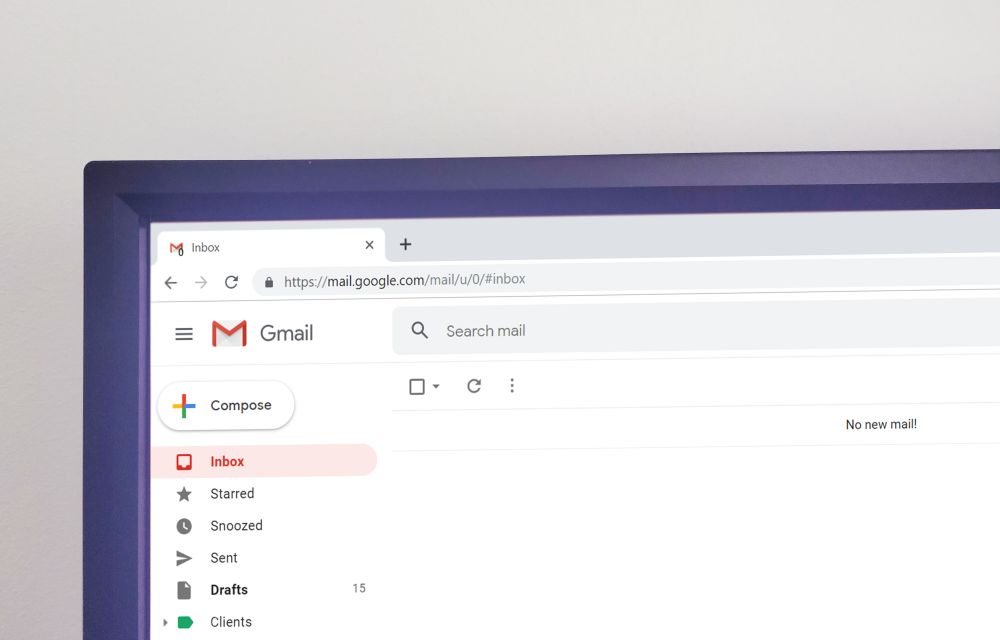
Set up Gmail account with these Google IMAP Settings
Set up Gmail account with these Google IMAP Settings: Everyone uses emails extensively for work and business as well as personal reasons too. Now, when we talk about emails then we instantly have Gmail in our head. This is because there are other email providers too but Gmail is by far miles ahead than the…
How to download and install DirectX on Windows 10
DirectX is a popular application required to run multimedia and game files on Windows 10. It is a combination of application programming interfaces (API) to run multimedia, game, and video applications. When you are planning to play games on Windows 10, you must need DirectX installed on your PC. The first version of DirectX released…

FreedomPop Wireless Internet Service Review
Who doesn’t want a free Internet service while on the go? As we are living in an expensive mobile data plans, there is a service which is offering 100% free high-speed Internet on any device including iPod’s, iPhone, and laptops. Meet FreedomPop. A hassle-free service comes with no contract agreement with faster 4G speeds. What…

How to remove File Rep Malware from your computer?
File Rep Malware is a very popular malware file which is designed to spread unwanted ads, pop-ups on infected devices. Technically, it shows two types of effect on infected computers. We are living in times where the security of our smartphone is most important than everything else. This is because our personal data which is…

Best VPN for Smart TVs to ditch content censorship
The Internet has changed the way of living our life much better. If you are living in a country where the restrictions are implemented on accessing entertainment sites, and content filtering, the use of a VPN is must than other users. We are seeing there is a huge growth in online streaming content where Netflix,…

How to convert WEBP images to JPG or PNG formats on Windows 10
WEBP format is developed by none other than Google and it is largely used on Google-related services. If you visit the Google Play store and try to save the app screenshots on the computer then it will be saved as WEBP format. If you compare with popular image formats like JPG and PNG, WEBP format…

How to insert Special Characters in Windows 10
Special characters always have special importance while typing. They are used in special cases while typing currency and copyright symbols. If you want to use special characters in your writing work, then Windows 10 has Character Map for you. Character Map is a Windows tool designed to type special characters. In this article, you will…

How to send SMS or text from Computer?
Text messaging is an evergreen method of communication. Even after the launch of quick messaging services like WhatsApp, Messenger, and Telegram, SMS is still used by many people. The use of text message is far simpler than the other communication mediums is the advantage of the SMS. If you are planning to send SMS or…

Automate rental business with iGMS Vacation Rental Software[review]
The vacation rental business is booming and the number of hosts endeavoring this lucrative venture is increasing. Managing such a business consumes time and efforts to streamline the daily tasks, plus this also becomes a hurdle in growing the business. You also need more workforce to answer queries with repetitive tasks such as updating calendars,…