

Must Have Best Boot Disk’s For Every Windows User
A system crash is the most common action when OS crashes, boot failures, and error messages occur. Keeping a good rescue CD on your desk will help you handle sudden system crash issues. A boot disk (live CD) is a removable digital data storage medium from which a computer can load and run an operating…

A system crash is the most common action when OS crashes, boot failures, and error messages occur. Keeping a good rescue CD on your desk will help you handle sudden system crash issues.
A boot disk (live CD) is a removable digital data storage medium from which a computer can load and run an operating system or utility program without installing it on a hard drive. Boot disks come in very handy when the system crashes. It is used for data recovery, data purging, hardware or software troubleshooting, administrative access in case of lost passwords, and BIOS flashing. If you are looking for the best boot disk for your personal needs, here is the best list to pick.
1. Hiren’s Boot CD
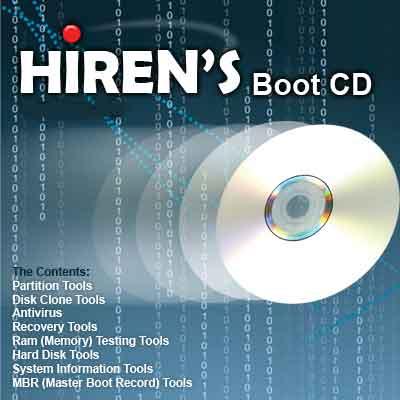
Hiren’s Boot CD (HBCD) is a system rescue CD that contains a solution to system troubleshooting situations. It is a lifesaver for a variety of situations, including virus infections, hard drive failure, password recovery, BIOS/CMOS tools, data recovery, anti-malware utilities, and partitioning. You can choose to boot from the hard drive, which will boot your computer as if you had not inserted the CD or boot from the CD to start accessing tools included on the CD.
2. Backtrack
BackTrack provides users with easy access to a large collection of security-related tools ranging from port scanners to password crackers. Support for Live CD and Live USB functionality allows users to boot BackTrack directly from portable media without requiring installation. It is only for crack passwords, packet sniffing, brute force attacks and penetration testing of computers. It is not meant for data recovery.
3. Ubuntu
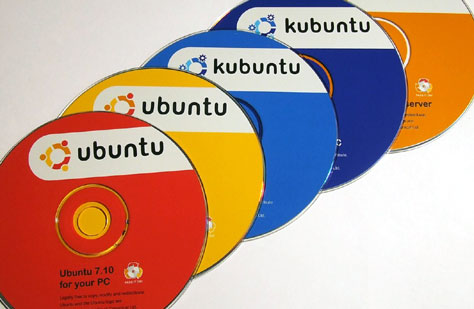
Ubuntu is the most popular Linux distribution. You can try Ubuntu without installing it. When your system won’t start, not even in safe mode, Ubuntu is a lifesaver. Ubuntu comes with good tools for accessing the health of your hard drive. Another good tool is the Disk Usage usage analyzer. Ubuntu CD comes with Gparted, which is a good drive partitioning program. The Ubuntu live CD comes with Open Office, Pidgin, Firefox, the BitTorrent client Transmission, and the open-source image editor GIMP.
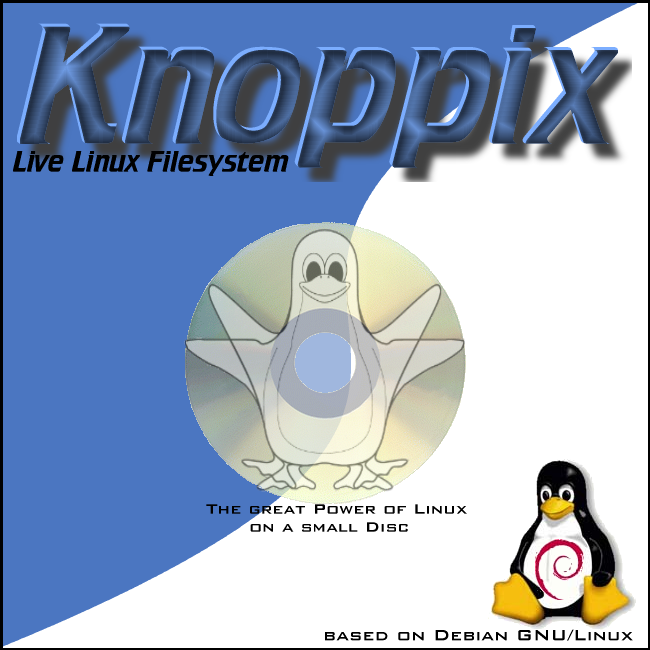
4. Knoppix
Knoppix is a Debian-based Linux distribution. It is a bootable Live system on CD or DVD, consisting of a collection of GNU/Linux software, automatic hardware detection, and support for many graphics cards, sound cards, SCSI and USB devices, and other peripherals. It comes with 2000 built-in tools, everything from disc recovery to media playback.
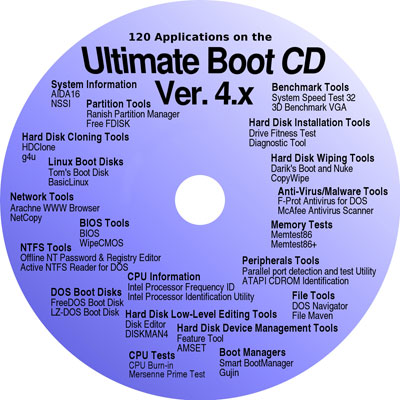
5. Ultimate Boot CD 4 Windows
Ultimate Boot CD 4 is a bootable recovery CD that contains software used for repairing, restoring, or diagnosing almost any computer problem. Its user interface is the same as Windows. It comes with famous built-in tools like 7-Zip, Auslogics Defrag, CCleaner, FileZilla, and UltraVNC.
6. The Trinity Rescue Kit
The Trinity Rescue Kit is a perfectly designed rescue disk for both Windows and Linux users. It has robust virus and malware scanners, along with partition recovery and password recovery tools. As you can see from the features of The Trinity Rescue Kit, it will be useful in lost password recovery, partition damage, and malware-infected PC recovery.
When compared to the number of features offered by Hiren Boot CD and UBCD, the TRK has a lesser number of features, but it does what it promises. It is a completely free Windows boot CD.
7. DriveDroid
DriveDroid is a unique entry in the massive rescue boot CD list, but surprisingly, it is not a CD or USB. DriveDroid is an Android app that lets you install your favorite Linux distros. If your Android is rooted, then you will be able to install DriveDroid.
Also consider Puppy Linux, Network Security Toolkit, and Acronis Rescue Media.
More in Windows
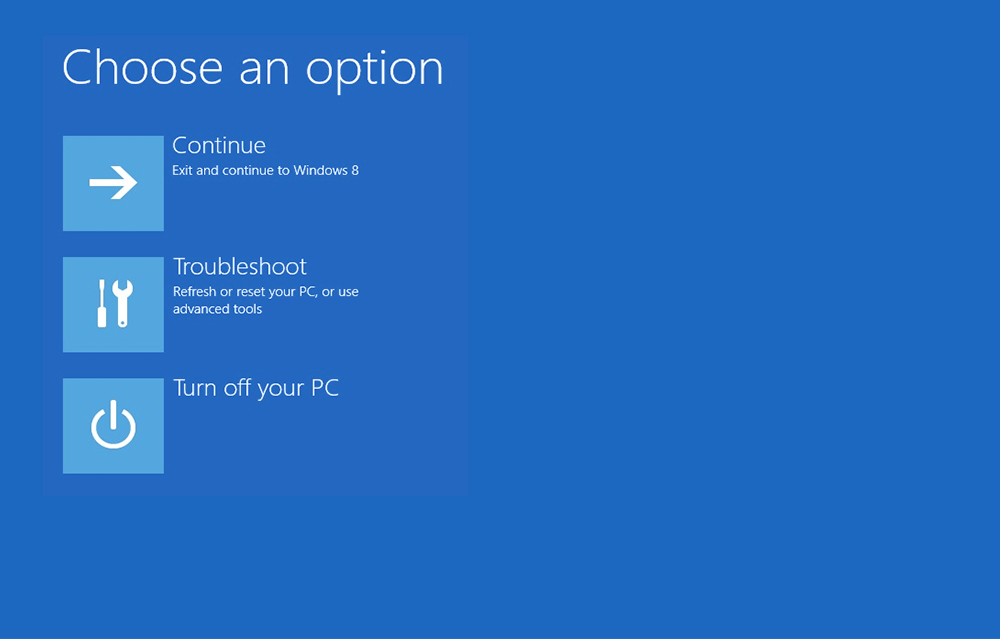
How to Fix MBR Boot Disk
For every PC owner in their lifetime at least once they face blank screen error or operating system not found message. This is due to the corruption in MBR (Master Boot Record). The Master Boot Record (MBR) is the most important block of code located on your hard drive. There will be errors if your…
Steps to Create A Virtual Hard Disk On Windows 10
We all have physical hard disk installed on our machines. But what is a Virtual Hard Disk (VHD)? And for what purpose it is useful? It is the most common question for a normal PC user. A virtual hard disk is nothing but an imaginary hard disk which purposely designed for virtual machines. A virtual…
30 Must Have Basic Windows Software For Every PC User
When you reset, format, refresh or bought new PC you should install new software and there are some important or more precisely some ought to install software’s that every user should use doesn’t matter who he is and what he is doing. These are must-have basic apps for every Personal Computer. These software are necessary…
The week in tech, minus the noise.
New reviews, fixes and the stories that matter — once a week, straight to your inbox.
We only use your email to send the newsletter. Unsubscribe any time. See our privacy policy.
Comments