

macOS
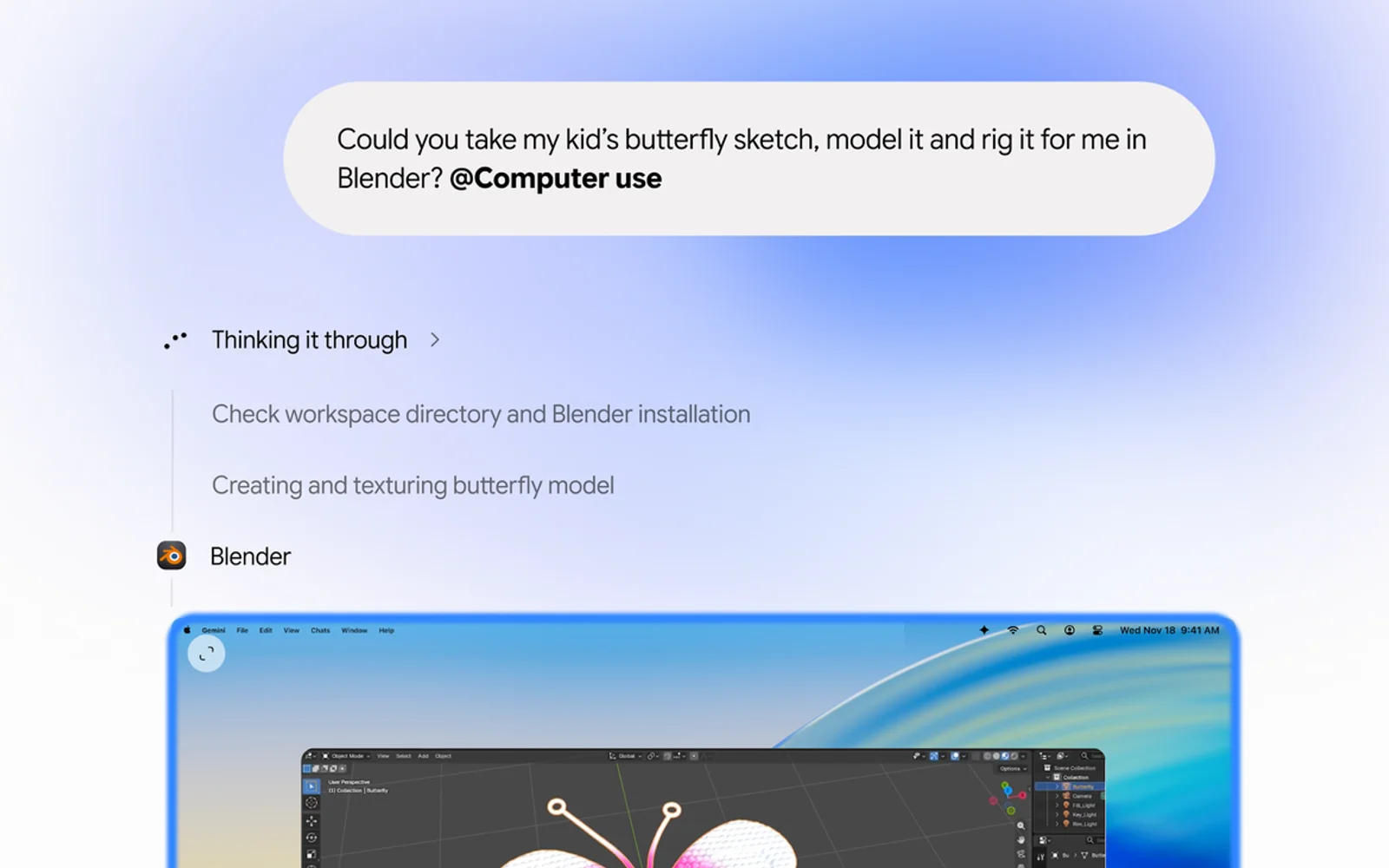
How to Use Gemini Computer Use on Mac to Automate Tasks
Google’s Gemini app for Mac can now do the clicking for you. With a new feature called computer use, announced on November 19, Gemini can open Mac apps and websites, fill in forms, work through menus and finish multi-step jobs in the background while you keep using your Mac. It’s the kind of agent feature…
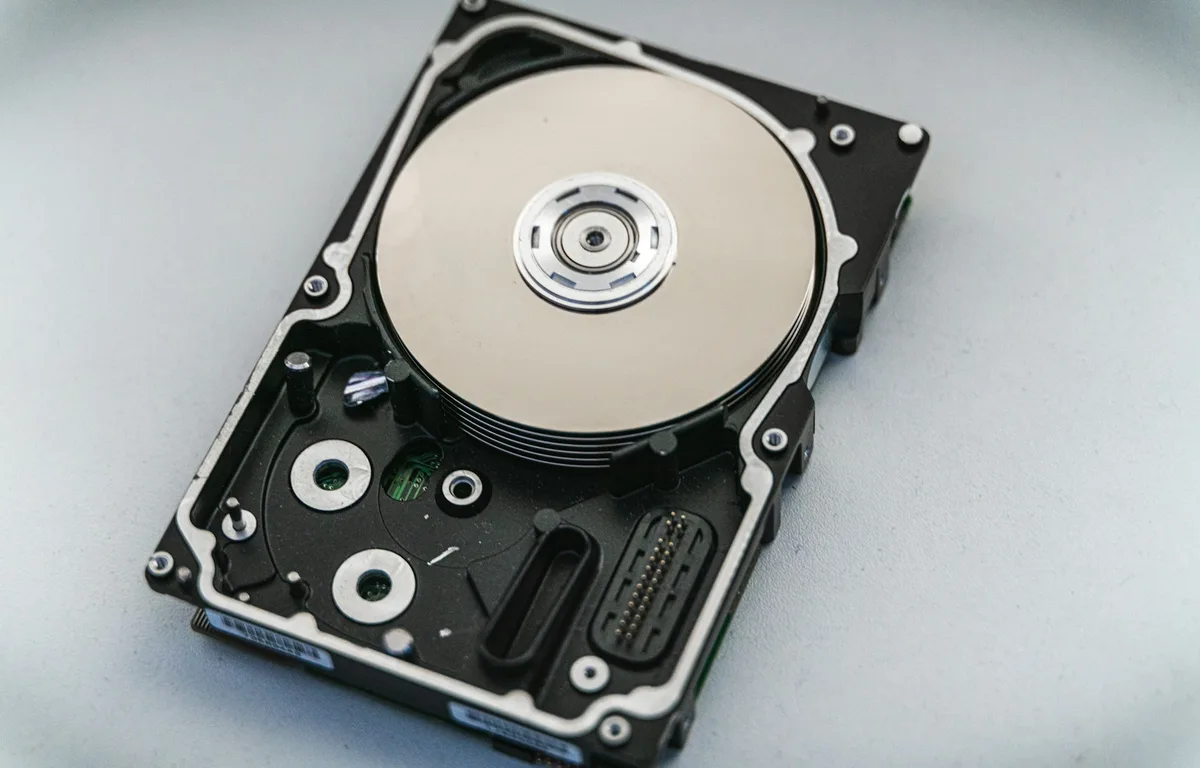
How to Fix an External Hard Drive or SSD Not Showing Up on Windows 11 or Mac
External drive not detected on Windows 11 or your Mac? Here’s how I work through it, from cables and Disk Management to Disk Utility First Aid, and when to stop and call a data recovery service.

Best RSS Reader Apps for macOS
RSS reading is a kind of feeling of pleasure we get while reading our favorite website feeds. After the demise of Google Reader, the rise in the number of dedicated apps we have seen in recent years. Rich Site Summary or Really simple syndication is the full form of the RSS. It lets you check…

Toggle The Battery Saving Modes On macOS Easily
Laptops provide a wide range of benefits to the user because of their portability. You can charge your laptop for even half an hour and then you can use them for more than three or four hours without getting any interruption. Although, sometimes when you are on a long ride on vacation then you have…

How To Capture Live Photos In FaceTime On macOS
Live photo is a feature introduced on the iPhone to capture realistic image instead of a steady image. It brings an alive moment in a still photo with the help of 3 seconds moving image. The technology behind the live photo is, the camera captures image 1.5 seconds before and after you take a pic…

Connect your Facebook Account with Your Mac OS to Directly Post on Facebook
One of the most useful features included in the recent versions of Mac OS is the Social Accounts Integration. Yes, you can connect your Facebook or Twitter account inside Mac OS. This means that you can share a photo or video directly from your MacBook or iMac device on Social Media. However, this feature is…

Now Eliminate Your Background Noise In Calls With This New Application
Krisp is a new free application for macOS that will be responsible for reducing that background noise and focus all your attention on your voice.