

Tips and Tricks

How To Play Sega Saturn Games on Linux
We know Sega Saturn is a great gaming console in our childhood days. But unfortunately, it lost pace with the other platforms. The Sega Saturn games are very hard to find. If you are missing Sega Saturn games and planning to enjoy the game essence once again, you must be a Linux user first. If…
Android USB Debugging: What It Is And Why To Do It
Are you getting trouble with android rooting? Do you want to install a third-party app that has blocked your smartphone? No worry, because now everything is easier with Android debugging! In this guide, we will discover what it is, its functions and how to enable it! The term “debugging” refers to the process of finding…
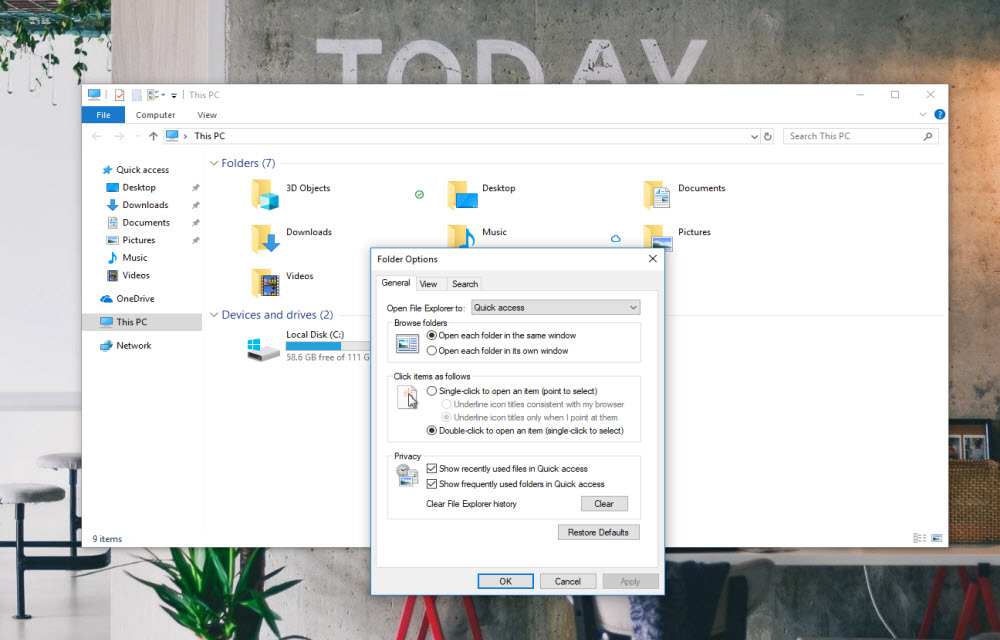
How to fix “Working on it” message in Windows 10 File Explorer?
If you get the “working on it” message in the File Explorer of Windows 10, it could be the problem caused by Quick Access cache. “Quick Access” is a virtual location, where the updated recent files and folders are listed. Sometimes, the File Explorer may slow down because of an overloaded or corrupted cache of…

How to Restart Explorer.exe in Windows 10?
If something went wrong in your Windows 10 laptop or PC, you may don’t need to restart your computer immediately. You can try restarting the Explorer.exe (generally known as Windows Explorer). Certain “User Interface” or “Graphical Interface” issues related to Taskbar, Start menu, File Explorer, notifications or action center can be resolved by just restarting…

How to Fix WiFi Connected But No Internet on Windows 10
Microsoft has developed the leading operating system in the world which is named as Windows. The latest version of Windows was released a few years ago named as the Windows 10. Microsoft also announced that Windows 10 will be the last version of Windows. This means that the company will release updates but under the name…
How to Stop Random Apps Being Opened Automatically on Booting Windows
We have all been using Windows and have been frustrated several times a day by one annoying thing. This is the random opening of applications on Windows after the first boot. Basically, we get a whole load of apps opening on our home screen when we start or restart our Windows PC or Laptop. Now,…

Send Confidential Emails to your Colleagues on Gmail from your Smartphone in this way
Gmail is by far the best email service that has come out in a long time. Yes, there are alternatives such as Yahoo and Hotmail which are also popular but Gmail is the most popular among them. Moreover, it is developed by Google so it is offered for free without any hidden costs. It was…

Here’s How you Can Hide App Folder Names in iOS
There are two types of smartphone users: those who like to keep their phones simple and those who like to customise them. Now, if you are one of the latter smartphone users, then Android has long been the go-to option for you. However, if you are using iOS, then we have something for you too.…
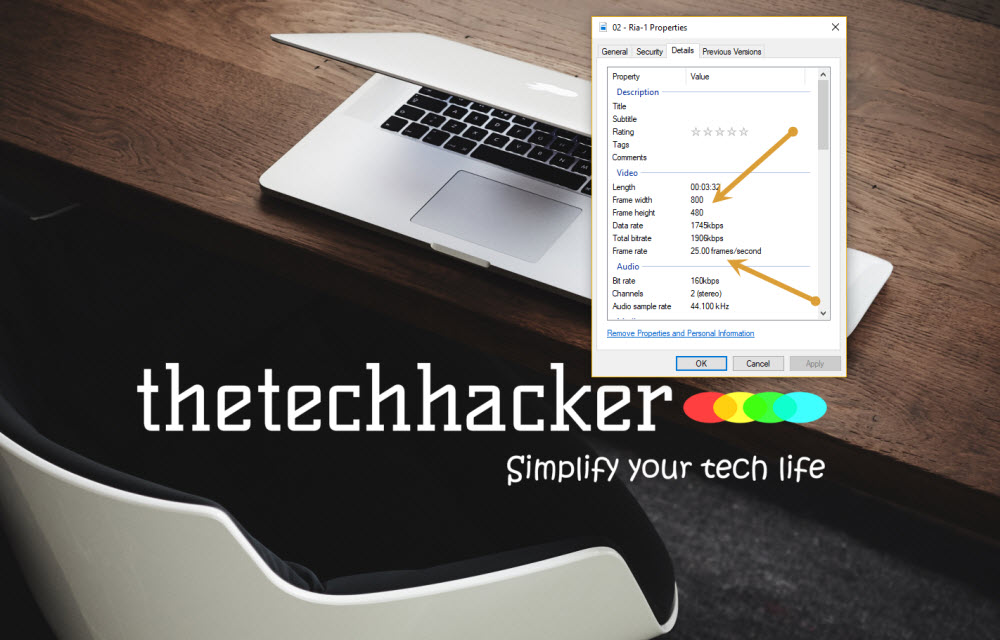
How to check Video Resolution and Frame Rate on Windows 10
We have seen so much improvement in the video resolutions over the past few years. SD, HD, now 4K is the latest resolution types. Most of the monitors are coming with HD ready format and if you invest some good amount there are plenty of high-end computer monitors available with higher video resolutions. In order…

How to See Who Viewed Your Facebook Profile
Facebook profile is something that is public to most of the people, but at the end of the day, you have to keep it there in order to be available to the users. Now when you are having your information on the internet anyone can reach out to the same, you cannot be 100% protected…
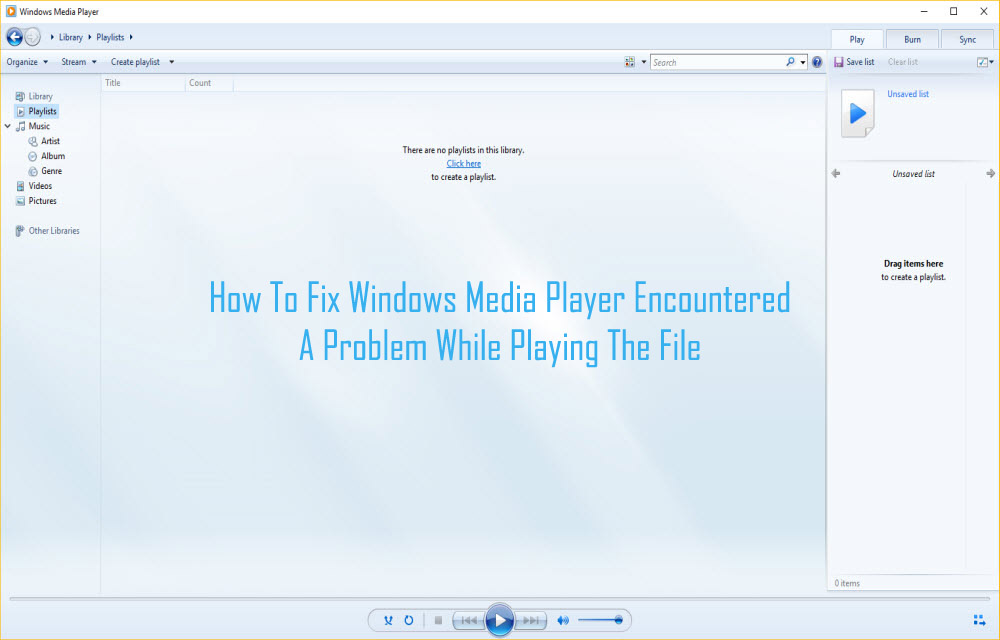
How To Fix Windows Media Player Encountered A Problem While Playing The File
How annoying it is when you want to stream your favorite audio or video and Windows media player shows an error C00D11B1? That error message ‘Windows Media Player encountered the problem while playing the file’ is even more annoying. Windows Media Player is considered to be the safest and most trustworthy media player. But, this…

How to Check Your AirPods Battery Life on an Android Phone
AirPods are exclusively designed for iPhones. Their design is good, wireless and fits in almost every ear. AirPods is a cool pair of wireless earphones for every music lover. Apart from iPhone compatibility, Android is also a great companion for the AirPods. The only downside of the Android-AirPods combination is checking the levels of battery…