

Best Alternatives Of Windows Explorer
Windows explorer is a file manager application cum navigation tool in Microsoft Windows operating systems. Windows explorer is good, but it hardly offers advanced features.

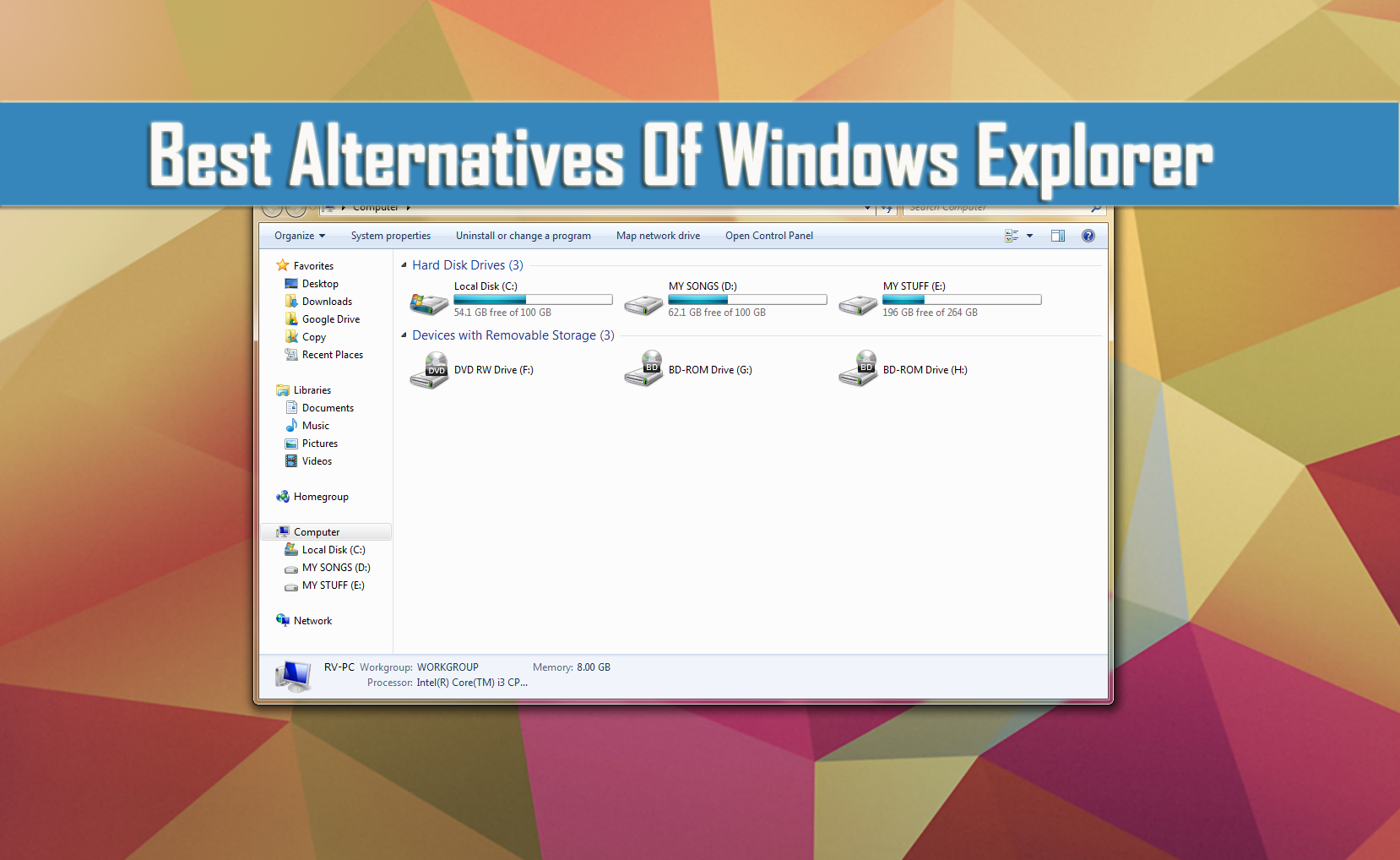
Windows explorer is a file manager application cum navigation tool in Microsoft Windows operating systems. Windows explorer is good, but it hardly offers advanced features. I feel strange while most important part of the operating system has not redesigned or updated in ages.
Related Articles
- How to Assign Custom Keyboard Shortcuts to Windows Applications
- How to Configure Windows to Index Encrypted Files
- How to Change Default Program Files Folder Location in Windows
After using tabbed browsing in all latest browsers, I personally feel tabs are must have feature for Windows Explorer. It reduces your time while operating Windows explorer and saves a lot of screen space. You can find some advance feature in third party Windows explorer alternatives, here I’ve picked some best alternatives of Windows explorer.

Explorer++
Explorer++ is a light-weight tab styled file manager for Windows. It even remembers the tabs you have open, it saves a lot of time to again re-open the used windows. It is a portable free application, you can use this Dropbox to sync it to all your PC’s.
Features
- Tabbed browsing
- Customizable user interface
- Advanced file operations such as merging and splitting supported
- Display window shows previews of files as they are selected.
Xplorer2
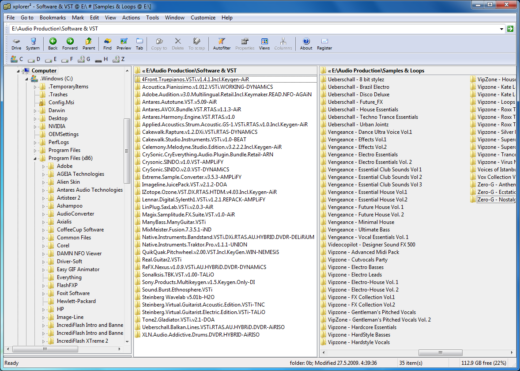
Xplorer2 has a great interface and customizable options. It offers instant previews, tabbed style dual-pane interface and much more. You can try Xplorer2 free for 21 days, later you need to pay $29.95 if you like it.
Features
- Explore and preview
- Folder tabs and dual panes
- Advanced search & file management
- Fast desktop search
CubicExplorer
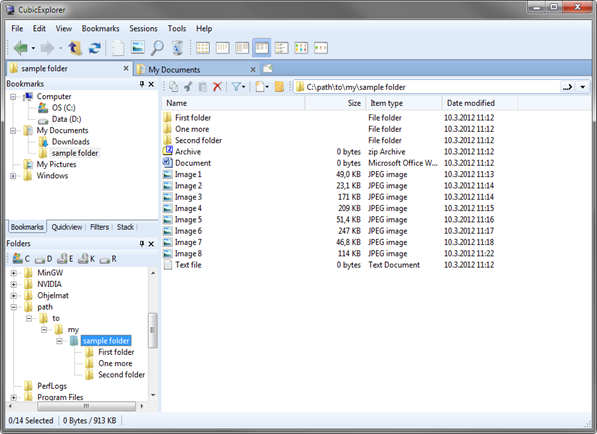
CubicExplorer is a simple file manager for both basic and advanced users. CubicExplorer is a free and open-source application offers tabs and bookmarks, sessions and file previews.
Features
- Different view styles
- Quick view option for images, audio, video files.
- In-built text editor.
- File search and filtering options.
More in Windows
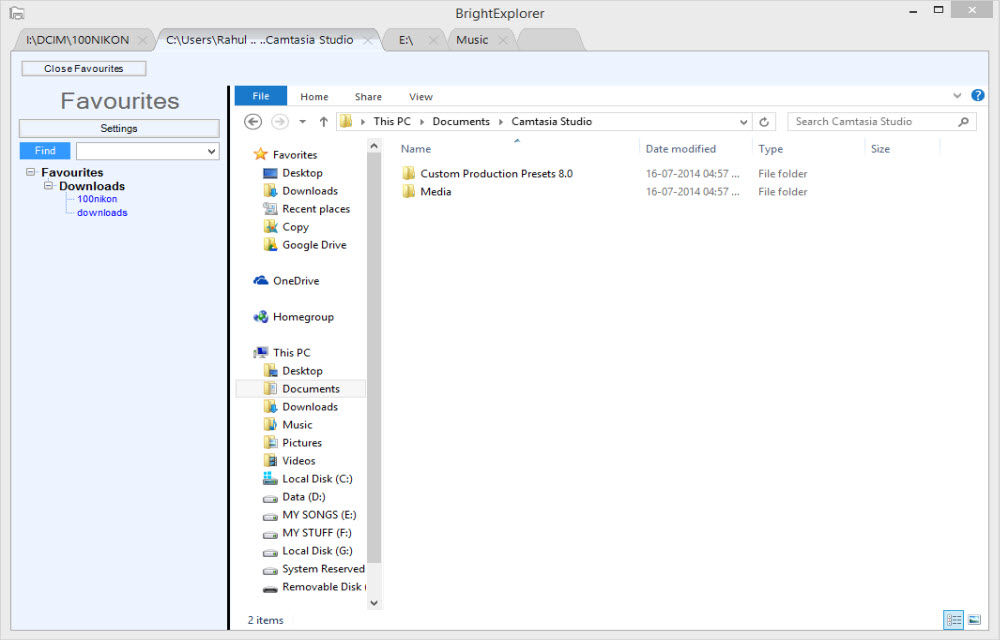
Add Tabs To Windows File Explorer With BrightExplorer
The file explorer is the main feature of any operating system. It lets you browse files located on the computer. Surprisingly Microsoft has not updated the user interface and features of File Explorer of Windows in ages.

Best Free And Open Source Alternatives For Paid Software
Paid software’s are pricey, you can’t afford them for personal use. For every paid software there is a cheaper, free and open source alternative is available in the software market. Here we have chosen the best paid and free alternatives to popular software’s. Office Suites MS Office vs LibreOffice: MS Office is the best industry…
How to fix the “We can’t reach this page” error on Microsoft Edge
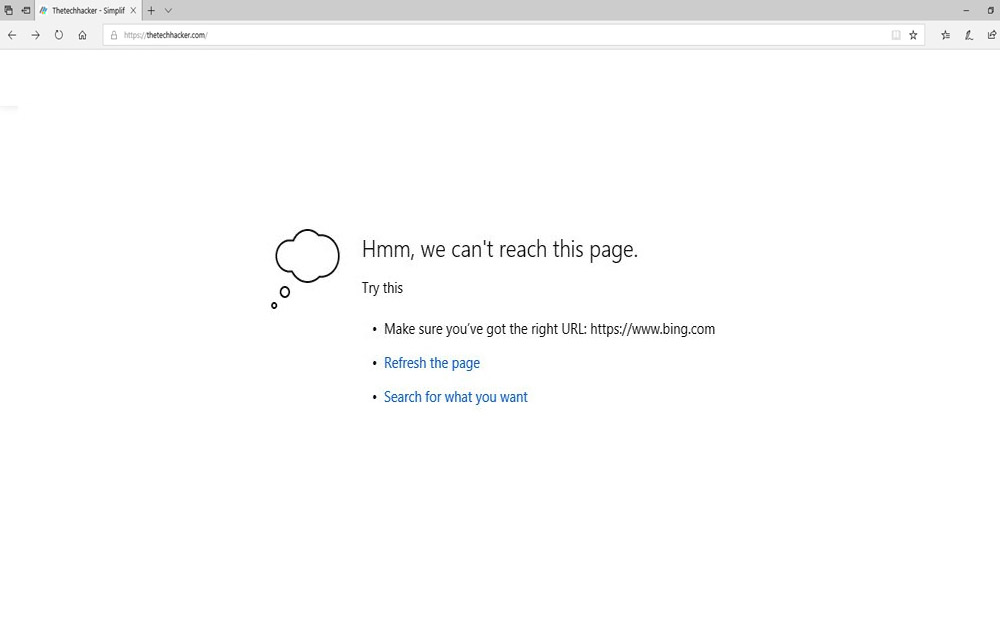
There are Windows users out there who have been using Microsoft Edge browser. If you are unaware, Microsoft Edge is a refreshed version of the Internet Explorer by Microsoft. The Internet Explorer is a standalone browser developed by Microsoft and bundled along with Windows 10. For users who have privacy concerns, Google Chrome is not…
The week in tech, minus the noise.
New reviews, fixes and the stories that matter — once a week, straight to your inbox.
We only use your email to send the newsletter. Unsubscribe any time. See our privacy policy.
Comments