

iOS 7 New Tab Page Brings iOS Style To Mozilla Firefox
If you are an apple fanboy and don’t want to miss the Apple style anywhere, try this extension on your Firefox to turn your New Tab Page into iOS 7 style user interface. The new iOS 7 look is very distinct when compared to iOS 6. You can turn your Mozilla Firefox new tab page…

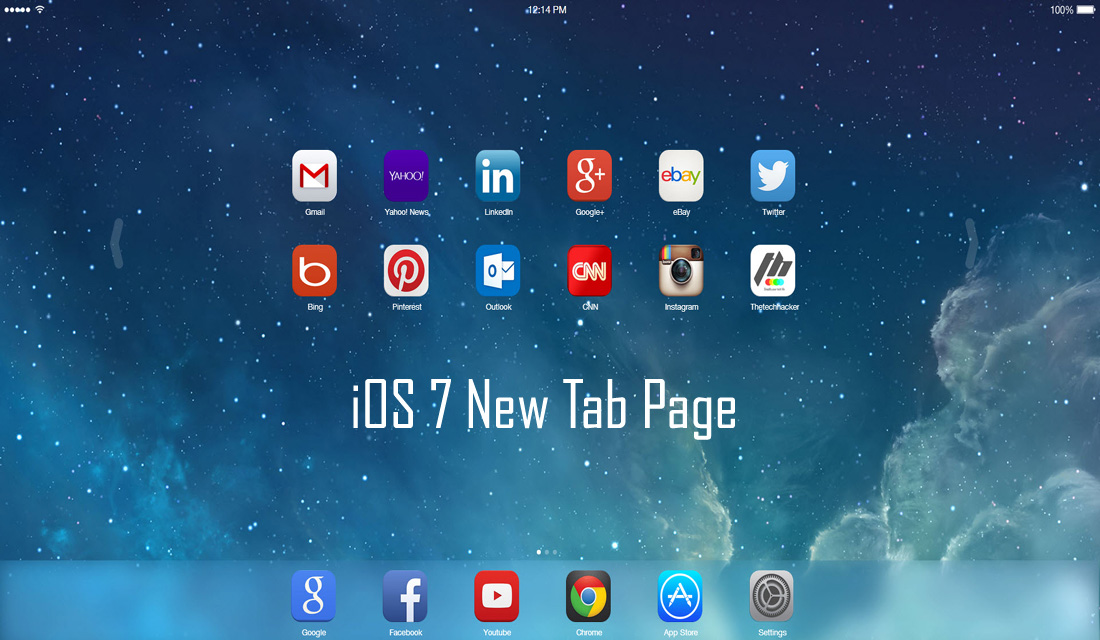
If you are an apple fanboy and don’t want to miss the Apple style anywhere, try this extension on your Firefox to turn your New Tab Page into iOS 7 style user interface. The new iOS 7 look is very distinct when compared to iOS 6. You can turn your Mozilla Firefox new tab page into iOS 7 style on any machine like Desktop, laptop, Mac, Linux and even in Chromebooks.
How it works?
After installation from Firefox add-on Store, open new tab page. When you open the new tab page you’ll feel you are sitting in front of the giant iPad home screen. You can navigate between the apps by clicking and dragging it with your mouse cursor in the horizontal direction. It comes with some preloaded apps along with your installed apps. Apps include Angry Birds, Yahoo news, Where’s my water, Amazon, Linkedin, eBay, Twitter, Bing, Pinterest, Candy Crush Saga, Outlook, ESPN, Cut the rope, CNN, and Instagram etc.
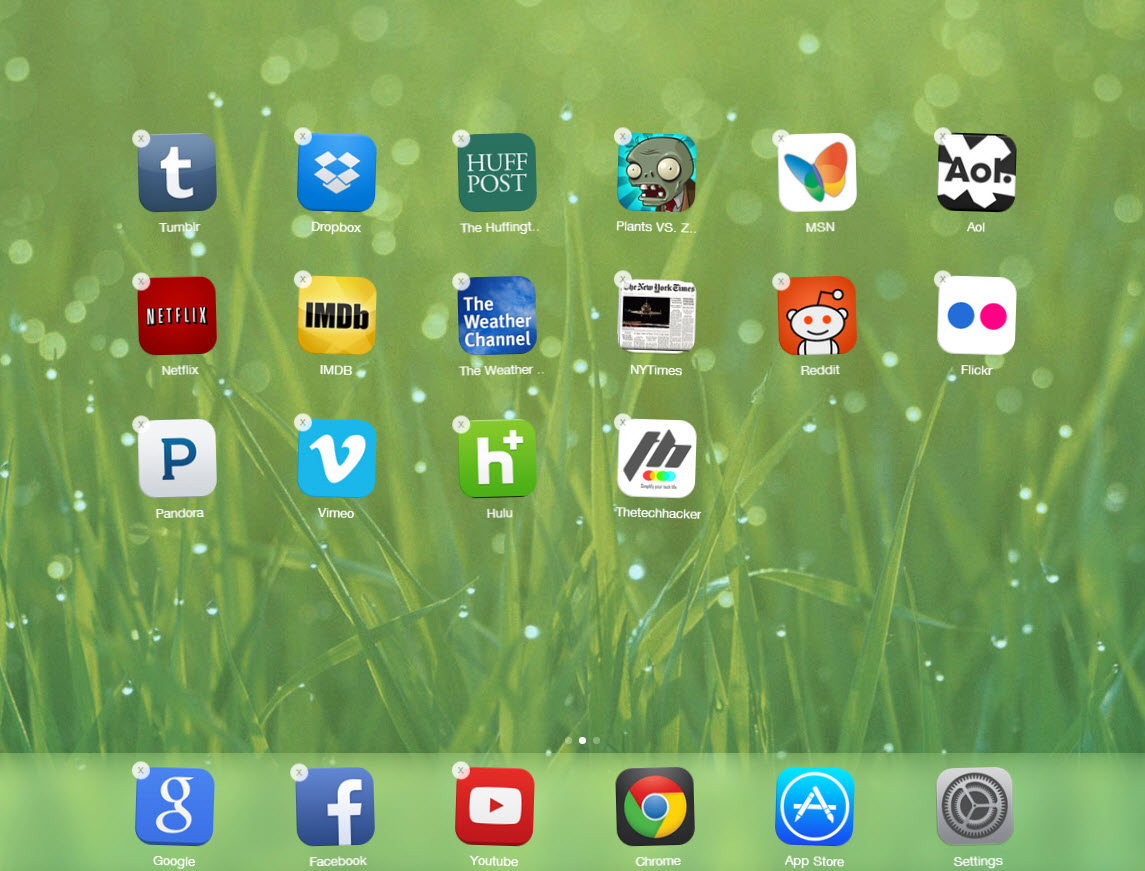
If you want to remove any unwanted app just hold the left mouse click on the app icon, like same way in iOS the app icons shake and X mark appears on top of the icon. Click on the X button to remove the app from home screen.
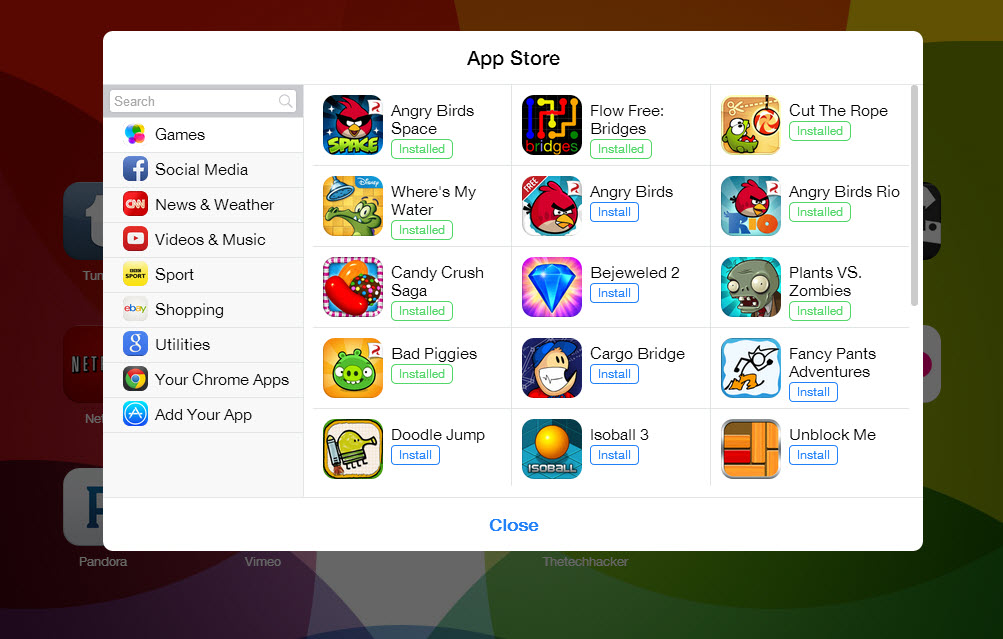
It has a built-in app store to easily add desired apps on your New Tab Page home screen. The user interface is quite decent and looks like a real iPad on your PC or Laptop.
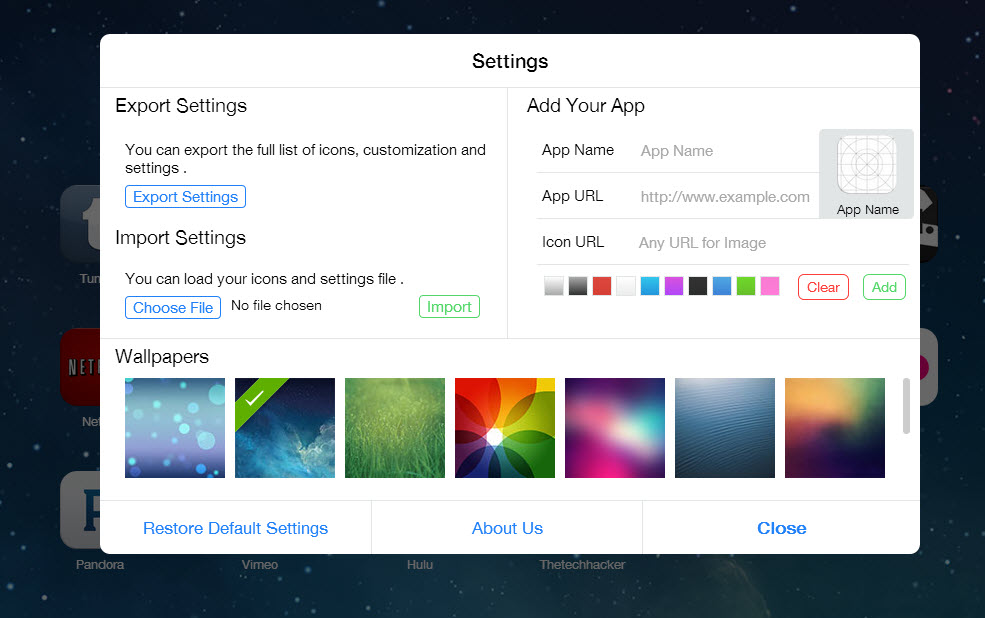
The settings panel has customization options like background change, Import and Export settings and app integration. Overall it is a very good extension to turn boring Mozilla Firefox default new tab page into stylish iOS 7 style interface.
The Chrome extension is removed, so we added the link to the Firefox extension.
That’s all for now. Please do share your views and feedback in the comment box below. Also, please don’t forget to share the article on your social media.
More in Internet

How to Install Chrome Extensions in Firefox
Google Chrome has a ton of great extensions support to improve your browsing performance. Each Chrome Extension has its unique functionality and set of features to improve the productivity of Chrome browser. We all know Chrome is power hungry. Sometimes it uses all your system resources to serve you with maximum performance. Due to this…

10 Best Mozilla Add Ons
One of the prominent reasons why users love Mozilla Firefox is its huge collection of Add-Ons. In comparison, Firefox does not each much RAM, either. We think these are enough for any user to shift from Google Chrome or Edge to Firefox, which is available for Windows, Mac, and Linux. Plus, you have all the…
Cake Browser is a New Mobile Optimized Browser for Android and iOS
Everyone loves faster browsing experience on mobile devices. The internet traffic on mobile devices like smartphones and tablets has increased to 51.2% by surpassing the traditional desktop searches. Generally, we use Google Chrome or Safari on smartphones. The main responsibility of a good browser is faster browsing experience. I regularly use smartphone browsers for quick…
The week in tech, minus the noise.
New reviews, fixes and the stories that matter — once a week, straight to your inbox.
We only use your email to send the newsletter. Unsubscribe any time. See our privacy policy.
Comments