

PCKeeper Antivirus Pro Review
There are no doubt plenty of antivirus software out there, half of which don’t even detect latest viruses. A good antivirus software defends your computer against all types of attacks by trojans, viruses, and other infecting areas.
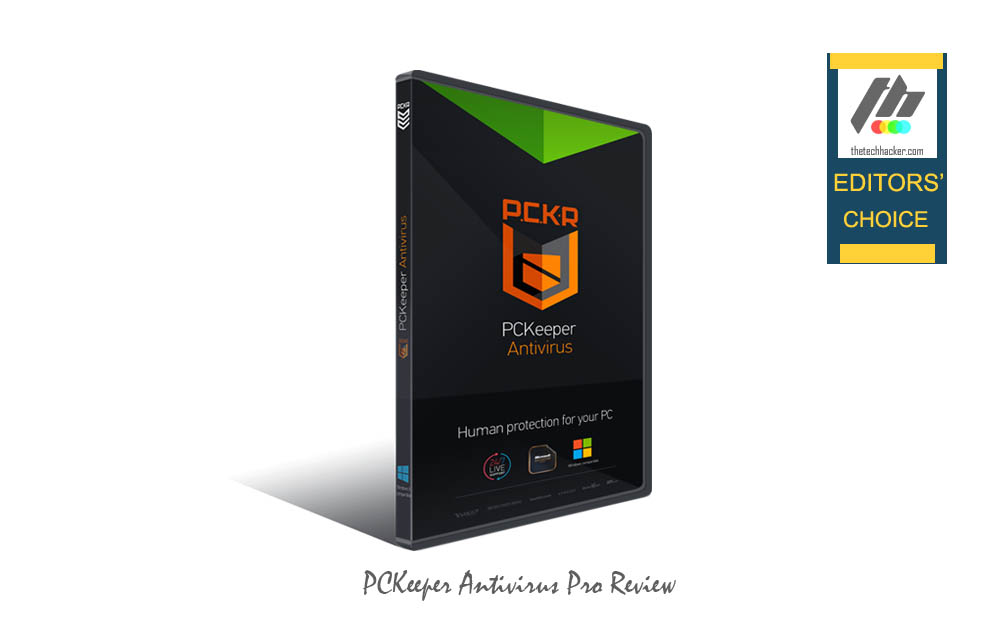
There are no doubt plenty of antivirus software out there, half of which don’t even detect latest viruses. A good antivirus software defends your computer against all types of attacks by trojans, viruses, and other infecting areas. Microsoft developed Windows OS has built-in security measures, however while installing third party programs there is a chance of getting infections unexpectedly.
Many antivirus vendors offer bonus features to promote their product in the market. But most of them fail to provide that particular feature what they meant for. A great antivirus is build to fight against viruses, trojans and malware every time, the effectiveness of Antivirus is totally relying on latest Antivirus definitions.
If you are looking for an Antivirus which is easy to install, fast and accurate in detecting viruses and reliable meet PCKeeper Antivirus Pro.

Installation & User Interface
To get started, download PCKeeper Antivirus from the original website. Installation is simple, it install like another normal software’s on Windows. After successful installation, the program is quite busy in updating virus definitions. After updating your PC, requires a reboot to take changes effect.
The interface of the application looks clean and simple. There are four tabs at the top, named as Home, Quarantine, Ignore List, History, and Settings. The home tabs let you know of the current status of its protection and Real-Time Protection, Automatic Security Updates On/Off buttons.

Another great feature I really attracted is live chat. You can contact customer care executive within the program interface. Literally, the program interface is easy to use for beginners unlike some of its competitors which make it difficult to access basic settings.
Performance
You can perform the scanning process under Full Scan tab. There are two methods to perform the scan operation, Full Scan, and Custom Scan. While Full Scan thoroughly scans your system for malicious threats, Custom Scan only processes your selected locations in PC.

I’ve personally tested the program on my Windows 8.1 and Windows 7 machines for continuous five days. In the testing period, I’ve created some viruses in my PC. The program is easily detected the viruses and instantly moved in the Quarantine folder. It comes with real-time protection and the speed of scanning is quite fast even in slow computers.
Another impressive feature is that the virus definitions are continuously updated, meaning you don’t have to worry about having outdated virus definitions which will affect system security issues.
Verdict
PCKeeper Antivirus is one of the best antivirus programs for Windows. It’s fast, reliable and comprises of an eye-candy interface. It is quite simple to navigate and anybody can use with ease. It requires no additional setup and works seamlessly.
PCKeeper Antivirus Pro
Excellent
PCKeeper Antivirus is one of the best antivirus programs for Windows. It’s fast, reliable and comprises of an eye-candy interface. It is quite simple to navigate and anybody can use with ease. It requires no additional setup and works seamlessly.
- Features6
- Performance9
- Value for money9
What we like
- User Interface
What we don't
- Limited Features
No ratings yet — be the first.

You might also like
Emsisoft Anti-Malware 9 Review-Best Protection Against Mawares And PUPs
In a world of computers and Internet malware, PUPs and trojans are also growing parallelly. Most commonly malware and PUPs targets attacks via pirated software’s and spoofed websites. These type of threats are very clever and sometimes unable to find even PC has a strong AntiVirus system enabled. Usually, a conventional antivirus software’s scans and…

Avast Premier 2014 Review-Budget Friendly And Powerful
When it comes to PC security there’s always been some debate on whether you really need an antivirus program on Windows machines or not.

MacKeeper Review – New Security Features, Camera Protection and Much More
Being secure on the internet is one of the top priorities of today. However, the internet isn’t always a culprit for a lack of your computer’s security, as you can be pretty insecure offline. That’s why you need to use a certain antivirus to protect your PC at all costs and today’s example will be…
The week in tech, minus the noise.
New reviews, fixes and the stories that matter — once a week, straight to your inbox.
We only use your email to send the newsletter. Unsubscribe any time. See our privacy policy.
Comments