

Best Softwares For iOS Devices Data Recovery
Sometimes we accidentally drop smartphones and tablets from hands. The result, the bump may break the screen or sometimes touch become unresponsive. These kinds of issues covered in the warranty period. But what if it loses all the data of your memories in images and important files? The answer is simple, we have various tools…

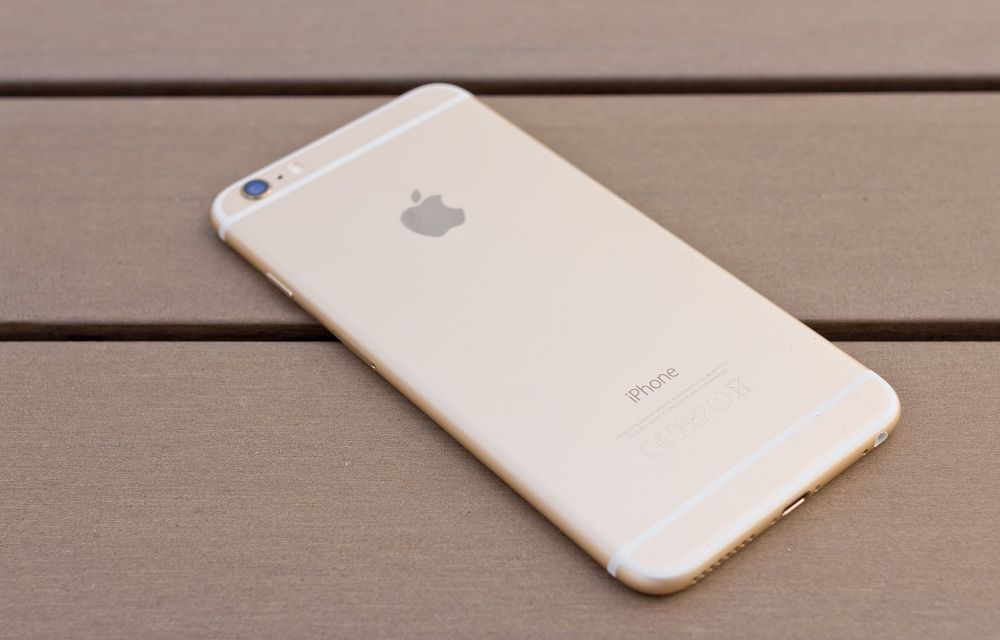
Sometimes we accidentally drop smartphones and tablets from hands. The result, the bump may break the screen or sometimes touch become unresponsive. These kinds of issues covered in the warranty period. But what if it loses all the data of your memories in images and important files?
The answer is simple, we have various tools and programs to recover accidentally deleted files and corrupted drives. The list is handpicked, you can safely get back those data using below-listed programs.
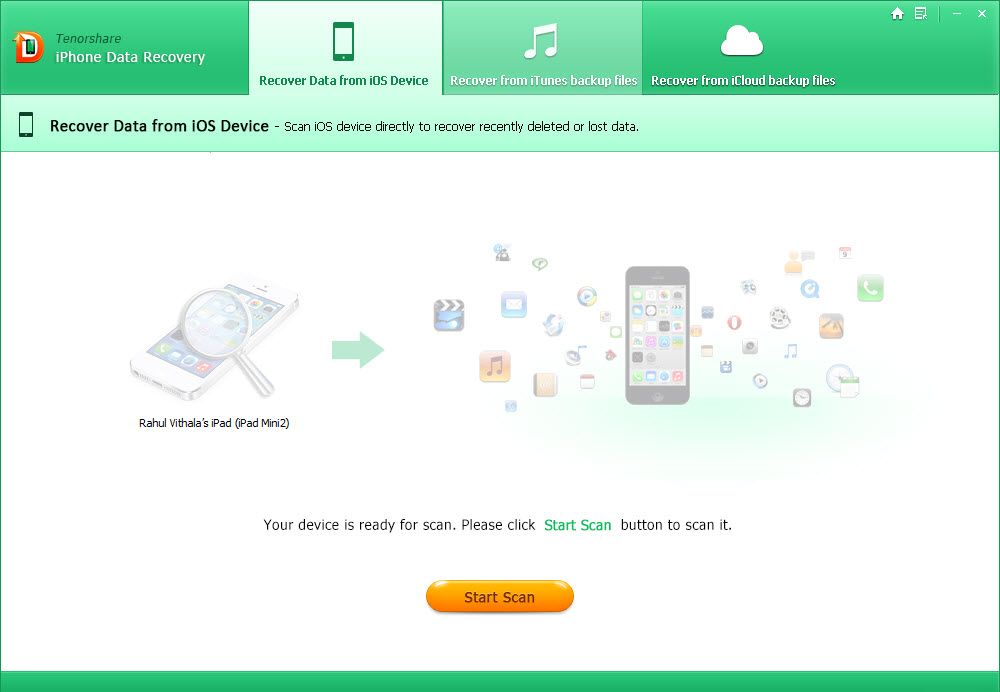
1. Tenorshare iPhone Data Recovery Review
For every problem there is a solution, for unexpected data loss in iPhone we have Tenorshare iPhone Data Recovery. Like the name suggest, the program boasts powerful recovery options to do the job. This PC application can be used to recover lost iPhone data of 20 types, including call history, media, contacts, calendar and WhatsApp data, among other things.
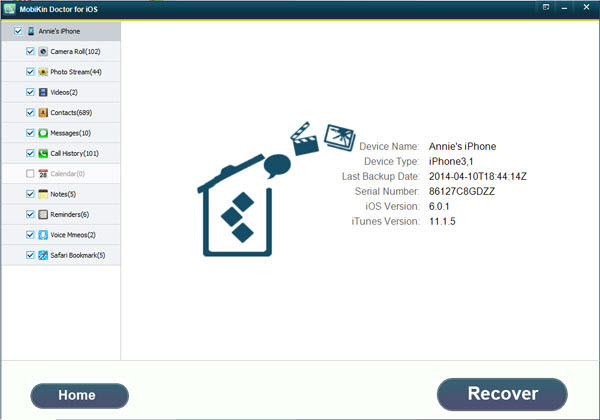
2. MobiKin Doctor for iOS Review
MobiKin is a small and efficient data recovery tool to that lets you recover lost data from iPhone and as well as iTunes backup file. Lost data contains so many file formats, SMS, contacts, call history, safari, notes, calendar, reminders, voice memos, photos, SMS attachments, etc. It is not necessary to have an iPhone connected to your PC when using this tool because it simply finds the iTunes backup of your previously synced iPhone and extracts it in one click.

3. iStonSoft iPad/iPod/iPhone Data Recovery
If you are searching Google to How to Recover iPhone Contacts iStonSoft is the only solution. But in this scenario you lost your device, how can you recover the data? iStonSoft iPad/iPod/iPhone Data Recovery is a file recovery solution that allows you to recover data from your device iTunes backup. It can easily extract photos from iPhone backup without any hassle.
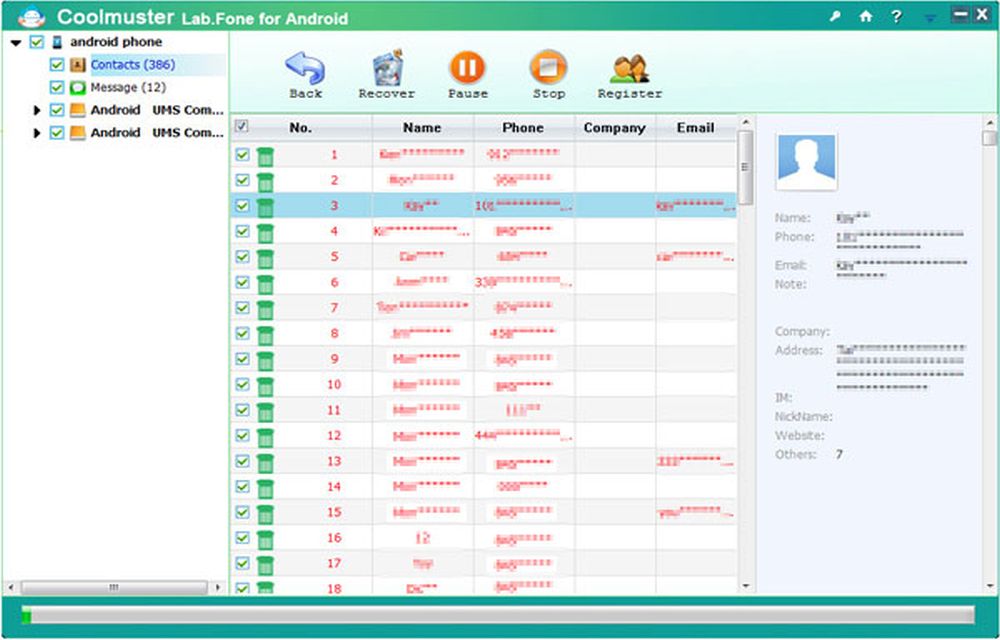
4. Coolmuster Data Recovery For iPhone iPad iPod
Even after creating a plan to disaster-proof data backup sometimes we fail to protect. Sometimes iTunes itself can erase all data stored on your iOS device in syncing error issues. Finding a perfect data recovery solution for iPhone, iPad or iPod is a tough task, but we found a simple solution called Coolmuster Data Recovery for iPhone iPad iPod.
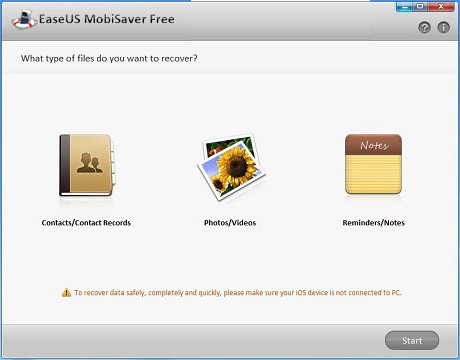
5. EaseUS MobiSaver
EaseUS MobiSaver is a new tool to recover data on iPhone. It is a cleaver product from makers of EaseUS Partition Master. It recovers 12 types of data types including notes, media, and calendar. If your iPhone is lost even you can recover data from iTunes.
More in Windows
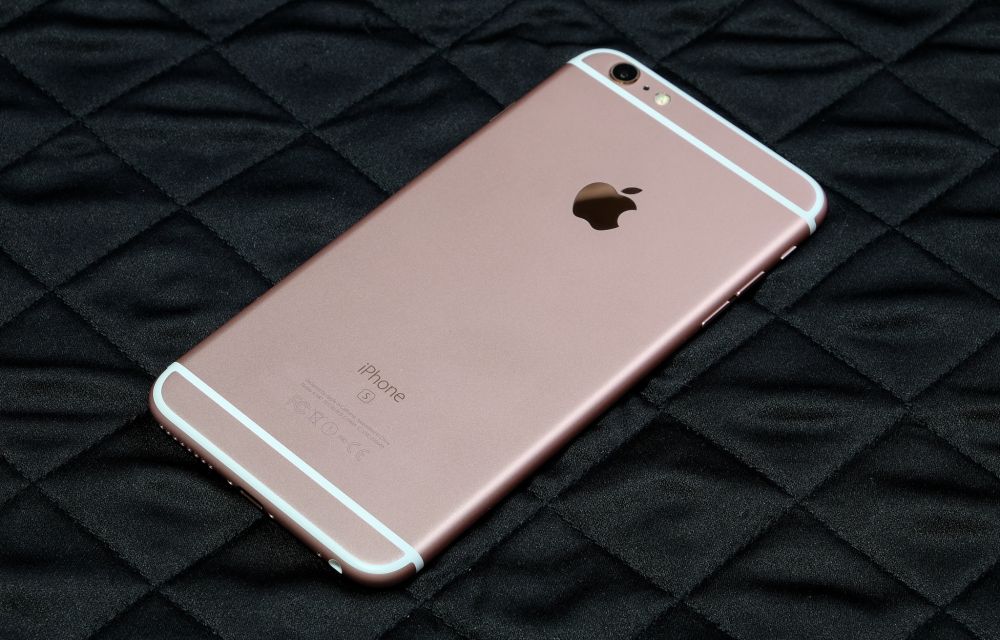
Best iPhone Data Recovery Tools for Windows
Losing and recovering data from a device is a painful job. It is the most common situation we face sometimes with any kind of electronic device. There are two ways to prevent data loss, first is the backup and the second is recovery data. There are a number of third-party solutions available to get lost…

Recover Lost iPhone Media, Messages Data Easily With Aiseesoft FoneLab-Review
Some times we accidentally deletes the data on iPhone which contains all photos, contacts, calendar, SMS messages, recordings, videos, voice mails, notes, and call history.

How To Perform Remote Data Recovery Over The Internet
Sudden system failure leading to data loss is an awkward situation. A user cannot access his data present on the system; however, the data is not lost entirely in such type of situations. The data can still be recovered through various means. It totally depends on the severity of the issue that has led to…
The week in tech, minus the noise.
New reviews, fixes and the stories that matter — once a week, straight to your inbox.
We only use your email to send the newsletter. Unsubscribe any time. See our privacy policy.
Comments