

How to Check NFC Support of Android Smartphones
NFC or Near Field Communication is a wireless radio communication feature coming with almost of the modern day smartphones. But there are some devices which doesn’t have this feature built-in. If you want to check NFC support of android smartphone that you have purchased recently, this simple guide can help you in the process. Even the…

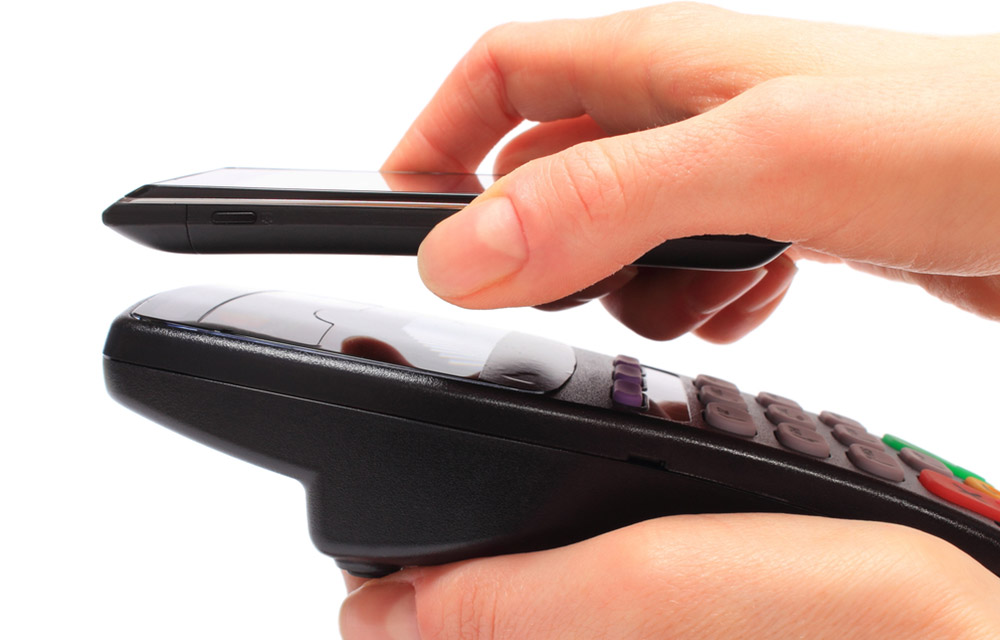
NFC or Near Field Communication is a wireless radio communication feature coming with almost of the modern day smartphones. But there are some devices which doesn’t have this feature built-in. If you want to check NFC support of android smartphone that you have purchased recently, this simple guide can help you in the process. Even the latest Google Daydream View headset has this NFC feature which made it essential for an ultimate android device. So, check this out to know how to check NFC support of android smartphones.
Note: If you want to quickly check the NFC compatibility of your smartphone, read this article which lists the NFC-enabled devices.
Check the Device Box
Normally, in most cases, the device will have numerous features like Bluetooth, Wifi, 4G LTE, NFC, etc. implemented on the device box itself. This allows users to simply find out what functions are available and which functions are absent. If you found the NFC logo on the smartphone box, that means your smartphone has the NFC capability.
Search the Manual
These days, each smartphone arriving on the market will also come with a user’s manual which states all the features and functionalities of the device. If you want to know the NFC support of your smartphone, you could simply run a quick search throughout the manual. If it shows any NFC features, that means your smartphone is NFC compatible.
Check NFC Support with Apps
“Do I Have NFC” is an android application which simply can tell you whether your smartphone supports NFC or not. All you have to do is to download it from the below given link and launch it on your android smartphone. As soon as you open the app, it will automatically check for the NFC support of your device and will display whether there is NFC or not. It’s that simple. You could also use another app called “Near Field NFC Tester” to find the NFC capability. You could download it from the link below.

Find NFC Support using Settings
Your device has all the functions to enable or disable any of the pre-built features. So, if there is NFC, it will also have an option on the settings of your smartphone. To check this out, go to Settings > Wireless and Networks > More and search for the NFC option. If you see a toggle button namely “NFC” that means, your device supports NFC. If there is not, have a quick search on other sections also as the steps varies from device to device. If you were unable to find the “NFC” option, that means, your device is not compatible with NFC.
We hope you have successfully found the NFC details of your android smartphone. If you have any more doubt, feel free to leave a comment in the following comment area.
More in Android

How to Check Your AirPods Battery Life on an Android Phone
AirPods are exclusively designed for iPhones. Their design is good, wireless and fits in almost every ear. AirPods is a cool pair of wireless earphones for every music lover. Apart from iPhone compatibility, Android is also a great companion for the AirPods. The only downside of the Android-AirPods combination is checking the levels of battery…
Google Play Edition Devices Android Update Details
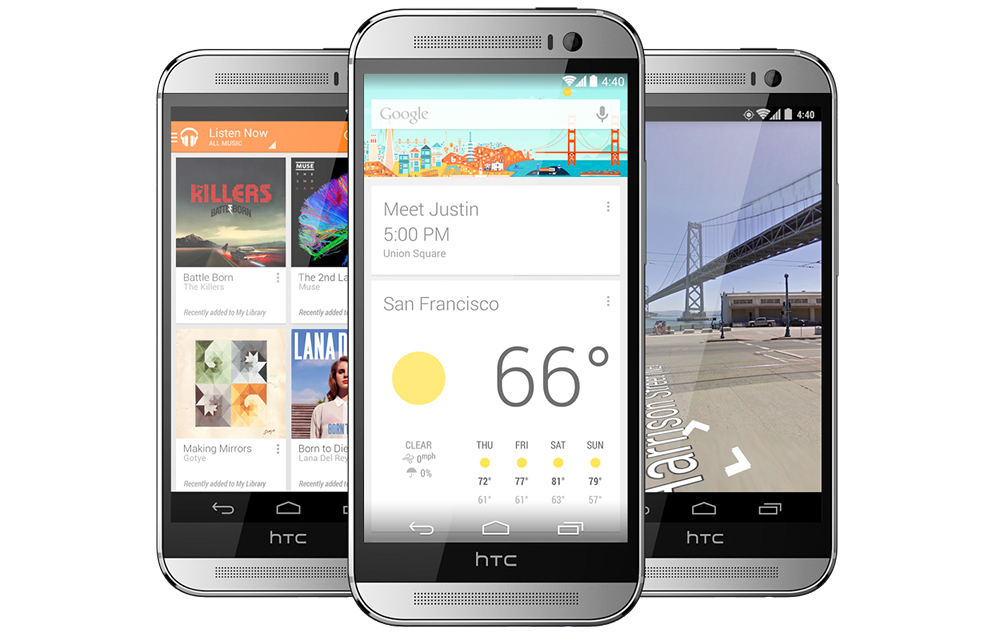
Google Play edition devices like Samsung Galaxy S4, Motorola Moto G, and HTC One are some of the all-time favourites of the smartphone lovers. If you are one of the millions of lovely owners of the Google Play Edition (GPE) devices sanctioned by Google, you might be afraid the support and updates provided to these…
Best Emoji Keyboards for Android – Packed with Stickers, GIF and Much More
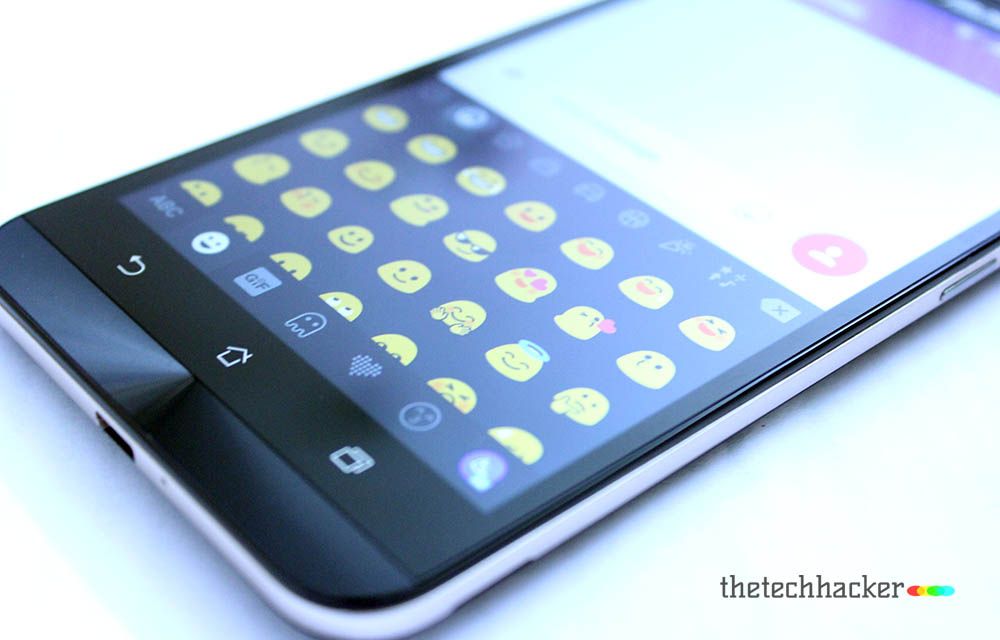
Use of emoji is a significant evolution in the Smartphone – Social Media age. Almost everyone loves to use an emoji to express their mind and feelings. A most important thing of Emoji are, they represent the message shortly compared to the text messages. It also makes the chatting sessions entertaining than the traditional text…
The week in tech, minus the noise.
New reviews, fixes and the stories that matter — once a week, straight to your inbox.
We only use your email to send the newsletter. Unsubscribe any time. See our privacy policy.
Comments