

What You Can Do With Your Smartphone Sensors
Nowadays all smartphones are coming with a set of sensors for getting things done. Every sensor has its duty to measure and calculate the data, for example, a ambient light sensor checks the outside light and helps in automatic display lighting adjustment. If you want know more about the sensors read our previous article list…

What You Can Do With Your Smartphone Sensors
Nowadays all smartphones are coming with a set of sensors for getting things done. Every sensor has its duty to measure and calculate the data, for example, a ambient light sensor checks the outside light and helps in automatic display lighting adjustment. If you want know more about the sensors read our previous article list of smartphone sensors for more details about their functions. What You Can Do With Your Smartphone Sensors?
Usually, these sensors help your phone to count your steps, outside temperature, display brightness adjustment, help in taking panorama pictures and much more. In this article, I want to show what we can do with our smartphone sensors in detail.
What You Can Do With Your Smartphone Sensors?
We can do many tasks using smartphone sensors. Thanks to the few apps which let sensors to unleash the hidden powers. Here are the eight things smartphone sensors can do.
Ambient Light Level
Using a smartphone sensor you can check your surrounding environment ambient light level. It could be useful photographers and others who are working with light conditions.
Location Details
Using GPS sensor you can track your exact location. However, Google Maps and many other locations apps are availing GPS advantages. But in a no network conditions these apps useless, however, with the help of some sensor apps you can know your location latitude and longitudes even if you are offline. Sensor Sence is a decent app to check GPS location on your device, this app works in offline too.
Battery Temperature
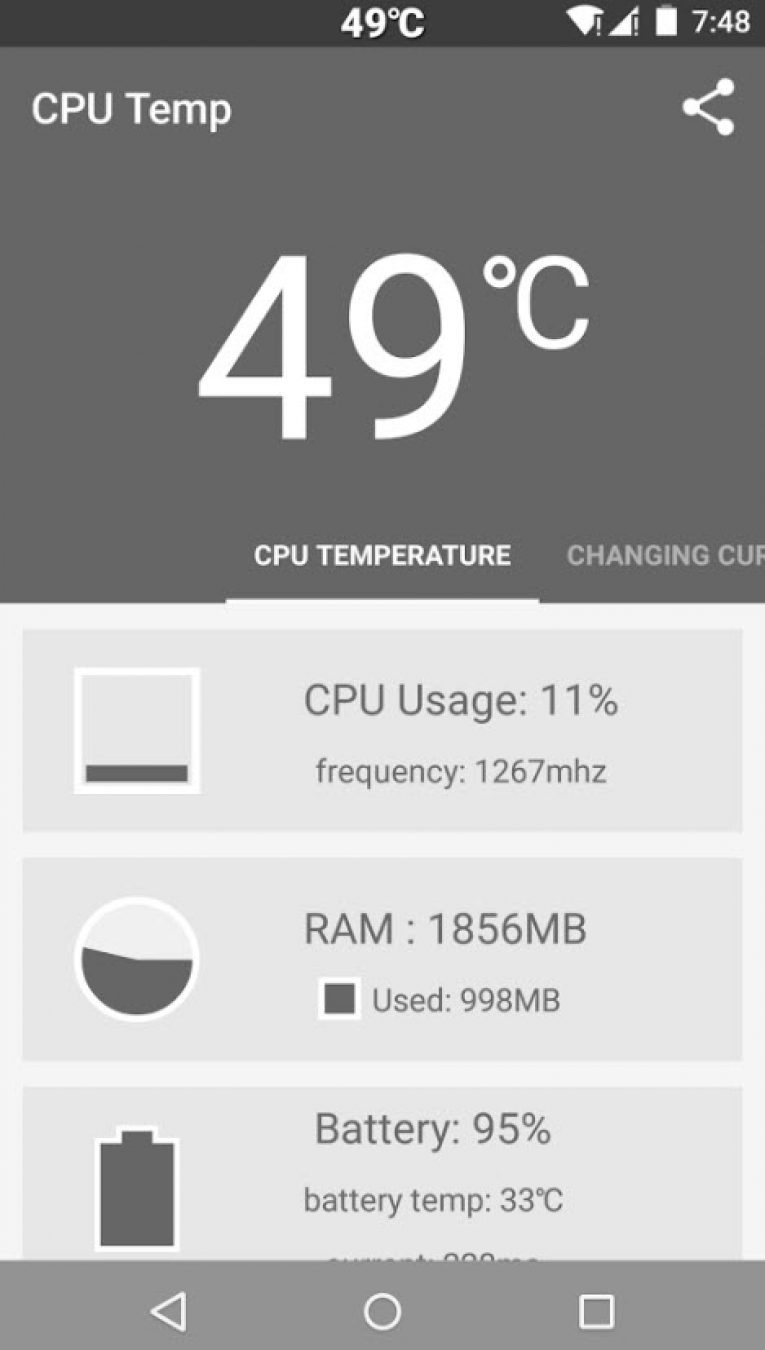
Anyone can know the battery percentage. If you want to check your device battery performance knowing the battery temperature is the first task. You can check your battery temperature using CPU Temperature app to prevent the overheating issues.
Distance Measurement
By using apps like Smart Tools, you can measure Length, Angle, Slope, Level, Distance, Height, Width, and area. This app will access your smartphone sensors and collects the data.
Measure Speed
You can measure any moving object speed with your smartphone. Install Speed Gun app on your Android device, it will let you measure the speed of a moving object by touching on your smartphone screen.
Monitor Heart Rate
Heart rate monitoring from a smartphone is quite common these days. Some smartphone companies like Samsung is equipping dedicated heart rate sensor in their smartphone. You can monitor the heart rate in normal smartphones too. Few apps like Instant Heart Rate and Unique Heart Rate Monitor are using Camera LED flash to monitor your heart pulse rate.
Track Your Steps
A pedometer calculates the number of steps you have walked. It is also one of the smartphone’s sensor, all you need to download the dedicated Pedometer app and start walking. The app shows the number of steps on the screen. If are an Android user can use Pedometer app for tracking your steps on the go.
Noise Level
You can check your surroundings noise level from a smartphone. The app like Sound Meter will collect the data from your device mic and measure levels of noise and displays measured data in dB (decibels). It is pretty useful when you want to know the sound polution in your area.
Humidity and Temperature
Yes, your smartphone can check your environment temperature and humidity. It is a special sensor called “ambient temperature and humidity sensor.” This sensor is equipped only with few devices like Samsung Galaxy S4, Samsung Galaxy Note 3 and Galaxy S6. If you have ambient temperature and humidity sensor on your phone, you can check the real-time humidity and temperature of your environment with Ambient Temperature & Humidity app.
Conclusion
So far we found these best uses of smartphone sensors apart from their traditional use. We will update this article regularly with new tips and tricks. Stay connected to thetechhacker for more interesting guides.
More in Guides
List Of Smartphone Sensors Explained
Today’s every smartphone is coming with a set of sensors. There are several lists of sensors are equipped with smartphones for getting things done. So what are these smartphone Sensors useful for? This guide will help you to know about every sensor present on your mobile. Smartphone Sensors Wiki 1. Gyroscope The gyroscope is an orientation…
Guide to Choose the Best Mid-range Octa-core 4G LTE Platform
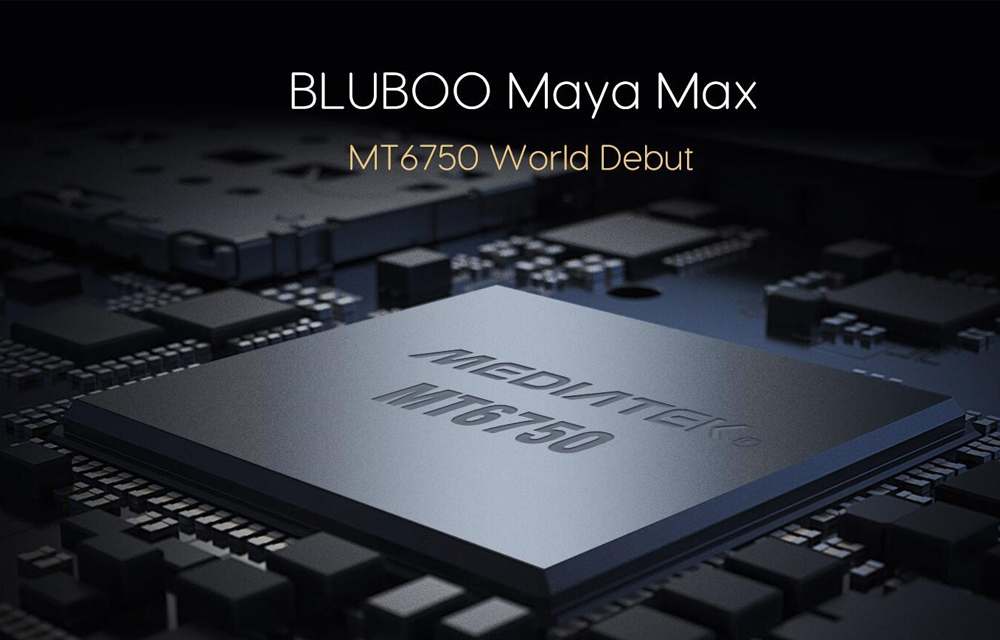
4G smart devices have gradually become more popular in our daily life. Smartphones are the dominators in this field with the 4G included in almost every piece. Like that, MediaTek is also a dominator in the chipset section which has already released three most popular mid-range Octa-core platforms supporting 4G LTE ranging as MT6755, MT6750, and…
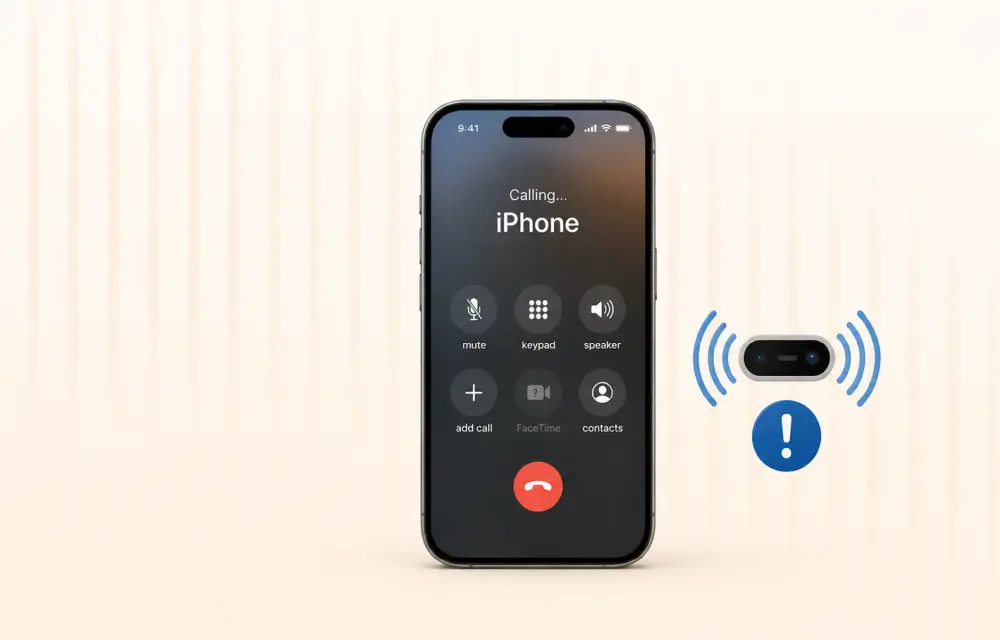
How to Fix iPhone Proximity Sensor Not Working Properly After iOS 26
After the iOS 26 update, a growing number of iPhone users are reporting issues with the proximity sensor. In some cases, the screen does not turn off during voice calls. In others, features like Always On Display behave oddly in low-light conditions. If your iPhone’s proximity sensor feels “broken” or inconsistent after updating, you are…
The week in tech, minus the noise.
New reviews, fixes and the stories that matter — once a week, straight to your inbox.
We only use your email to send the newsletter. Unsubscribe any time. See our privacy policy.
Comments