

How to try Google Chrome for Daydream VR handsets
Google has been focusing on the Virtual Reality side of things for a long time now. We have known that the company emphasis on creating and optimizing content for VR headsets. Recently, Google released Daydream VR platform which supports VR headsets and apps can run on this platform. Now, we have received the information that…

How to try Google Chrome for Daydream VR handsets
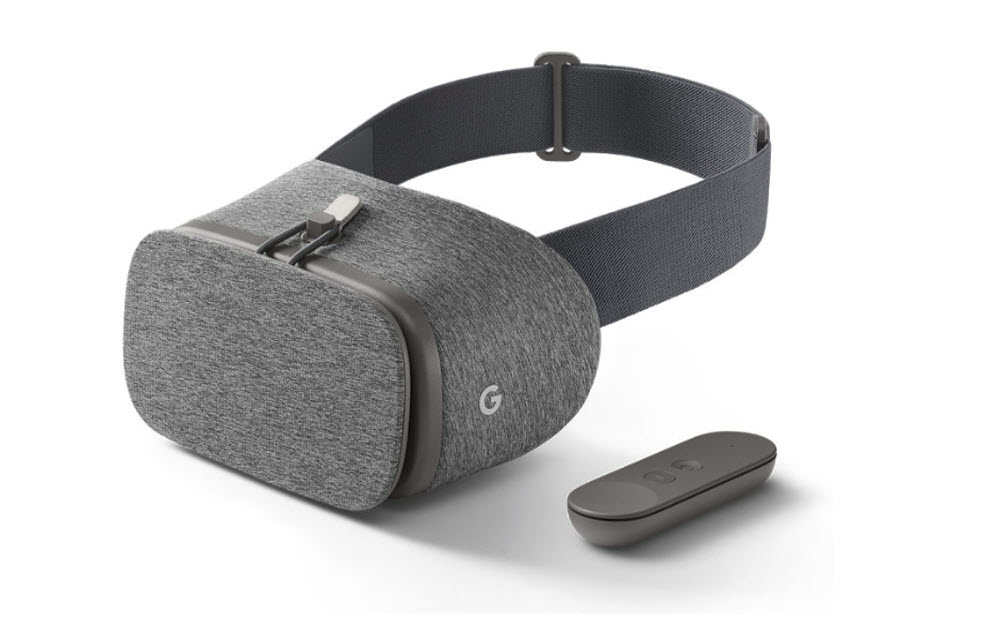
Google has been focusing on the Virtual Reality side of things for a long time now. We have known that the company emphasis on creating and optimizing content for VR headsets. Recently, Google released Daydream VR platform which supports VR headsets and apps can run on this platform.
Now, we have received the information that Google Chrome is now finally available for Daydream VR supported headsets. Earlier, the users of Daydream VR were forced to use test builds or Google Chrome for Android on their Daydream VR headsets. However, they can finally view Google Chrome on their Daydream VR headsets which have been optimized for it.
Also, the users get all the important features of the Google Chrome browser for Daydream VR version as well. This includes features such as incognito mode, bookmarks, voice search, etc. Also, all of our bookmarks get synced, so that if we are browsing an article or webpage on Desktop for Chrome then we can open it on Daydream VR from where we left off.
Now, you can get the Daydream VR compatible Google Chrome by just updating your Google Chrome app for Android from Play Store. Yes, as soon as you update your app, it will automatically become Daydream VR compatible.
Now, once you have updated the app then it is very easy. You just have to open the Google Chrome app on your handset and wear the handset to see the content of your browser in Daydream VR. One thing that is missing sadly is the ability to play videos on YouTube.
However, Google has added a feature which it calls Cinema Mode inside the app which will let you watch YouTube videos in widescreen mode. One thing to note is that you will not be much comfortable using this app, however. This is because the handset gets uncomfortably hot while running Google Chrome in VR mode but we hope that Google will optimize it soon.
More in How-to
How To Try Google Chrome Web Apps Without Installing Them
Extensions have been a thing for quite some time for PC users. They were brought more into the fray thanks to Google Chrome and its avid use of them. Extensions are great, and all, but some of them do have their problems. Some of you can testify to having issues with browser crashing or juts…
How to fix Google Chrome has stopped working error
Google Chrome is a very popular browser. It has many advanced features which are exclusive to the Chrome users. Sometimes unexpectedly Google starts crashing when we try to open. Usually, we get “Google Chrome has stopped working” and asks to close the program. It is an annoying situation when we try to browse something important…
How to fix “This Site Can’t Be Reached” Chrome Error
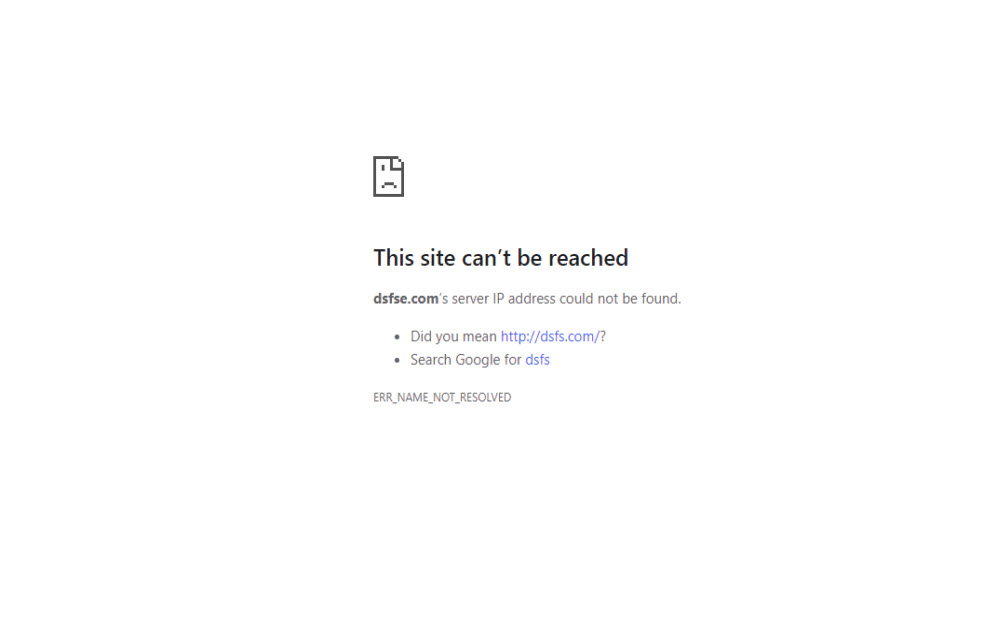
This Site Can’t Be Reached is the common error in the Google Chrome browser. The error is caused by many reasons when your trying to open a website address in Google Chrome. If you are currently facing the error and trying to fix the issue, then you are in the right place. We are here…
The week in tech, minus the noise.
New reviews, fixes and the stories that matter — once a week, straight to your inbox.
We only use your email to send the newsletter. Unsubscribe any time. See our privacy policy.
Comments