

How to Fix Mss32.dll Missing Error
Dynamic Link Library or DLL is one of the most useful as well as the problematic file types in computers. Many times problems occur with the DLL files either when trying to run a newly borrowed game or while trying to install some applications. Mss32.dll such a file required by many applications especially the audio…

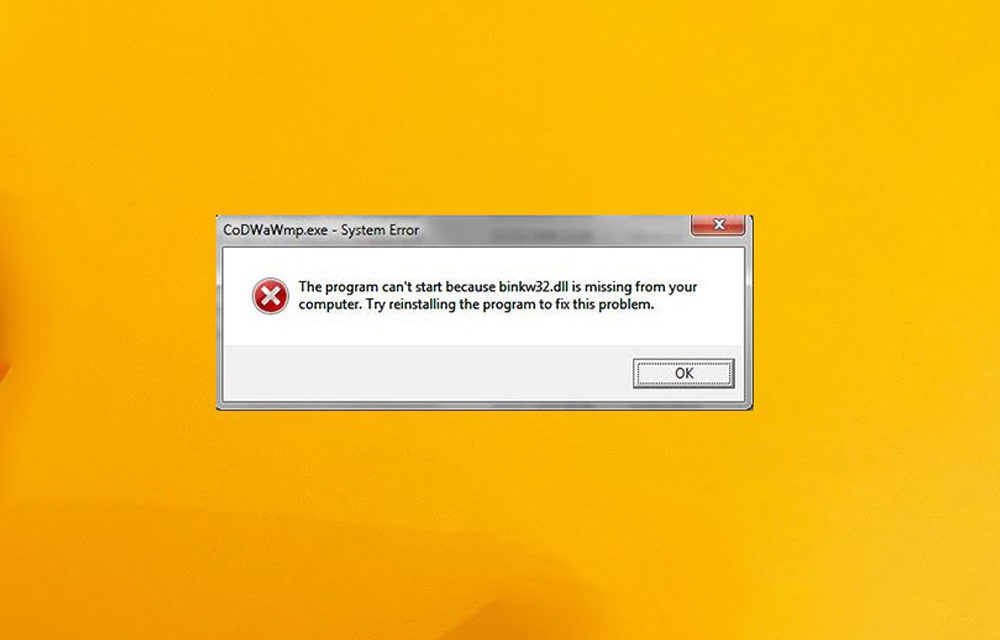
Dynamic Link Library or DLL is one of the most useful as well as the problematic file types in computers. Many times problems occur with the DLL files either when trying to run a newly borrowed game or while trying to install some applications.
Mss32.dll such a file required by many applications especially the audio or media players. If the file is corrupted or accidentally deleted, the programs will not be able to start, and it will show the “Mss32.dll missing” error. If you got this in your own computer also, here is how to fix it.
Error messages of Mss32.dll
These are the common error messages when the Mss32.dll is missing one your Windows computer.
Errors related to the mss32.dll file are commonly appearing while running or installing certain applications. Errors can even occur while starting-up, shutting-down or installing a windows operating system.
- Mss32.dll Not Found
- This application failed to start because mss32.dll was not found. Re-installing the application may fix this problem.
- Cannot start [APPLICATION]. A required component is missing. Please install [APPLICATION] again.
- Cannot find [PATH]\mss32.dll
- The file mss32.dll is missing.
How to Fix Mss32.dll Missing Error
Now it is the time to fix the error on your computer. Make sure to download the DLL file from a legitimate source.
- Download Mss32.dll file from this link.
- Copy the downloaded file and paste it in “C:/Windows/System32” folder.
- Then, go to the “Start” menu, and type “run” in the “Search.” Then click on the ‘Run‘ option showed up.
- In the Run, type
Regsvr32 "C:\Windows\System32\mss32.dll"
and press “Enter.” This will register the downloaded DLL. - If it is prompted the action, click “Yes.”
- Restart your computer to changes takes place.
This is how you can fix the Mss32.dll missing error. That’s all for now. Please leave your feedback in the comment section below.
More in Windows
How to Fix MSVCR120.dll is Missing Error in Windows
DLL files are essential in your computer to perform tasks and functions. Missing files will create problems like they won’t run specific programs and sometimes you can’t even install a game or program in Windows if any particular DLL file is missing in your computer. In the past, we discussed the fixing procedure of Mss32.dll…
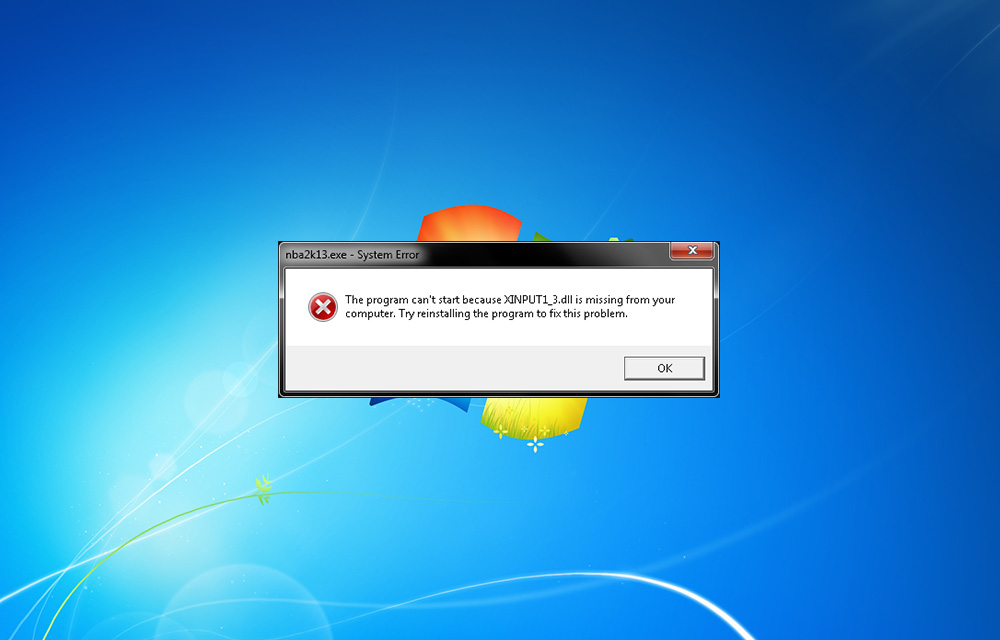
How To Fix Xinput1_3.dll is Missing Error On Windows
You may be faced Xinput1_3.dll is missing error while playing games. It is a common error comes during game play. Many of us just click on “OK” to exit the pop-up and continue the game. Unfortunately, this error doesn’t end by tapping ok. The reason of this error is the missing DirectX 9, which is…
How to fix autorun.dll Error in Windows 10
A very annoying thing that happens with computer users is the occurring of the message- ‘autorun.dll file not found‘. This is encountered when users try to install or update an application or programme. This error prevents the proper launching of a programme. There are many kinds of autorun.dll error that occur while installing a programme.…
The week in tech, minus the noise.
New reviews, fixes and the stories that matter — once a week, straight to your inbox.
We only use your email to send the newsletter. Unsubscribe any time. See our privacy policy.
Comments