

How to Change Printer IP Address in Windows
If you are running a home network to connect to different devices and manage them all from a centralized PC, setting a static IP address to your printer would be a great option. Most of the printers use dynamic IP addresses that could result in problems after a network change or conflict that caused the…

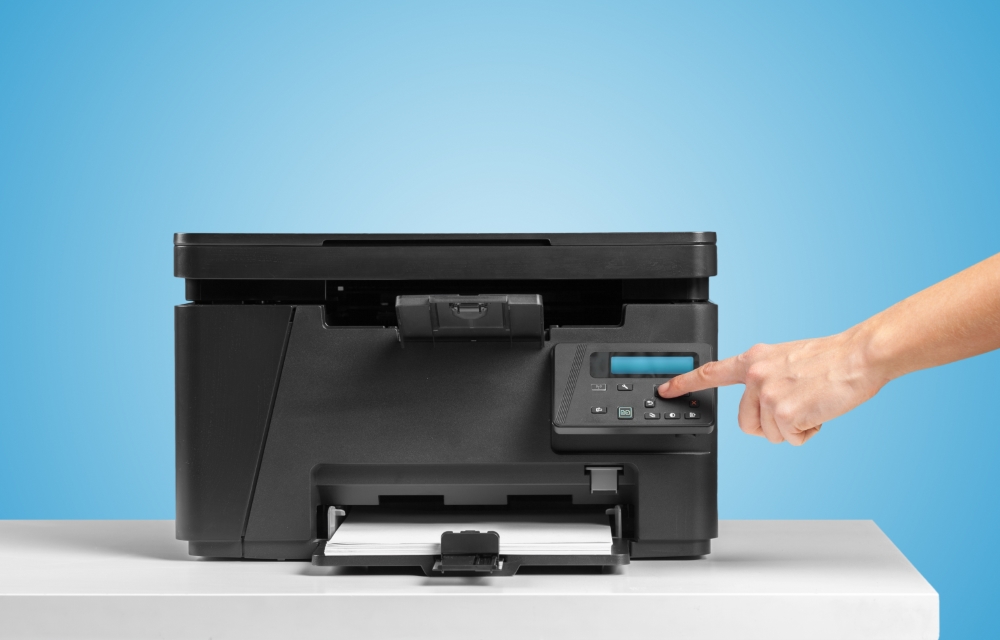
Printer copier machine on a bright colored background
If you are running a home network to connect to different devices and manage them all from a centralized PC, setting a static IP address to your printer would be a great option. Most of the printers use dynamic IP addresses that could result in problems after a network change or conflict that caused the network’s IP address to change. The problem could be easily resolved by changing your printer’s IP address to something static. In this article, we are going to talk about the same.
Change IP Address of your Printer
Make sure that you have powered on your printer and is connected to the right port before starting the procedure. You will have to find the IP address of your current printer in order to proceed.
- Input the IP address of your printer to the browser’s address bar.
- Enter the username and password if asked.
- Navigate to the printer’s Settings/Network page.
- Find the IP Address Configuration section.
- Change it from Automatic/Dynamic to Static/Manual IP.
- Now, type an IP address that you want to assign to the printer.
- Save the settings.
I hope you know. If you don’t, you cannot simply put any value to the IP address field. Make sure that it starts with 192.168.1.X. You could replace the X with any random number. Make sure that this IP is unique and is not assigned to any other devices on the network.
That’s it, you have successfully changed the IP address of your printer connected to your network. From now on, your printer will have a static IP address that you could use to share it across the computers or other devices across the home network. So, you no longer have to depend on a dynamic IP address that makes it hard to find your printer by the connected devices on the network.
More in Windows
How to Fix Printer Offline Problem in Windows 10
Sometimes you will get printer is offline message on your Windows 10. Although both your PC and Printer are in the online state, due to some communication error, the printer will appear as it is still in the offline state. If you are faced printer offline problem in Windows and looking for a fix, this…
How to Enable File and Printer Sharing on Windows
Suppose you are running a small business where you have to share files across multiple computers or you have multiple devices in your home network, instead of carrying them in an external USB drive, wouldn’t it be way easier if you could access the same files from all your devices? Just like that, if you…
How to Fix “Windows 10 Doesn’t Have a Network Profile for this Device” Error
Currently, some Windows 10 users are plagued with an error saying that there is no network profile on this device. The network profile is used by many devices such as printers, scanners etc to remain in the same network as the PC. Now, the network error means that there is no connection between the devices…
The week in tech, minus the noise.
New reviews, fixes and the stories that matter — once a week, straight to your inbox.
We only use your email to send the newsletter. Unsubscribe any time. See our privacy policy.
Comments