

Printer
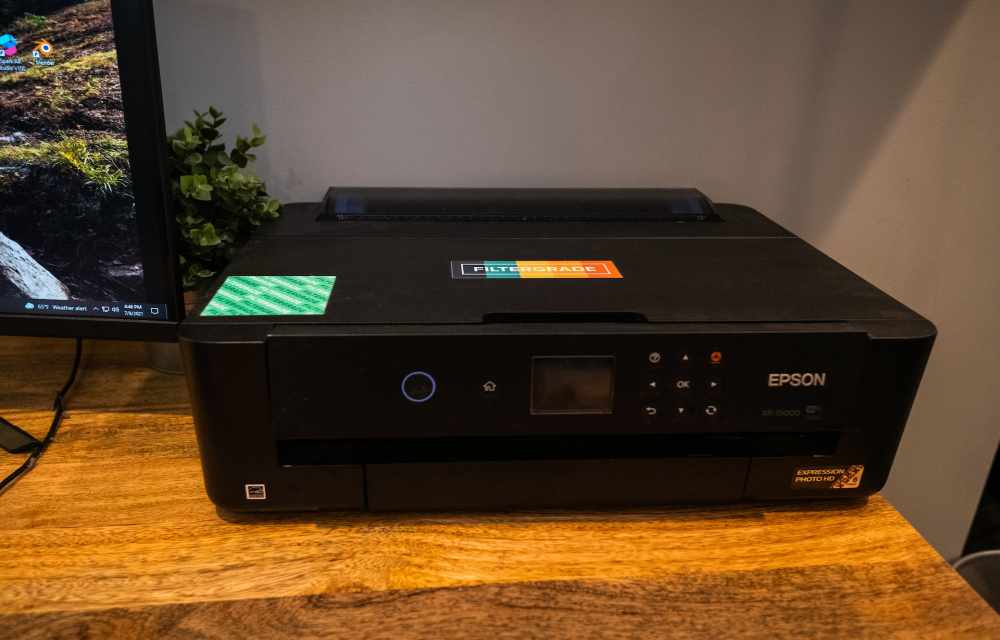
How To Network A Printer?
Setting up a network printer allows users to conveniently print from multiple devices within the home network. Gone are the days of relying on a single computer to handle all printing tasks. By networking a printer, users can seamlessly print from laptops, desktops, smartphones, and tablets without the need for cumbersome cable connections. This enhanced…
How To Fix “Printer Needs User Intervention” In Windows 10
Windows and printer is a deadly combination of productivity. But in cases, the combination is a nightmare too. There are some errors codes appear when you get a particular type of printer error. Previously we written few printer errors fixes such as 0x00000709 error, printer driver update problem, Printer Has Experienced An Unexpected Configuration Problem…
How to Connect a Printer to Laptop
You have several ways to connect a printer to your laptop. If you want to print something from your laptop either from your office or home, a printer is a must. You should be able to print anything that you need to be on paper and a hard copy using a printer. Every file cannot…
How to Connect HP Printer to Wifi
At times, it’s much more convenient connecting the printers to your wireless network rather than using a wire to connect it to every Wifi device you own. Apart from that, it isn’t possible to print something from your mobile device unless your printer has some advanced ports to take it in. So, in this article,…
How to Connect Canon Printer to Wifi
Canon is one of the most popular printer manufactures out there. So, you probably own one and want to connect it to your Wifi network. Whether it is your home or office, connecting your printer to the Wifi would save a lot of work and won’t make a mess with numerous cables floating around. So,…
How to Set Default Printer in Windows 10
If you are one of those tired of selecting the printer every time you want to print something, you are in the right place. You no longer have to select the printer whenever you print something from your browser or a PDF document or anywhere else. Windows have a feature that allows you to select…
How to Change Printer IP Address in Windows
If you are running a home network to connect to different devices and manage them all from a centralized PC, setting a static IP address to your printer would be a great option. Most of the printers use dynamic IP addresses that could result in problems after a network change or conflict that caused the…
How to Enable File and Printer Sharing on Windows
Suppose you are running a small business where you have to share files across multiple computers or you have multiple devices in your home network, instead of carrying them in an external USB drive, wouldn’t it be way easier if you could access the same files from all your devices? Just like that, if you…
How To Fix Application Error 0xc000007b In Windows 10
Windows 10 has come a long way considering improvements offered with every update. However, there are some issues that only a user can solve and Microsoft isn’t really at fault. Yes, Windows isn’t a bug-free experience — but when you encounter the error “application error xc000007b”, things get annoying. The application error 0xc000007b is something…
How to install a printer in Windows 10 in easy steps
The printer is must-have hardware for many users. Students, businesses, and offices printer have vast uses. Tweaking some settings in Windows 10 will let you add a new printer. Installing a printer in Windows 10 is a simple process. Microsoft made the installing and connecting printer is pretty easy and simple. To add a printer…
How To Fix Your Printer Has Experienced An Unexpected Configuration Problem 0x8007007e
There are lots of scanners and printers that we use these days. But, if you are an HP printer and scanner. There is a possibility that you might have faced error 0x8007007e on your computer. This is a very common error that often occurs with HP printers and Scanners. However, this is a minor problem.…