

How To Get Discord On PS4 And PS5
Discord, a popular audio, video, and text chat application, has spread through the gaming world. Discord, which was launched in 2015, immediately gained popularity among gamers because of its user-friendly UI and seamless communication features. PlayStation 4 and PlayStation 5, the popular gaming consoles from Sony don’t need any introduction to the gaming world. Now…
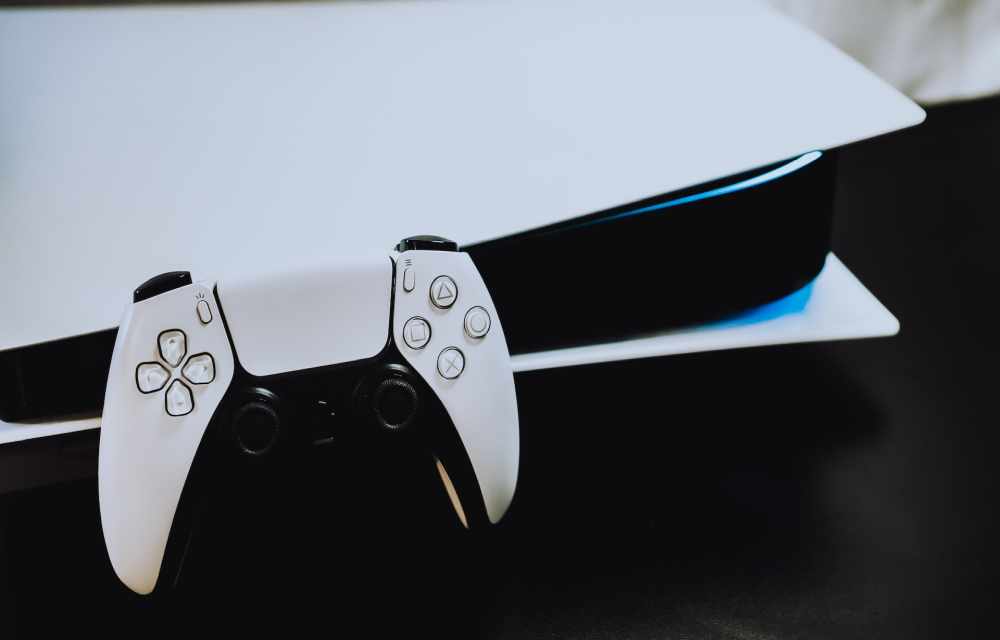
How To Get Discord On PS4 And PS5
Discord, a popular audio, video, and text chat application, has spread through the gaming world. Discord, which was launched in 2015, immediately gained popularity among gamers because of its user-friendly UI and seamless communication features.
PlayStation 4 and PlayStation 5, the popular gaming consoles from Sony don’t need any introduction to the gaming world. Now imagine a deadly combination of these gaming consoles with Discord installed in it. This is pure heaven for PS4 and PS5 network players.
In early 2022, Discord introduced a feature allowing users to connect their PlayStation Network (PSN) accounts to Discord. Now, Discord has taken it a step further by making its platform officially available on the PlayStation 5 (PS5) for all users. This exciting development allows PS5 owners to seamlessly access Discord and enjoy its features, enhancing their gaming and social interactions on the gaming console. With Discord on PS5, gamers can connect, communicate, and collaborate with friends and communities in a more convenient and immersive way, making their gaming experiences even more enjoyable.
In this article, I will explain how to use Discord on PS4 and PS5.
How to Get Discord on PS4 and PS5
There is no official Discord app for PS4 or PS5, but you can still use Discord voice chat on your console. Here are the steps on how to do it:
- Link your PlayStation Network account to Discord.
- Open Discord on your computer or mobile device.
- Click on the gear icon in the bottom left corner of the screen.
- Select “Connections” from the left-hand menu.
- Click on the “+” button next to “PlayStation Network”.
- Follow the on-screen instructions to link your accounts.
- Join a voice channel on Discord.
- Once your accounts are linked, you can join a voice channel on Discord just like you would on any other platform.
- To do this, open the Discord app or website and select the voice channel you want to join.
- Transfer your Discord voice chat to your PS5.
- Once you’re in a voice channel, look for the Transfer to Console icon. This is a controller icon in front of a phone.
- Click on the icon and select Transfer to PlayStation.
- A list of your PS5 consoles will appear. Select the console you want to transfer your voice chat to and click on Transfer Voice.
Conclusion
By using the above method, you can use Discord on PS4 and PS4 consoles. With the ability to connect your PlayStation Network account to Discord and enjoy a rich presence, gaming experiences are enhanced. The seamless integration of Discord on the PS5 allows players to easily communicate with friends, join communities, and stay engaged in their favorite gaming circles.
More in How-to
How to Delete or Disable a Discord Account?
Discord addiction can pose challenges when you decide to take a break from social media or perhaps quit gaming altogether. In such situations, deleting your Discord account may be a sensible choice. Make sure this action you take on the Discord account is a permanent action that also erases all associated account data. If you…
How To Unblock Someone On Discord
Discord is unquestionably the most popular communication app for gamers. Even though it is tailored for gamers, it is also being used by professionals and students across the world. Now, with all the features, there’s also a need for moderation tools. Fortunately, Discord provides great control over the features offered. Here, we’re going to talk…
Here’s how to enable screen share in Discord for easy communication
Discord is a VoIP based messaging application. It supports the sharing of all forms of multimedia, such as text, image, audio, and video. It is a gaming community-centric app. Over the recent updates, it is quite popular among small businesses and for general multipurpose group chats. Server functionality in Discord makes it stand apart from…
The week in tech, minus the noise.
New reviews, fixes and the stories that matter — once a week, straight to your inbox.
We only use your email to send the newsletter. Unsubscribe any time. See our privacy policy.
Comments