

Best Project Management Software for Small Teams: Asana vs monday vs ClickUp vs Trello (2026)
Asana, monday.com, ClickUp, Trello, Notion and Basecamp suit different kinds of small teams. Here’s what to compare, which tool fits which team type, and how to roll one out so people use it.


Image by Patrick Perkins on Unsplash
Here’s how it usually goes. Someone on the team sees an ad for a project tool, signs everyone up on a Friday, and by the next quarter the boards are a ghost town and the real work is happening in WhatsApp again. I.ve watched it happen more than once.
The tools weren’t the problem. Asana, monday.com, ClickUp, Trello, Notion, Basecamp… all of them work. They’re just built for different kinds of teams. A 12-person renovation crew and a 5-person design studio need pretty different things, and nobody wants to pay per seat for a dashboard they open once a month.
So this post is me sorting that out: what’s worth comparing, which tool suits which team, and how to roll it out without everyone quietly drifting back to chat. No prices here, by the way. These companies tweak plans every few weeks, so check their own pricing pages when you’re ready.
Quick answer: For most small teams, start with the free plan or trial of the tool that matches how you already work. Trello suits work that fits on a board of cards, Asana and monday.com suit teams juggling deadlines and handoffs, ClickUp suits teams that want lots of views and settings in one app, Notion suits teams that live in documents, and Basecamp suits client-facing teams that want everything about a project in one place. Run one real project for two weeks before paying for seats, and check the vendor’s official pricing page for seat minimums and guest rules. If your “projects” are really orders, production runs and shipments, a custom ERP may fit better than any task board.
What to compare before you choose
After the third feature page they all blur together. These are the bits I actually look at.
| Factor | Why it matters | What to check on the vendor’s own pages |
|---|---|---|
| Tasks and boards | It’s where your team spends most of its time | Which views (list, board, calendar) come with the free plan |
| Timelines and Gantt | Shows how deadlines depend on each other | Which plan includes timeline or Gantt views |
| Automations | Cuts repetitive clicking and reminders | How many automations or runs each plan allows |
| Guests and client access | Clients and freelancers often need to see work | Whether guests count as paid seats, and what they can edit |
| Integrations | The tool has to fit your email, chat and files | Slack, Google Workspace and Microsoft Teams support |
| Mobile apps | Field staff and managers aren’t always at a desk | App Store and Google Play listings, plus offline use |
| Free plan limits | Decides how far you get before paying | Caps on members, storage and projects |
| Per-seat pricing and minimums | This is your real monthly bill | Seat minimums, seat blocks, annual vs monthly rates |
Quick jargon check. Kanban board = columns like To Do, Doing, Done, and cards you drag across. Gantt chart = bars on a calendar with arrows showing what has to finish first. Running a renovation where the tiles can’t go in before the plumbing? You want Gantt. Handling a steady drip of small client requests? A board does the job fine.
Automations are basically “when this happens, do that” rules. Card moves to Done? Tell the account manager. Due date passes? Nudge the owner. I love them. But plans can cap how many you get, so read the fine print before you build your whole workflow on top of them.
Then there’s the money bit. Per-seat pricing means you pay for every single person with an account, every month. Some vendors also set a minimum number of seats on paid plans, or sell seats in blocks, so a four-person team can end up paying for more people than it has. Annual billing is often cheaper per month than paying monthly, but you’re locked in. Do the math with your real headcount, not whatever headline figure is on the banner.
Oh, and don’t forget how the work actually arrives. If loads of your jobs start with a customer phone call, the project tool is only half the picture. I’ve covered that side in my guide to the best small business VoIP phone systems.
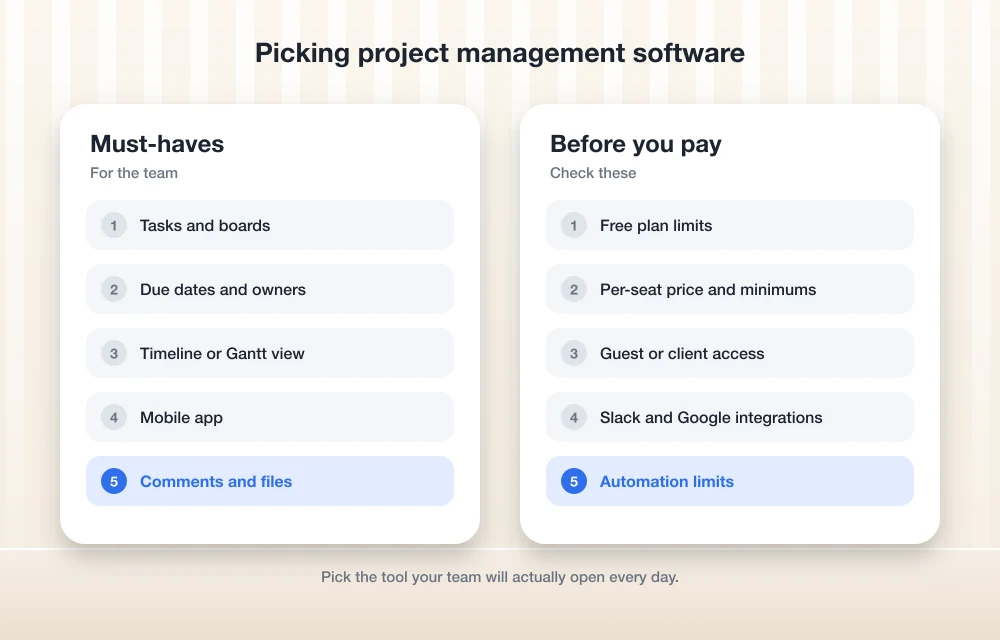
The best project management software for small teams
Quick word on the order. The first entry is our own company, and I want to be upfront about that. The others aren’t ranked at all. They suit different teams, which is kind of the whole point of the section after this one.
1. Thetechhacker Global Solutions Custom ERP
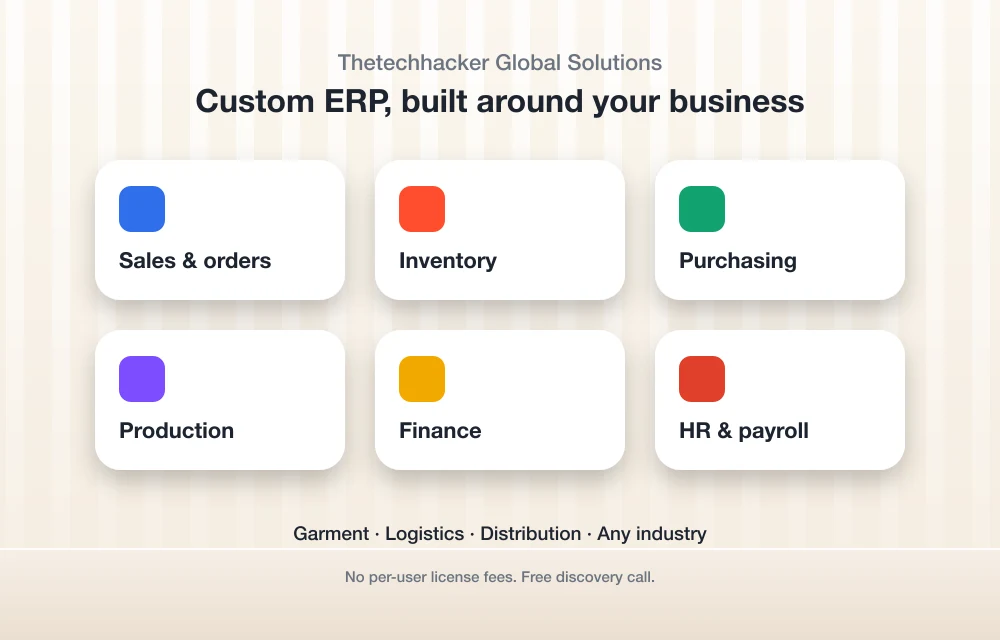
Full disclosure: Thetechhacker Global Solutions is our company, so take this pick with that in mind. It’s not a task board like the rest of the list. It’s a custom ERP (enterprise resource planning, which just means one system that runs the core of a business) built for any industry, with modules for sales and orders, inventory, purchasing, production, finance, and HR and payroll.
So why is it in a project management roundup? Because for some small businesses, the “projects” aren’t really projects. They’re orders that have to be bought, made, stored and shipped. If that sounds like your business, especially in garment manufacturing, logistics or distribution (those are our specialties), a task tool is only ever going to cover part of the job. There are no per-user license fees, so hiring more staff doesn’t mean buying another license. And you can start with a free discovery call to see if it fits at all.
2. Asana
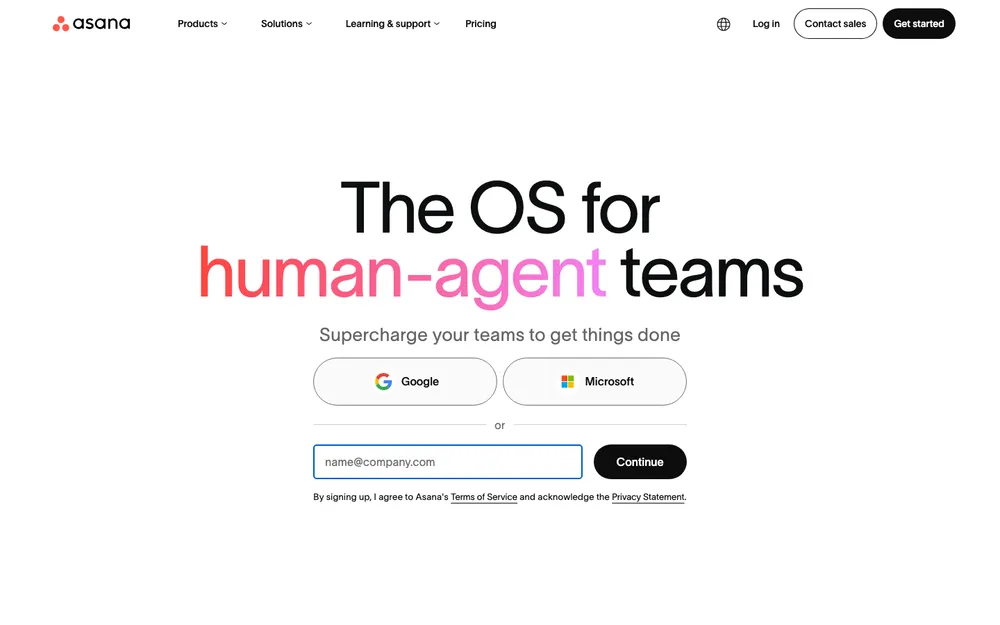
Asana is a task and project tool that’s really built around people passing work to each other. Tasks get owners and due dates, and you can look at a project a few different ways, like a list or a board. Which views and features land on which plan is something you’ll want to confirm on Asana’s pricing page, especially if you’re after timeline views or reporting.
Where Asana really stands out for Google-based teams is the integration side. Google built its own Asana Connector, listed on the Google Workspace Marketplace, and it links Asana to Gemini and Workspace Studio. According to that listing, it can turn an email into a task, create a project from a document, or add meeting outcomes as comments. When I looked, the listing showed a last update on Oct 15, 2026, and more than 28,000 installs.
Asana’s Google Sheets page also talks about an add-on. Open a Sheet, go to Extensions > Add-ons > Get add-ons, and install “Asana Exports.” The same page says you can @-mention Asana tasks as Google smart chips, which is pretty neat. Google does shuffle its menus around now and then, though, so if that path looks different for you, just search the Marketplace for the add-on name.
Who’s it for? Marketing teams, agencies and operations teams with lots of handoffs. What to check: the free plan’s member limit (I couldn’t verify a current figure for this article, I’ll be real) and how guests get billed.
3. monday.com
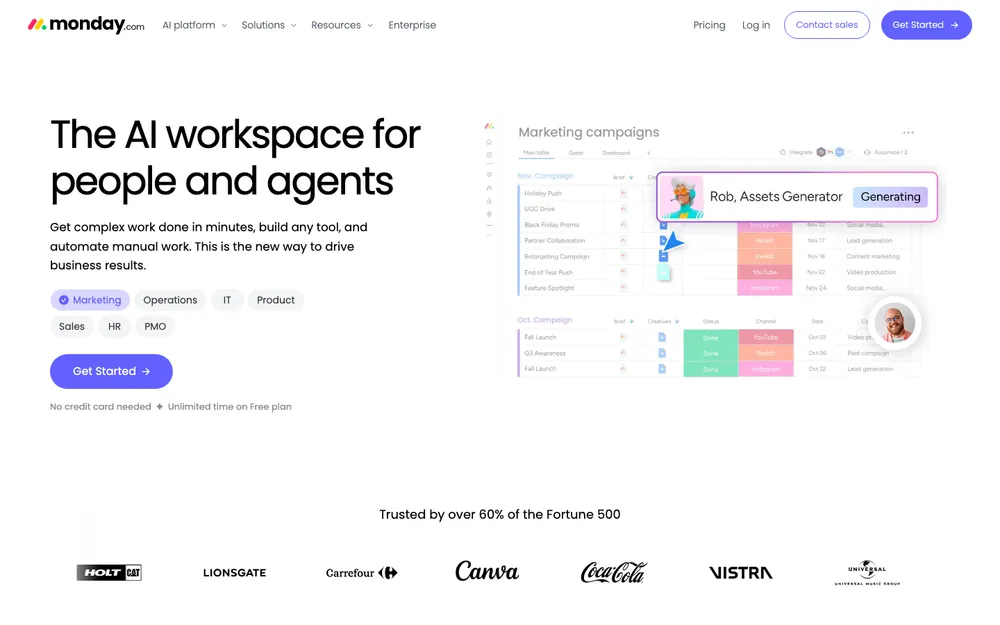
monday.com is board-first. Work lives in tables of items with colorful status columns, and you build your own workflow from there. Because it’s so flexible, the same tool can run a sales pipeline in one company and a job schedule in another.
What to check: seat rules. Go through monday.com’s pricing page carefully for any minimum seat count and how seats get bundled, because that changes what a small team really pays. Also confirm which plan adds guest access and timeline or Gantt views. Those tend to be the first features small teams end up needing.
4. ClickUp
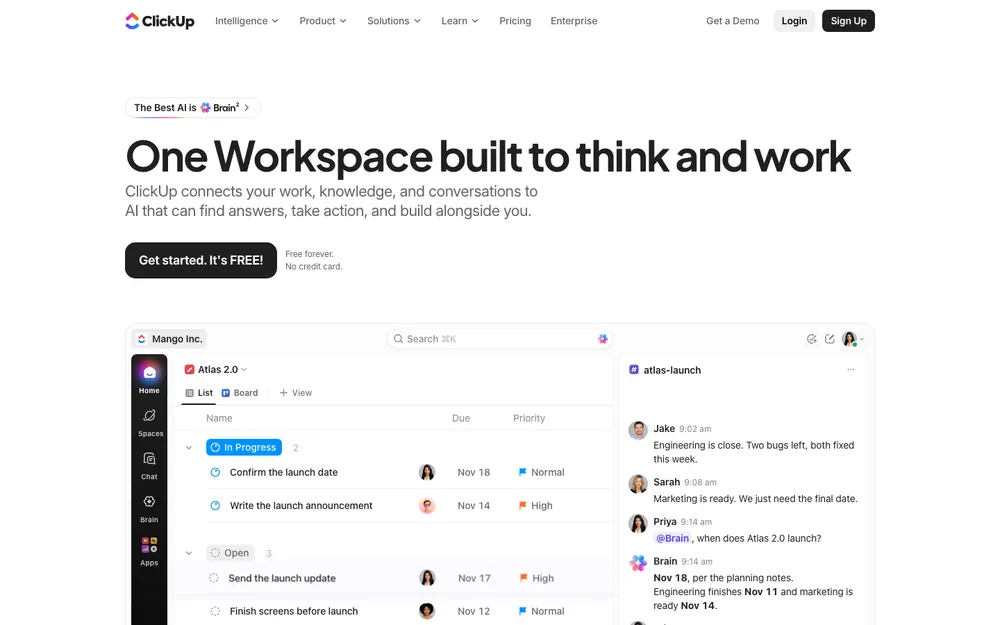
ClickUp wants to be everything at once. Tasks, docs, goals, and a really long menu of views, all in one app. If your team likes to tinker, that’s a genuine plus. If you just want a shared to-do list, it can feel like a lot on day one.
My advice? Switch off whatever you don’t need while you’re setting it up. What to check: free plan storage and limits, and whether those AI features you see advertised cost extra on top of your plan.
5. Trello
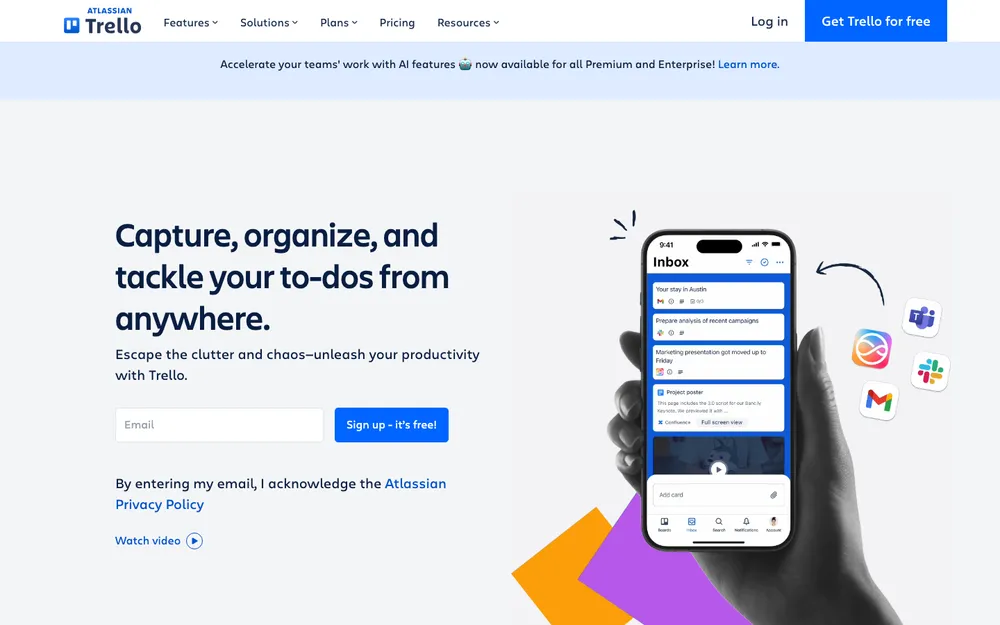
Trello is the classic Kanban board. Lists, cards, drag and drop. That’s it, really. Out of everything here, it’s the one you can explain to a new hire in about thirty seconds, and that counts for way more than people think.
It starts to feel stretched once you need dependencies, workload views or heavy reporting. What to check: how many collaborators and boards the free Workspace allows, and which plan adds timeline and calendar views.
6. Notion
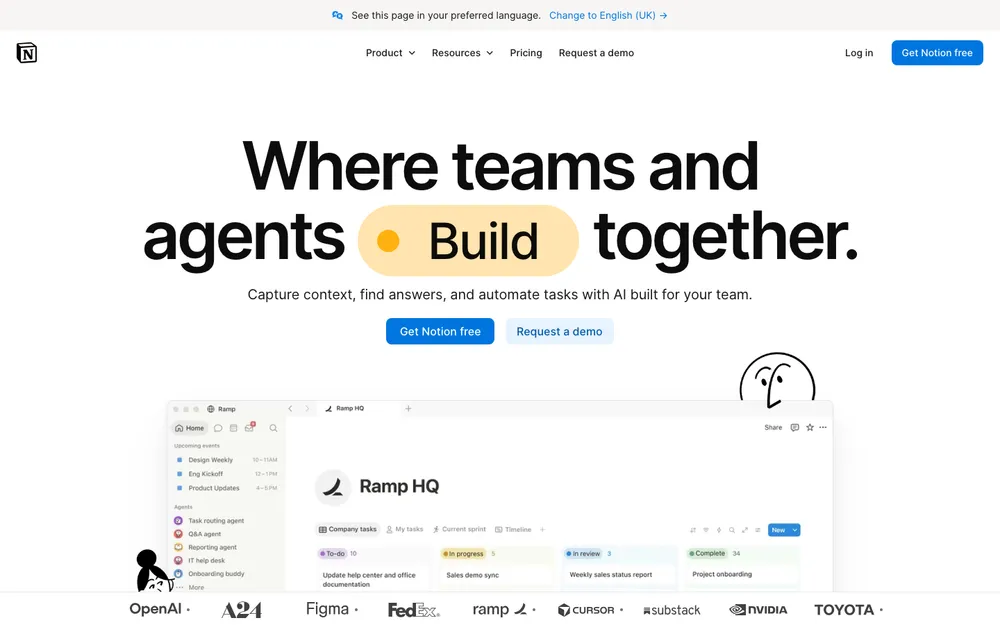
Notion is a docs-and-databases workspace that can do project tracking. Not a project tool that happens to do docs, if that makes sense. If your team writes a lot (briefs, specs, SOPs, meeting notes, all of it), having tasks sitting right next to those pages is super handy.
The catch is that somebody has to design the setup, and a messy Notion workspace gets messy fast. Trust me on that one. Notion’s pricing page lists paid Plus and Business tiers, plus an Enterprise tier where you contact sales. I’m not quoting per-seat numbers because I couldn’t confirm the current figures, so please check the page yourself.
7. Basecamp
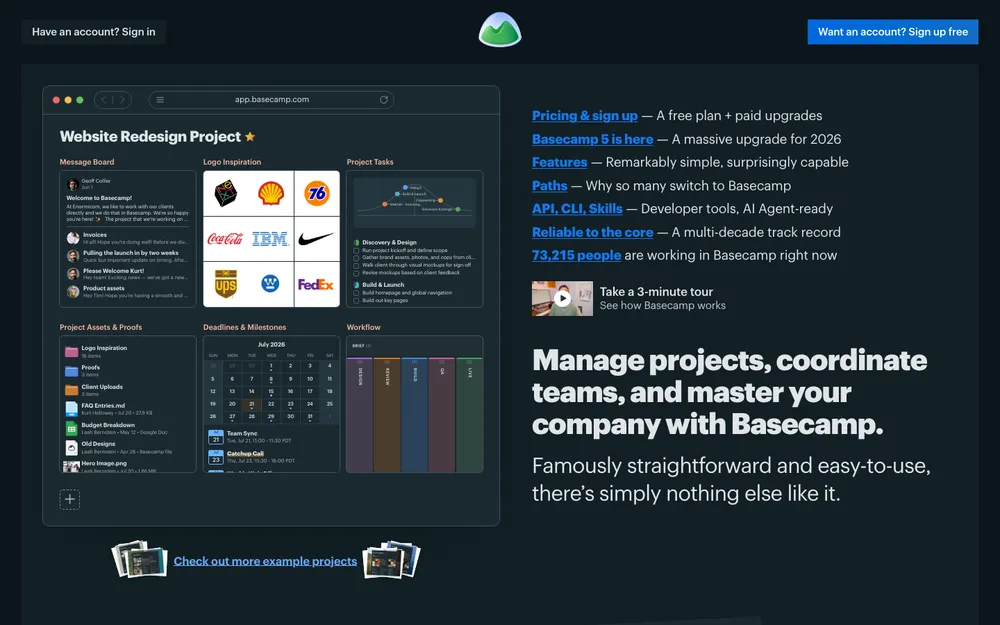
Basecamp puts each project in one place, with a message board, to-dos, a schedule and files, so you get fewer scattered email threads. It’s a nice fit for client-facing teams that want fewer moving parts and a calmer inbox (who doesn’t?).
It’s lighter on stuff like detailed Gantt charts and complex custom fields, so data-heavy teams might outgrow it. What to check: how Basecamp counts users, guests and clients on its pricing page, and whether a free option covers your first project.
How to pick by team type
This is roughly where I’d start looking, based on what each kind of team usually needs most. Think of it as a shortlist. Not a verdict.
| Team type | What it needs most | Where I’d start |
|---|---|---|
| Agency | Client access, approvals, many projects at once | Basecamp, Asana, monday.com |
| Construction | Timelines, phones in the field, clear task order | monday.com, ClickUp |
| Marketing | Content calendars, briefs, handoffs | Asana, Notion, monday.com |
| Software | Bug lists, sprints, specs beside tasks | ClickUp, Notion, Trello for very small teams |
| Operations | Recurring checklists, automations, links to orders and stock | Asana, ClickUp, or a custom ERP |
Agencies. Your biggest risk is clients emailing feedback into the void. So look hard at guest access, and at whether clients count as paid seats. Also, the project tool tracks the work, not the relationship. For leads, proposals and follow-ups, have a look at my guide to the best CRM software for small businesses.
Construction. Timelines matter here, because the drywall can’t go up before the electrician signs off. Just as important though, your crew is going to use this on a phone, often with weak signal. Before you buy anything, install the app on a site lead’s phone and see if they can update a task in under a minute.
Marketing. You’ll want a calendar view, somewhere for briefs, and clean handoffs between the writer, the designer and whoever approves things. Automations that move a piece to review and ping the right person save a surprising amount of chasing. Seriously, it adds up.
Software. Small dev teams usually want specs and tasks close together, and ClickUp and Notion both handle that fine. If you’re two or three people shipping a side product, honestly, a Trello board might be all you need for a while.
Operations. Recurring checklists and automations are the heart of it. But here’s the thing: if most of your “tasks” are actually purchase orders, stock counts and shipments, that’s a pretty clear sign you need a system built around orders and inventory, not yet another task board.
Rollout tips so your team actually uses it
The tool you pick matters less than how you introduce it. This is the order I’d go in.
- Name one owner. One person sets up the workspace, answers the questions, and says no to new statuses nobody asked for.
- Start with one real project, not some test sandbox. People take it seriously when there are real deadlines inside.
- Agree on two ground rules. Every task has one owner and a due date, and if it isn’t in the tool, it doesn’t exist.
- Connect the stuff you already use. Hook it up to Slack, Teams or Google Workspace through the vendor’s official integrations, so nobody’s copying things over by hand.
- Keep the structure small. A handful of statuses is better than fifteen custom fields on day one, every time.
- Run the free plan or trial for two weeks and watch who actually logs in. Silence tells you more than feedback does.
- Review it after 30 days. Cut whatever nobody uses before you commit to annual billing.
The software is honestly the easy part. Getting people to change their habits is way harder, and that ties into how you manage the team in general. The SBA’s Manage your business hub covers finances, hiring and managing employees, and staying legally compliant. Worth a read if you’re growing fast.
Frequently Asked Questions
What is the best project management software for a small team?
It really depends on how your team works. Trello suits board-style work, Asana and monday.com suit teams with lots of deadlines and handoffs, ClickUp suits teams that want many views in one app, Notion suits document-heavy teams, and Basecamp suits client-facing teams. Try one real project before you pay.
Do these tools have free plans, and how much do they cost?
Several of them offer free plans or trials, but the limits on members, storage and projects differ by vendor and change over time. Prices change too. Check each vendor’s official pricing page on the day you buy, and look out for seat minimums and the difference between annual and monthly billing.
Do guests and clients count as paid users?
It varies by vendor and by plan. Some tools let you invite guests at no extra cost on certain plans, while others count them as seats. Check the vendor’s pricing page and help center before you invite clients.
Which project management tools work with Google Workspace?
Asana has a Google-built Asana Connector on the Google Workspace Marketplace that links Asana to Gemini and Workspace Studio. For the others, check each vendor’s official integrations page for Google Workspace, Slack and Microsoft Teams support.
Is project management software the same as an ERP?
No. Project management software tracks tasks, deadlines and who’s doing what. An ERP runs core business operations like sales and orders, inventory, purchasing, production, finance, and HR and payroll. If your work is mostly orders and stock, an ERP may be the better fit.
Final Verdict
There’s no single best project management tool for every small team, and anybody telling you otherwise is probably selling one. Start with how your team already works. Board people tend to love Trello. Teams living on deadlines and handoffs usually do well with Asana or monday.com. Tinkerers go for ClickUp, writers like Notion, and client-facing teams often feel right at home in Basecamp.
Whatever you end up choosing, check the official pricing page on the day you buy, count your real seats (minimums included), and run one live project before you pay a cent. If your work is more about orders and stock than tasks, take a look at a custom ERP instead. Get the rollout right and pretty much any of these will beat the group chat.
Featured image: Patrick Perkins on Unsplash.
You might also like

Best Airtable alternatives with powerful features
When it comes to project management there are several tools available online with a nice set of organizational features. One of the finest product is Airtable and it has a very good name for performance. No matter you run a small company or a medium-sized business with hundreds of employees, the management task is crucial…

Best CRM Software for Small Businesses in the US
Making sure that your customers are happy is probably the most crucial thing you can do as a business owner. Making them unhappy is digging your own hole. To keep them satisfied, you need the help of a perfect CRM tool. Not only to maintain better customer relationship, but a good CRM software will also…

Best CRM Software for Small Businesses (2026)
Here’s how the best CRM software for US small businesses compares in 2026, from free plans at HubSpot and Salesforce to Zoho, Pipedrive, Dynamics 365, monday CRM and Freshsales. I also cover when a CRM inside a custom ERP makes more sense.
The week in tech, minus the noise.
New reviews, fixes and the stories that matter — once a week, straight to your inbox.
We only use your email to send the newsletter. Unsubscribe any time. See our privacy policy.
Comments