

Best POS Systems for Small Businesses: Square vs Toast vs Clover (2026)
Square, Toast, Clover, Shopify POS and Lightspeed compared for US small businesses: what each costs, the contract and offline catches, and when your POS should connect to an ERP.
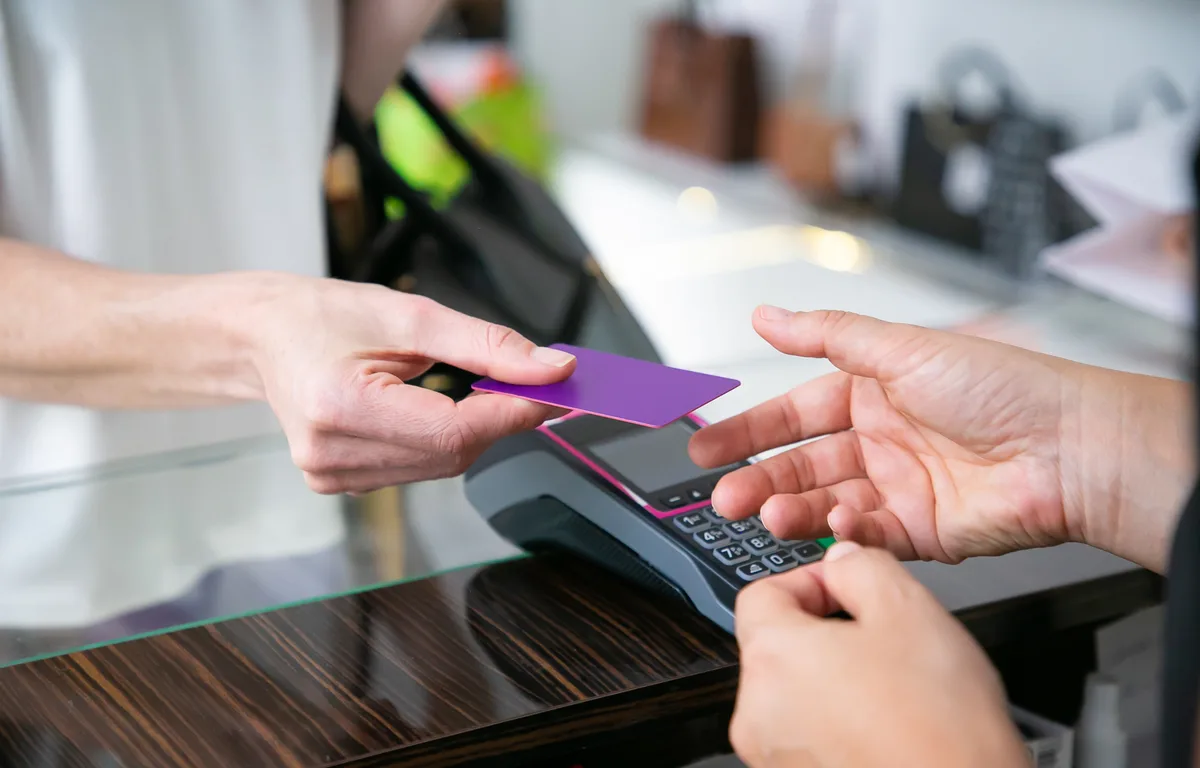
Image by pch.vector on Magnific
Picking a POS system feels like it should take one afternoon, right? You want to take cards, print a receipt, maybe keep an eye on your stock. Then you open five pricing pages and suddenly you’re staring at processing rates, hardware bundles, add-ons and contract terms, and every vendor has its own slightly different name for what is basically the exact same thing. Fun.
So I made this guide for US small business owners who want to compare the big names (Square, Toast, Clover, Shopify POS and Lightspeed) without losing a full weekend to it. I’ll cover what a POS actually does, where your money really goes, and which system usually works for retail shops, restaurants, salons, pop-ups and online stores.
Quick honest note before we start. POS pricing changes all the time, and vendors don’t put everything out in public. When I was writing this, Toast’s was the only price I could confirm on an official vendor page. For the rest, I’ll tell you what to look for and where to check, instead of throwing numbers at you that I can’t really stand behind.
Quick answer: For most small retail shops and pop-ups, Square is usually the easiest place to start. Restaurants should look hard at Toast, which is built for food service, and Shopify POS makes the most sense if you already sell online through Shopify. Clover and Lightspeed suit businesses that want more structured plans or deeper retail inventory tools. Once you’re juggling several locations, a warehouse or your own production, connect your POS to an ERP so stock and accounting stay accurate.
What a POS System Actually Does
POS is short for point of sale. It’s the place where the customer pays you, along with all the software and hardware that makes that happen. Years ago that was just a cash register sitting on the counter. These days it’s mostly a tablet or terminal, a card reader and an app that talks to the cloud.
Taking payments is the obvious bit. A modern POS takes tap, chip and swipe cards, phone wallets and cash, and it logs every single sale. But honestly? The real value is in all the stuff around the payment.
A decent system tracks inventory, so when you sell a T-shirt your stock count goes down by one without you touching anything. The restaurant versions handle menus, modifiers like “no onions”, and sending orders straight to the kitchen. Most of them let customers tip on the screen itself. You can give each staff member a login so you know who rang up what (some even do clock-ins). You get reports on your best sellers, your dead hours and your daily totals. And a lot of them plug into online ordering, so website and delivery orders land in the same place as your in-store sales.
Thing is, they’re not all equally good at every one of these. Which is kind of why we’re comparing them in the first place.
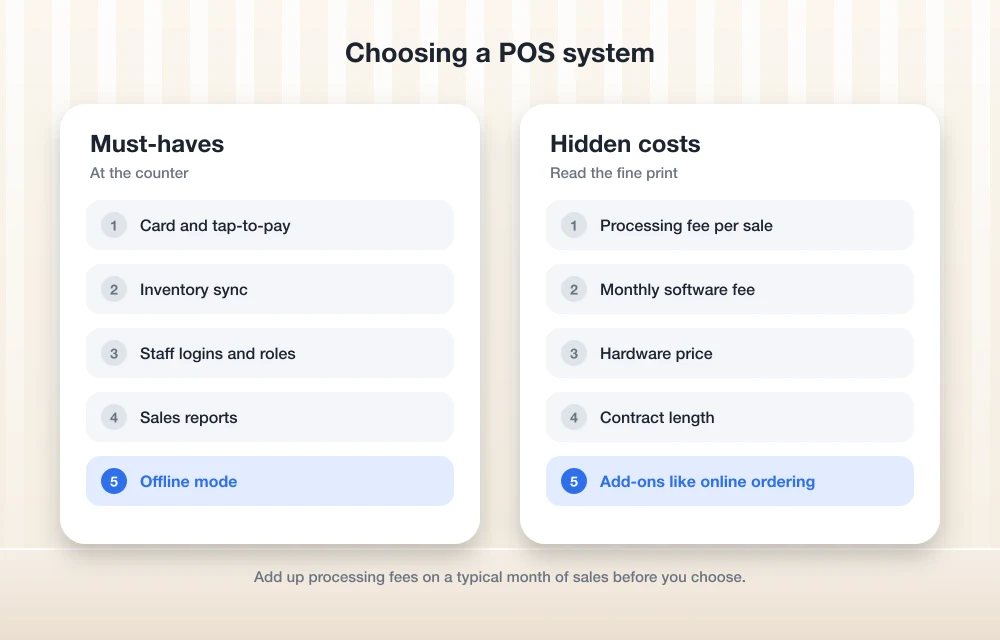
Where Your Money Goes: Processing, Software and Hardware
Okay, this is the part where people get caught out. With pretty much every POS you’re paying in three different ways, and that big headline price usually only shows you one of them.
The first one is payment processing. Every time someone pays with a card, the provider takes a percentage of the sale plus a small fixed amount per transaction. On the plans I checked, online and keyed-in payments normally cost more than cards tapped or dipped in person. And because processing grows as your sales grow, it’s often the biggest POS cost you’ll have over a year.
Next is the software subscription, which is the monthly fee for the POS app and its features. Some vendors give you a free or cheap starter tier, then charge more once you want advanced inventory, staff tools or more than one location.
Finally, hardware. Card readers, stands, countertop terminals, handhelds, receipt printers, cash drawers, kitchen screens. You might buy it all upfront, pay monthly, or have it bundled into a plan.
Toast is a good example of how this all piles up. According to Toast’s own pricing info, plans start at $0/month for an eligible Starter Kit and $69/month for its Point of Sale plan, while Build Your Own setups get a custom quote. Toast also says the full cost depends on upfront hardware, processing and add-ons. And I’ll be real with you, that last part is true for every vendor on this list, not only Toast. Prices change too, so check the official page before you sign anything.
On top of that there’s a bunch of smaller fees I couldn’t confirm for any of these vendors: chargeback or dispute fees, instant payout fees and early termination fees. Ask about each one directly. Don’t assume. And if you want a broader look at managing cash flow and payments as a small business, the SBA’s guide on managing your business finances is a pretty good place to start.
Contracts and Offline Mode: The Fine Print That Matters
Two things get way less attention in POS sales pitches than they should. Here they are.
Contracts
Some POS providers let you leave whenever you feel like it. Others tie the hardware to a multi-year agreement, and the terms can change depending on where you bought it from. Clover is the one I’d be careful with. It’s sold directly, but also through banks and resellers, and I’ve come across reports of long hardware agreements that I couldn’t confirm on Clover’s own site. Square is widely reported to have no long-term contract, but please read the terms yourself before you rely on that.
Offline mode
Your internet will go down at the worst moment. It just will. Lunch rush, Saturday market, holiday sale, take your pick. Offline mode lets you keep taking payments and then syncs everything once you’re connected again.
Here’s the catch though. When you take a card while offline, nobody can check right then whether it’s actually valid. If it declines later, it’s usually you who eats the loss. From what I understand, Square lets you take offline card payments, but they need to sync within a set window or they expire. Toast has an offline mode, with limits. Clover can take offline payments that might need processing within a certain number of days. Shopify POS can take cash offline, and whether offline card payments work depends on your hardware. Lightspeed Restaurant has an offline mode on iPad. I couldn’t confirm the exact windows or limits for any of them, so do go check each vendor’s help center.
Before I committed to any POS, these are the questions I’d throw at the sales team:
- What are the in-person, online and keyed-in processing rates for my type of business?
- Is there a contract, and what does it cost me to cancel early?
- Do I actually own the hardware, and does it still work if I switch providers?
- What happens to card payments I take offline, and how long do I have to sync them?
- What do you charge for chargebacks and instant payouts?
The Best POS Systems for Small Businesses in 2026
I’m starting this list with something that isn’t technically a POS. Yes, I know. Let me explain. A POS runs the counter. But as a business grows, the bigger headaches usually show up behind the counter, in stock, purchasing, production and payroll. And that’s where ERP comes in.
1. Thetechhacker Global Solutions Custom ERP
Disclosure: this is our own company, so keep that in mind when you read my take.
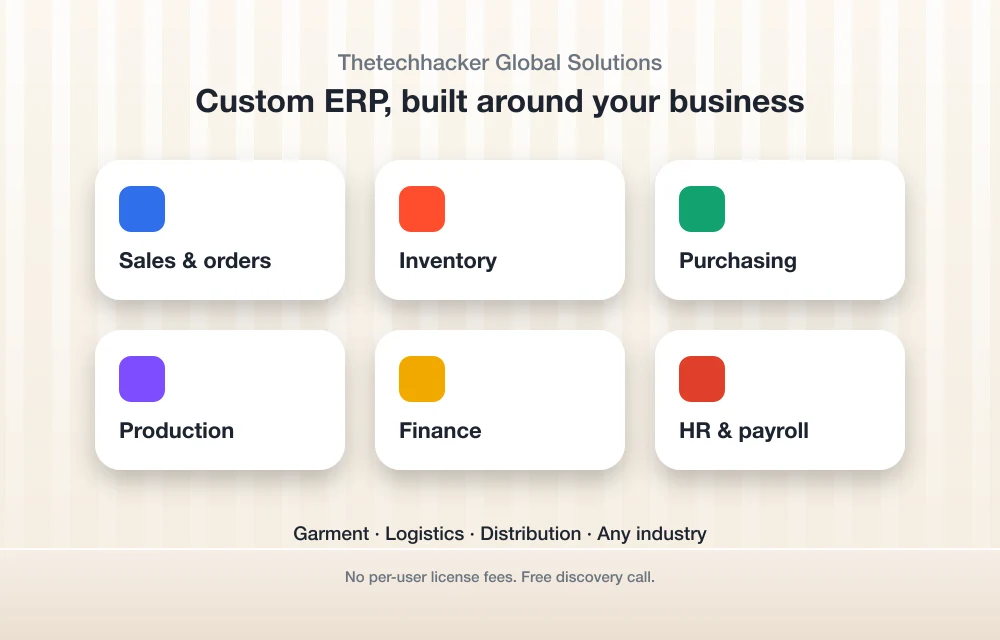
ERP means enterprise resource planning. In plain words, it’s software that runs your whole business from one system instead of a stack of spreadsheets. Thetechhacker Global Solutions builds a custom ERP for any industry, with modules for sales and orders, inventory, purchasing, production, finance, and HR and payroll (attendance, shifts, leave and salary processing). What we specialise in is garment, logistics and distribution ERP.
There aren’t any per-user license fees, and that matters a lot if you’ve got a big team on the floor or in the warehouse. It won’t replace your till, to be clear. It’s for the side of the business a POS was never designed to handle. If you feel like spreadsheets just aren’t cutting it anymore, book the free discovery call on the landing page and ask how it would work with the POS you already have.
Best for: growing businesses that deal with production, warehouses or complicated payroll.
2. Square
Square is usually the first name small business owners come across, and honestly it’s where I’d point most beginners. There’s a free software tier along with paid plans, and you can start with a tiny card reader and move up to bigger hardware later on, like a stand, terminal, handheld or a full register.
It covers retail, food and service businesses in one ecosystem, which is really handy if you’re not sure yet what you’ll end up needing. Online payments generally cost more than in-person ones, so remember that if a good chunk of your sales come from online. Check Square’s pricing page for current rates and plan prices, because I couldn’t confirm them on an official page.
Best for: new retail shops, pop-ups and small service businesses.
3. Toast
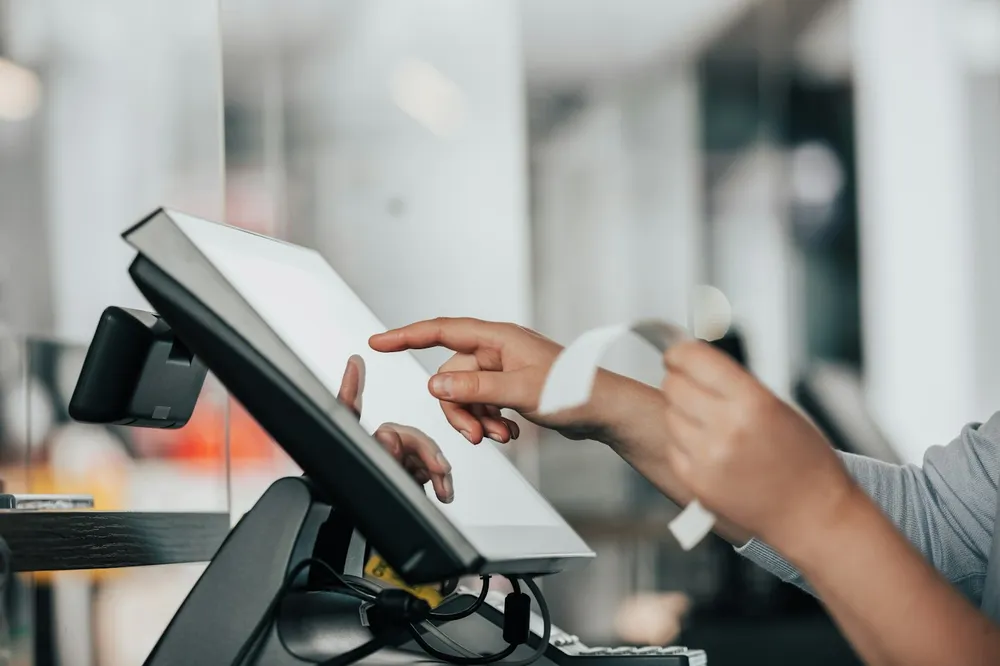
Toast is built for restaurants, and you notice it straight away from how much it’s focused on menus, kitchen orders and food service in general. It’s also the one vendor where I could confirm pricing officially: $0/month for an eligible Starter Kit, $69/month for the Point of Sale plan, and custom quotes for Build Your Own setups. There’s no single published processing rate though. Toast quotes it per business, so you’ll need to ask.
The thing to watch is the full package. Hardware plus processing plus add-ons gets expensive quicker than you’d think, so get the total in writing.
Best for: restaurants, cafes, bars and quick-service food places.
4. Clover
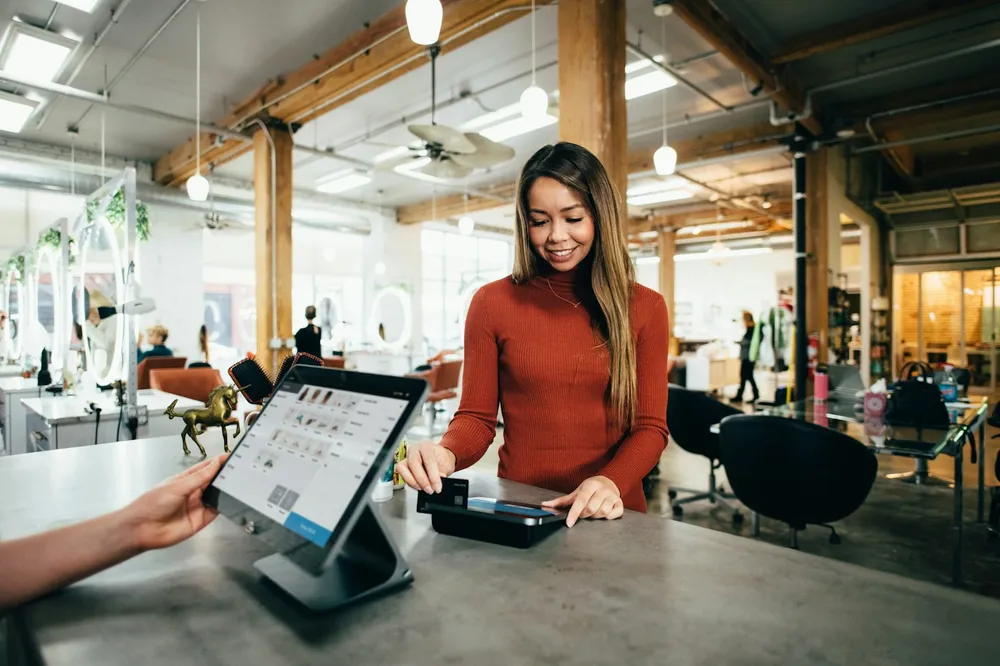
Clover has plans for different types of business, like restaurants, retail and services, and tiers inside each one. Nice if you want something that matches your industry from day one. The hardware feels polished and all-in-one as well.
My main warning is about how you buy it. Clover is sold directly and also through banks and resellers, and the terms might not be the same depending on which way you go. Before you sign, ask how long the contract runs and whether the hardware will work with a different processor. Check Clover’s pricing page for the current rates.
Best for: businesses that want industry-specific plans and don’t mind reading contract terms carefully.
5. Shopify POS
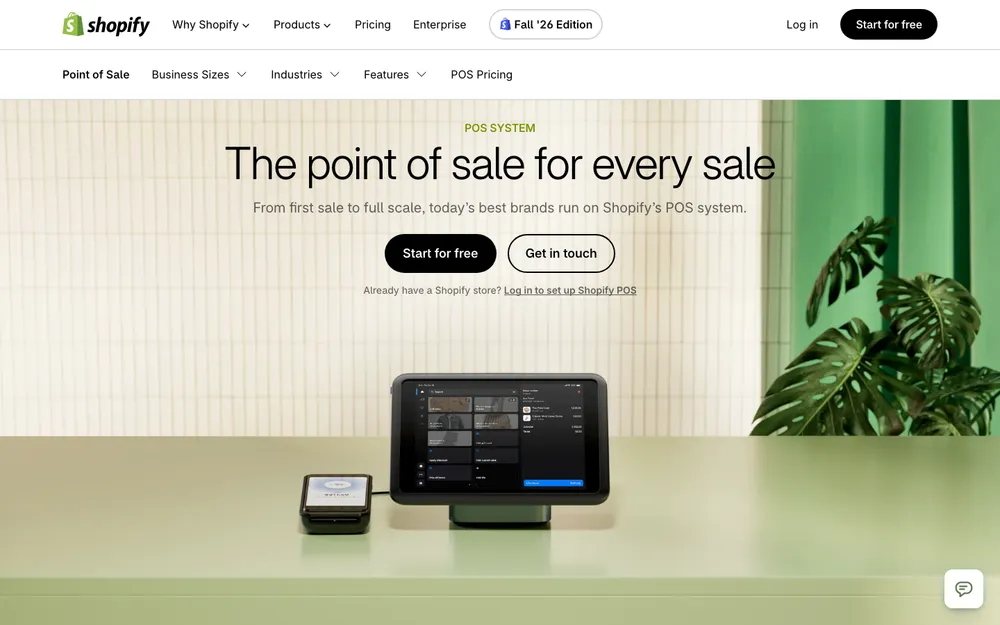
Is your store already on Shopify? Then Shopify POS is the obvious place to look first. POS Lite is included with Shopify plans, and POS Pro is a paid upgrade, charged per location, for stores that need more in-store features. The big plus is that your online and in-store inventory, customers and orders all live in one place.
One catch, though. If you aren’t using Shopify Payments, an extra third-party transaction fee may apply. Check Shopify’s POS pricing page for the latest.
Best for: e-commerce brands opening a shop, stall or pop-up.
6. Lightspeed

Lightspeed is mostly known for its retail POS, which comes in tiered plans and usually works out cheaper per month if you pay yearly. It’s really aimed at shops with bigger or messier inventory. There’s also a separate Lightspeed Restaurant product (K-Series) with its own plans and an offline mode on iPad, but I couldn’t confirm what it costs.
For a tiny shop, it’s normally overkill. Once your catalog gets large, though, it starts to make a lot of sense. Check Lightspeed’s pricing pages for current numbers.
Best for: established retail stores with tons of products and variants.
POS Comparison at a Glance
| System | Best fit | Software pricing | Watch out for |
|---|---|---|---|
| Square | Retail, pop-ups, services | Free tier plus paid plans (check Square’s site) | Higher rates on online payments |
| Toast | Restaurants | From $0/month (eligible Starter Kit) or $69/month (Point of Sale plan), per Toast | Processing quoted per business; hardware and add-ons extra |
| Clover | Restaurants, retail, services | Tiered plans by business type (check Clover’s site) | Contract terms can vary by where you buy |
| Shopify POS | E-commerce brands | POS Lite included; POS Pro paid per location | Extra fee without Shopify Payments |
| Lightspeed | Larger retail catalogs | Tiered plans, cheaper billed annually | Can be more than a small shop needs |
Which POS Fits Your Business?
Retail shops
For retail, inventory is basically everything. You want variants (sizes, colors), low-stock alerts, and stock counts that don’t make you want to cry. Square and Shopify POS are easy to get started with, and Lightspeed copes with bigger catalogs. If stock is the thing keeping you up at night, my guide to the best inventory management software for small businesses goes much deeper.
Restaurants and cafes
You’re going to need menus with modifiers, kitchen tickets, table management and tips. Toast is the specialist here. Clover and Square have restaurant options too. Ask a lot of questions about offline mode, because dropping your connection halfway through a dinner rush is painful.
Salons and appointment businesses
For you it’s mostly bookings, staff management, tips and getting customers to come back. Clover has plans meant for service businesses, and Square does services as well. I couldn’t confirm the details, so check exactly what each one gives you for appointments and staff commissions before choosing.
Pop-ups and market stalls
Don’t overthink it. A mobile card reader with your phone is often all you need, and Square is the usual pick. Just get your head around offline mode before you show up at a market with patchy signal. Oh, and keep your Google Business Profile updated with your hours and locations so people can actually find you.
E-commerce brands
If you sell online first and in person second, Shopify POS keeps everything in one place. Trust me, it saves you a lot of fixing stock by hand after a busy weekend.
When Your POS Should Connect to an ERP
A POS is brilliant at recording sales. It just isn’t made to run purchasing, production or payroll. With one shop, no problem at all. As you grow, it starts to become one.
So when would I start thinking about linking your POS to an ERP? When you sell from multiple locations and the stock numbers never quite match. When you make or assemble your own products, so each sale uses up raw materials. When there’s a warehouse or distribution side to the business. When you’re spending hours every week copying sales totals into your books. Or when payroll and shifts have pretty much become a job of their own.
Once you’re there, connecting your POS to an ERP means a sale at the counter can update inventory, purchasing and finance without anyone typing it in again. At the very least, make sure your POS connects to your accounting tool. My comparison of the best accounting software for small businesses can help you pick one.
Frequently Asked Questions
What is the best POS system for a small business?
Honestly, it comes down to what kind of business you have. Square is usually the easiest start for new retail shops and pop-ups, Toast is made for restaurants, Shopify POS works for online stores that also sell in person, and Lightspeed suits bigger retail catalogs. Look at processing, software and hardware costs together before you make a call.
How much does a POS system cost?
Normally you pay for card processing (a percentage plus a fixed fee on each transaction), a software subscription and hardware. As one official example, Toast says its plans start at $0/month for an eligible Starter Kit and $69/month for its Point of Sale plan, with hardware, processing and add-ons on top of that. Prices change, so check each vendor’s official pricing page.
Do POS systems work without internet?
Plenty of them have an offline mode, but the rules differ from one to the next. Offline card payments usually have to sync within a set window, and if a card gets declined later, the business is normally the one taking the loss. Check each vendor’s help center for its exact offline limits.
Do POS systems require a contract?
Some do and some don’t. Square is widely reported to have no long-term contract, while Clover hardware might come with a multi-year agreement depending on whether you buy direct or through a bank or reseller. Always ask about early termination fees before signing anything.
When should a POS connect to an ERP?
Start thinking about it once you’re running several locations, making your own products, managing a warehouse, or losing hours copying sales data into accounting and payroll. An ERP keeps inventory, purchasing, finance and HR in one system, so nobody has to retype what comes out of your POS.
Final Verdict
There isn’t one best POS for everybody, and I’d be a little suspicious of anyone who says otherwise. Just getting started? Square is usually the easiest way in. Running a restaurant? Get a quote from Toast. Selling on Shopify already? Start with Shopify POS. Clover is worth a look if you like the idea of an industry-specific setup (just read that contract properly), and Lightspeed really pays off once your retail catalog gets big.
Whatever you end up picking, add up all three costs, ask about contracts and offline payments, and double-check every price on the vendor’s official page on the day you sign. Oh, and if the counter’s running fine but the back office is chaos? That’s probably your sign to look at an ERP.
Featured image: pch.vector on Magnific.
You might also like

Best retail POS Softwares for your business
(POS) Software or Point of Sale Software helps you manage accounts, payments, invoices, inventory, and many more things for a small to scaled business. It further helps in automation of information processing and reduces extra labor cost. A small business like food chains, shops, drug-stores, general stores, or any other shopping mall, or an e-commerce…

Best Website Builders for Small Business: Wix vs Squarespace vs Shopify vs WordPress (2026)
Comparing Wix, Squarespace, Shopify, WordPress and GoDaddy for US small businesses, using official pricing and help pages. Covers payment fees, bookings, domains, ownership and the gap between intro and renewal prices.

Best Credit Card Reader Apps for Android and iOS
Credit card readers have helped many small businesses make more sales by easily taking card payments. These days, it can even be done on your Android and IOS devices. If you’re using an IOS device, you will find more credit card apps available, but there are also some great ones available for Android devices. Finding…
The week in tech, minus the noise.
New reviews, fixes and the stories that matter — once a week, straight to your inbox.
We only use your email to send the newsletter. Unsubscribe any time. See our privacy policy.
Comments