

How to Fix GTA 6 Server Errors: Check If GTA 6 Is Down on Launch Night
It is midnight, the countdown hits zero, and GTA 6 just sits there on a loading screen, or worse, says it can’t start. On a launch this big, with millions of people hitting the same servers at once, that is going to happen to someone. Before you start deleting and reinstalling 200 GB, take two…

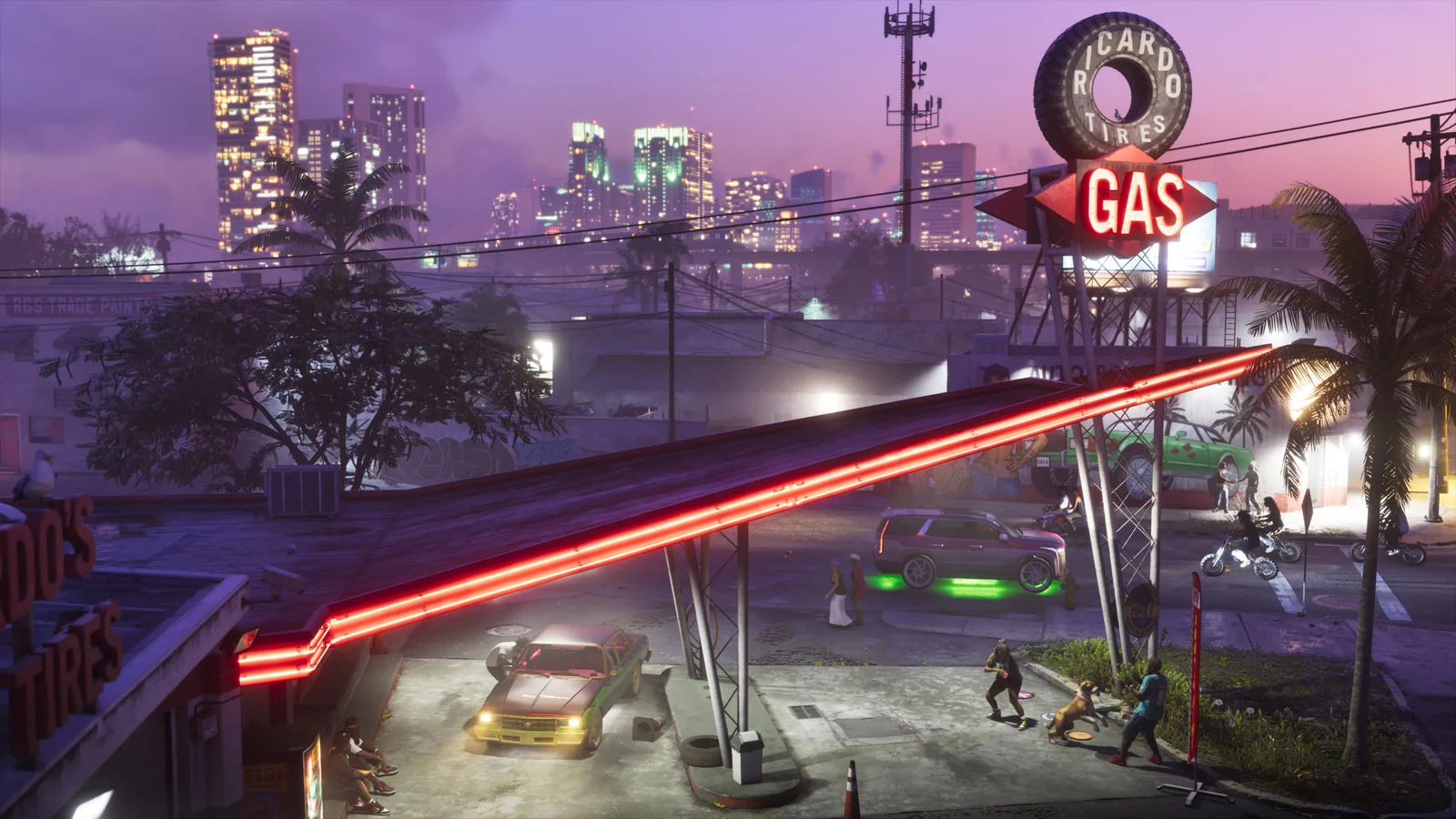
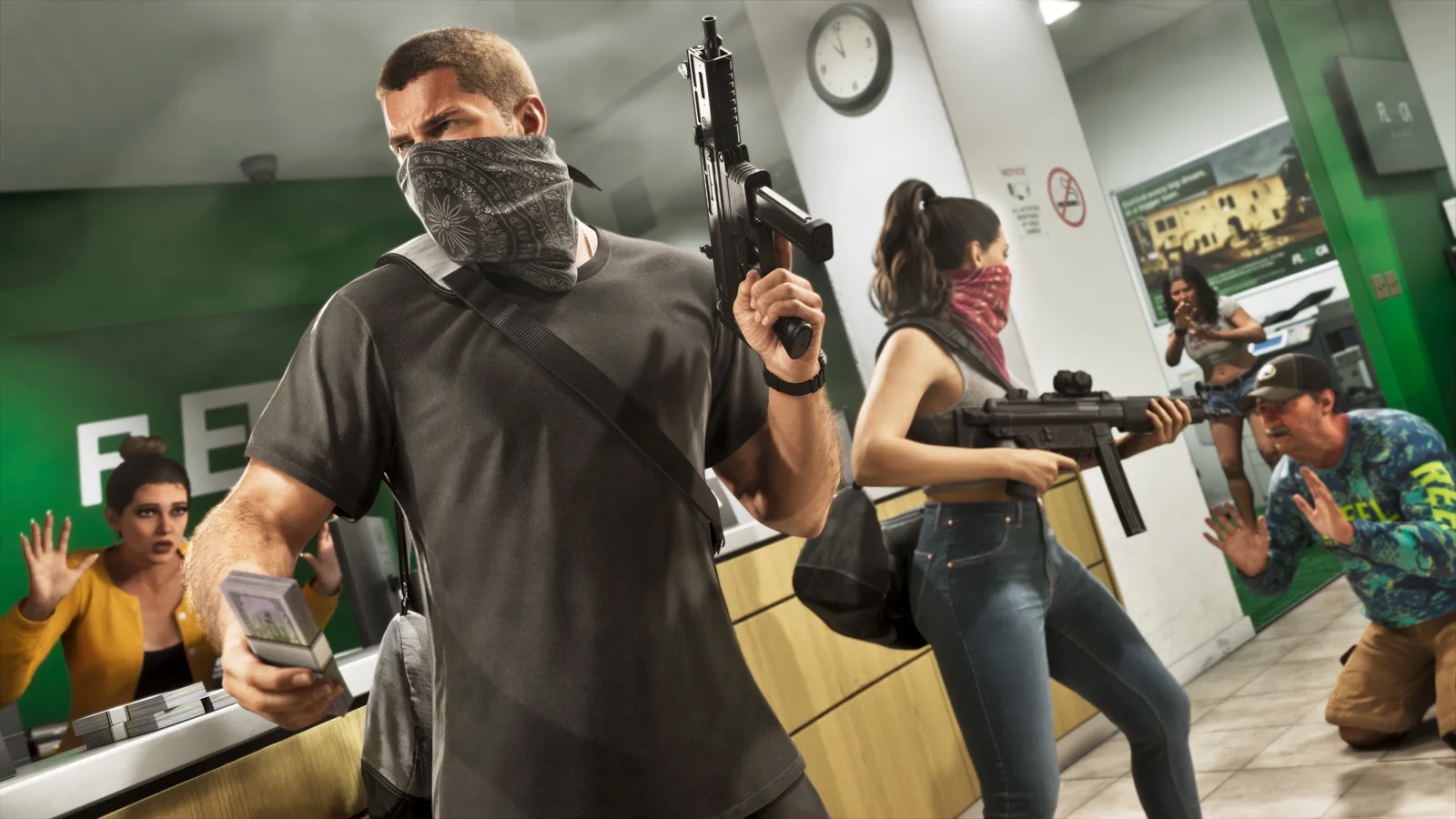
Image: Rockstar Games
It is midnight, the countdown hits zero, and GTA 6 just sits there on a loading screen, or worse, says it can’t start. On a launch this big, with millions of people hitting the same servers at once, that is going to happen to someone. Before you start deleting and reinstalling 200 GB, take two minutes to figure out whether the problem is Rockstar, Sony or Microsoft, or your own console.
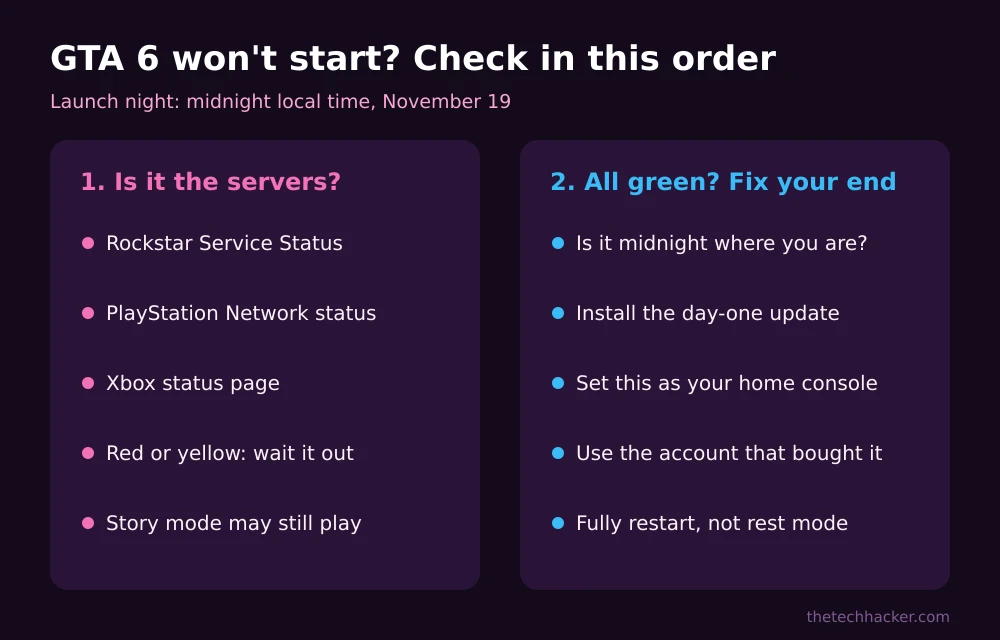
Quick answer: To check if GTA 6 is down, look at three official pages: Rockstar’s Service Status page, PlayStation Network status (for PS5) and Xbox status (for Xbox Series X|S). If any of them shows a problem, the fix is to wait. If they all look fine, make sure it is past midnight where you live, install the day-one update, set your console as your primary or home console, sign in with the account that bought the game, and fully restart the console.
Full GTA 6 coverage: every guide, from release times to launch-day fixes, is in our GTA 6 hub.
Step 1: Check if GTA 6 Is Actually Down
Three status pages cover almost every launch-night failure:
- Rockstar Service Status: Rockstar’s official status page shows Rockstar’s online services, including Authentication and the Store. As of November 18 it listed GTA Online, Red Dead Online and Rockstar’s account services, all operational. Expect GTA VI to appear there once it launches.
- PlayStation Network status: Sony’s PSN status page shows problems with sign-in, the PlayStation Store and downloads, all of which can stop a digital game from starting.
- Xbox status: the official Xbox status page on support.xbox.com covers Xbox network sign-in, the Store, and Xbox Cloud Gaming.
If one of these shows a red or yellow warning, the problem is not on your end. Reinstalling or resetting your console won’t fix it. Wait, and check back every 15 to 30 minutes.
Step 2: Know What Actually Needs the Internet
GTA VI launches as a single-player game, so you are not depending on online lobbies the way GTA Online players do. But a connection still matters on launch night:
- Unlocking: digital copies, including the code-in-box edition, unlock at midnight local time, and the console checks your license.
- The day-one update: new games usually get an update at launch, and you may need it before you can start.
- Rockstar account features: anything that signs in to Rockstar’s services depends on its servers.
That is why the home console setting in the next step is so useful: it lets your console confirm your license even when the network is struggling.
Step 3: All Green? Fix It on Your Side
- Check the clock. Rockstar says GTA VI unlocks at midnight local time on November 19. Before then, the game will show as locked no matter what you try. Our GTA 6 release time guide has every US time zone.
- Install the update. Open your download queue and make sure any GTA VI update has finished, not paused.
- Set your home console. On PS5, go to Settings > Users and Accounts > Other > Console Sharing and Offline Play and choose Enable. On Xbox, go to Settings > General > Personalization > My home Xbox and select Make this my home Xbox. This lets your digital games run even when sign-in servers are slow.
- Use the right account. Sign in with the PlayStation or Xbox account that bought the game. The license is tied to it.
- Fully restart. Turn the console off completely rather than putting it in rest mode, wait 30 seconds, and turn it back on.
Still stuck on PS5? See our guide to fixing GTA 6 locked or not starting on PS5. If your Xbox never finished pre-loading, go through fixing the Xbox pre-load first.
Common Launch-Night Errors
| What you see | Most likely cause | What to do |
|---|---|---|
| Game shows a countdown or “locked” | Not midnight yet in your region | Wait for midnight local time |
| “Can’t start the game” on a digital copy | License check failing | Set home console, sign in with the buying account |
| Stuck on loading or update screen | Day-one update still downloading | Check the download queue |
| Sign-in or connection error | PSN, Xbox or Rockstar servers busy | Check the three status pages and wait |
| Xbox Cloud stream won’t start | Cloud starts at 1:00 a.m. ET | Wait for the cloud start time |
FAQs
Is GTA 6 down right now?
Check Rockstar’s Service Status page, PlayStation Network status and Xbox status. If all three show no problems, the issue is most likely on your console or connection.
Does GTA 6 need an internet connection?
GTA VI launches as a single-player game, but you need a connection to download it, install updates and verify a digital license. Setting your console as your primary or home console helps your license work when servers are busy.
Why does GTA 6 say it is locked after midnight?
Usually because the day-one update has not finished installing, the license check is waiting on busy servers, or you are signed in with a different account than the one that bought the game.
Should I reinstall GTA 6 if it won’t start?
Not first. Reinstalling means downloading about 200 GB again. Check the status pages, the update queue, your home console setting and the account you are using before reinstalling.
Images: Rockstar Games, from the official Grand Theft Auto VI website.
Disclosure: TheTechHacker has no paid relationship with Rockstar Games, Sony or Microsoft.
More in How-to
What Time Does GTA 6 Come Out? Unlock Times for Every US Time Zone
It is finally launch week. If you are like me, the only question left is exactly when you can stop staring at the pre-loaded GTA 6 icon and actually press start. I went straight to Rockstar’s support site, Xbox Wire and the PlayStation Blog to pin down the official answer, because there are a lot…
How to Fix GTA 6 Locked or Not Starting on PS5 on Launch Day
GTA 6 is four days away, and if you pre-loaded it on PS5 you’ve probably already noticed the little padlock on the game tile. That’s normal before launch. What isn’t normal is still seeing that padlock after midnight on November 19, or getting an error when you hit Play. With millions of people trying to…
How to Fix GTA 6 Pre-Load Not Downloading on Xbox Series X|S
GTA 6 is four days away, and on Xbox the pre-load has been open since Monday evening, November 9, in the US. If your Series X or Series S hasn’t started the download, or it’s been sitting at the same percentage for hours, you’re not alone. With a download of up to 212 GB, a…
The week in tech, minus the noise.
New reviews, fixes and the stories that matter — once a week, straight to your inbox.
We only use your email to send the newsletter. Unsubscribe any time. See our privacy policy.
Comments