

How to Fix iPhone Duo Inner Screen Cracking: Get a Free Replacement From Apple
Some iPhone Duo owners have opened their new foldable to find a crack running down the middle of the inner screen, often after only a few days. Apple has confirmed the problem and says affected units will be replaced, even if you don’t have AppleCare+. New reports kept appearing on Reddit and the MacRumors forums…

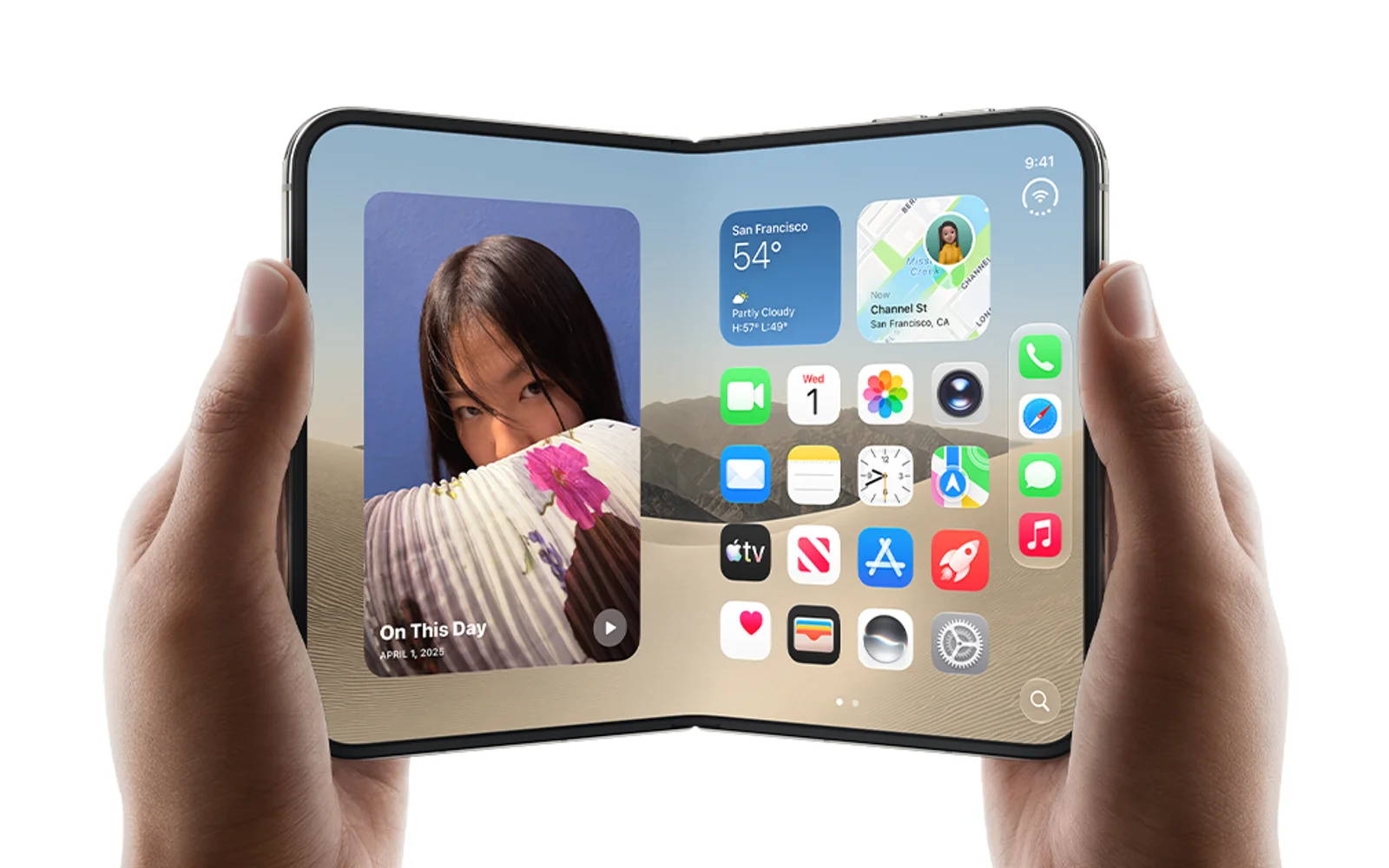
Image: Apple
Some iPhone Duo owners have opened their new foldable to find a crack running down the middle of the inner screen, often after only a few days. Apple has confirmed the problem and says affected units will be replaced, even if you don’t have AppleCare+. New reports kept appearing on Reddit and the MacRumors forums this week, so if your Duo’s inner screen has a line, a crack or a strip of bright pixels near the hinge, this guide covers how to confirm it’s this issue and get a free replacement.
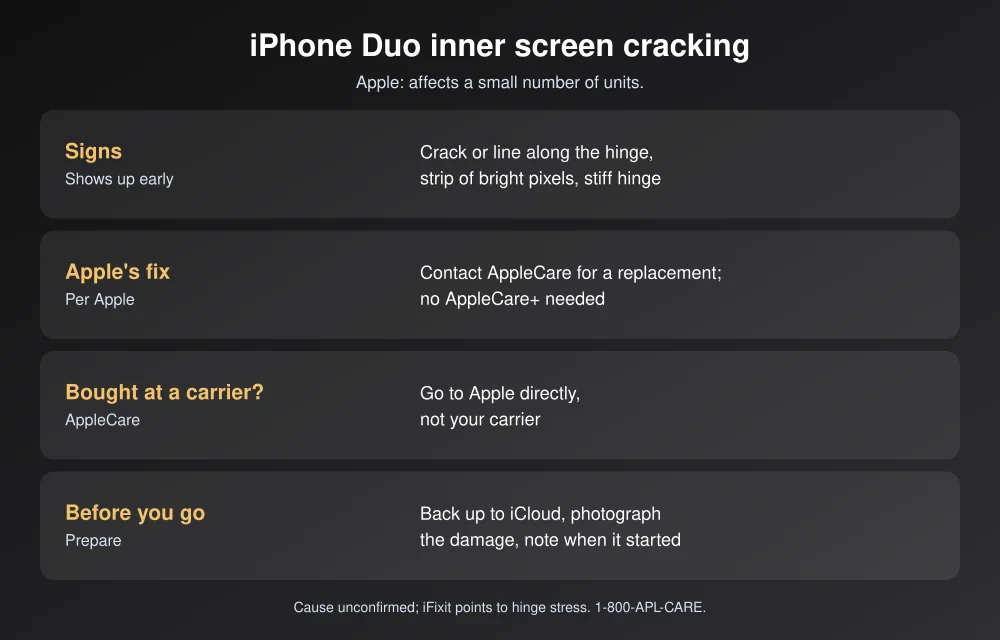
Quick answer: If your iPhone Duo’s inner display has cracked along the hinge, contact AppleCare through getsupport.apple.com, the Apple Support app, 1-800-APL-CARE, or an Apple Store Genius Bar. Apple says it’s “aware of an issue impacting the inner display on a small number of iPhone Duo units” and that affected users should contact AppleCare for a replacement. Per Apple, you don’t need AppleCare+, and if you bought from a carrier you should go to Apple, not the carrier. Back up first, and take photos of the damage.
Is your iPhone Duo affected?
Based on owner reports collected by MacRumors and others, the defect usually looks like this:
- A crack or line running along the center of the inner display, right where it folds.
- A strip of bright or dead pixels spreading across one side of the screen.
- Some owners say the hinge felt stiff and they heard a crunch before the crack appeared.
- It tends to show up early. Apple says the issue appears relatively quickly on affected units. One owner in Australia reported a crack after opening the phone fewer than 20 times.
Not every mark is this defect. The iPhone Duo has a removable nano-texture cover layer over the inner display. Apple says it can be peeled off and replaced, for $19 with AppleCare+ in the US, if it gets scratched or the crease becomes more visible. A scratch or bubble in that layer is a different repair from a cracked display.
How to get your iPhone Duo replaced
- Back up your iPhone. Go to Settings > [your name] > iCloud > iCloud Backup > Back Up Now. A replacement is a new device, so anything not backed up is lost.
- Document the damage. Take clear photos and a short video of the crack and any bright lines, and write down when you first noticed it.
- Contact Apple, not your carrier. Apple says carrier customers should contact AppleCare directly. Start a request at Apple’s iPhone repair page, use the Apple Support app, or call 1-800-APL-CARE (1-800-275-2273).
- Book a Genius Bar visit if you can. iDrop News reports that some Apple Stores have swapped defective units on the spot, which is faster than mailing the phone in. Stock is tight, though, so a replacement may take time.
- Mention Apple’s statement if you’re quoted a repair fee. Apple’s published out-of-warranty price for the inner display is high (reported at $999), but Apple has told reporters this specific issue is covered without AppleCare+.
- Bring the phone and your Apple Account details. Apple usually asks you to sign in or turn off Find My before handing over a device for service.
What’s causing the cracks?
Apple hasn’t said. iFixit’s teardown, using CT scans and 3D modeling, pointed to possible stress points in the hinge, such as a central support bar that may not lower fully as the phone closes, or curved guide rails that could press into the display. Bloomberg’s Mark Gurman has suggested a batch of units may have shipped with a faulty hinge part. Both are theories, not confirmed causes.
Two caveats from the reporting: Apple says most units aren’t affected, and some cracked-screen photos circulating online have turned out to be fake.
How to protect your iPhone Duo
- Don’t force a stiff hinge. If it suddenly feels tight or grinds, stop folding it and contact Apple before it cracks.
- Keep the fold clear. Don’t close it on a cable, a card or debris.
- Consider AppleCare+. It isn’t needed for this defect, but a foldable’s inner screen is expensive to repair after accidental damage.
Still deciding on a foldable? Read our iPhone Duo vs Galaxy Z Fold 8 comparison. Demand has been high, too: Apple has limited orders to two per shopper and some deliveries slipped to January, which can also slow replacements.
FAQs
Will Apple replace my cracked iPhone Duo screen for free?
For this hinge-related inner display issue, Apple says affected users should contact AppleCare for a replacement, and that you don’t need AppleCare+. Accidental damage, like a drop, isn’t covered the same way.
Why is my iPhone Duo screen cracking at the hinge?
Apple hasn’t given a cause. iFixit’s teardown points to possible stress points in the hinge, and Mark Gurman has suggested a batch of faulty hinge components.
I bought my iPhone Duo from a carrier. Who do I contact?
Apple says to contact AppleCare directly, not your carrier, for this issue.
How many iPhone Duos are affected?
Apple says a small number of units are affected and most aren’t. It hasn’t given a figure.
Featured image: Apple.
Disclosure: TheTechHacker has no paid relationship with Apple or any company mentioned here.
More in How-to
How to Fix iPhone 18 Pro and Pro Max Speaker Crackling and Popping
Hearing crackles, pops or ticks from your iPhone 18 Pro or Pro Max earpiece? Here’s how to tell software from hardware, which settings to check, and when to take it to Apple.

How to Fix iPhone Freezing When Moving Widgets in iOS 27
Is your iPhone freezing when you drag widgets between Home Screen pages on iOS 27? Here’s which iOS 27 bug Apple has fixed, which one it hasn’t acknowledged, and what you can do right now.
How to Fix iPhone 18 Pro Restarting When Face ID Fails or During Apple Pay
If your iPhone 18 Pro restarts when Face ID fails, Apple has fixed that bug in iOS 27.0.1. This guide covers how to update, what to try next, and what is still unknown about the Apple Pay shutdowns.
The week in tech, minus the noise.
New reviews, fixes and the stories that matter — once a week, straight to your inbox.
We only use your email to send the newsletter. Unsubscribe any time. See our privacy policy.
Comments