

What’s New in Apple Pay: iOS 27 Checkout, Amex Points, Tap to Share and Walmart
Apple Pay has picked up several new features this year, but they aren’t all available in the same way. iOS 27 redesigned the checkout screen and added Tap to Share, American Express points work at checkout, and Walmart has started taking contactless payments. A fourth feature, adding money to a debit card, was announced for…
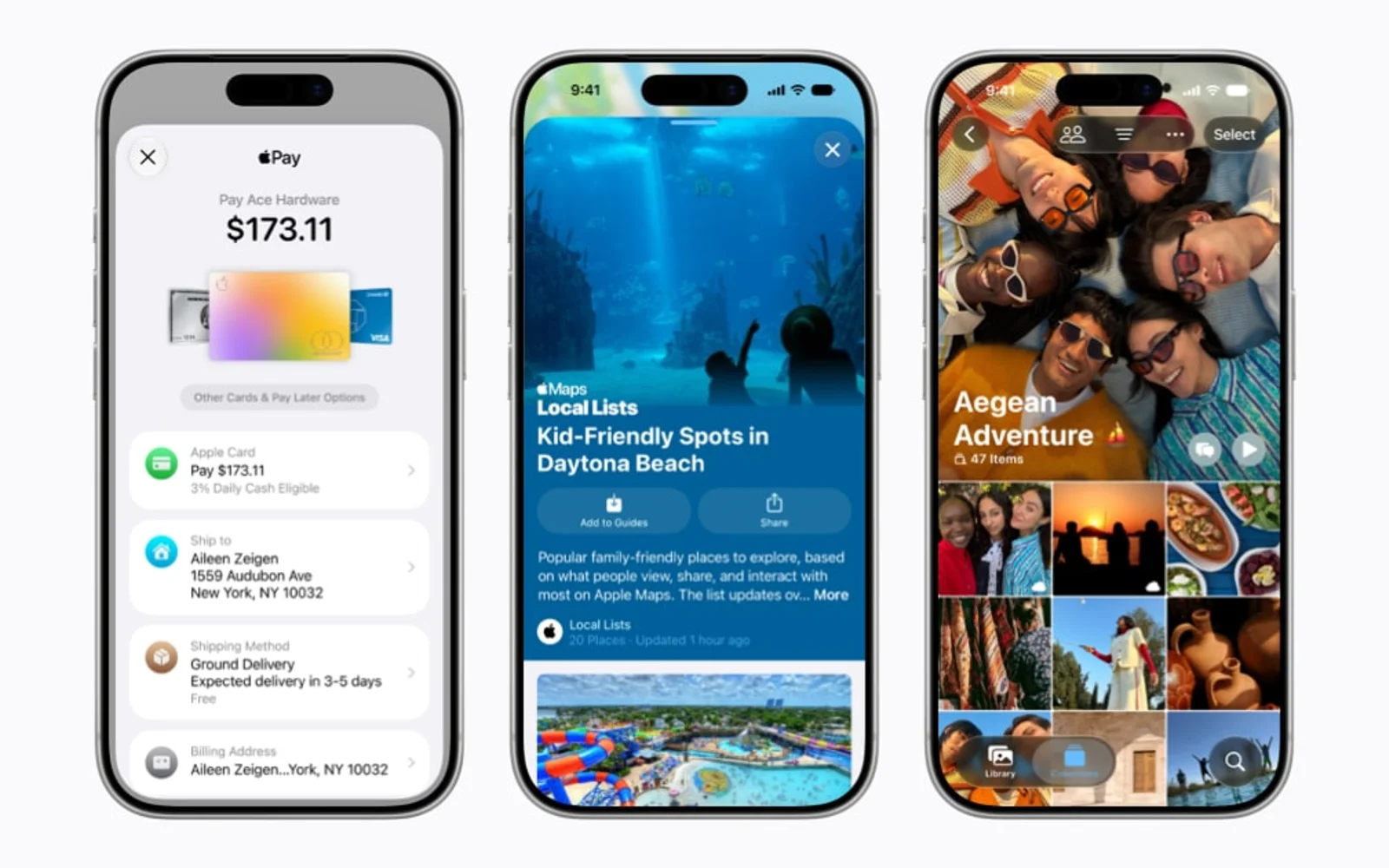
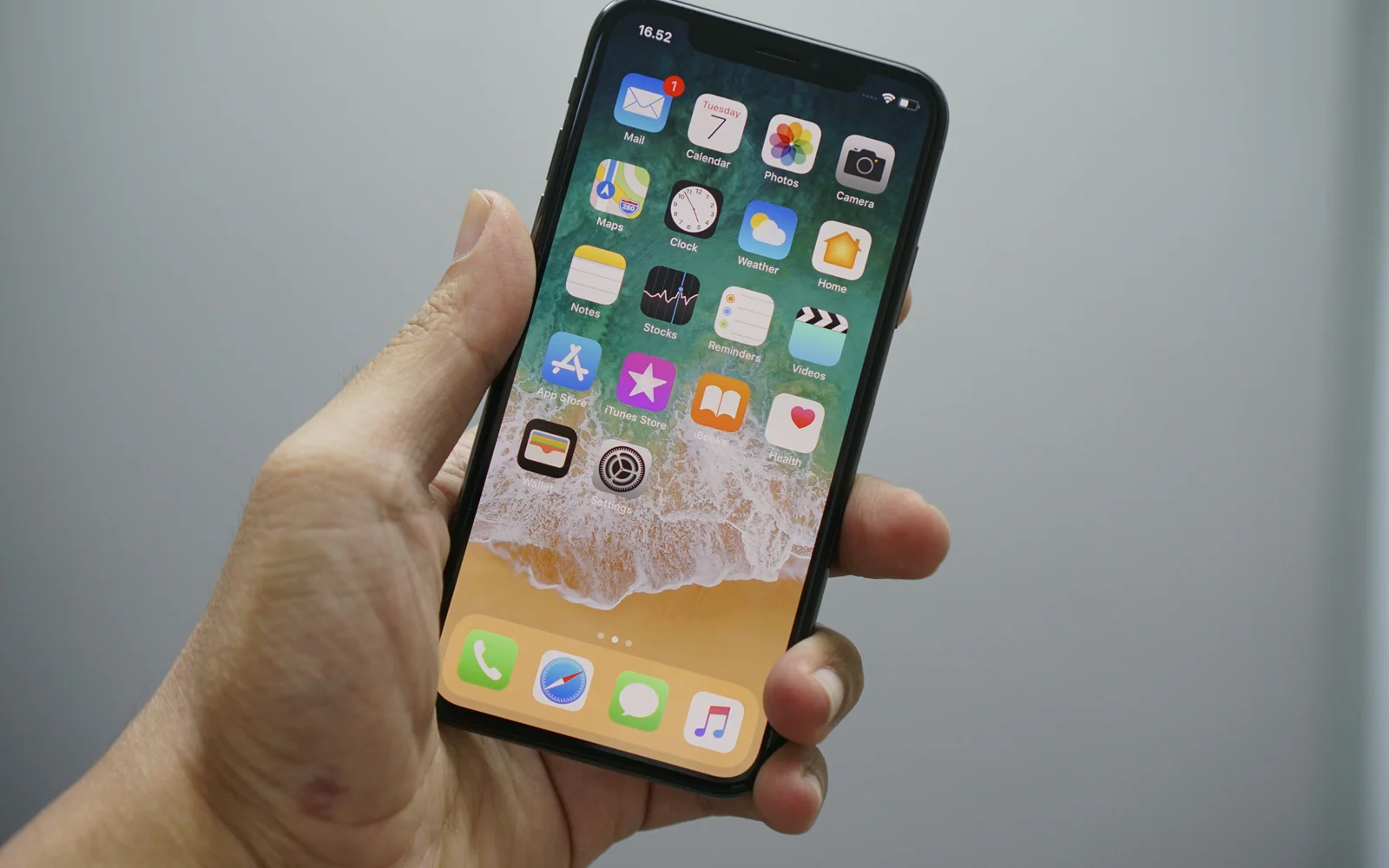
Image: Apple
Apple Pay has picked up several new features this year, but they aren’t all available in the same way. iOS 27 redesigned the checkout screen and added Tap to Share, American Express points work at checkout, and Walmart has started taking contactless payments. A fourth feature, adding money to a debit card, was announced for later this year, and we found no sign that it’s live. This guide goes through each one using Apple’s announcement and the companies’ own pages, with steps where they exist.
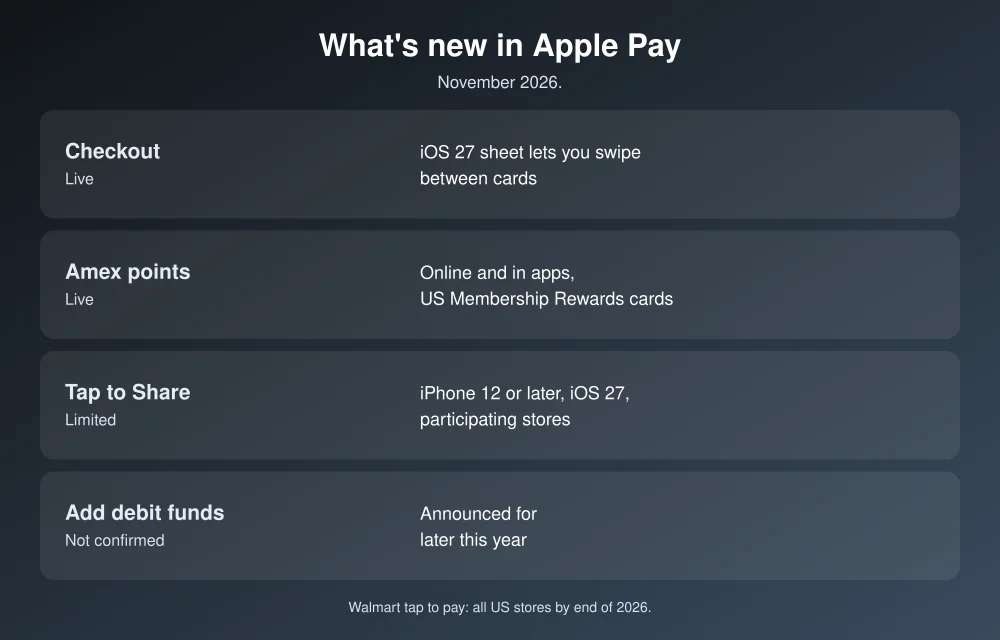
Quick answer: The new Apple Pay features are a redesigned checkout in iOS 27 that lets you swipe between cards, Amex Membership Rewards points at online and in-app checkout, and Tap to Share, which sends your contact or loyalty details to a participating store with a tap. Adding funds to a debit card is announced for later this year, and we couldn’t confirm it’s live. Separately, Walmart and Sam’s Club began accepting tap to pay on August 24, 2026, and plan to reach all US stores and clubs by the end of the year.
1. Redesigned checkout in iOS 27
The Apple Pay sheet for online and in-app purchases lets you swipe between cards. Eligible cards can show rewards, a debit balance and pay-later options before you pay. To use it:
- Update to iOS 27 in Settings > General > Software Update.
- Tap Apple Pay at checkout in an app or Safari.
- Swipe across the card to change it. 9to5Mac reports that tapping the card shows all your cards in a grid.
- Confirm the payment.
9to5Mac reports that stores control some of what the sheet shows, so it won’t look identical everywhere.
2. Pay with American Express points
US Card Members can use Membership Rewards points with Apple Pay online or in apps on iPhone and iPad. American Express launched it on June 30.
- Choose Apple Pay at checkout and pick an eligible Membership Rewards card.
- Tap Use Rewards and enter how much to cover.
- Finish paying. Amex charges the full amount first, then adds a statement credit.
Is it worth it? Points are worth 0.7 cents each here, so 10,000 points covers $70, according to The Points Guy. The site values the same points at 2 cents each when moved to travel partners. Amex’s terms also say subscriptions and recurring charges may be excluded.
3. Tap to Share
With Tap to Share, you tap your iPhone on a participating store’s iPhone to share contact, shipping or loyalty details. Apple says you can watch your basket update live and pay “without the need to tap again.”
- You need: iPhone 12 or later with iOS 27.
- Where: stores that use Tap to Pay on iPhone and have added it. Apple says it isn’t currently available in the European Economic Area. We found no list of participating US stores.
4. Add money to a debit card (not confirmed yet)
Apple said eligible debit cards would let you add funds in Wallet or during online checkout “later this year.” We found no bank list, fees or steps, and Apple’s Wallet and Apple Pay pages don’t mention it. This is different from adding money to Apple Cash, which you can already do.
Apple Pay at Walmart and Sam’s Club
Walmart says tap to pay started August 24 at select locations and will reach all US stores and clubs by the end of 2026, with fuel stations by mid-2027. Walmart Pay stays. 9to5Mac reports that the US rollout finished in November, but we found no confirmation from Walmart, so look for the contactless symbol at checkout.
Using an Android phone’s wallet on iPhone? See how Google Wallet works on iPhone. If your phone restarts when you pay, try our iPhone 18 Pro Apple Pay fix. Shopping this week? Check Apple’s Black Friday gift card offers.
FAQs
What’s new in Apple Pay in iOS 27?
A redesigned checkout screen that lets you swipe between cards, and Tap to Share for sending details to participating stores.
Does Walmart take Apple Pay now?
Walmart began accepting tap to pay on August 24, 2026, and plans to reach all US stores by the end of the year. 9to5Mac reports that the rollout finished in November.
Can I use Amex points with Apple Pay?
Yes, for online and in-app purchases on iPhone and iPad with an eligible US Membership Rewards card. Amex doesn’t list in-store payments.
Can I add money to my debit card with Apple Pay?
Apple announced it for later this year, but we couldn’t confirm it’s available as of November 24, 2026.
Featured image: Apple.
Disclosure: TheTechHacker has no paid relationship with Apple, American Express, Walmart or any company mentioned here.
More in Guides
How to Use Google Wallet on iPhone: What Works and What Doesn’t (No Tap to Pay)
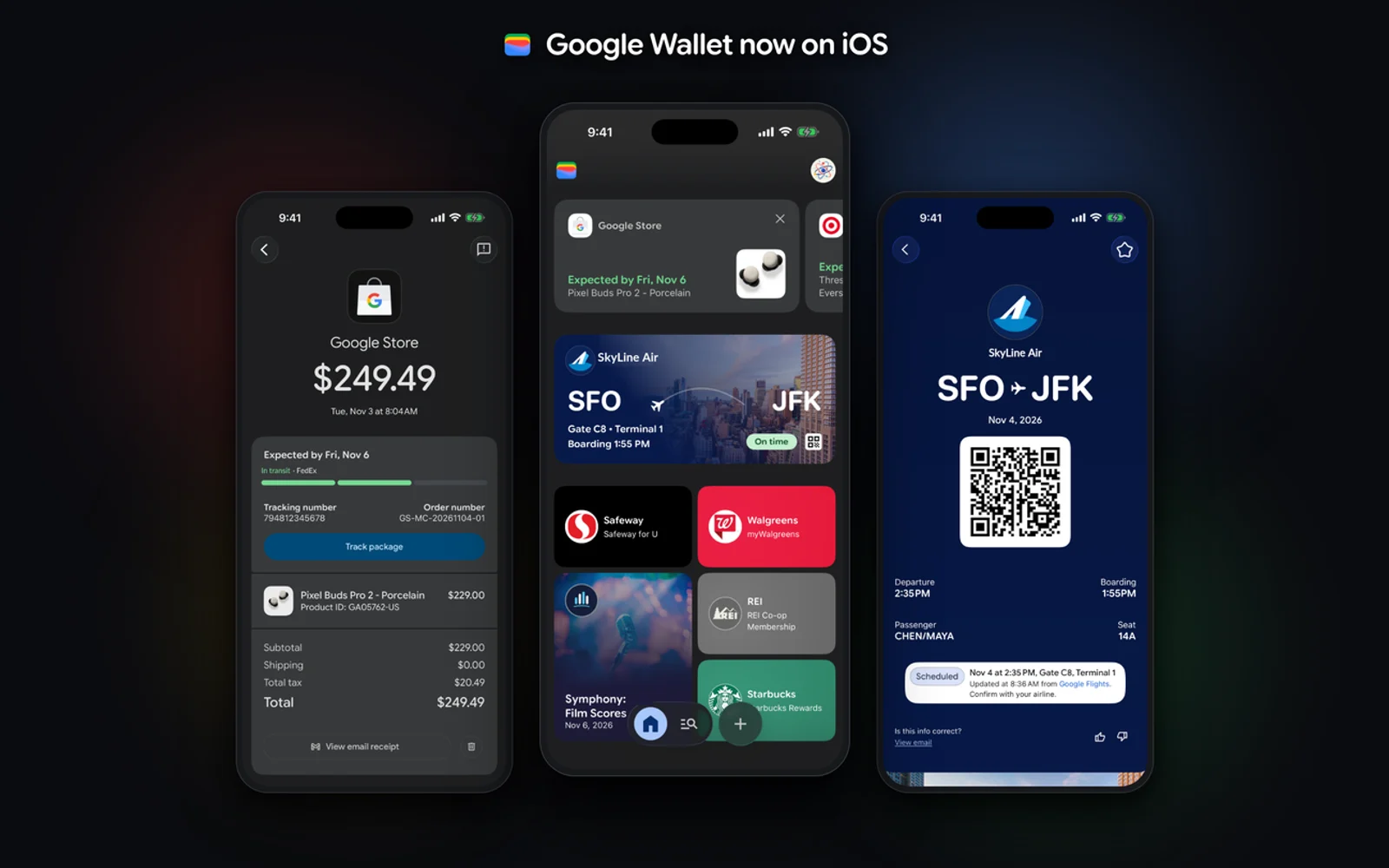
Google Wallet is finally on the iPhone. Google launched the app for iOS users across the US on November 17, 2026, and it climbed into the top 20 of the App Store’s Utilities chart within a day. There is one big catch: you cannot use it to tap and pay at a store register. This…
How to Fix iPhone 18 Pro Restarting When Face ID Fails or During Apple Pay
If your iPhone 18 Pro restarts when Face ID fails, Apple has fixed that bug in iOS 27.0.1. This guide covers how to update, what to try next, and what is still unknown about the Apple Pay shutdowns.
Siri AI Daily Limits Explained: How iCloud+ Plans Raise Them in iOS 27.3
Siri AI is free on supported iPhones, but not unlimited. Apple has confirmed that Siri AI and several Apple Intelligence features run on server-side models with daily usage caps, and starting with iOS 27.3, paying for a larger iCloud+ storage plan raises those caps by up to 20 times. If you have seen a message…
The week in tech, minus the noise.
New reviews, fixes and the stories that matter — once a week, straight to your inbox.
We only use your email to send the newsletter. Unsubscribe any time. See our privacy policy.
Comments