

iOS 27
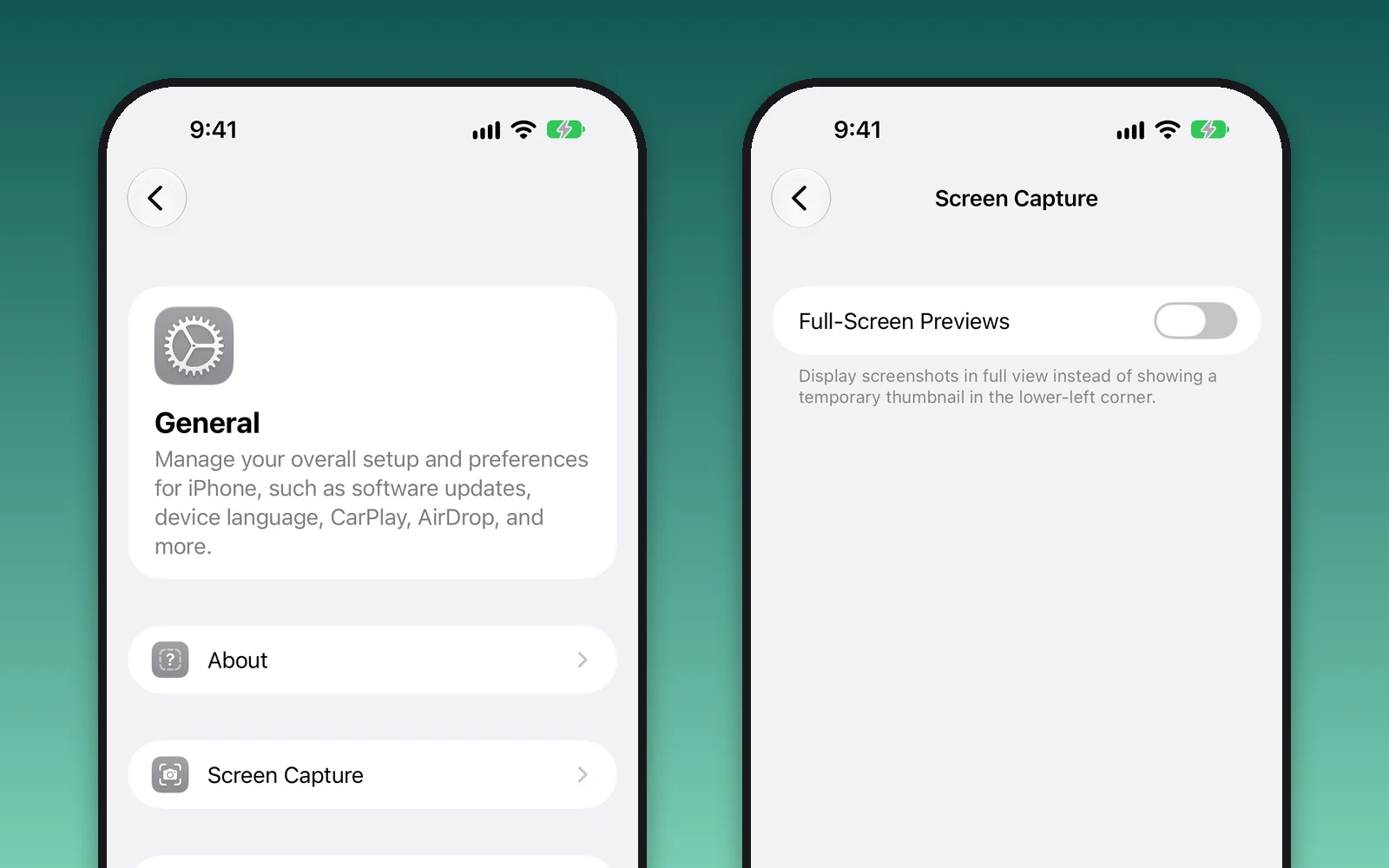
How to Get the Old Screenshot Thumbnail Back on iPhone in iOS 27
Taking a screenshot on iPhone used to be simple. You press the buttons, a small thumbnail appears in the corner, and you swipe it away or tap to edit it. iOS 26 changed this habit by opening every screenshot in a full-screen view. It’s useful for people who crop or mark up their screenshots. If…
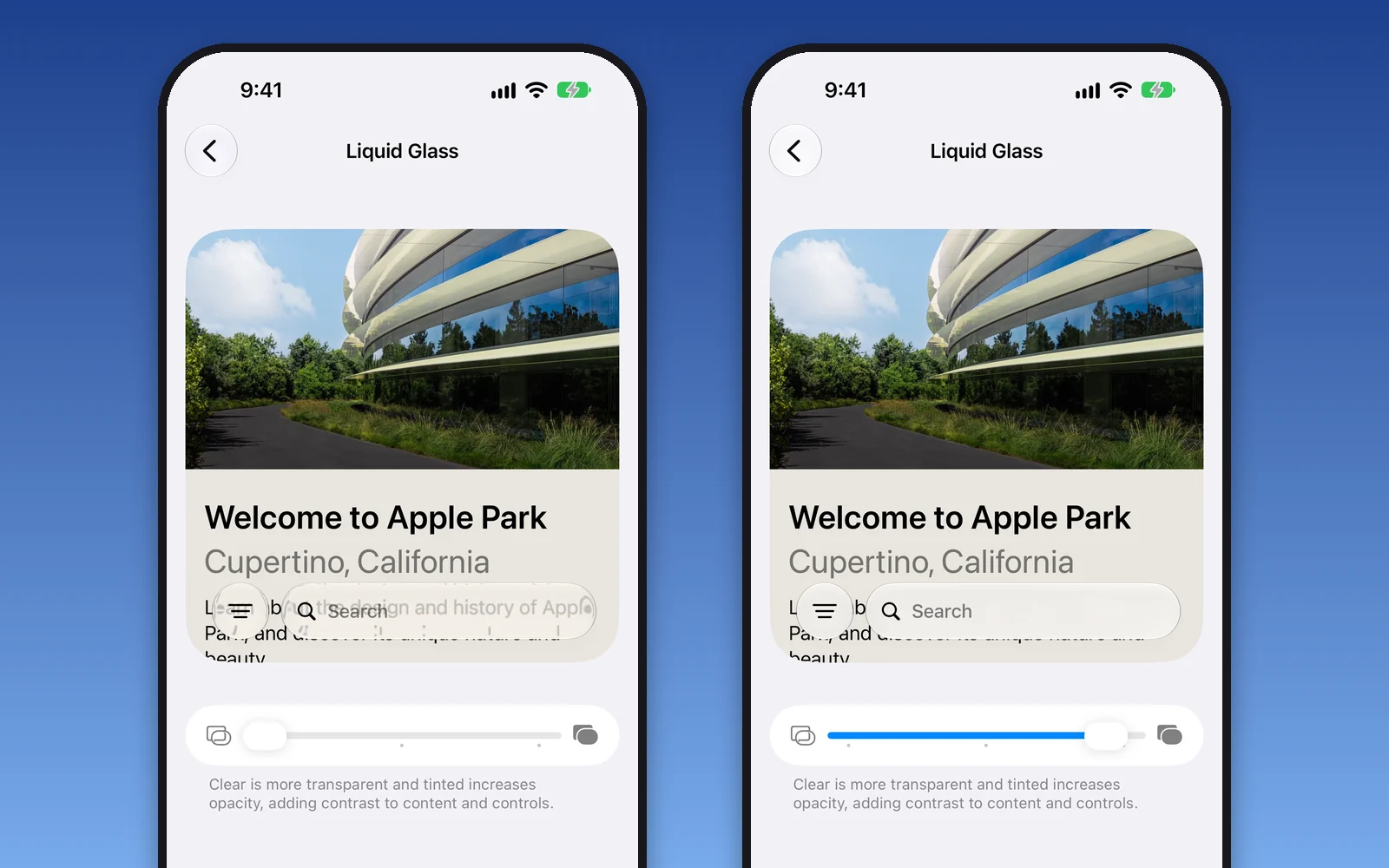
How to Change Liquid Glass From Clear to Tinted on iPhone in iOS 27
Liquid Glass changed the look of the iPhone in iOS 26. Buttons, search bars and menus became see-through, and they pick up whatever is behind them. Some people love the new design. Many others find text hard to read when a photo or a busy page sits behind a button. In iOS 26, later updates…

FaceTime in iOS 27: New Features and How to Use Them
FaceTime got more than a new look in iOS 27. You can now show both cameras at once, bring an interpreter into a call, and, on the iPhone Duo, share the call with the person next to you. The catch is that some features need a newer iPhone, some came later in iOS 27.2, and…
How to Turn Off or Change the Messages Audio Button in iOS 27
If you’ve ever sent an accidental voice message because your thumb hit the wrong spot, iOS 27 has a fix. You can now decide what the button at the end of the Messages text field does, or remove it. Pick Record Audio, Start Dictation or None. The option is buried in Settings, so it’s easy…
How to Set a Separate Alarm Volume on iPhone in iOS 27
iOS 27 finally separates your iPhone alarm’s volume from your ringtone’s. Before, turning down the ringer could leave you with an alarm too quiet to wake you. Now you can keep calls quiet and alarms loud. The option is in Settings, and Apple’s alarm support page covers it: “In iOS 27, you can set volume…
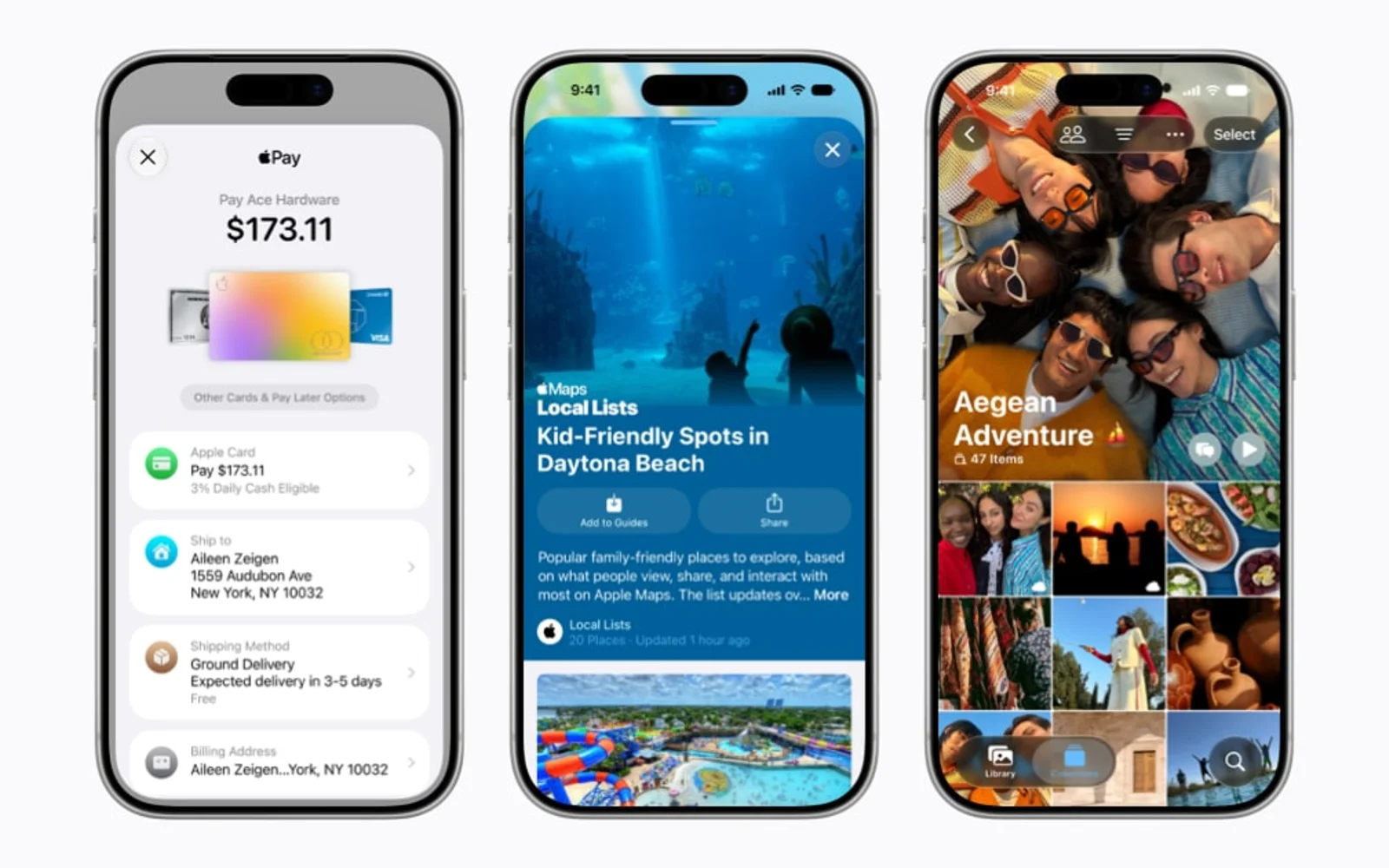
What’s New in Apple Pay: iOS 27 Checkout, Amex Points, Tap to Share and Walmart
Apple Pay has picked up several new features this year, but they aren’t all available in the same way. iOS 27 redesigned the checkout screen and added Tap to Share, American Express points work at checkout, and Walmart has started taking contactless payments. A fourth feature, adding money to a debit card, was announced for…
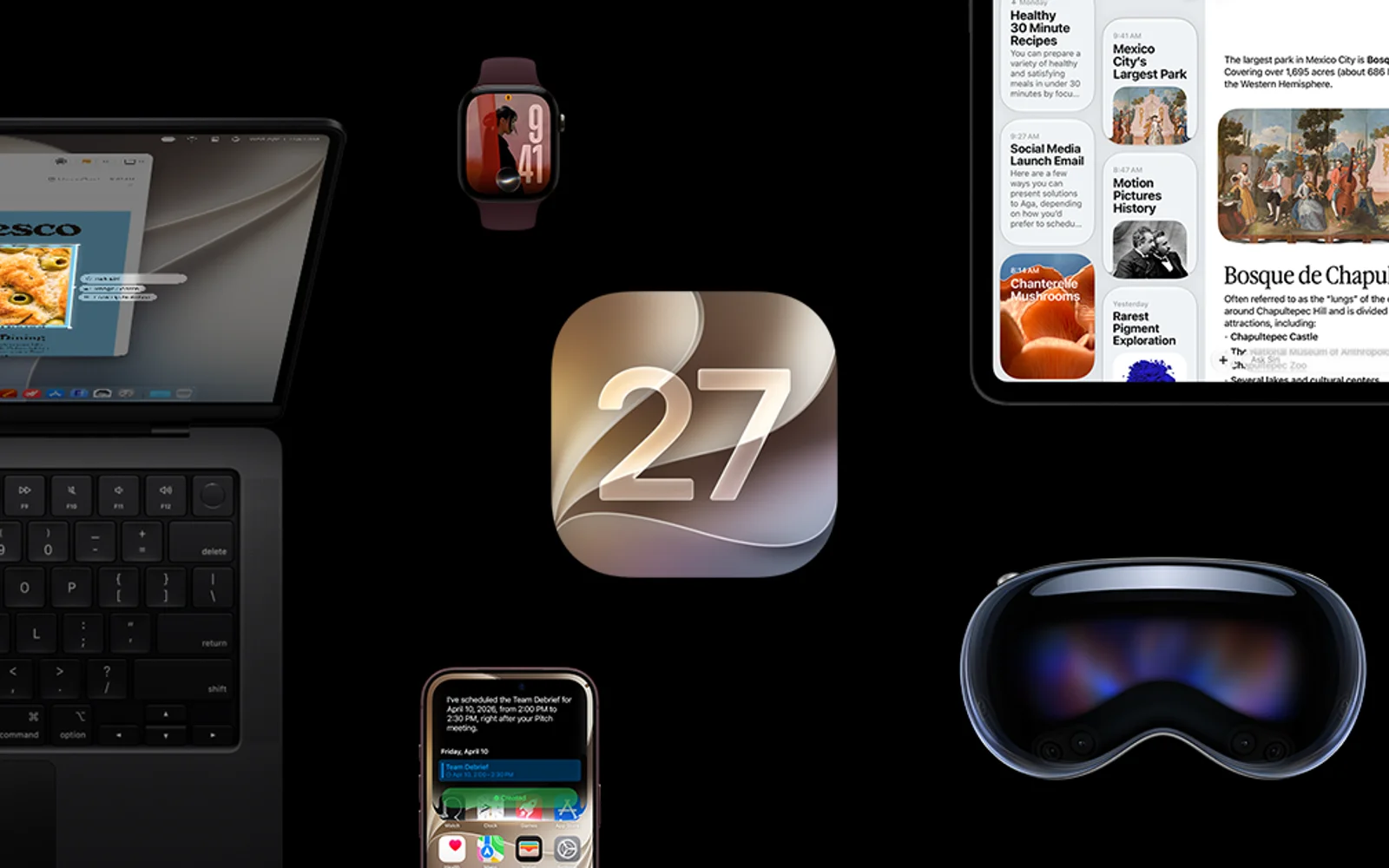
How to Use Two iPhones With the Same Phone Number in iOS 27 (iPhone Handoff)
iOS 27 lets you use one phone number on two iPhones. Apple’s feature is called iPhone Handoff, and its setup guide explains that your calls, voicemail and messages follow whichever iPhone you unlock. That’s useful if you carry a big phone like the iPhone Duo for home and a smaller one for workouts or nights…
How to Fix iOS 27 Battery Drain on iPhone (Turn Off Connectivity Assist)
If your iPhone battery has been draining faster since iOS 27, one new setting is worth checking first: Connectivity Assist. It replaced Wi-Fi Assist in iOS 27, and Apple’s Connectivity Assist page says it “uses cellular data alongside Wi-Fi” when your Wi-Fi is slow. If you had Wi-Fi Assist on, it’s turned on automatically. iDrop…
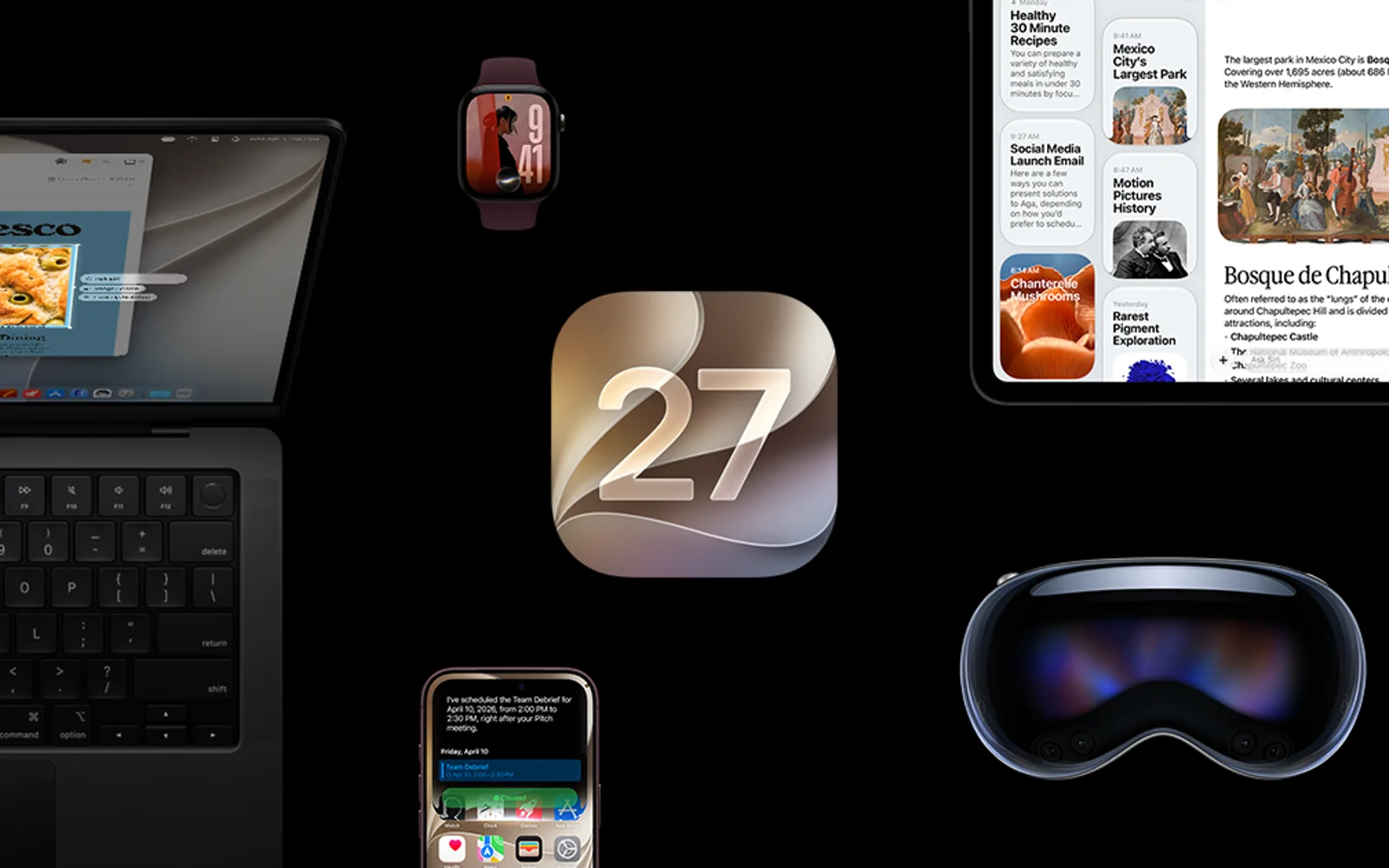
iOS 27.3: Every New Feature and When It’s Coming to Your iPhone
iOS 27.3 is shaping up to be the biggest update to iOS 27 since it launched in September, and it’s already in public beta. The headline change is a redesigned Health app with a new Longevity section, but there’s a lot more: Siri AI daily usage limits tied to your iCloud+ plan, a better StandBy…
iOS 27.2.1 Is Out: What the Bluetooth and iMessage Security Fixes Mean for Your iPhone
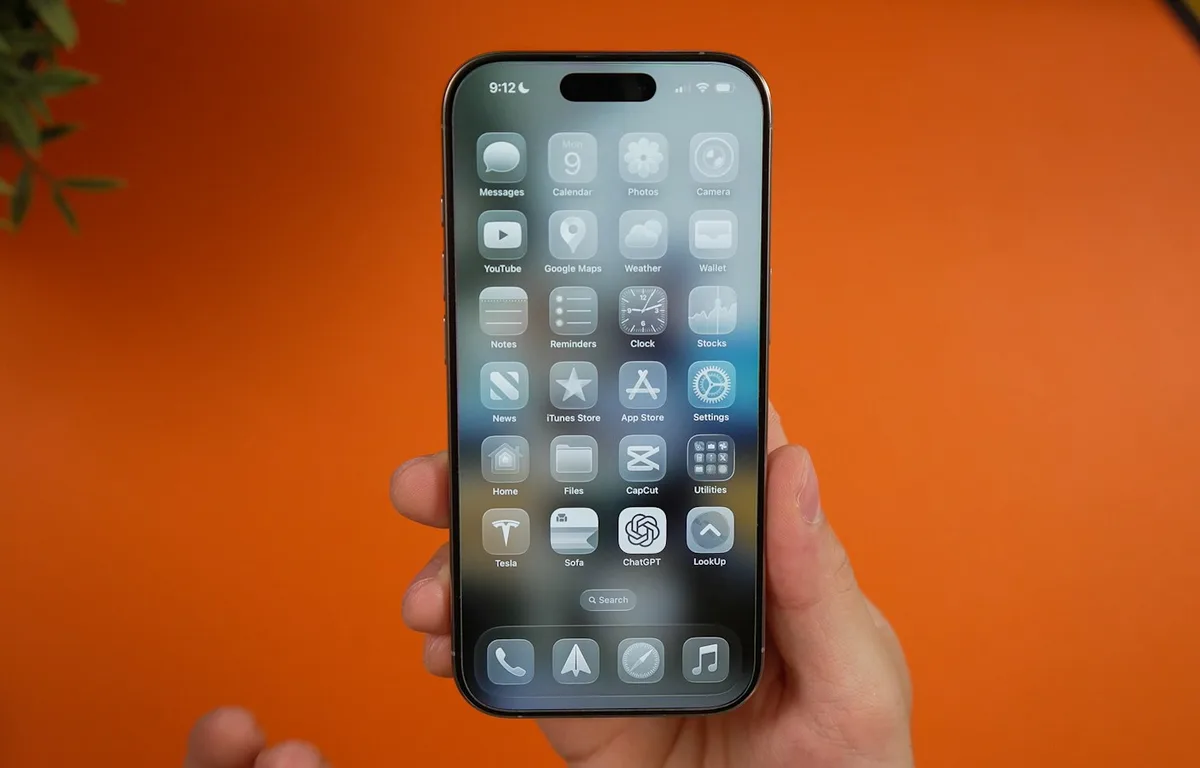
Apple pushed iOS 27.2.1 out on November 9, only two weeks after iOS 27.2, and if you glanced at the update screen you probably saw the usual one-liner about “bug fixes and security updates” and moved on. I’d actually tap Download on this one, because when you open Apple’s security notes, most of what got…

How to Fix iPhone Not Showing the iOS 27.2 Update (and Other Update Errors)
iOS 27.2 not showing up, stuck on Preparing or Verifying, or failing with Unable to Install Update? Here are Apple’s own fixes, in the order I’d try them.
iOS 27.2 Is Out: What’s New and Should You Update?
iOS 27.2 is rolling out with Siri AI memory, Suggestions in Messages and SynthID tags in Photos. Here's what Apple confirmed and whether to update now.