

How to Fix Duplicate Devices in Google Home
Opened Google Home and found your light switch listed twice? You’re not alone. Android Authority reports a bug that shows some devices as two tiles, one correct and one as an outlet or wall switch. It started around early November, and the same report says there’s no reliable workaround yet. Google’s release notes through November…

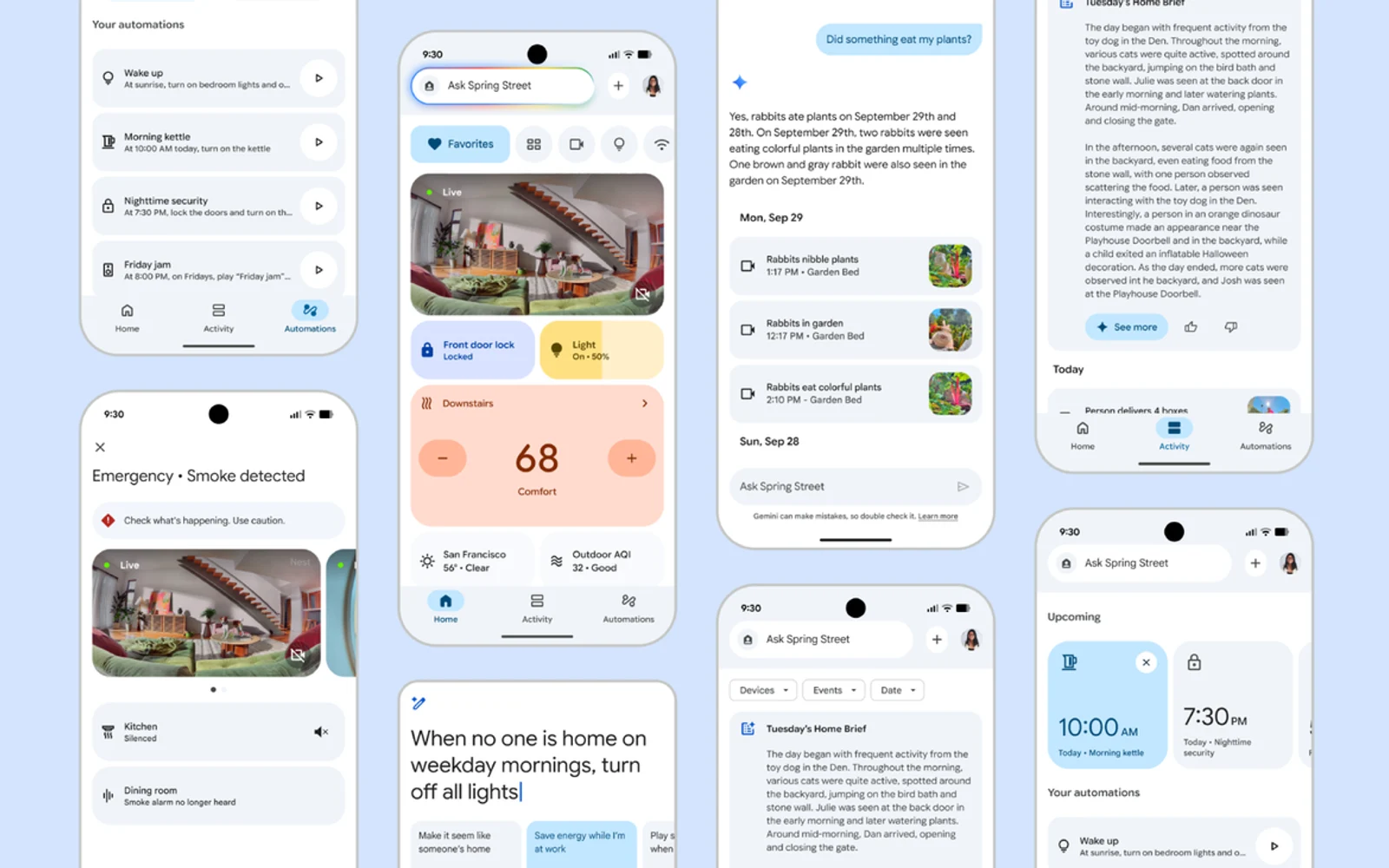
Image: Google
Opened Google Home and found your light switch listed twice? You’re not alone. Android Authority reports a bug that shows some devices as two tiles, one correct and one as an outlet or wall switch. It started around early November, and the same report says there’s no reliable workaround yet. Google’s release notes through November 11 don’t mention it. So this guide separates the safe things you can try from the ones that could cost you an afternoon of setting up devices again.
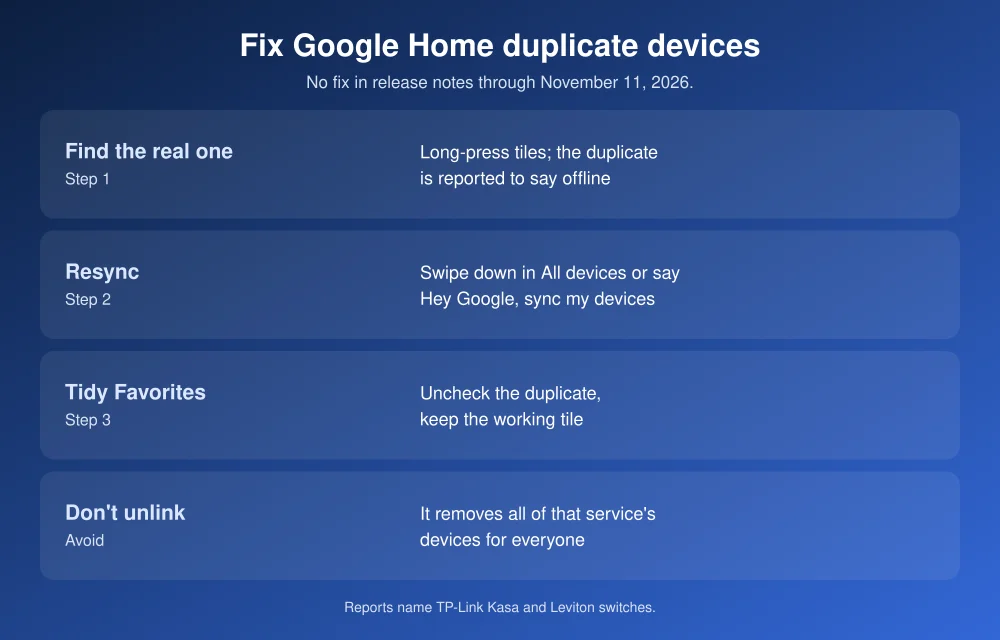
Quick answer: To deal with duplicate devices in Google Home, first long-press each tile. The duplicate is reported to say offline, and the real one online. Then try a safe resync: open All devices and swipe down, or say “Hey Google, sync my devices.” Clean up Favorites so the working tile is easy to find. Don’t unlink the service. Users say it doesn’t help, and Google warns that it removes all of that service’s devices for everyone in the home.
What the bug looks like
- One device shows up as two tiles, such as a light and an outlet.
- Reports name TP-Link Kasa switches, including the KS225, and Leviton switches.
- The maker’s own app shows the device correctly.
- Adding one to Favorites adds the duplicate too, and the home screen widget is affected.
- One user said duplicates don’t appear in Settings > Devices, groups, and rooms.
All of this comes from Android Authority, citing user reports. Because the makers’ apps look fine, your switch probably isn’t faulty.
Step 1: Find the real device
- Open the Google Home app and go to Home > All devices.
- Touch and hold each matching tile.
- Note which one works. Reports say the duplicate shows as offline.
- Open the maker’s app and confirm the device is online there.
Step 2: Resync without removing anything
Google’s help page lists these options. Try one at a time, since syncing several services at once may time out.
- In Home > All devices, swipe down to refresh.
- Say “Hey Google, sync my devices.”
- Tap your profile picture > Home settings > Works with Google, choose the service, then Reconnect account.
Choose Reconnect, not Unlink. They’re close together.
Step 3: Check the device type
This works for smart plugs, outlets and switches that show as the wrong kind. It isn’t confirmed to clear the duplicate.
- Go to Home > All devices.
- Touch and hold the tile, then tap Settings > Device type.
- Choose the right type, such as light, then Next > Save.
Step 4: Tidy Favorites
- Open Favorites, scroll down and tap Edit.
- Uncheck the duplicate. If both disappear, put the working one back and leave it.
- On Android, you can set the widget to Choose Custom and pick devices yourself. We haven’t seen this tested against the bug.
Step 5: Update and report it
- Update Google Home in the Play Store or App Store, and the maker’s app too.
- Watch Google’s Google Home release notes for a fix.
- Send feedback in the Google Home app with the device model and a screenshot.
What to avoid
| Action | Why to wait |
|---|---|
| Unlink the service | Removes all its devices for every home member, and users say it didn’t help |
| Remove the duplicate device | It may affect the real device; nobody has confirmed it’s safe |
| Delete a room or home | Deleting a home means setting up devices again |
| Factory reset the switch | The switch itself probably isn’t the problem |
Google says you can’t unlink a single device. To drop one, remove it in the maker’s app and sync again. If you do remove anything, check your automations afterward.
Is the October 29 update to blame?
Some users think so. Google added real-time energy monitoring for compatible Matter smart plugs on October 29, and some duplicates show up as outlets. That link is unconfirmed, and Google hadn’t replied to Android Authority when its story was published.
It’s also a separate issue from October’s bug that listed devices under “Linked to you,” which 9to5Google covered. More changes are coming, so read what Nest and Assistant owners should do. Also compare mesh Wi-Fi with a regular router if devices keep dropping offline, and see our best smart home security systems.
FAQs
Why does Google Home show my device twice?
A reported Google Home bug lists some switches both as what they are and as an outlet or wall switch. Google hasn’t confirmed the cause.
Will unlinking and relinking fix it?
Users say no. Unlinking also removes all of that service’s devices for every home member.
Which devices are affected?
Reports name TP-Link Kasa and Leviton switches. Others may be affected.
Has Google fixed the duplicate devices bug?
Google’s release notes through November 11, 2026 don’t mention a fix.
Featured image: Google.
Disclosure: TheTechHacker has no paid relationship with Google, TP-Link, Leviton or any company mentioned here.
More in How-to
How to Fix Apps Crashing While Multitasking After iOS 26 Update
The latest iPhones are powerful enough to handle heavy multitasking without breaking a sweat. So when your device starts crashing, freezing, or stalling while switching apps after the iOS 26 update, it feels especially frustrating. This issue can stem from several sources: a bug in the iOS build, misconfigured background refresh settings, insufficient storage, or…
How to Fix YouTube TV Channels Missing From the Google TV Live Tab
If YouTube TV channels suddenly disappeared from the Live tab on your Google TV, other people have hit the same problem. Starting around November 11, users reported that the YouTube TV channel guide vanished from the Live tab on Google TV sets, Chromecast with Google TV and other Google TV devices, according to Android Authority…
How to Fix Netflix Black Screen With Sound: 8 Fixes for Home and Travel
Few things are more irritating than settling in for a show and getting a pitch-black screen while the dialogue plays on like nothing is wrong. At home it is annoying. On a trip, in a hotel room after a long day or on a train with your tablet, it is worse. The good news: Netflix’s…
The week in tech, minus the noise.
New reviews, fixes and the stories that matter — once a week, straight to your inbox.
We only use your email to send the newsletter. Unsubscribe any time. See our privacy policy.
Comments