

How to Fix GTA 6 Autosave Not Working on PS5 and Xbox (First Update)
Rockstar released Grand Theft Auto VI’s first update on November 23, 2026, four days after launch, and it targets the bug that stopped the game from autosaving. The patch also fixes crashes, weather that wouldn’t change, and story phone calls that failed. It’s reported as version 1.002.002 on PS5 and 1.0.2.2 on Xbox Series X|S.…

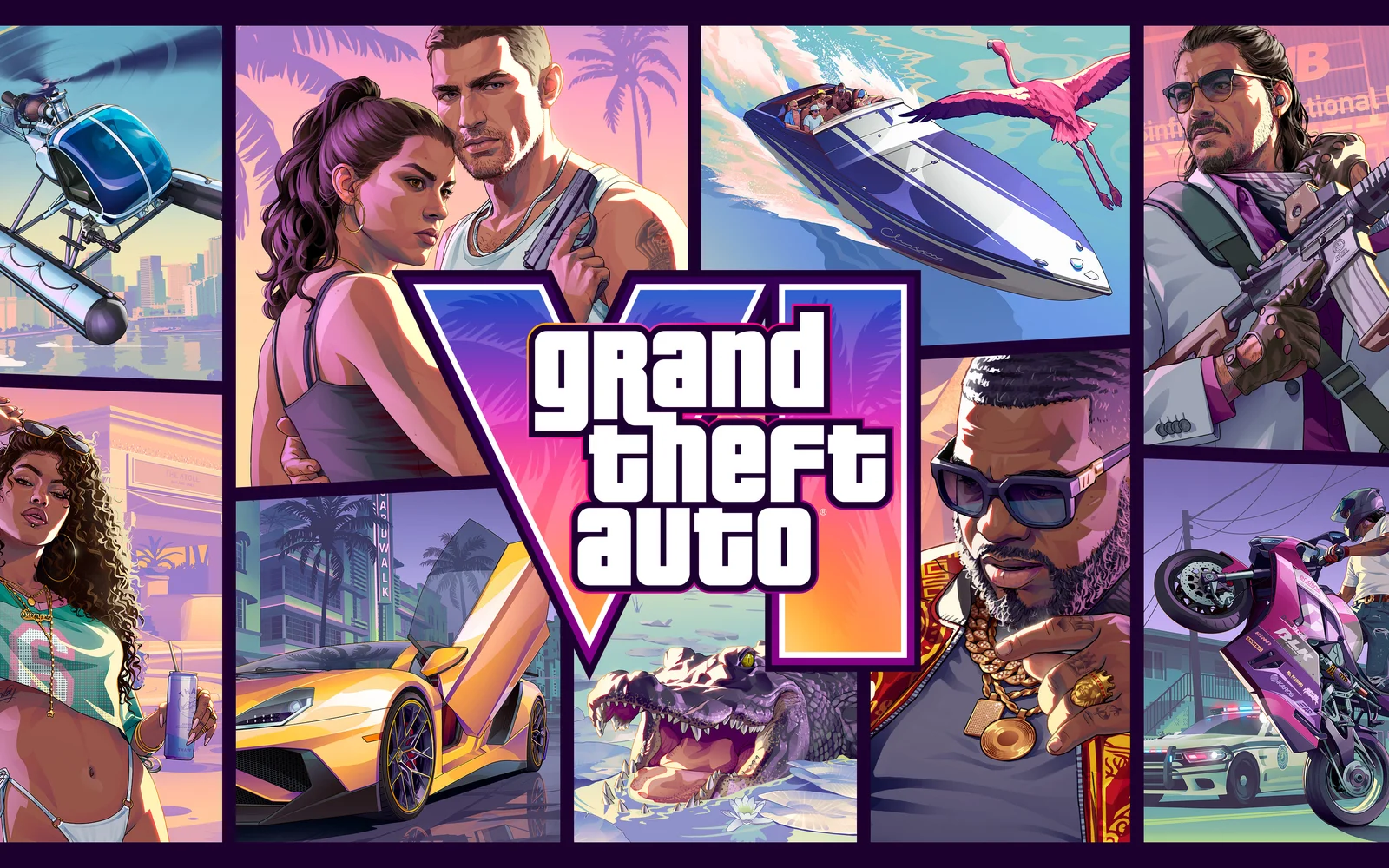
Image: Rockstar Games
Rockstar released Grand Theft Auto VI’s first update on November 23, 2026, four days after launch, and it targets the bug that stopped the game from autosaving. The patch also fixes crashes, weather that wouldn’t change, and story phone calls that failed. It’s reported as version 1.002.002 on PS5 and 1.0.2.2 on Xbox Series X|S. Rockstar lists it on its launch updates page. That page wouldn’t load for us, so the notes below follow the copies published by outlets. This guide shows how to install the update, check that autosave works, and protect your progress.
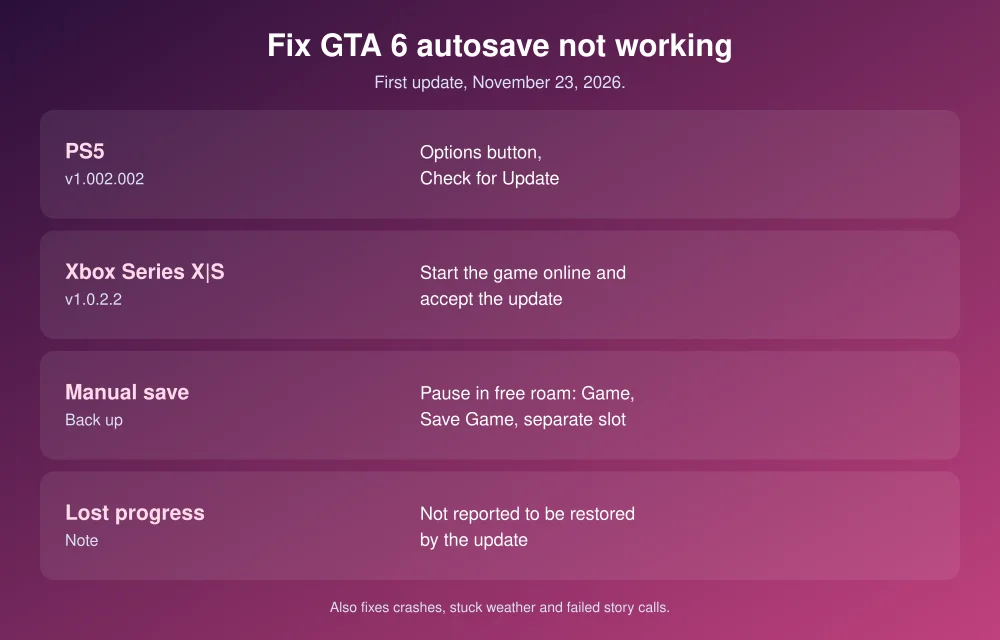
Quick answer: To fix GTA 6 autosave not working, install the November 23 update. On PS5, highlight the game, press the options button and choose Check for Update. On Xbox, start the game while online and accept the update. Then make a manual save: pause in free roam and choose Game > Save Game, using a separate slot. The patch isn’t reported to restore progress that was never saved.
What the first GTA 6 update fixes
The notes, as published by KitGuru and others, list seven fixes:
- The game not autosaving correctly.
- Several causes of crashes.
- Weather not changing for long periods.
- Phone calls that failed, including ones that move the story forward or unlock missions.
- Not being able to lose your Wanted Level.
- The gym deadlift bar not working.
- Partners not handing over bags to sell to fences.
How to install the update on PS5
- From the home screen, highlight Grand Theft Auto VI.
- Press the options button and choose Check for Update.
- Let it finish, then start the game.
The steps are on PlayStation’s support page. The download is reported at about 603.8 MB on PS5. Vice reports that the PS5 update went out in stages over about six hours.
How to install the update on Xbox Series X|S
- Connect to the internet and start the game. If an update is available, you’ll be asked to install it.
- To update automatically, go to Profile & system > Settings > System > Updates.
The Xbox download is reported at about 1.6 GB. If the game is suspended, quit it fully so that it starts fresh.
Check that autosave works again
- Make a manual save first: in free roam, pause and choose Game > Save Game, in a separate slot, as GTA BOOM describes.
- Finish a short activity, then look at the time on your latest save.
- Quit and reload. If you’re back where you left off, it’s working.
- Keep one manual save per session until you trust it.
Can you get lost progress back?
Nothing we found says the update restores it. As GTA BOOM puts it, “Fixing the autosave bug isn’t the same as restoring progress that was never saved.” It may still be worth checking your cloud copy.
- PS5 with PlayStation Plus: go to Settings > Saved Data and Game/App Settings > Saved Data (PS5) > Sync Saved Data > Download or Delete from Cloud Storage. Check the date first, because a download can replace your newer save. PlayStation explains cloud saves here.
- Xbox: saves sync while you’re signed in and online, so the cloud copy is usually the same as your console’s.
Still not fixed?
The notes don’t say which story calls were affected, or whether missed calls will now come through on existing saves. Try a full restart and reload an earlier manual save. If the game crashes, see our fixes for GTA 6 crashing on PS5 and GTA 6 crashing on Xbox. For connection problems, check GTA 6 server errors.
FAQs
Why is GTA 6 not autosaving?
A launch bug stopped the game autosaving correctly. The November 23 update lists a fix.
What version is the first GTA 6 update?
It’s reported as 1.002.002 on PS5 (also written 01.002.002) and 1.0.2.2 on Xbox Series X|S.
Does the GTA 6 update restore lost saves?
It isn’t reported to. It fixes autosaving from now on, so make manual saves as a backup.
How big is the GTA 6 update?
About 603.8 MB on PS5 and 1.6 GB on Xbox, according to reports. Rockstar’s notes weren’t available to us to confirm the size.
Featured image: Rockstar Games.
Disclosure: TheTechHacker has no paid relationship with Rockstar Games, Sony, Microsoft or any company mentioned here.
More in How-to
How to Fix GTA 6 Preload Not Showing or Not Starting on PS5 and Xbox Series X|S
Can’t find the GTA 6 preload button, or is the download stuck at 0%? Here’s how to track down the preload on PS5 and Xbox Series X|S and get it moving before the November 19 launch.
How to Fix GTA 6 Server Errors: Check If GTA 6 Is Down on Launch Night
It is midnight, the countdown hits zero, and GTA 6 just sits there on a loading screen, or worse, says it can’t start. On a launch this big, with millions of people hitting the same servers at once, that is going to happen to someone. Before you start deleting and reinstalling 200 GB, take two…
Can You Play GTA 6 Early? The New Zealand Time Zone Trick on Xbox and PS5
Two days out, and my group chat has stopped talking about the game itself. Now it is all about one thing: the “New Zealand trick.” The idea is simple. GTA 6 unlocks at midnight local time, New Zealand hits midnight first, so switch your console to New Zealand and start playing hours before everyone in…
The week in tech, minus the noise.
New reviews, fixes and the stories that matter — once a week, straight to your inbox.
We only use your email to send the newsletter. Unsubscribe any time. See our privacy policy.
Comments