

How to Fix GTA 6 Crashing on Xbox Series X|S
GTA 6 crashing to the dashboard on Xbox Series X|S? Rockstar hasn't patched it yet. 9 fixes in order, from Quick Resume and power cycling to storage, plus how to protect saves.

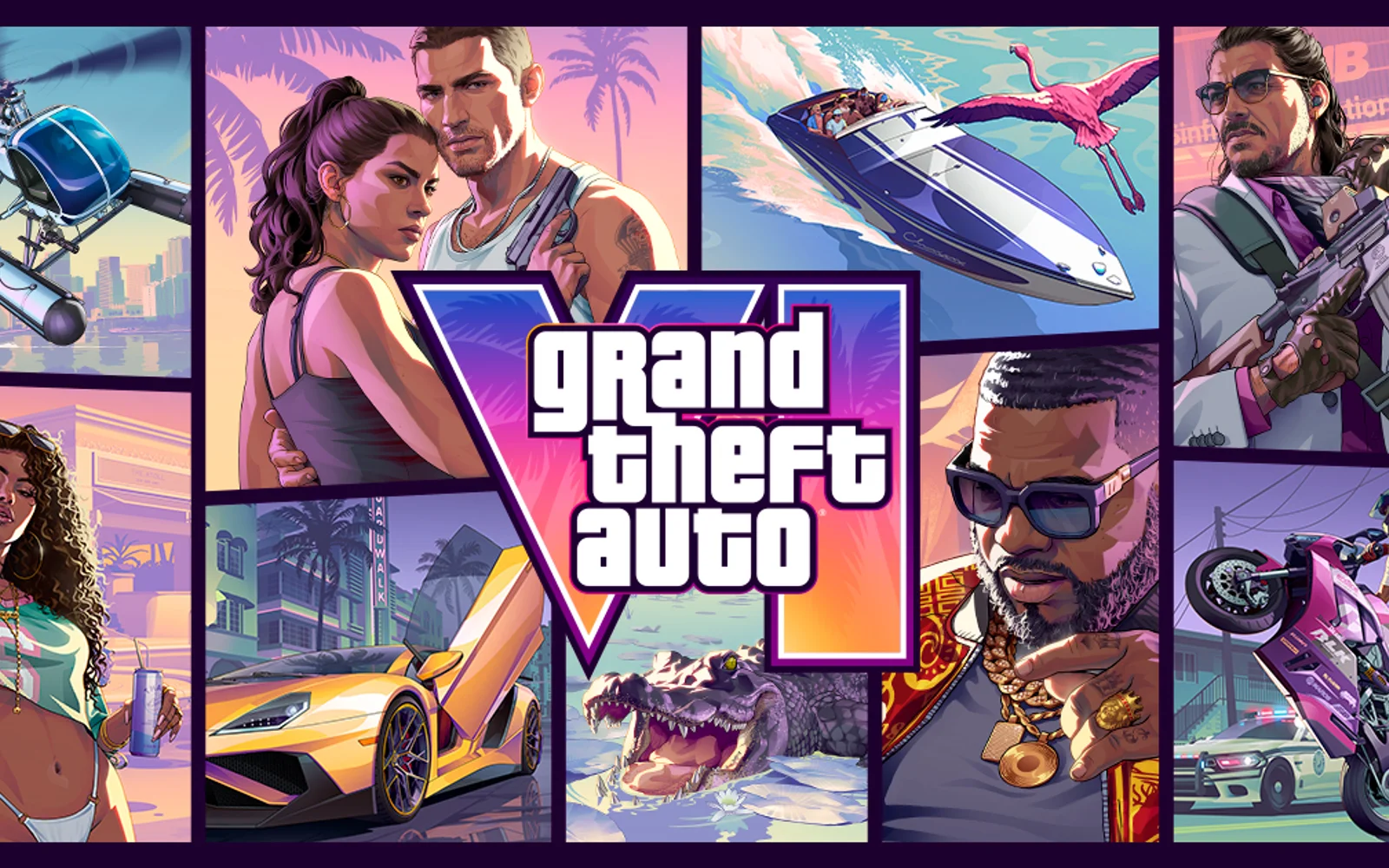
GTA 6 has been out for two days, and while most players are busy exploring Leonida, a noticeable group of Xbox Series X owners keep landing back on the dashboard. Some say the game freezes for a few seconds and then quits, in one case every 5 to 20 minutes. Others report a crash about 20 minutes into the prologue that sends them back to the start. Rockstar hasn’t confirmed a cause or released a fix yet. Until it does, these steps target the console-side causes you can actually control, in the order that wastes the least time.
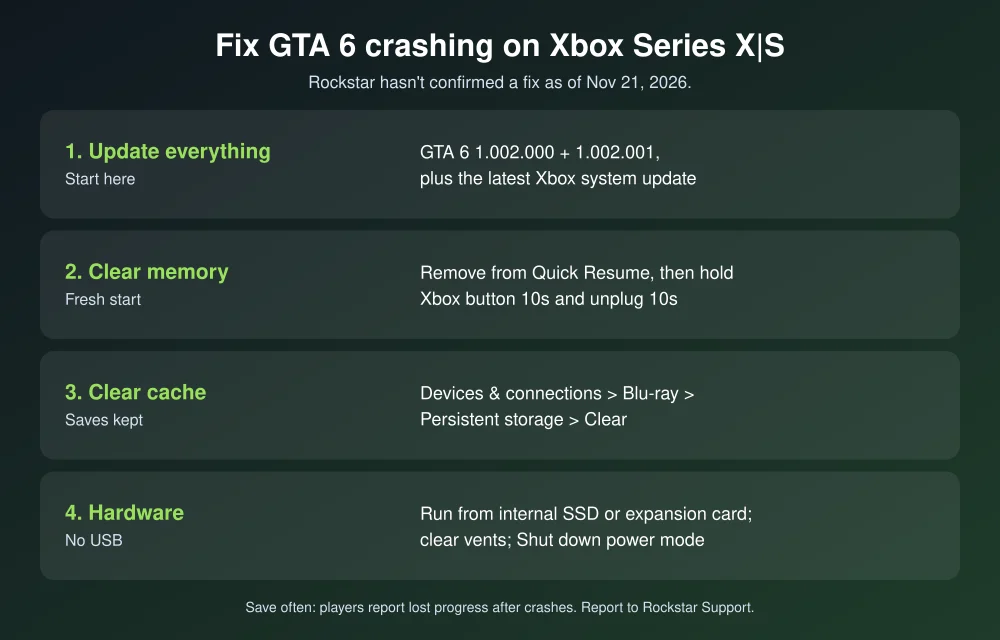
Quick answer: To fix GTA 6 crashing on Xbox Series X|S, first make sure both GTA 6 updates (1.002.000 and 1.002.001) and the latest Xbox system update are installed. Then remove GTA 6 from Quick Resume, do a full power cycle (hold the Xbox button for 10 seconds, then unplug the console for 10 seconds), and clear persistent storage. Make sure the game is on the internal SSD or a Storage Expansion Card, not a USB drive, and that the console has room to breathe. Save often, because players report losing progress after crashes. Rockstar hasn’t announced a patch, and a viral claim of a November 25 fix isn’t backed by any official Rockstar channel.
What’s happening with GTA 6 on Xbox
- Dashboard crashes on Series X: Players on Reddit describe a freeze of several seconds followed by a return to the home screen. Bug trackers list this as unconfirmed.
- Prologue crashes: Some players report crashing around 20 minutes into the opening and restarting from the beginning. A bug tracker also lists intro cutscene restarts on both Series X and Series S.
- Series S: Reports there are mostly about stuttering audio and performance rather than full crashes.
- Lost progress: Notebookcheck reports crashes on PS5 and Xbox wiping hours of progress despite autosave.
Rockstar released two updates before launch, 1.002.000 on November 13 (about 2.18 GB on Xbox) and 1.002.001 on November 16 (about 1.6 GB on Xbox), with no patch notes. It hasn’t acknowledged the crash reports. Reports so far don’t show how many players are affected, so a crash on your console doesn’t necessarily mean your hardware is faulty.
How to fix GTA 6 crashing on Xbox Series X|S
1. Install every update
- Press the Xbox button, then go to Profile & system > Settings > System > Updates and install any console update.
- Go to My games & apps > See all > Manage > Updates and make sure GTA 6 has nothing pending. Both pre-launch updates have to be installed.
2. Remove GTA 6 from Quick Resume
Quick Resume keeps a game suspended in memory. That’s handy, but resuming a suspended game is a common source of crashes and freezes in big new releases.
- Go to My games & apps > See all and open the Quick Resume group.
- Highlight GTA 6, press the Menu button and choose Remove from Quick Resume.
- Launch the game fresh.
3. Do a full power cycle
A normal restart doesn’t always clear everything. Hold the Xbox button on the front of the console for about 10 seconds until it shuts down. Unplug the power cable, wait 10 seconds, plug it back in and turn the console on. This clears temporary data that can cause launch and stability problems.
4. Clear persistent storage
Go to Settings > Devices & connections > Blu-ray > Persistent storage and select Clear persistent storage. This doesn’t delete games or saves. It only clears cached data. Xbox Support uses this step for game and disc problems.
5. Check where the game is installed
Games built for Xbox Series X|S can be stored on a USB drive but have to run from the internal SSD or a Seagate Storage Expansion Card. If GTA 6 is on an external drive, move it: My games & apps > GTA 6 > Manage game and add-ons > Move or copy. Leave some free space on the internal drive as well. Updates need room to install, and a nearly full drive can cause problems.
6. Give the console air
GTA 6 pushes the hardware hard. If your console is in a closed cabinet or near a wall, move it so the vents on the top and back are clear, and wipe away any dust. If crashes only happen after long sessions, heat could be the cause.
7. Switch from Sleep to Shut down
If your console uses Sleep mode, it rarely does a clean start. Go to Settings > General > Power options and set it to Shut down (energy saving) for a few days. It boots slower, but every session starts clean.
8. Reset the console but keep your games
If crashes continue in GTA 6 and other games, go to Settings > System > Console info > Reset console and pick Reset and keep my games & apps. This reinstalls the system software without deleting your games. Make sure cloud saves are syncing first.
9. Reinstall only as a last resort
GTA 6 is a huge download, over 200 GB as reported. Reinstalling takes hours and rarely helps unless the files are corrupted. Try every step above first.
Protect your progress until a patch arrives
- Save often. Autosave isn’t stopping progress loss for everyone, so save whenever the game lets you, especially before and after missions.
- Don’t quit mid-mission after a long stretch without saving.
- Keep cloud saves on. Xbox syncs saves automatically when you’re online, which protects you if you need to reinstall or reset.
- Report the crash. Xbox Support sends GTA 6 game problems to Rockstar Support. Include your console model and where in the game it crashed.
Check server and service problems before blaming your console. Our GTA 6 server errors guide shows how to tell. On PlayStation instead? See how to fix GTA 6 crashing on PS5. Our best GTA 6 settings and GTA 6 guide cover the rest.
FAQs
Why does GTA 6 keep crashing on my Xbox Series X?
Rockstar hasn’t confirmed a cause. Players report freezes followed by a return to the dashboard. Common console-side causes include Quick Resume, missing updates, corrupted cache, installing on an external drive and overheating.
Is there a GTA 6 patch for Xbox crashes?
Not yet. Rockstar released two updates before launch without patch notes and hasn’t announced a crash fix. A claim on X about a November 25 patch isn’t supported by Rockstar’s official channels.
Will clearing persistent storage delete my GTA 6 save?
No. Clearing persistent storage only removes cached data. Your games and saves stay, and Xbox cloud saves sync when you’re online.
Can I play GTA 6 from an external USB drive on Xbox?
You can store it there, but Xbox Series X|S games have to run from the internal SSD or a Storage Expansion Card. Move it back before playing.
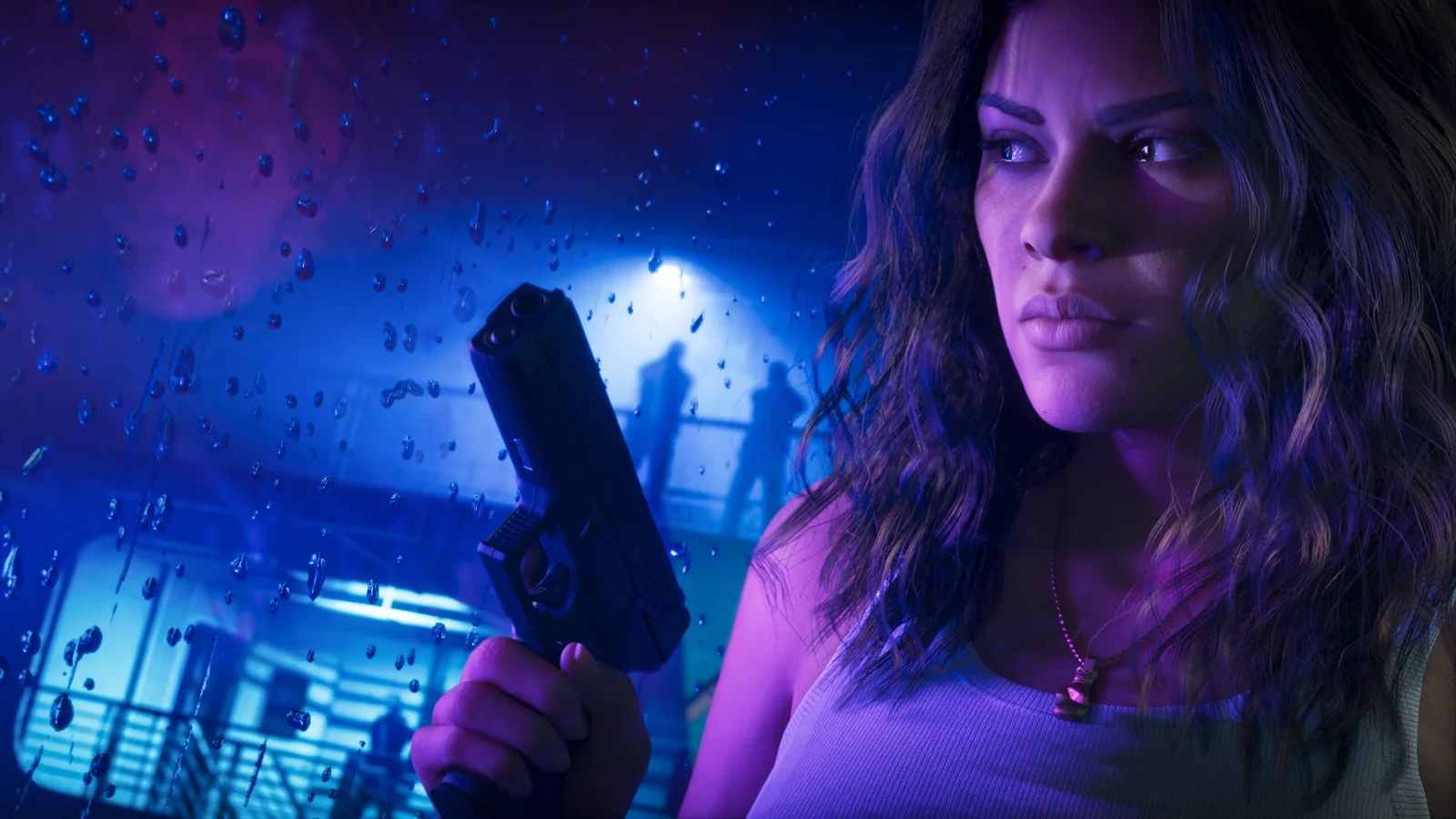
Featured image: Rockstar Games.
Disclosure: TheTechHacker has no paid relationship with Rockstar Games, Microsoft or any company mentioned here.
More in News
How to Fix GTA 6 Pre-Load Not Downloading on Xbox Series X|S
GTA 6 is four days away, and on Xbox the pre-load has been open since Monday evening, November 9, in the US. If your Series X or Series S hasn’t started the download, or it’s been sitting at the same percentage for hours, you’re not alone. With a download of up to 212 GB, a…
GTA 6 Guide: Everything You Need Before the November 19 Launch
GTA 6 lands on Thursday, November 19, 2026, and we have been covering it from every angle: when it unlocks, what it costs, which edition to buy, what Rockstar has revealed about Leonida, and how to fix the launch-day problems that always show up. This page pulls it all together, so you can find the…
How to Fix Not Enough Storage When Preloading GTA 6 on PS5 and Xbox Series X|S
Rockstar says the GTA 6 preload needs up to 212GB. Here’s how to check your free space, clear room, add an M.2 SSD or Xbox expansion card, and get a stuck download moving again.
The week in tech, minus the noise.
New reviews, fixes and the stories that matter — once a week, straight to your inbox.
We only use your email to send the newsletter. Unsubscribe any time. See our privacy policy.
Comments