

Rahul Vithala


15+ Best Productivity Apps for Android
How to be productive on an Android smartphone? Efficiency to use Android device? or simplifying things with Android? Well, I go with the second option. An Android device makes our lives much easier with a ton of great apps. We already posted about best Android apps for System Monitoring, Free Photo Editing Apps and much…

15 Best Keyboards for Android
When you buy an Android phone it comes with a default keyboard installed. Usually the stock Android or customized keyboard from Samsung, HTC, Asus, and LG etc. However, these are not only fixed options. There are plenty of more keyboards for Android available in Google Play Store. Android has tons of customization options including Keyboard.…

Free Animation Software for Windows
Looking for the best free animation software for Windows? Fret not, we have got your back! You might probably be looking to get one of the free animation software to explore what you can do with, have fun, or create interesting characters. Even if you are a professional, you can utilize some of the free…
Steps to Create A Virtual Hard Disk On Windows 10
We all have physical hard disk installed on our machines. But what is a Virtual Hard Disk (VHD)? And for what purpose it is useful? It is the most common question for a normal PC user. A virtual hard disk is nothing but an imaginary hard disk which purposely designed for virtual machines. A virtual…

How to Open SIM Card Tray Without a SIM Tool
Nowadays smartphones are coming with tray systems. In the past, we need to open back cover, remove the battery to change the SIM card. To open back panel we need to turn off the mobile, which is a pretty time taking the process for SIM change. Now the system is much advanced and the SIM…
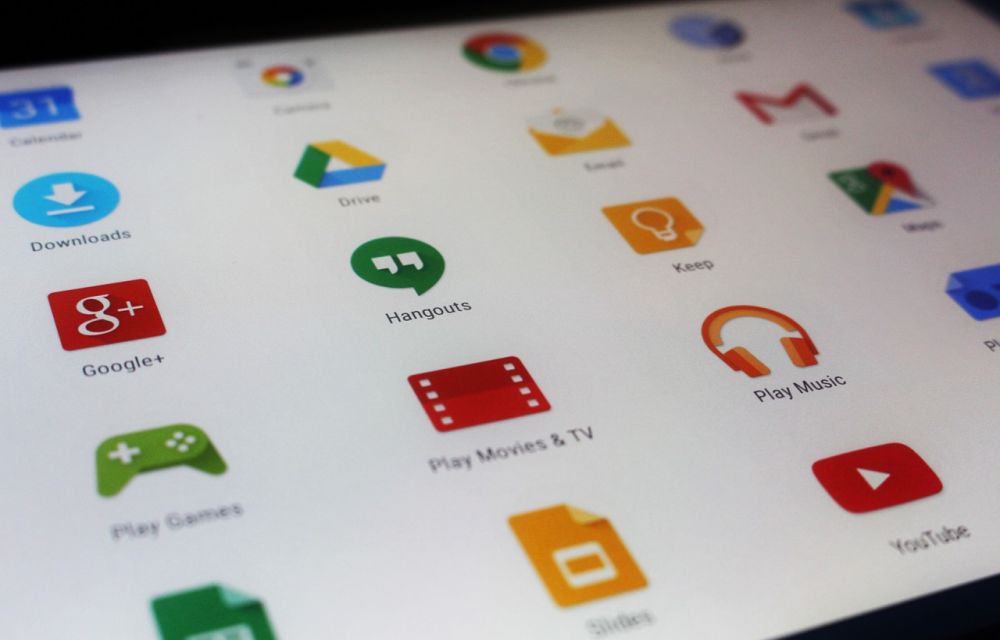
How to Stop Google Play Store Auto Updating Apps Over WiFi
Have you ever faced a situation where you turn on WiFi after a long time and Google Play Store start updating installed apps continuously? This situation is irritating and consumes all the bandwidth while updating apps. Keeping the apps updated is always a good thing. But not that likeable in every situation. Sometimes, you may…
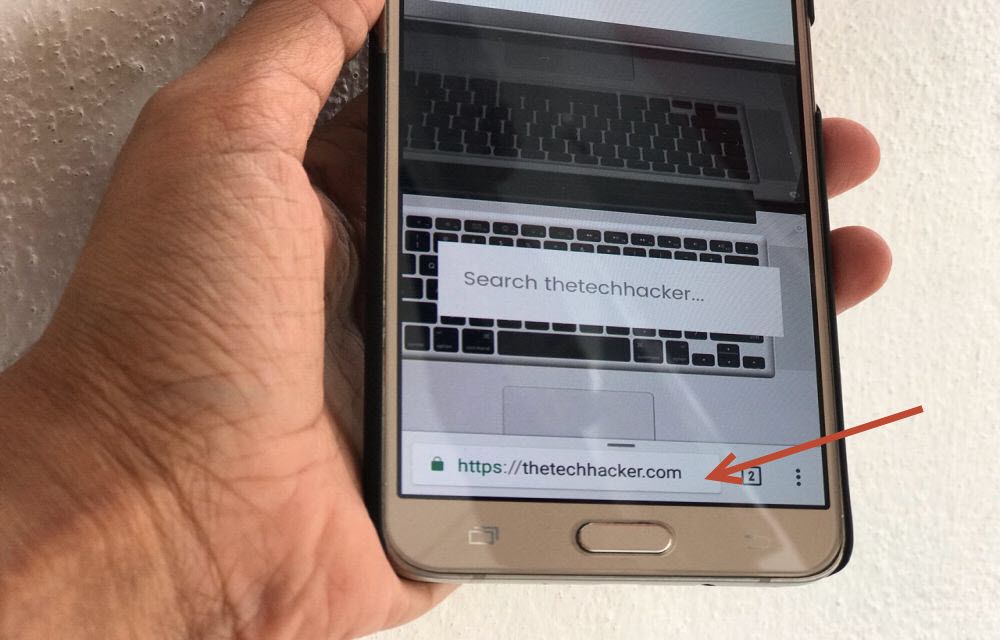
How to Move Chrome Address Bar to the Bottom of the Screen in Android
Operating a browser on a small screen is irritating. When it comes to 5.5-inch traditional size smartphones, accessing the browser address bar using one hand is a hefty job. If you are using a single hand for navigating the device, it is painful to access address bar by adjusting the phone in hand many times.…
Ulysses For Mac Review
I’m writing this article on Ulysses after having some great days with it. Yes, it is a beautiful writing app for Mac. When it comes to writing we never forget our childhood days. We have done so much of writing tasks in Schools and college on notebooks. Life has changed completely, technology is so much…

How to Disable AutoPlay of Videos in Google Chrome by Default
Facebook, YouTube and almost all video file supporting web services enabled autoplay of videos. They may find this feature as user convenience, as the user scrolls down all video content start playing automatically. But for some users, especially for those who don’t have enough data to play all those videos and carefully browsing the internet…
What is Setapp? And How It Works?
This article is purely for the Mac app lovers only. As a Mac user, I know the struggle for paying a hefty amount for each app. Each app in the Mac store is a gem and works like charm. If you start buying each required app, you will end with a depleted bank balance. What…
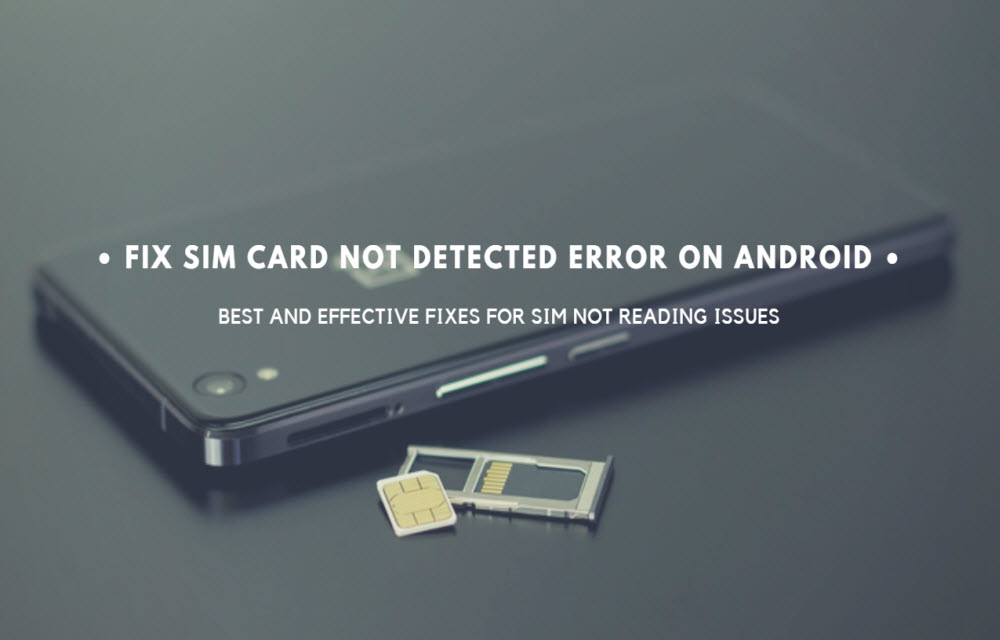
How to Fix SIM Card Not Detected Error on Android Phones
Sometimes we get SIM Card not detected error on Android phones. We usually get this error when we place new SIM card in the slot. This issue is commonly due to SIM card fitting in the slot. Mostly if the SIM slot not properly inserted we get this error. In these cases, we get irritated…
What is a VR Ready PC or Laptop?
These days we are regularly hearing or reading the term VR. Virtual Reality is the upcoming and most advanced technology which creates a lifelike experience virtually. Google and few other companies developed VR boxes for Smartphone based virtual reality experience. Microsoft Windows is the most favorite operating system for gamers, fortunately, Windows 10 is having…