

How-to

How To Use 2 Factor Authentication On Facebook Without A Phone Number
A two-factor authentication is a great option for many online security problems with passwords. It’s a great way to add an additional level of security to your accounts. 2 Factor Authentication offers an extra layer of security to online user accounts. This can be done by adding a phone number as an additional measure and…

How To Fix Generic PnP Monitor Problem On Windows 10
Problems, failures and issues are not new to the Windows 10. Sorry to say, but many Windows users are complaining about the hardware connectivity issues right after unboxing the system. One of the most noticeable issue among the Windows 10 users is Generic PnP Monitor. The issue is coming after updating their older version of…

How to Remove Microsoft Word Macro Viruses from your Windows or Mac?
One of the most popular viruses which are disrupting the MS Office related products is a Macro virus. Unfortunately, MS office is a very popular office suite programs which are used by millions. The impact of the virus is also vast if it is infected in the program. Technically MS Office uses Macros to perform…

How To Change Mouse Scroll Speed In Windows 10 PC
Do you know you can change the mouse scroll speed in Windows 10? Yes, you can. If you noticed the mouse scrolling speed is slower than before it can be an issue in the settings. Slow or speed scrolling is difficult to handle and it will cause eye strain and stress to wrists. Unfortunately, many…
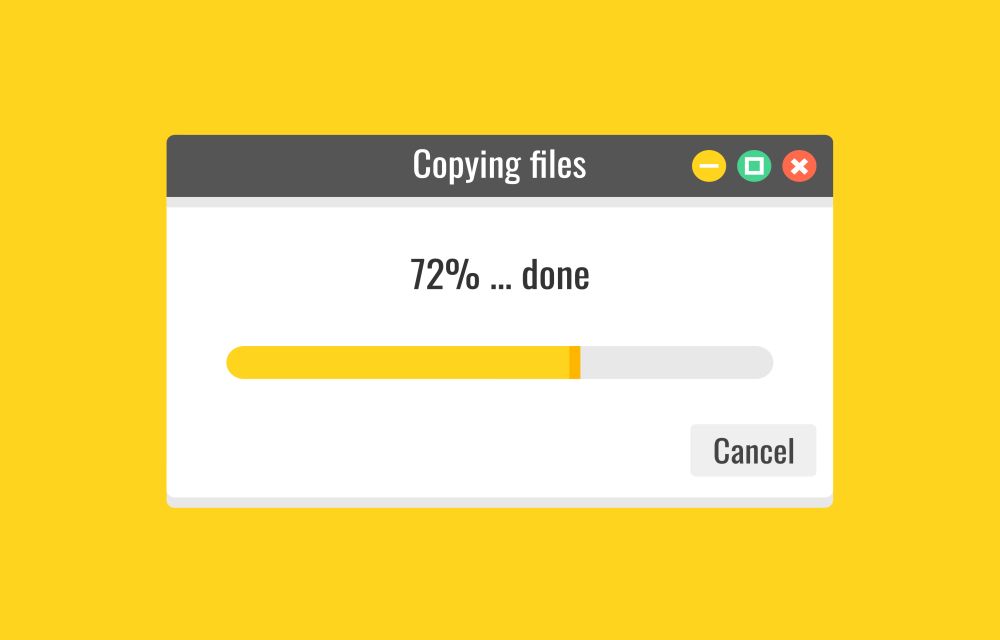
How To Fix Slow File Copy Speed In Windows 10
Copying, moving files, and folders on a computer is a regular task. Most of the copying and moving tasks are common between hard disk to another hard disk either internal to external. Recently my friend faced a slow file copying issue and he asked the best suggestion to improve the data transfer speed. He is…
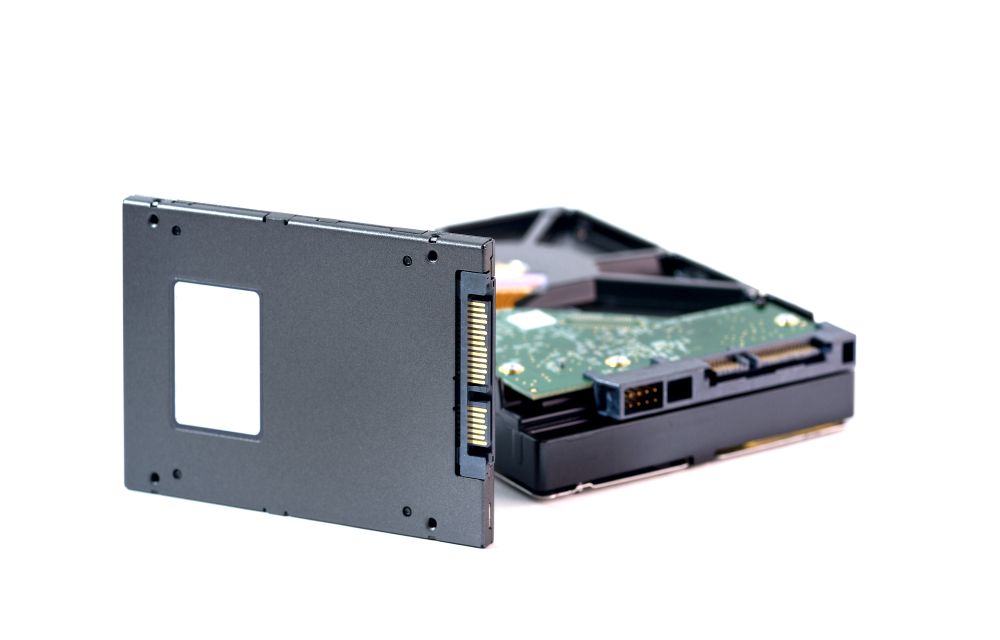
How To Find Out If Your Windows Has SSD or Hard Disk
The hard disk is an essential part of any computer which contains the Operating System as well as your important files present on it. Thanks to the technology, now we are using much faster data transferring Solid State Drives than the slower traditional hard disks. From the last couple of years, the SSD becomes much…

How to Fix Corrupted Data error on PS4
Corrupted data on your PS4 sounds like a nightmare. Unlike PC’s and other hardware, PS4 is not easy to open for customizing and tinkering. It is a closed system and when you get an error like this it will be a scary thing. However, there are few things you can do when you get “corrupted…

How To Spoof A MAC address in Windows, Mac, and Linux
Media Access Control aka MAC address exists in every network-enabled devices. It is a physical address assigned to every hardware which deals with network connections. In detail, the MAC address gives a unique identifier for every hardware that’s connected to a network. You can identify the device connected to the network from checking the MAC…

How to Print Email In Easy Steps
There are plenty of reasons to take a hard copy of an email. It is better to go paperless but in some cases a physical printout is necessary. For example, an invoice or a legal document received by email is necessary to take a print out. So, it is necessary to know how to print…

How to Record Video on Your Mac?
How to Record Video on Your Mac: Recording video on your Mac is a pretty simple process. Whether you want to capture beautiful video playing on the screen or want to record a webinar or an online video tutorial. The process of capturing screen on Mac easy like never before. In this article, you will…

How to add, remove, delay startup items on Mac?
Once you start adding new apps to your Mac some of them will enter into the startup items. These apps launch automatically in the background when the Mac boot up. If the number of startup items increases, you feel slow down of your startup time. To get rid of this issue, you need to manually…

Roku Remote Not Working? Try These Fixes
Roku is a very popular name in the entertainment world with more than 500000+ movies and TV series. It is also popular for providing the affordable online streaming service which makes a normal TV into a smart TV. During enjoying a movie or TV series, the painful thing is Roku remote stopped working. There are…