

How-to
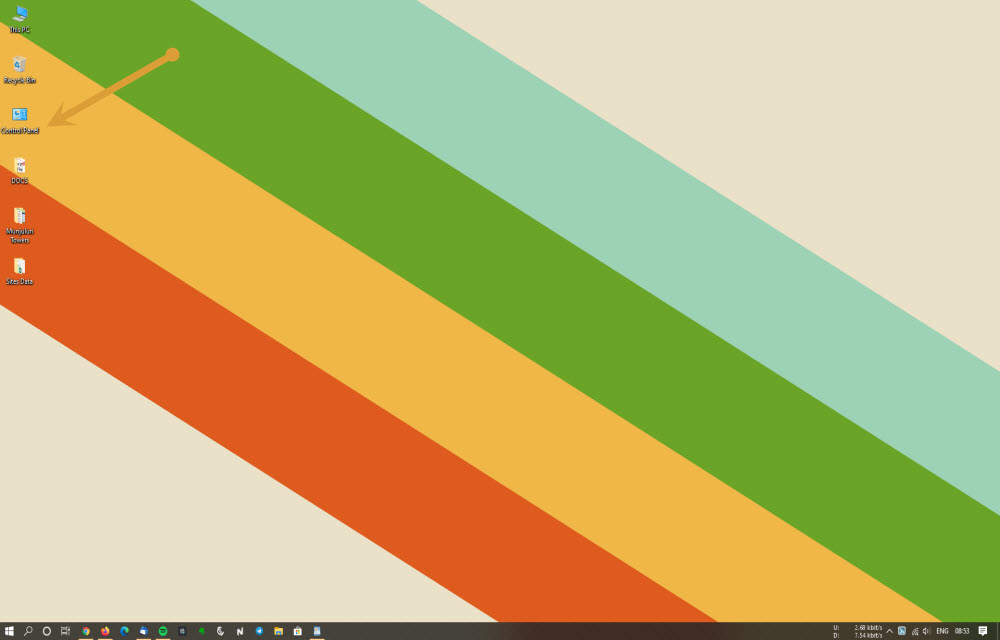
How To Automatically Hide Desktop Icons On Windows 10
We have seen that a majority of the people all over the world use Windows and the latest version of this desktop OS by Microsoft is Windows 10. Now, we also know that there are a lot of issues that people face with Windows 10 but everyone has managed to live with them because of…

Start Dropshipping In India From Scratch : Step By Step Guide [2020]
Dropshipping is a type of Internet business that is getting more traction than ever due to the lockdown and layoffs. If you are looking to start a business online and are serious about it, you can give Dropshipping a shot. It is the most straightforward form of making money and can be a great source…
How To Turn Off Two-Factor Authentication On Apple Devices
We have heard a lot of times people say that Apple devices are the best in terms of security while Android is nowhere near them. Not only people but the company also says that they are the best in terms of privacy and security and have often mocked Google for their Android security and other…
How To Recover A Lost Windows 10 Key After Completely Formatted PC
We have seen that Windows is the most used operating system in the world right now and there is a big reason for that. It is seen that the majority of the corporates are known to be using Windows PCs outside of the Western countries even if it means that they are using older versions…
How To Turn on Google Two Factor Authentication
Staying safe online is not an easy task. Every year we are seeing the increase in hack attacks on individual and business accounts. Luckily, 2-factor authentication came into the limelight by making our online accounts more secured. As you know Google is offering more number of IoT services than any company to the normal users.…
How To Move Google Authenticator To A New Phone
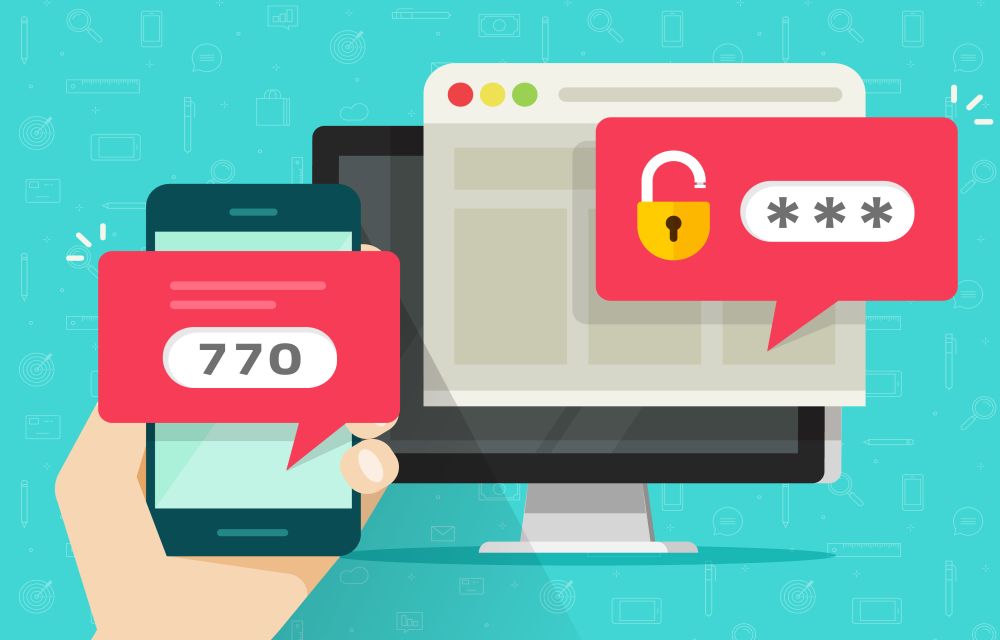
We have realized that many people have a habit of changing phones often and while some might change them in a year, others will have a need to change their phones in 6 months or less due to the need of being in touch with technology from different companies. As far as changing phones is…

What Is Google Meet And How Can You Use It?
We all know that the times have changed right now ever since the Coronavirus outbreak happened and social distancing, as well as sanitization including lockdown, are the words that have been on everyone’s lips. This also means that you are not able to meet your close friends or even distant relatives who might not be…
How To Fix The 0x8024401c Error In Windows 10
0x8024401c is a common error code usually appear on the Windows update page on your computer. It is an error caused by the registry keys of Windows update and you can easily fix them by running the registry script on your computer. Before going to proceed the below methods, first, check your Windows is activated…

How To Use TikTok On PC And Mac?
TikTok is a great app to become famous on the Internet. Also, it is a great app for personal entertainment. Small clips of videos are going viral among the millions of users by giving an infinite number of entertainment hours to its audience. As we all know, TikTok is available for Android and iOS platforms…
Enable Dark Mode On WhatsApp Web Without Third-Party Apps
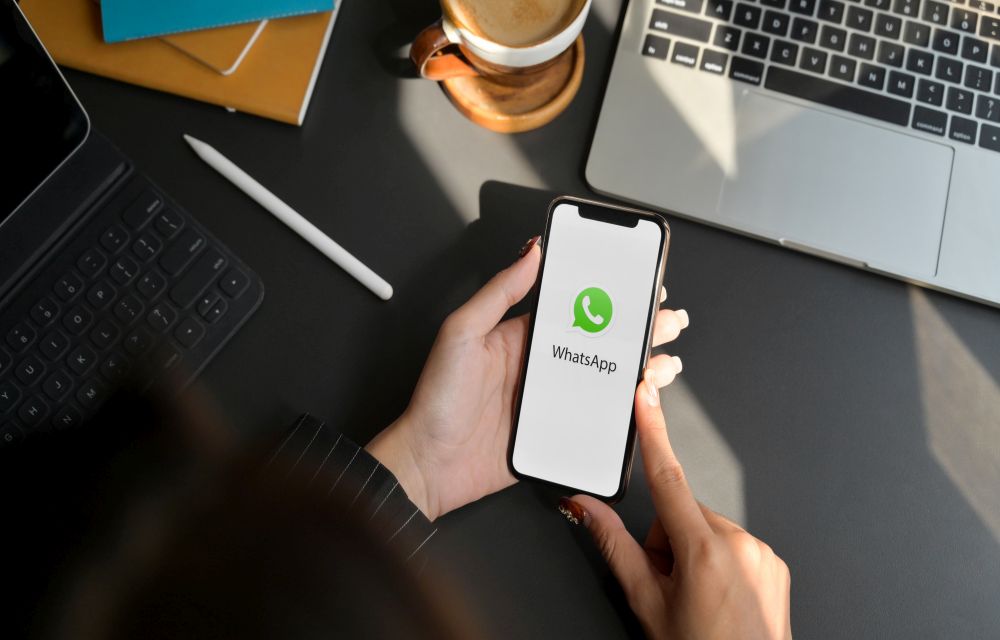
While talking about popular platforms and services, we know that each and every one of them has either rolled out dark mode support for their platform or are trying to do the same because people are demanding dark mode which not only helps the content look good and reduce eye strain but also save battery…

How To Stop Microsoft Edge Opening Automatically In Windows 10
Are you looking to stop Microsoft Edge opening automatically In Windows 10? After installing a fresh copy of Windows 10 or after opening a brand new laptop or desktop the first thing you experience is Microsoft Edge as the default browser. Microsoft introduced Edge browser as a replacement of the Internet Explorer. When you start…
Can You Play Fortnite on a School or College Network? What’s Allowed
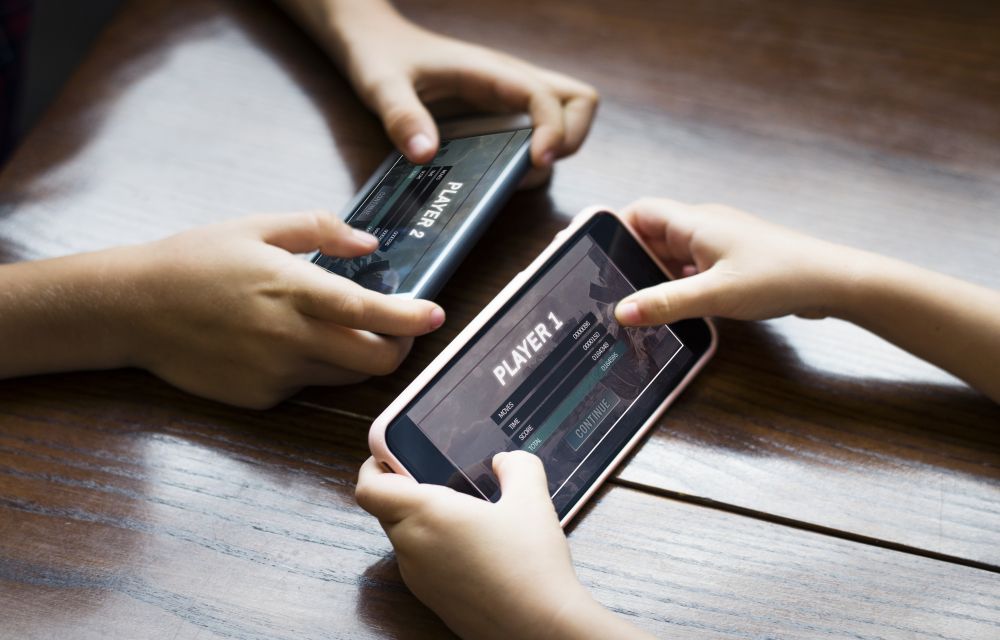
If you have ever tried to launch Fortnite on a school or college network and found it blocked, you are not alone. Lots of students search for ways to unblock Fortnite at school. But before you try anything, it helps to understand why the game is blocked and what is actually allowed. In this guide,…